
In this guide
- What each system actually controls
- Does Amazon still use BISAC codes?
- Which stores use which system
- Setting both without contradicting yourself
- FAQ
- BISAC codes vs Amazon categories: what is the difference, and which does each store use?
- Does Amazon still use BISAC codes?
- Do I need both BISAC codes and Amazon categories?
- Can I pick Amazon categories that do not match my BISAC codes?
BISAC codes and Amazon categories do two different jobs, and confusing them is one of the easiest metadata mistakes a self published author can make. BISAC is the book trade’s shared subject system, maintained by BISG, used by bookstores, libraries, Ingram, and distributors across North America. Amazon categories are Amazon’s own browse tree, the shelves readers see on the Amazon storefront. You need both, set in different places, and they do not have to match word for word: https://blog.bookuploadpro.com/subject-codes-compared/
Key takeaways:
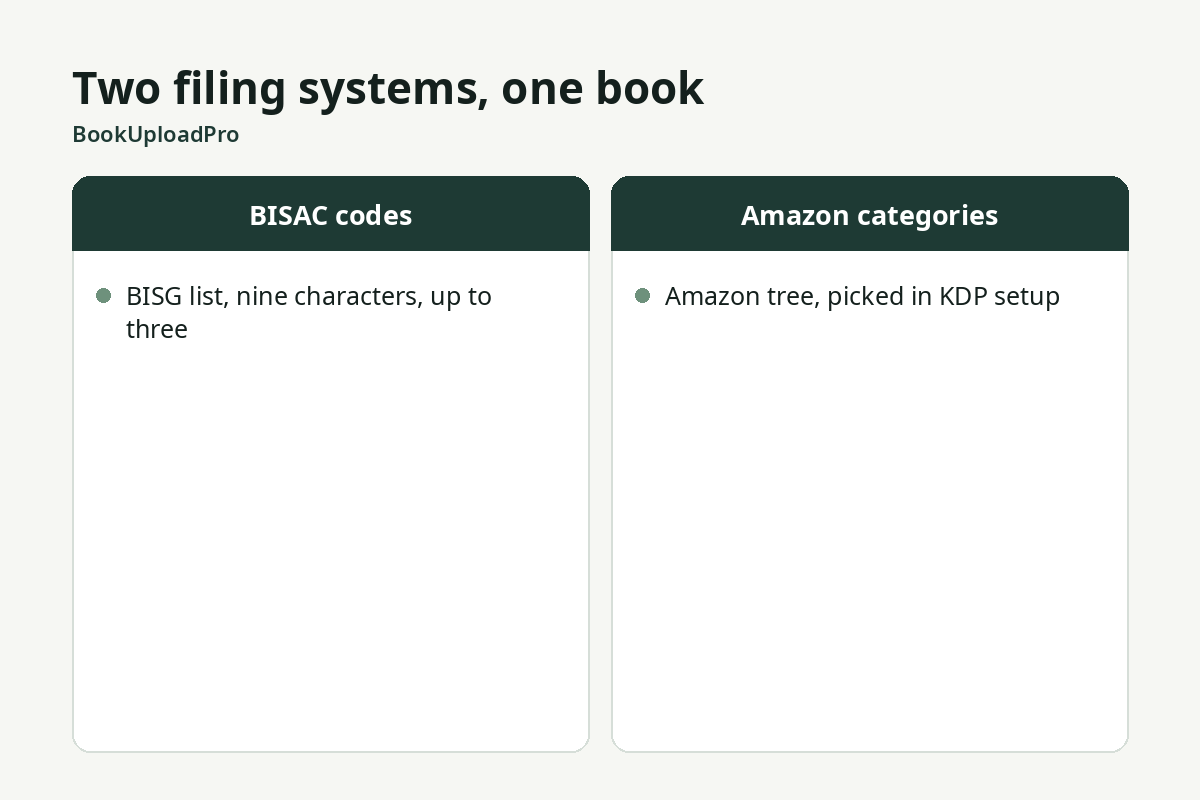
- BISAC codes are nine character labels (three letters, six digits) from a list of 54 major categories maintained by BISG. Amazon categories are browse nodes in Amazon’s own taxonomy, chosen from a tree inside KDP.
- Amazon stopped letting authors enter BISAC codes directly in mid 2023. You now pick categories from Amazon’s tree during KDP setup, and Amazon maps them behind the scenes.
- Your BISAC codes still travel with the book through your ISBN record and through wide distribution, so they decide where the book lands on IngramSpark, in libraries, and in bookstores.
What each system actually controls
BISAC decides how the wider trade files your book. When IngramSpark, Draft2Digital, a library wholesaler, or a bookstore reads your metadata, the BISAC codes tell their systems which shelf the book belongs on. Amazon categories decide where the book appears inside Amazon: which browse pages it can rank on, which also bought lists it joins, and which bestseller lists it can enter. A book can carry a BISAC code for Business and Economics, Management while its Amazon category sits under Business and Money, Management and Leadership, Management. Same subject, different labels, different systems: https://blog.bookuploadpro.com/category-rank-strategy/
Does Amazon still use BISAC codes?
Not directly, and not in a way you control. Since mid 2023, KDP setup asks you to choose categories from Amazon’s own tree instead of entering BISAC codes. Amazon maps your choices to its internal system, and the BISAC codes in your ISBN record still feed the catalog data Amazon receives. So the practical rule is simple: set your BISAC codes for the wide trade, and set your Amazon categories inside KDP as precisely as the tree allows. One does not replace the other, and neglecting either leaves a shelf empty: https://blog.bookuploadpro.com/choose-amazon-kdp-categories/
Which stores use which system
KDP uses Amazon categories only, chosen in the KDP setup flow. IngramSpark asks for BISAC codes during title setup, because its catalog feeds bookstores and libraries that file by BISAC. Draft2Digital takes BISAC codes in its metadata step and maps them to each store it distributes to. Kobo Writing Life asks you to pick categories from Kobo’s own list, which is separate again. Apple Books takes its categories through your distributor or direct upload, and also reads BISAC from the metadata record. The pattern is consistent: every store has its own storefront shelves, and BISAC is the shared language underneath them: https://blog.bookuploadpro.com/what-is-wide-distribution/
Setting both without contradicting yourself
Start with BISAC, because it forces you to name the book’s true subject in the trade’s terms. Then open the Amazon category tree and find the closest Amazon nodes to those same subjects, drilling as deep as the tree allows. If the closest Amazon node is broader than your BISAC code, take it and use your seven KDP keywords to sharpen the targeting. If an Amazon node is narrower and honest, take that instead. What you must not do is pick Amazon categories for a different audience than your BISAC codes describe: a mismatch tells Amazon one thing and the rest of the trade another, and the book ends up shelved where neither audience looks: https://blog.bookuploadpro.com/kdp-keywords-and-categories-guide/
FAQ
BISAC codes vs Amazon categories: what is the difference, and which does each store use?
BISAC is the trade wide subject system run by BISG; Amazon categories are Amazon’s own browse tree. KDP uses Amazon categories, IngramSpark and Draft2Digital use BISAC codes, and Kobo and Apple Books each have their own category lists fed by your metadata.
Does Amazon still use BISAC codes?
Amazon no longer lets authors enter BISAC codes directly; since mid 2023 you choose from Amazon’s category tree in KDP. Your BISAC codes still reach Amazon through your ISBN record and wide distribution metadata.
Do I need both BISAC codes and Amazon categories?
Yes, if you publish wide. BISAC codes file your book across bookstores, libraries, and distributors. Amazon categories place it on Amazon’s shelves. Set BISAC first, then match Amazon categories to the same subjects.
Can I pick Amazon categories that do not match my BISAC codes?
You can, but you should not. A mismatch shelves the book under two different subjects in two different systems, so each audience sees a book that does not belong on its shelf. Keep the subjects aligned and let the labels differ.