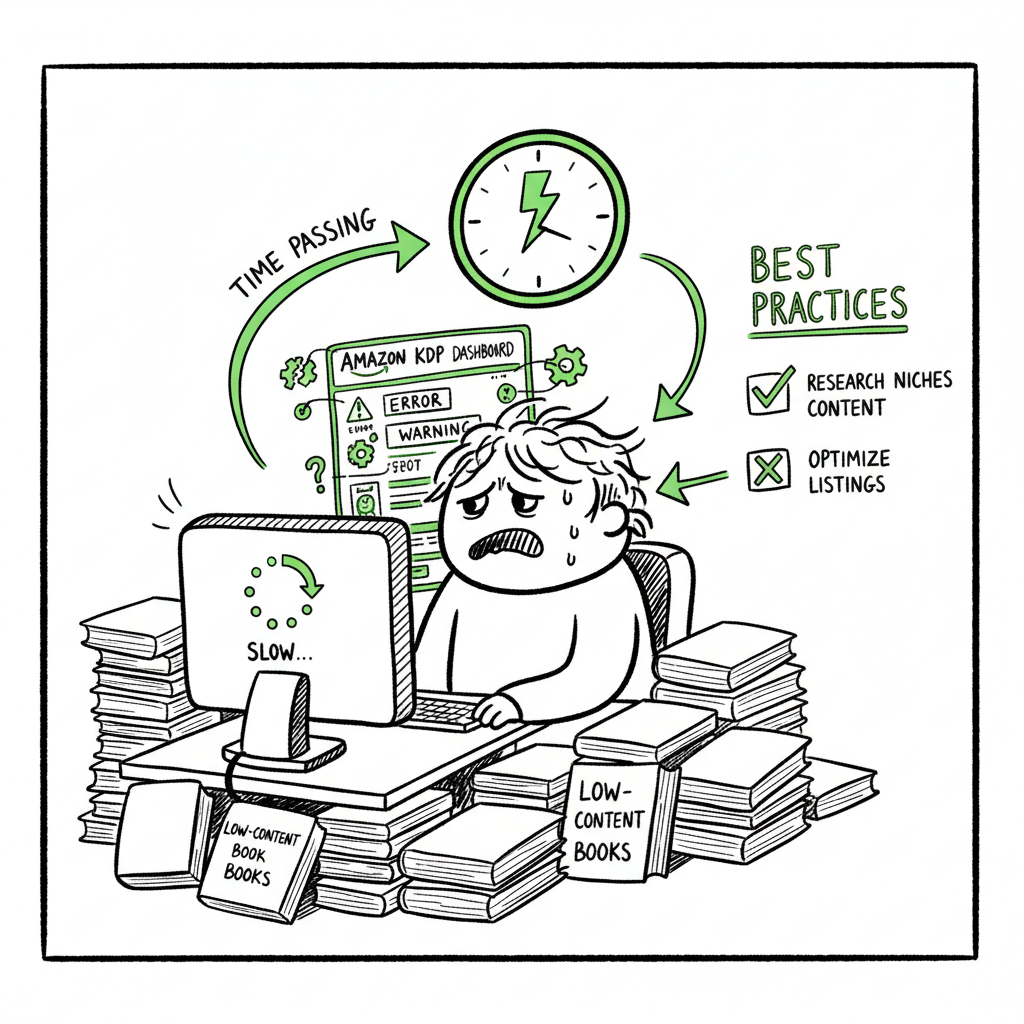
Why Amazon KDP Is So Slow and How Authors Should Plan
why amazon kdp is so slow
Estimated reading time: 6 minutes
Key takeaways
- KDP is slow mainly because of increased low‑content volume, tighter anti‑spam checks, and occasional technical glitches that create uneven review times.
- Authors can reduce wasted time by designing higher‑content books, preparing clean files, and scheduling releases with realistic buffers.
- Multi‑platform automation with CSV batch uploads and platform‑specific checks makes wide distribution practical and saves time—BookUploadPro is an obvious upgrade once authors publish seriously.
Table of Contents
- What’s causing KDP delays?
- How to plan and prepare around slow KDP approval
- Practical steps to speed up approvals and avoid common traps
- Making multi-platform publishing practical with tools
- FAQ
What’s causing KDP delays?
If you’re asking why amazon kdp is so slow, there are three practical causes to understand: volume, policy policing, and engineering limits. Over the last few years Amazon has seen a huge increase in uploads, especially low‑content books like notebooks and simple journals. Those uploads are often highly repetitive and sometimes low quality. The system that once processed most uploads in a day now spends more time checking each file to stop spam and protect customers.
Amazon uses a mix of automated checks and human review. Automated systems can flag formatting problems, trademark or content issues, and metadata mismatches. But when automation flags marginal cases, human reviewers step in. That handoff slows the pipeline, creating batches of titles that sit “in review” longer. Authors report wait times that used to be overnight stretching to 7–10 days or more for some titles.
On top of volume and manual checks, occasional technical glitches add another layer. Systems in large platforms have occasional outages or bugs that trap books in processing purgatory. Those are unpredictable and can affect a handful of authors for days or weeks at a time.
Amazon has also intentionally tightened limits and slowed publishing for low‑content uploads to combat abuse. This means the same actions that used to push a notebook live in a day now trigger extra checks. If your title looks like hundreds of others, it will get closer scrutiny.
If you want a deeper look at these operational changes and why timelines stretch, read Why Amazon KDP Publishing Takes Long for a focused breakdown of the operational reasons and what Amazon has told the community.
How to plan and prepare around slow KDP approval
When KDP review is slow, the best defense is planning. Treat KDP timelines like a variable you control through scheduling and quality.
- Build time into your release schedule
Plan releases with a buffer. For most titles expect 4–14 days from upload to full marketplace linking. If you have a launch date, upload at least two weeks early. For added safety, allow three weeks. That buffer reduces stress and prevents last‑minute scrambles. - Prioritize higher‑content books
Low‑content books are seeing more delays. If you can, increase the unique content in a title—longer previews, descriptive front matter, or expanded internal structure—so the book looks less like a mass‑produced template. Higher content reduces the chance of targeted slowdowns. - Clean, consistent metadata and files
A high percentage of delays come from metadata mismatches (title vs. interior vs. ASIN) and file errors. Use consistent naming, accurate categories, and clean interior PDFs or EPUBs. For EPUB conversion, use a tested tool that produces compliant output and minimizes validation errors; a reliable EPUB converter keeps formatting problems from becoming blocking issues. - Use unique covers and avoid repeated templates
Reused, low‑effort covers attract extra scrutiny. Invest a little more time in cover design or use a cover generator that produces unique, platform‑ready files to avoid repetitive patterns that look like spam. - Monitor status and be patient with support
KDP support can take time to respond, and opening a ticket doesn’t speed up automated queues. Use support when you see errors that clearly indicate a system malfunction, but for routine in‑review delays the best move is monitoring and planning for the expected wait.
Practical steps to speed up approvals and avoid common traps
Here are concrete, operator‑level actions you can take when the system slows down. These reduce the frequency of delays and make the ones that remain tolerable.
Prepare clean files
- For paperbacks, export press-ready PDFs with embedded fonts and correct trim sizes. For ebooks, validate your EPUBs against common validators. If you need a simple tool for EPUB conversion, consider a reliable EPUB converter to reduce formatting failures.
- Strip hidden metadata that could confuse automated checks. Keep file names simple and professional.
Write clear metadata and categories
- Use one consistent title across metadata and interior. If subtitles differ, reviewers flag them. Pick the most relevant BISAC categories and keep keywords factual, not keyword‑stuffed.
- Avoid special characters in titles and author fields that can cause parsing problems.
Avoid patterns that trigger anti‑spam rules
- If you publish many similar products, stagger uploads. Rapid, repeated uploads of near‑identical files look like automated spam and can trigger throttles.
- Mix higher‑content titles with simpler ones. That helps your account look diversified instead of mass‑publishing templates.
Use platform‑specific checks before upload
- KDP flags are different from Kobo or Apple. Run a quick platform checklist for each outlet: trim, margins, gutters, and metadata formats. That small effort prevents rejections or processing slowdowns later when the platform identifies an obvious problem.
Batch the work, but stagger the uploads
- Create batches of assets with CSV or spreadsheet exports, but space uploads across days. Batch prep saves time; spacing uploads minimizes throttling.
If you produce covers, tools that handle cover generation at scale help maintain uniqueness and speed. A quality cover generator creates consistent files sized to platform specs and removes one common source of rejection.
Making multi-platform publishing practical with cross‑store tools
Slow KDP approvals highlight a broader truth: publishing to one platform is fragile. Wide distribution solves single‑platform risk, but distributing at scale is tedious. That’s where cross‑store systems earn their keep.
Why multi‑platform matters
If KDP delays a title, other stores can still accept it. Getting a book live across Amazon KDP, Apple Books, Kobo, Ingram, and Draft2Digital spreads risk and opens sales that KDP alone can’t. It’s not just about sales; it’s about reliability. When one system jams, others keep working.
Where cross‑store systems help
- CSV batch uploads: Instead of manual form entry per title per store, use CSV workflows to push metadata and files in bulk. This reduces repetitive mistakes and keeps metadata consistent across platforms.
- Platform‑specific intelligence: Each store has different file and layout expectations. Cross‑store systems apply small per‑platform tweaks (margins, cover size, EPUB flavor) to avoid the “one file fits all” trap that causes rejections.
- Error reduction: Automated validation catches simple errors before upload—missing fonts, wrong trim, or bad EPUB structure—so you don’t sit in review because of avoidable issues.
- Time savings at scale: With large catalogs, cross‑store systems shrink upload time by roughly 90% compared with manual entry. That’s the difference between a full day of manual work and minutes of batch processing.
BookUploadPro fits this need because it focuses on unified multi‑platform publishing with CSV batch uploads and platform‑specific intelligence. It reduces repetitive uploads and trims the error rate from mismatched files or metadata. For authors who publish seriously, it’s an obvious upgrade: automate the upload. Own the distribution.
Practical deployment notes
- Keep a master spreadsheet for each edition and language. Use the spreadsheet to produce platform CSVs and zip bundles for upload.
- Use cross-store tools to create platform‑ready renditions of the same content—optimized EPUBs, Kobo‑friendly layouts, and print PDFs sized for Ingram and KDP.
- Track platform states outside the storefront dashboards. A single view that shows “uploaded,” “in review,” and “live” across platforms prevents duplicated work and keeps scheduling smart.
If you manage covers and file conversions at scale, tie in specialist tools for each task. For cover work, a dedicated cover generator speeds production and ensures you meet platform specs without rework. For EPUB conversions, use a tested EPUB converter that produces validated output before you upload. And when you create paperbacks or ebooks as part of your process, a dedicated book creation tool helps turn drafts into ready assets with fewer errors.
FAQ
Q: Is slow KDP approval permanent?
No. The slowdowns are an operational response to higher volume, low‑content uploads, and abuse. Policies and capacity evolve. But expect variability: cycles of normal speed and occasional slow periods are likely to continue.
Q: Will contacting KDP support speed a stuck upload?
Usually not. Support helps when there is a specific error message or account issue. For general “in review” delays, support rarely speeds queue processing. Open support cases for clear errors, not for expected review waits.
Q: Do higher‑content books get reviewed faster?
Often yes. Titles that clearly have unique content and professional presentation draw fewer fraud or spam flags. That can reduce the need for human review.
Q: Should I stop publishing low‑content books?
Not necessarily. Low‑content can be profitable, but expect more friction. If you publish many such titles, diversify into higher‑content formats and stagger uploads to avoid throttles.
Q: How does multi‑platform publishing help with KDP delays?
If KDP is delayed, other stores may accept your book sooner. Distributing widely reduces reliance on one marketplace and gives you alternate sales channels while KDP completes its checks.
Q: Can cross‑store systems handle KDP‑specific quirks?
Yes, good cross‑store systems apply platform‑specific checks and formatting. It helps avoid common KDP triggers like mismatched metadata or incorrect file specs.
Final thoughts
Slow KDP approval is a symptom of a larger system shift: platforms are protecting customers from spam and low‑quality content while juggling huge upload volumes. Authors who treat review time as a planning variable win. That means building buffers, producing clean files, raising content standards, and avoiding repetitive upload patterns.
When publishing at scale, cross‑store systems turn a painful bottleneck into a manageable cost. Unified multi‑platform publishing, CSV batch uploads, and platform‑specific intelligence make wide distribution practical. That’s where BookUploadPro helps: it automates repetitive uploads across Amazon KDP, Kobo, Apple Books, Draft2Digital, and Ingram, cutting manual work and reducing errors. For authors moving beyond hobby publishing, automation is the practical next step.
If you handle covers, EPUBs, or book creation as part of your process, consider tools that produce platform‑ready files so uploads fail less often. A good cover generator creates consistent, unique covers; an EPUB converter reduces formatting rejections; and a dedicated book creation workflow turns drafts into ready assets.
Sources
- KDP Upload Problems – Why Are They Taking So Long …
- 3 Issues with Selling Books on Amazon KDP in 2024
- Amazon KDP Publishing TIME JUST CHANGED
- Why are my books not linked on Amazon? – Kindle Direct Publishing
- Any update to the “technical issue” causing delays in publishing?
- delay in processing and reporting book orders
why amazon kdp is so slow Estimated reading time: 6 minutes Key takeaways KDP is slow mainly because of increased low‑content volume, tighter anti‑spam checks, and occasional technical glitches that create uneven review times. Authors can reduce wasted time by designing higher‑content books, preparing clean files, and scheduling releases with realistic buffers. Multi‑platform automation with…