Why Amazon KDP Publishing Takes So Long and What to Do
Why Amazon KDP Publishing Takes So Long
Estimated reading time: 12 minutes
Key takeaways
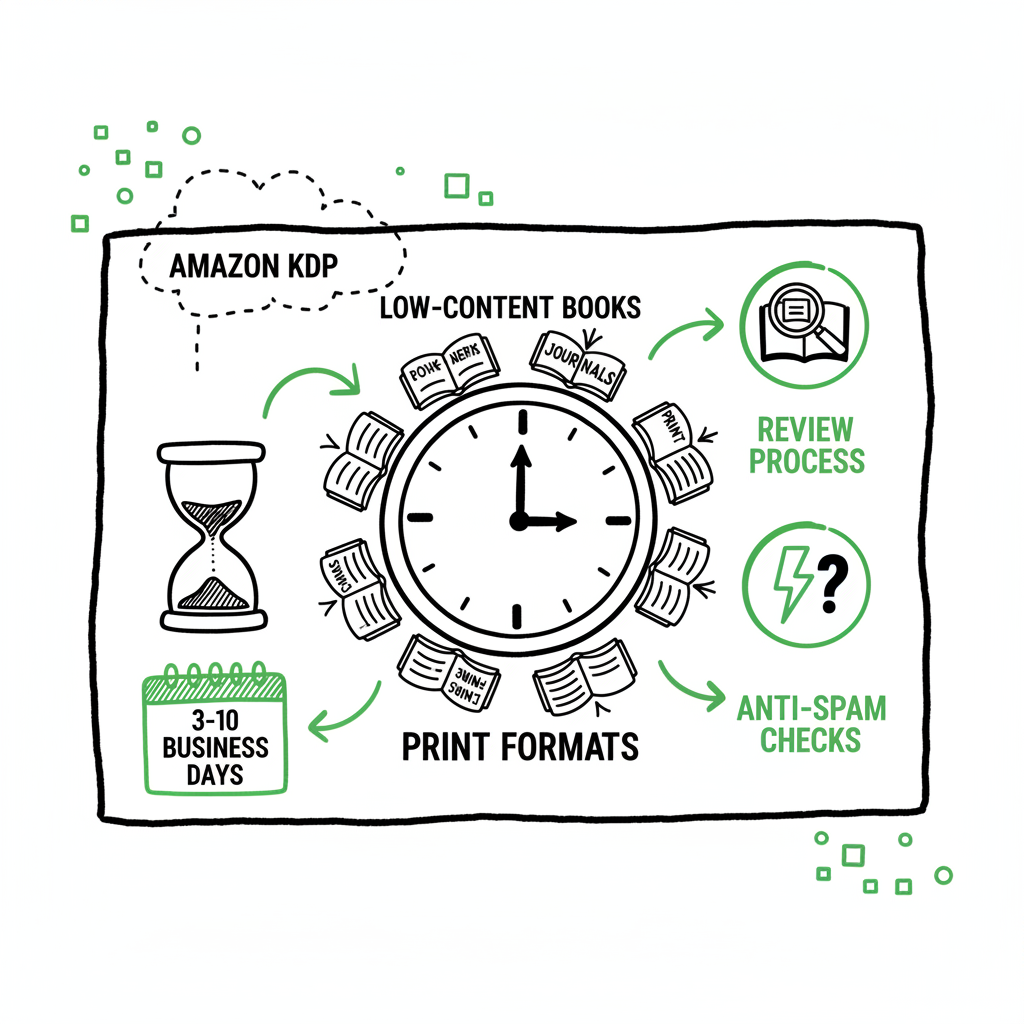
- Amazon’s review system, tightened in 2025, is the main cause of longer KDP timelines — expect 3–10 business days depending on book type.
- Low-content books and print formats face the longest waits because of new anti-spam checks and print production validation.
- Practical steps — better metadata, complete files, and using multi-platform automation — cut friction and make scaling realistic.
Table of Contents
- Why Amazon KDP Publishing Takes So Long
- How KDP’s review process works
- Why low-content and print formats take longer
- FAQ
Why Amazon KDP Publishing Takes So Long
Why Amazon KDP publishing takes so long is a question every self-publishing author asks when a book sits in review. The short answer is that Amazon balances speed with quality controls. Since a 2025 update aimed at cutting spam and poor-quality listings, review windows for many uploads expanded. Official KDP timelines now list an average of 3–10 business days for books to go live after submission, and certain book types—especially low-content items—can push toward the longer end of that range.
That matters if you publish regularly. A single delayed title is an annoyance. But when you publish dozens or batches, delays compound into real operational risk. This article explains what Amazon is checking, why some formats are slower, and how practical, repeatable steps can reduce friction. If you publish seriously, automation that handles platform-specific quirks and batch uploads is the obvious upgrade once you reach a steady cadence.
How Amazon classifies book types, how it validates files and metadata, and how its systems flag high-risk uploads are the drivers behind timing. We’ll walk through each factor and then move into hands-on steps authors and small publishers can use today.
How KDP’s review process works
What reviewers and automated systems check
Amazon uses a mix of automated screening and human review. The automated systems scan for obvious problems: formatting errors, mis-sized files, illegal content, and known patterns of low-value or spam listings. When a file or submission triggers risk signals, the submission may be queued for human review. Human reviewers validate things automation can’t judge reliably: content quality, potential rights issues, and whether a listing violates marketplace policies.
Timelines and variability
KDP’s official help pages list timelines that vary by format and region. eBooks are typically the fastest — many appear in 24–72 hours when everything is clean. Print books require extra checks: interior file integrity, cover dimensions, and print-ready proofing can add days. Since late 2025, Amazon has explicitly extended some of these windows to combat automated spam uploads, which means that what once took a day may now take a week for certain categories.
Common triggers that add time
- Low-quality or blank pages in print interiors.
- Mismatched trim size, bleed settings, or cover file errors.
- Metadata that looks spammy: repeated keywords, misleading categories, or stock phrases.
- Rapid, repeated uploads from the same account or IP address.
- Files that resemble previously removed or flagged content.
- Books listed as low-content (journals, planners, coloring books) without clear unique value.
Why some books show as “live” but are not purchasable
Sometimes KDP marks a title “live” in a marketplace but a customer can’t buy it yet. That happens when indexing and storefront propagation complete before all regional checks or payment/pricing validations finish. In a few cases, phone confirmation or direct support is needed to clear a final hold. This is uncommon, but it’s a good reminder: “live” doesn’t always mean fully available everywhere.
What changed in 2025
Amazon adjusted its tolerances in 2025 to reduce spam. Limits that once allowed faster, high-volume uploads were tightened. Low-content categories now face stricter scrutiny because they were an easy vector for low-quality mass uploads. The net effect was slower but cleaner listings. As an author, plan for that by treating each upload as a quality control operation rather than a click-and-forget task.
Practical monitoring tips
- Track submission timestamps and expected windows in a log. Note when a title enters review and when it becomes purchasable.
- Keep a short checklist for each format to reduce the chance of triggering extra checks.
- Build small pauses between uploads if you publish many similar low-content items; bursts of similar submissions raise flags.
Why low-content and print formats take longer
What “low-content” means and why it matters
Low-content books include journals, planners, coloring books, and some workbooks. They often use repeated or lightly varied interior pages and rely heavily on cover design. Because they were used by bad actors for mass uploads, Amazon tightened detection. Now these books are more likely to receive a deeper review to ensure they aren’t spam or copyright violations.
Print-specific checks
Print books add another layer: print supply chain validation. KDP verifies interior pagination, margin and bleed correctness, and cover wrap alignment. If a cover file doesn’t match interior trim dimensions or if the spine dimension is off, these problems must be resolved before production. Those checks can take time because the system may route the file for manual validation when automated matching fails.
Why some adjustments help
– Add clear, unique elements to interiors of low-content books: distinct prompts, page variations, or unique layouts. That reduces the “mass-produced” signal.
– Ensure cover and interior trim sizes match exactly.
– Avoid generic metadata: use meaningful descriptions and accurate categories rather than keyword stuffing.
File quality and format conversion
Sometimes the delay comes from the file itself. Poorly exported PDFs, images with non-embedded fonts, or incorrect color profiles trigger rejections or slow reviews. When you convert a manuscript to EPUB for Kindle or prepare print-ready PDFs, follow the platform guides closely. If you need a quick conversion tool, an EPUB Converter can help standardize files before upload.
Cover creation and repeated launches
Cover problems are a frequent source of delay. A cover with wrong spine calculations, wrong resolution, or unsupported fonts will cause a submission to stall. If you rely on a cover generator, make sure the final file is print-ready and matches the interior specs. Using a consistent cover workflow reduces surprises and speeds approval.
Batch publishing challenges
Uploading many titles at once increases the chance of a flag. Even if each file is correct, a sudden spike of similar uploads looks like automation abuse. Platforms watch patterns as much as content. Stagger uploads and vary metadata slightly to reduce the risk profile.
How to interpret Amazon support responses
If KDP support gives guidance, follow it, but remember support can be conservative. They may advise resubmission with small tweaks rather than granular fixes. Keep records of support interactions and the exact files you submitted. That helps when the same issue recurs.
Operational tips for authors and small publishers
– Standardize exports: keep templates for interiors and covers.
– Validate files before upload using a checklist: embedded fonts, bleed, trim, PDF/X standards.
– Use descriptive, unique metadata.
– Stagger batch uploads across several days.
If you mention cover design or converting to EPUB earlier, link requirements apply: for cover tools, try a reliable cover generator to ensure files match KDP specs; for EPUB, an EPUB converter helps standardize eBook files before submission. If you create multiple copies in bulk, consider a tool that supports ebook and paperback creation to automate formats and avoid simple mistakes. Book Creation Tools.
(Links referenced above:
– Book cover tool: book cover generator processing
– EPUB conversion tool: EPUB converter
– Book creation tools: book creation tools)
FAQ
FAQ
Q: How long should I expect KDP to take for an eBook?
A: eBooks often appear in 24–72 hours when your EPUB or MOBI files are clean and metadata is correct. If your eBook triggers a content or policy check, it can take longer.
Q: My paperback shows live but customers can’t buy it — why?
A: That can happen when indexing is complete but regional or pricing validations are still processing. Check the KDP dashboard for status details; if necessary, contact KDP support and be ready to provide submission timestamps and file versions.
Q: Are low-content books always delayed?
A: Not always, but they are more likely to face extended review because of policy changes aimed at reducing low-value mass uploads. Making your low-content book more substantial and unique reduces that risk.
Q: Can I speed up an existing review by contacting support?
A: Support can sometimes provide guidance or confirm a problem, but they don’t reliably shorten automated review timelines. Fixes and resubmissions based on clear errors are the fastest route to resolution.
Q: What are the main reasons Amazon rejects a file?
A: Common reasons include incorrect trim size, non-embedded fonts, corrupt images, bleed and margin problems on print files, and metadata that violates policies.
Q: How do I scale publishing across platforms without redoing work?
A: Use automation that maps a single CSV or metadata source to platform-specific uploads and handles format differences for you. Unified multi-platform publishing with batch CSV uploads and platform-specific intelligence saves time, reduces errors, and makes wide distribution practical.
Final thoughts and next steps
Delays on Amazon KDP feel personal when you’re waiting for a title to go live. The reality is operational: Amazon must protect its marketplace from spam and bad content, so it trades some speed for quality control. Understanding the review triggers — file errors, low-content patterns, and metadata issues — helps you remove those triggers before you press upload.
If you publish regularly, treat publishing like a small production line. Standardize your exports, validate files, add unique content where low-content formats are involved, and stagger batch uploads. Where possible, centralize metadata and use tools that output format-correct EPUB and print PDFs. That reduces the chance a submission will require manual review.
For authors and small publishers aiming to publish at scale, automation is a practical upgrade. A unified multi-platform publishing workflow that supports Amazon KDP, Kobo, Apple Books, Draft2Digital, and Ingram saves around 90% of manual upload time. CSV batch uploads, platform-specific intelligence, and automated error checks remove repetitive tasks and reduce rework. That’s what makes wide distribution practical and affordable.
If you handle covers and EPUB conversions yourself, use reliable processing tools to ensure your files meet platform specifications. That lowers the probability of delays and rejections. And if you outgrow manual uploads, consider automation that preserves control but eliminates repetitive clicks.
Visit BookUploadPro.com and try the free trial — automate the upload. Own the distribution.
FAQ
Q: How long should I expect KDP to take for an eBook?
A: eBooks often appear in 24–72 hours when your EPUB or MOBI files are clean and metadata is correct. If your eBook triggers a content or policy check, it can take longer.
Q: My paperback shows live but customers can’t buy it — why?
A: That can happen when indexing is complete but regional or pricing validations are still processing. Check the KDP dashboard for status details; if necessary, contact KDP support and be ready to provide submission timestamps and file versions.
Q: Are low-content books always delayed?
A: Not always, but they are more likely to face extended review because of policy changes aimed at reducing low-value mass uploads. Making your low-content book more substantial and unique reduces that risk.
Q: Can I speed up an existing review by contacting support?
A: Support can sometimes provide guidance or confirm a problem, but they don’t reliably shorten automated review timelines. Fixes and resubmissions based on clear errors are the fastest route to resolution.
Q: What are the main reasons Amazon rejects a file?
A: Common reasons include incorrect trim size, non-embedded fonts, corrupt images, bleed and margin problems on print files, and metadata that violates policies.
Q: How do I scale publishing across platforms without redoing work?
A: Use automation that maps a single CSV or metadata source to platform-specific uploads and handles format differences for you. Unified multi-platform publishing with batch CSV uploads and platform-specific intelligence saves time, reduces errors, and makes wide distribution practical.
Sources
- Amazon KDP Help: Book Status – Kindle Direct Publishing (official)
- Amazon KDP Help: Timelines – Kindle Direct Publishing (official)
- Amazon KDP Help: Release Date Options – Kindle Direct Publishing (official)
- Amazon KDP Publishing TIME JUST CHANGED – YouTube (Nov 06, 2025)
- How To Publish A Book On Amazon – 2025 KDP Guide – LivingWriter
- How Long Does KDP Take to Publish a Book? Insights into the … – Publishing.com
Why Amazon KDP Publishing Takes So Long Estimated reading time: 12 minutes Key takeaways Amazon’s review system, tightened in 2025, is the main cause of longer KDP timelines — expect 3–10 business days depending on book type. Low-content books and print formats face the longest waits because of new anti-spam checks and print production validation.…