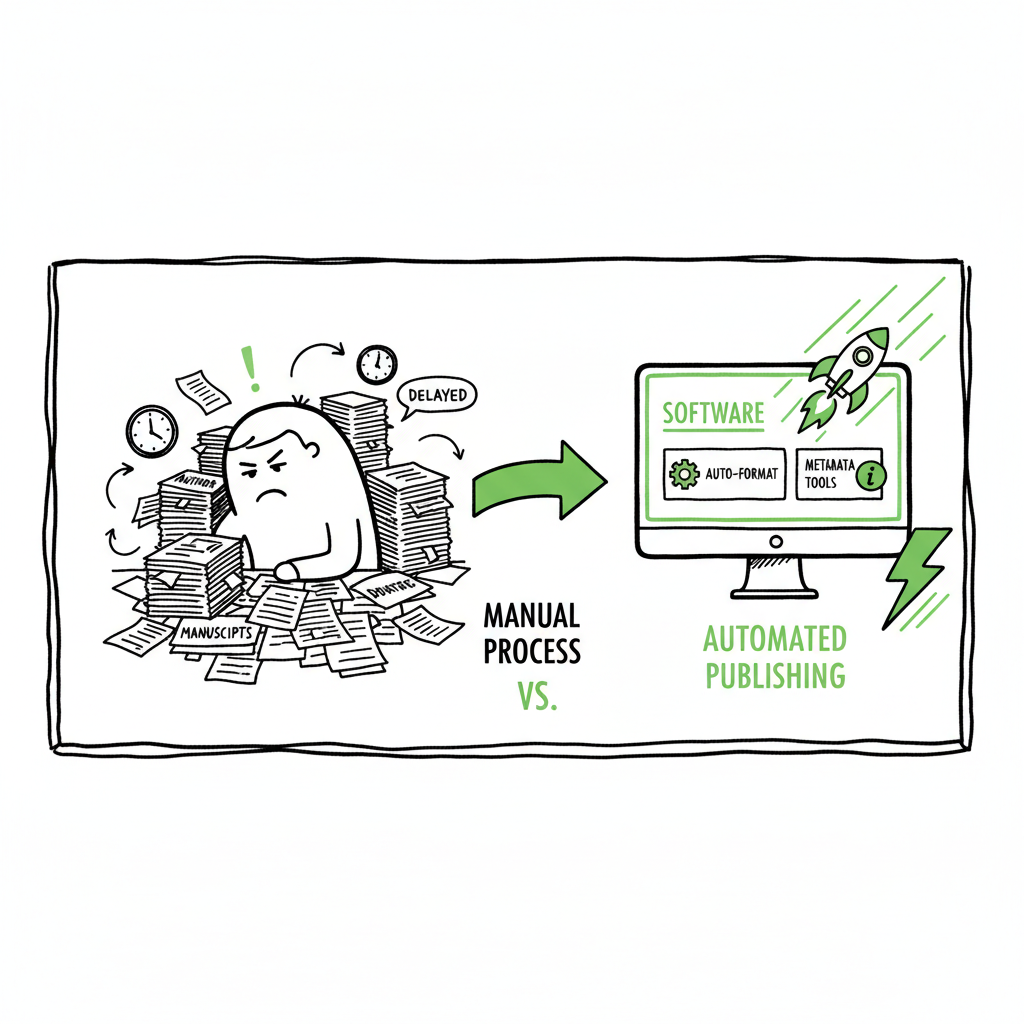
Publishing Books Takes Too Long – How to Speed Releases
Publishing Books Takes Too Long
Estimated reading time: 14 minutes
Key takeaways
- Long timelines are usually avoidable: many delays come from repeat formatting, metadata mistakes, and manual uploads.
- Self-publishing is faster than traditional routes, but authors still face slow book release processes without automation and smart checks.
- Tools that automate formatting, metadata, and multi-platform uploads make wide distribution practical and save about 90% of the time on repetitive tasks.
Table of Contents
- Why publishing remains slow
- Practical steps to shorten release time
- How automation and BookUploadPro speed releases
- FAQs
Why publishing remains slow
Many authors say publishing books takes too long. That complaint shows up in forums, private groups, and in conversations with editors and marketers. For traditional publishing, the pace is structural: acquisition committees, multiple editing rounds, cover and typesetting schedules, and marketing calendars stretch a finished manuscript into a year or two of waiting. Self-publishing promised speed, but the reality for many authors is still a slow book release process driven by DIY tasks and avoidable errors.
A few predictable bottlenecks explain most delays. First, formatting. Turning a manuscript into a print-ready interior and a clean ebook file takes time. Authors often move back and forth between tools trying to fix margins, image sizes, and front/back matter. Second, metadata and descriptions. Listing fields vary by platform. Small mismatches—wrong trim size, a missing ISBN format, or a poorly formatted table of contents—trigger re-uploads or review flags. Third, platform reviews and process friction. Even when the files are correct, each storefront has a review queue and policies that can slow a release. If an early upload is rejected or flagged, that restarts the clock.
Those exact pain points are why many authors search for answers. If you want to understand one common platform delay, see Why Amazon KDP Publishing Takes Long for a focused look at KDP’s review steps and common triggers for hold-ups. That resource explains how simple metadata and image issues lead to extra review cycles and how to avoid them.
Traditional and indie timelines both show the same pattern: work accumulates in predictable places. Editors and designers in traditional houses protect publishing calendars. In self-publishing, the author wears every hat—and those hats add time. The good news is that the tasks creating delay are usually repetitive and repeatable. That makes them good candidates for process improvement and automation.
Note on covers and design: a fast, validated cover is part of a quick release. If you are creating covers in-house, consider a tested cover workflow or a dedicated book cover generator to avoid last-minute sizing errors and pixel problems.
Practical steps to shorten release time
Speed doesn’t mean rushing quality. It means removing friction and rework so your polished manuscript becomes a polished product quickly. These steps are practical and repeatable.
-
Standardize your manuscript before you start
Clean up the manuscript so formatting work is minimal. Use consistent heading styles, remove hard returns inside paragraphs, and make a separate file for front and back matter templates. Establish a single source manuscript that you will export from for all formats.
-
Use template-based interior formatting
A consistent template for fiction or nonfiction saves hours. Templates enforce correct margins, fonts, and chapter starts. When you format with a template, you avoid iterative fixes for bleed, trim, and gutter problems. If you need a fast solution for creating print and ebook files, a reliable tool for creating an ebook or paperback can produce platform-ready files in minutes.
-
Prepare metadata in a single spreadsheet
Translate title, subtitle, series data, author names, BISAC, and keywords into a CSV or spreadsheet before you reach any vendor dashboard. Copy-paste mistakes and inconsistent keywords are common causes of slow or failed uploads. A single spreadsheet lets you validate fields and reuse the same data across storefronts.
-
Check common technical issues before upload
Make a short checklist: correct trim size, embedded fonts in interior PDFs, cover bleed and spine calculations, clickable table of contents in EPUB, and ISBN formatting. Pre-flight checks catch the errors that trigger platform rejections.
-
Build a single upload package for multiple stores
If you plan to distribute widely, prepare a package that contains interior files for print and ebook, multiple cover sizes, and the metadata CSV. This lets you reuse assets and reduces repetitive work.
-
Use faster ways to convert to EPUB
Converting an edited manuscript to a clean EPUB is one of the most frequent slow points for indie authors. Rather than wrestling with manual conversions, use a purpose-built EPUB conversion tool that preserves chapters, images, and a navigable table of contents.
-
Delegate repeated tasks with templates or services
If you publish multiple books a year, invest in systems that automate the repetitive parts: front matter, author bios, series metadata, and cover title-blocks. Over a series, these choices compound into large time savings.
These steps reduce rework. They also make it easier to spot the one thing that still requires manual attention. That’s where platform-specific knowledge helps: knowing KDP’s preferred file settings, how Kobo handles covers, or which retailers require certain fields saves time at the moment of upload.
Note on covers and design: a fast, validated cover is part of a quick release. If you are creating covers in-house, consider a tested cover workflow or a dedicated book cover generator to avoid last-minute sizing errors and pixel problems.
How automation and BookUploadPro speed releases
Automation is not about removing craft. It’s about preventing repetitive, technical work from stealing attention and time. For authors who feel that long self publishing time is their biggest blocker, automation addresses the exact tasks that cause delays: formatting, conversion, metadata entry, and upload preparation.
- What automation fixes
- Format consistency: Templates and automated layout rules produce correct margins, drop caps, and chapter breaks for print and ebook. This cuts the back-and-forth between author and formatter.
- Pre-flight validation: Automated checks for bleed, embedded fonts, image DPI, and table of contents reduce the chance of rejections on platforms like KDP.
- Metadata orchestration: A single CSV can feed multiple storefronts with consistent titles, series info, and keywords. That reduces mistakes and speeds up listing creation.
- Guided uploads: Step-by-step, platform-aware exports reduce errors at the moment of upload and keep you from repeating the same mistakes across retailers.
- Batch and series support: If you publish multiple books, automation lets you create consistent files and listings quickly, freeing you to focus on writing and promotion.
BookUploadPro is built around these ideas. It automates platform-ready formatting, provides AI-assisted copy polish for descriptions and bios, and creates upload-ready packages for Amazon KDP, Kobo, Apple Books, Draft2Digital, and Ingram. For authors who publish seriously, it is an obvious upgrade once you want to scale book releases without hiring a stack of freelancers.
Concrete benefits you can expect
- Time savings: For repetitive tasks like formatting and uploads, authors report up to ~90% time savings when they adopt a unified tool and batch workflow. That changes a slow release cycle into a fast, predictable one.
- Error reduction: Smart checks and platform-aware templates mean fewer rejected uploads and fewer review cycles that add delay.
- Multi-platform reach: Instead of repeating the same upload steps five times, you prepare once and distribute broadly with the same validated assets. That makes wide distribution practical.
- Consistent quality at scale: Templates and AI-assisted polishing keep listings professional across many books. This matters if you are publishing series or want a consistent author brand.
How to use these capabilities without losing control
- Always keep a single editable source manuscript.
- Review AI-assisted copy edits and keep the voice you want.
- Validate covers and key design choices visually before finalizing.
- Understand that tools can’t change platform review times; they reduce avoidable delays that come from technical problems and inconsistent metadata.
Complementary tools
If you need a quick conversion to EPUB or a cover adjustment as part of your workflow, there are reliable options that plug into a fast publishing pipeline. For EPUB conversion, consider a dedicated EPUB conversion service that preserves structure and links. If you need to generate or adjust covers quickly, a tested book cover generator will keep sizes and bleed correct and prevent last-minute rework.
Practical flow for a fast release
Day 0: Manuscript final. Export a clean source file and a metadata spreadsheet.
Day 1: Run automated formatting for print and ebook. Generate cover files using validated templates.
Day 2: Run pre-flight checks and produce platform-ready packages. Polish the book description and author bio with AI-assisted tools that preserve voice.
Day 3: Upload to the chosen stores in one batch and set a release window. Use each platform’s scheduling features rather than manual pushes.
This flow is realistic for many authors once they eliminate repetitive tasks and reuse validated templates. It won’t change external review queues, but it removes the common causes of rejections and rescans that create most delays.
Three short examples from practice
- A mystery author published four novellas in six months after moving from manual formatting to a template-based batch process. The author avoided two rejections for cover bleed that had previously cost days each.
- A nonfiction author preparing a lead magnet and full-length book used a single metadata sheet to publish to KDP and Apple Books, reducing metadata entry time from hours to minutes.
- A romance series author used a cover template and batch uploads to keep a monthly release schedule. Consistent templates prevented image-size issues that had caused previous delays.
All of these cases share the same pattern: once you stop repeating the same manual steps, release cadence speeds up. Automation is not a magic wand. It is a practical method to remove predictable delays and to manage scale.
BookUploadPro in a real workflow
BookUploadPro focuses on the middle of the publishing pipeline: it does not promise to speed KDP’s internal review, but it does significantly reduce the time authors spend preparing files, cleaning metadata, and fixing rejected uploads. The platform produces platform-ready interiors, checks common errors, and creates unified upload packages. For authors who publish more than one title a year, it becomes an obvious upgrade.
If you are handling series, frequent releases, or broad distribution, you will find that consistent templates and CSV batch uploads change the economics of publishing. Tasks that used to take hours per title become a few minutes when automated.
Practical note on third-party tasks
When you include a cover, EPUB, or print file as part of your package, use tested tools that produce platform-compliant files. For EPUB conversion, a dedicated EPUB conversion service saves time and preserves table-of-contents navigation. When you need a fast, correct cover, a book cover generator helps you avoid bleed and spine miscalculations. If you are preparing print and ebook files, a single service that handles both interior and cover reduces the chance of mismatched dimensions or missing assets.
FAQs
Q: What slows self-publishing the most?
A: Rework caused by formatting errors, inconsistent metadata, and repeated uploads is the primary source of delay. Each re-upload or flagged listing adds days or weeks to a release.
Q: Will automation replace editors or designers?
A: No. Automation reduces repetitive technical work. Editors and designers still provide creative and qualitative input. Automation frees them and you to focus on the parts that matter most.
Q: Can tools guarantee faster KDP approvals?
A: Tools can’t change a platform’s internal review queue or policies. They can, however, prevent the common infractions that trigger extra review cycles and rejections, which is where most delays originate.
Q: How much time can I expect to save?
A: Time savings vary by author and process, but many find that batch uploads and automated formatting reduce the time authors spend on technical tasks by roughly 70–90% compared with manual workflows.
Q: Are there risks in using AI-assisted polishing?
A: The main risk is a loss of author voice if you accept edits blindly. Use AI to speed drafts and clean language, then review to ensure the tone matches your intent.
Sources
- Publishing Trends in 2025 – Insights Authors Can’t Afford to Ignore
- The Key Book Publishing Paths: 2025–2026
- THE STATE OF BOOKS AND PUBLISHING IN 2025
- The Top 10 Publishing Trends for 2025
Final thoughts
If publishing books takes too long for you, focus on eliminating the repeated technical steps that add delay. Standardize your source files, validate metadata in a spreadsheet, and use platform-aware templates. For conversion and cover needs, use tested services to avoid last-minute fixes. When you are ready to scale releases or publish across multiple stores, an integrated tool that formats, performs pre-flight checks, and batch uploads becomes a practical, time-saving choice. BookUploadPro helps you speed releases while maintaining quality.
Visit BookUploadPro to explore more, and try the free trial.
Publishing Books Takes Too Long Estimated reading time: 14 minutes Key takeaways Long timelines are usually avoidable: many delays come from repeat formatting, metadata mistakes, and manual uploads. Self-publishing is faster than traditional routes, but authors still face slow book release processes without automation and smart checks. Tools that automate formatting, metadata, and multi-platform uploads…