Leaving KDP Select Consequences and How to Plan Ahead
Leaving KDP Select consequences
Estimated reading time: 12 minutes
Key takeaways
- Leaving KDP Select ends your 90-day Amazon exclusivity and removes Kindle Unlimited access, promotional tools, and some Amazon-only visibility.
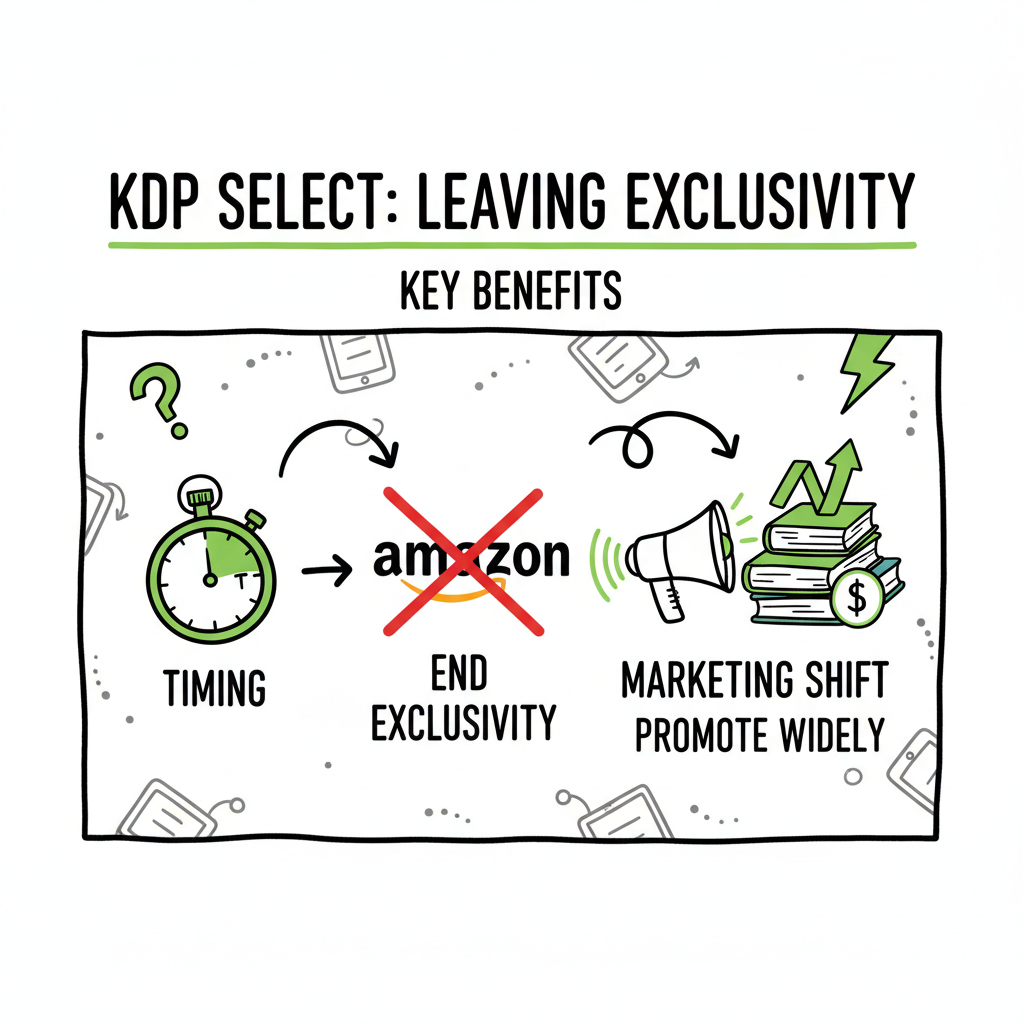
- The exit kdp select process is simple but timing matters: opt out at least 3 days before renewal and plan for a marketing shift.
- Going wide gives access to more stores and readers but requires more operational work; automation tools like BookUploadPro make wide publishing practical at scale.
Table of Contents
- What happens when you leave KDP Select
- Exit KDP Select process and timing
- Going wide: effects, risks, and scaling operations
- FAQ and Sources
What happens when you leave KDP Select
Leaving KDP Select consequences are straightforward on paper: you trade Amazon-specific perks for the freedom to sell your ebook elsewhere. The main, immediate change is that your ebook is no longer exclusive to Amazon for the 90-day enrollment period. That removes access to Kindle Unlimited (KU) reads, Kindle Owners’ Lending Library, the promotional tools that require enrollment, and some built-in discoverability that comes from program placement.
Those program features are valuable because KU pays based on pages read, and Amazon’s algorithm often gives extra visibility to books enrolled in Select. But the flip side is that exclusivity keeps you locked out of other stores where a significant number of readers buy ebooks. Leaving Select lets you upload the same file to Apple Books, Kobo, Google Play, Draft2Digital, and others. For many authors that trade-off is worth it: wider distribution increases potential audience reach and opens new revenue streams.
A practical point for authors: your Amazon product page and Author Central presence do not disappear when you leave Select. You continue to sell on Amazon like any other non-Select title. What you lose are the KU page-read revenue and the promotional levers tied to Select, such as Kindle Countdown Deals and free-book promotions.
It helps to think in two phases: short-term and long-term. Short-term, some authors report drops in sales because KU no longer funnels readers to the book. Long-term, diversification can stabilize income because sales come from multiple marketplaces. Which path works best depends on your marketing, catalog size, and willingness to operate across platforms.
For background, see Amazon Kdp Select Explained.
Exit KDP Select process and timing
How the contract timing works
When you enroll in KDP Select, your book enters a 90-day exclusive period. At the end of those 90 days, enrollment automatically renews unless you opt out. To stop the automatic renewal, you must opt out at least three days before the end of the current enrollment period. If you miss that window, the enrollment renews for another 90 days.
Steps to opt out
- Sign in to your KDP dashboard.
- Go to the Bookshelf and select the title.
- Open the KDP Select settings for the ebook.
- Uncheck the enrollment box or select the option to remove the book from KDP Select.
- Confirm and watch the enrollment end date.
Important timing notes
- Plan ahead. Choose a quiet time in your release or pricing calendar to exit, preferably not during a planned Amazon ad or promotion that relies on KU.
- If you rely on KU page-reads for a significant portion of income, stagger your exits across titles rather than removing your whole catalog at once.
- Opt out at least three days before renewal. If you opt out late, you’ll be locked in for another 90 days.
What happens after you opt out
After the current KDP Select term ends, the book remains on Amazon as a normal KDP listing. You immediately lose the ability to run Select-only promotions and KU enrollments stop counting. Your KU page-read payouts will stop after the final accounting period for the title.
Operational checklist before opt-out
- Export your sales and KU read data for the last 90 days so you can benchmark post-exit performance.
- Update your book files with distribution-ready formats (EPUB and properly formatted cover and metadata) so other stores accept the file.
- Decide where to publish first (Apple, Kobo, Google, Draft2Digital, or direct aggregator) and prepare your accounts.
- Make a marketing plan for the month after exit to maintain discoverability while KU exposure wanes.
Going wide: effects, risks, and scaling operations
Leaving KDP Select consequences include loss of KU reads and promotional tools, but going wide gives you options. The core decision is whether the broader audience and distribution flexibility outweigh the Amazon-specific benefits. Here’s a practical look at effects, risks, and how to scale publishing operations.
Revenue and discovery effects
- KU and royalties: If KU reads made up a meaningful portion of revenue, expect an initial fall in income. KU can act like a steady drip for some titles. Losing it means the income shifts to retail sales only.
- Amazon visibility: Select titles sometimes benefit from algorithmic preference. Some authors see lower Amazon sales after leaving Select. That effect varies by genre and ad support.
- New revenue channels: Apple Books and Kobo have dedicated audiences. Some regions—Canada, Australia, and parts of Europe—buy more outside Amazon. Diversification reduces dependency on a single channel.
Marketing and audience behavior
- Different stores have different buyer habits: Apple users may discover via curated promotions; Kobo features can favor certain genres; Google has its own search-driven discovery. Your marketing needs to adjust per store.
- Ads and promotions: You can no longer run Select-exclusive promotions, so replace KU-dependent tactics with price promotions, newsletter campaigns, ads on other platforms, and direct discounts through aggregators that support promos.
Risk management and mitigation
- Test with a title or two first. If you have several books, remove one title from Select and watch the data for a few months before pulling the rest.
- Promote aggressively around the exit. Plan email blasts, social posts, or discounted launch windows on other stores to cover the short-term dip.
- Keep an eye on Amazon ads. If you’re running PPC, you may need to adjust campaigns once KU and promotions are gone.
Scaling operations: the work behind going wide
Going wide is not simply clicking a new upload. Each store has its own metadata fields, file requirements, and timeline. For one or two books this is manageable. For authors with multiple titles or series, manual uploads and repeated metadata entry become time sinks and a source of avoidable errors.
That’s where automation and multi-platform publishing tools become operationally important. A unified pipeline that converts your master manuscript into the required EPUB converter and pushes across Apple Books, Kobo, Draft2Digital, and Ingram can save huge amounts of time. For many serious authors, that operational upgrade is obvious: you automate the upload and own the distribution.
Practical formatting and tooling
- Convert your manuscript into a clean EPUB converter that meets store validation. If you don’t have a conversion workflow, a reliable converter will fix common issues and ensure your file passes store checks.
- Ensure your cover files meet the different stores’ requirements for size, bleed, and metadata embedding. A book cover generator can produce compliant variants quickly.
- Use CSV batch uploads and platform-specific intelligence to publish multiple titles at once and reduce manual entry errors.
If you plan to expand your catalog or publish series, the time savings aren’t incremental—they’re multiplicative. Tools that offer CSV batch uploads, error checking, and platform-specific rules can reduce upload time by up to ~90% compared with manual processes. That makes wide distribution practical rather than a hobby project.
Where automation fits the workflow
- Master files: Keep a master manuscript and master cover. From these you derive platform-specific EPUBs and covers.
- Batch metadata: Maintain a CSV with titles, descriptions, pricing, categories, and keywords. Let the system push the right fields to each storefront.
- Platform intelligence: Automated solutions check for platform-specific errors and adjust files as needed to match Apple or Kobo rules.
- Reporting: Centralized reporting aggregates marketplace sales so you aren’t logging into five different dashboards each month.
BookUploadPro specifically solves these operational pain points by automating repetitive uploads across Amazon KDP, Kobo, Apple Books, Draft2Digital, and Ingram. It offers CSV batch uploads, platform-specific intelligence that avoids common validation errors, and significant time savings that reduce operational friction. For authors publishing seriously—series writers, backlist optimizers, and indie presses—BookUploadPro is an obvious upgrade. Automate the upload. Own the distribution.
Links and tools to simplify the technical work
- A book cover generator produces correctly sized and processed artwork to meet each platform’s specs.
- A EPUB converter handles conversion and validation for multiple stores.
- When creating paperback and ebook variants from one source, a full book creation workflow makes it easy to generate both formats without repeating tasks.
FAQ and Sources
FAQ
Q: Will I lose my Amazon sales if I leave KDP Select?
A: No. You remain on Amazon as a regular KDP seller. You only lose KU-related page-read income and Select-exclusive promotions. Your standard retail sales on Amazon continue.
Q: How soon can I publish on other stores after leaving?
A: You can publish elsewhere as soon as the KDP Select term ends. Prepare the files and accounts in advance so you can push to Apple Books, Kobo, and others immediately when the exclusivity ends.
Q: Can I re-enroll in KDP Select after I leave?
A: Yes. You can re-enroll a title if you choose. Be aware that re-enrollment restarts another 90-day exclusivity period.
Q: Should I leave KDP Select for all my books at once?
A: Not necessarily. Many authors test by taking one or two titles wide, measuring the impact, and then deciding whether to remove the rest. Gradual rollout reduces risk.
Q: Will my KU page reads be refunded or prorated?
A: KU revenue stops after the title leaves Select. Page reads are paid according to the KU accounting schedule; there is no retroactive refund.
Q: How do I manage pricing across multiple stores?
A: Use a central spreadsheet or publishing tool to manage list prices and local currency equivalents. Some platforms support global pricing directly; others require manual entry. Automation tools can sync prices across stores based on your rules.
Sources
- Moving Away from KDP | Jonathan Baldie’s Blog
- Pros and Cons of the KDP Select Program – Training Authors
- Should I Remove my Ebook from KDP Select? – YouTube
- Losing sales after leaving KDP Select – KDP Community
- My KDP Direct Publishing Contract – KDP Community
Leaving KDP Select consequences Estimated reading time: 12 minutes Key takeaways Leaving KDP Select ends your 90-day Amazon exclusivity and removes Kindle Unlimited access, promotional tools, and some Amazon-only visibility. The exit kdp select process is simple but timing matters: opt out at least 3 days before renewal and plan for a marketing shift. Going…