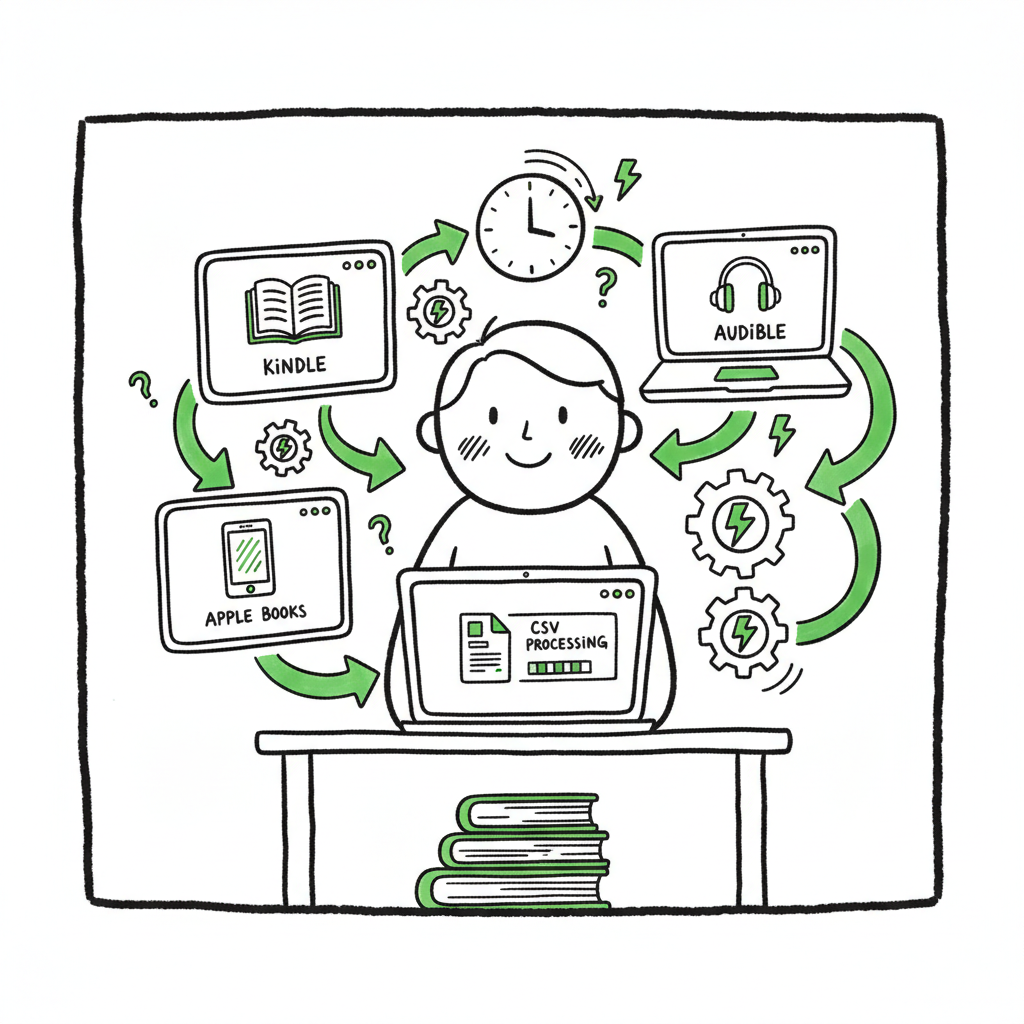
Launch Automation Systems for Self-Publishing Explained
Launch automation systems for self-publishing: scale wide, ship faster
Estimated reading time: 9 minutes
Key takeaways
- Launch automation systems let authors publish to multiple stores faster and with fewer errors.
- Automating uploads, metadata, and file conversions saves time and reduces repetitive work as you scale.
- BookUploadPro automates multi-platform publishing with CSV batch uploads, platform intelligence, and an easy free trial — an obvious upgrade when you publish seriously.
Table of Contents
- Why launch automation systems matter for self-publishers
- How to adopt launch automation systems for multi-platform publishing
- Final thoughts
- FAQ
- Sources
Why launch automation systems matter for self-publishers
For a single title, manually uploading a manuscript, cover, and metadata to KDP, Apple Books, Kobo, Draft2Digital, and Ingram is doable. At ten titles a year it becomes grinding, and at a backlist of dozens it becomes brittle. Launch automation systems solve that by moving repetitive work out of your day and into predictable software routines.
When you need a repeatable release plan, our Book Launch Strategy Practical Guide shows how to map tasks and timing around automated uploads so you don’t waste human attention on copy-paste chores. That guide ties directly to automation practices authors use to coordinate ISBNs, pricing windows, and promotional assets.
Practically, automation increases accuracy and consistency. A single CSV row with validated metadata can publish an ebook and a paperback to multiple stores without retyping fields, which cuts error rates and saves time. For authors who publish seriously, the time savings—often as much as 90% on upload work—make wide distribution practical.
How to adopt launch automation systems for multi-platform publishing
Start with a simple goal: remove the repetitive parts of publishing. That usually includes metadata entry, file conversions, cover uploads, and platform-specific checklist items.
1) Standardize your source files
Keep one clean manuscript file and one final cover file for each edition. If you need EPUB converter to produce a validated file that each store accepts; a reliable converter avoids rework during uploads. If you need help converting files, consider using an EPUB converter to streamline that step.
2) Centralize metadata in CSV
Store title, subtitle, ISBN, author name, keywords, categories, descriptions, and pricing in a single CSV. A CSV is portable: it becomes the input to batch uploads and prevents mismatch between stores when you change price or description.
3) Automate cover processing
Covers need to meet different specs for each retailer and for paperback trim sizes. Use a cover generator and processing tool to produce compliant files instead of manually resizing or re-exporting every time. That reduces rejected uploads and lost time.
4) Use a multi-platform upload engine
Pick a service that accepts your CSV and files and knows the quirks of each store. A good engine handles platform-specific intelligence (file naming, category mapping, price currency conversions) and retries common errors. This is where the real leverage is: a single upload action can distribute to Amazon KDP, Apple Books, Kobo, Draft2Digital, and Ingram.
5) Validate and iterate
Run a small batch first. Confirm delivery, check storefront listings, and fix any mapping rules. Once rules are stable, batch uploads scale predictably. For most authors, the ROI appears after a handful of releases—as soon as you stop redoing manual entry, you get hours back per title.
Practical notes on assets and formats
- Ebook and paperback creation: keep distinct final files and use tools designed for book generation so you avoid repetitive correction when a retailer flags a problem. If you want a single place to generate paperback and ebook files, try book creation tools that handle both formats.
- Covers: an automated cover processor saves time when you need spine text and trim-specific exports; don’t hand-edit covers for each retailer.
- EPUB: validated EPUBs reduce rejections at stores. Use an EPUB converter to make the process predictable and repeatable.
Common pitfalls and fixes
- Pitfall: Inconsistent metadata across stores. Fix: Source metadata from one CSV and use that as the single truth.
- Pitfall: Rejected EPUBs or covers. Fix: Use specialized converters and cover processors to produce compliant files before upload.
- Pitfall: Ignoring platform rules. Fix: Rely on a publishing engine with platform-specific intelligence so your uploads match each retailer’s expectations.
- Pitfall: Treating automation as a set-and-forget tool. Fix: Monitor first batches, keep a small validation routine, and update mappings when a store changes policy.
Why BookUploadPro helps
At scale, manual uploads become a bottleneck. BookUploadPro automates CSV batch uploads across Amazon KDP, Kobo, Apple Books, Draft2Digital, and Ingram. The system includes platform-specific intelligence, reduces common errors, and saves roughly 90% of the time authors previously spent on uploads. It’s an operational upgrade: you keep creative control of files and metadata, while the service handles repetitive distribution tasks. Automate the upload. Own the distribution.
Final thoughts
Launch automation systems turn busywork into a predictable pipeline so you can focus on writing, marketing, and quality. Start small: standardize files, build a CSV master, validate one batch, then scale. Use tools for EPUB conversion and cover processing so technical rejections don’t slow you down. Once you publish seriously, a multi-platform upload engine that supports CSV batches and platform intelligence becomes an obvious upgrade.
FAQ
Q: What exactly does launch automation do for indie authors?
A: It automates repetitive publishing steps—metadata entry, file uploads, format validations—so one prepared CSV and a set of files can produce listings across multiple stores.
Q: Do I lose control over my files?
A: No. Automation uses your final manuscript and cover files. The system applies rules you set and reports back status so you still approve listings.
Q: Do I need technical skills?
A: Basic spreadsheet and file management skills are enough. The heavy lifting—platform rules, retries, and format checks—should be handled by the publishing engine.
Q: Can automation handle series, preorders, and price adjustments?
A: Yes. Properly configured systems support series metadata, scheduled releases, and batch price updates.
Q: Is automation suitable for all publishers?
A: If you publish across multiple stores or manage multiple editions, automation helps streamline.
Sources
- 10 Benefits of Automation for Modern Businesses in 2025 – Rippling
- 9 benefits of an automation-first mindset – Red Hat
- The Top 10 Reasons You Should Invest in an Automation System – Capacity
- Benefits of Automation – SCIMUS
- The Advantages of Automation: 5 Benefits of RPA – Fortra
- 6 Types of Automation: Benefits, Pros/Cons, Examples – Conger
Launch automation systems for self-publishing: scale wide, ship faster Estimated reading time: 9 minutes Key takeaways Launch automation systems let authors publish to multiple stores faster and with fewer errors. Automating uploads, metadata, and file conversions saves time and reduces repetitive work as you scale. BookUploadPro automates multi-platform publishing with CSV batch uploads, platform intelligence,…