
In this guide

Calibre usually produces fewer upload errors for wide distribution, and Kindle Create usually produces fewer errors at KDP, because each tool is built for a different job. Kindle Create is Amazon’s own tool: it takes your Word file and builds a package shaped exactly for KDP, with a preview that shows you what readers will see. Calibre is a free, general purpose converter: it takes your Word file and makes a standard EPUB you can upload anywhere. The errors each one makes are different, and the right choice depends on where the book is going.
Key takeaways:
- For KDP only, Kindle Create wins: it speaks Amazon’s format natively and shows you the result before you upload.
- For every store, Calibre wins: one standard EPUB, validated, works everywhere.
- Either way, the errors come from the Word file, not the tool. Clean styles first, convert second, validate third.
What each tool actually does
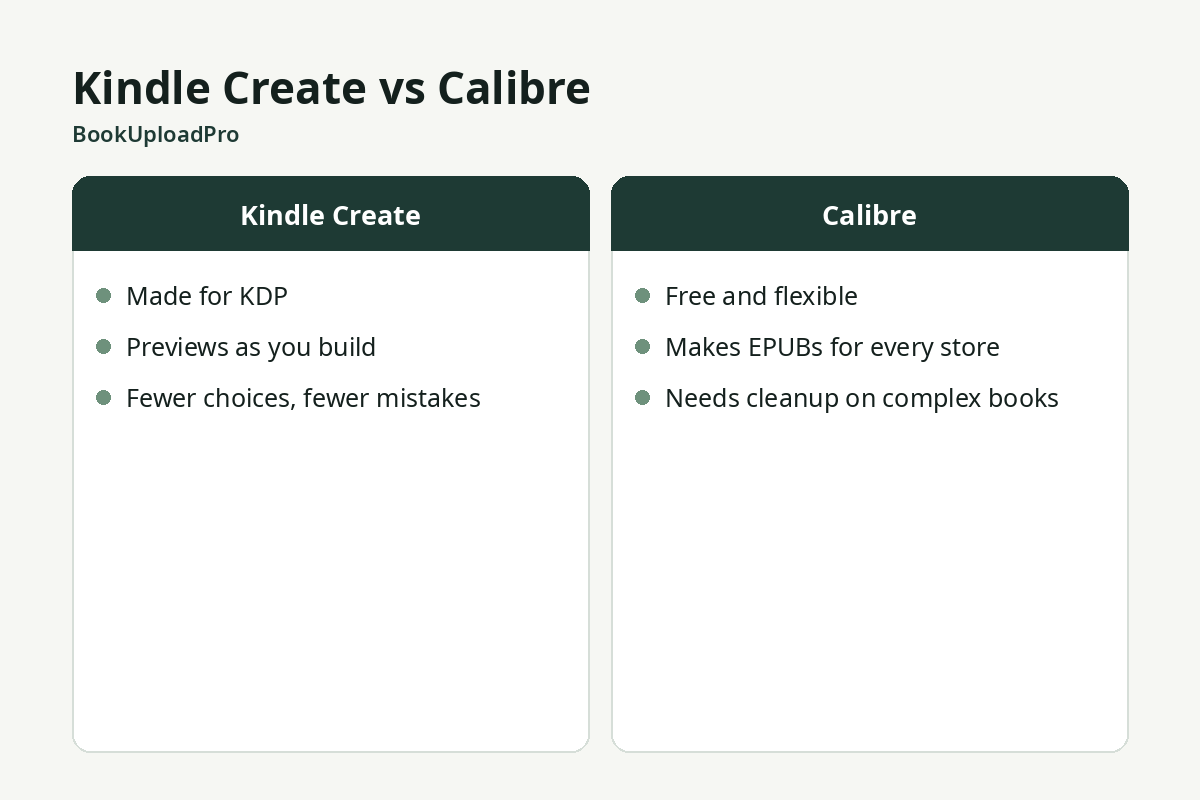
Kindle Create opens your Word document, lets you set chapter starts and a table of contents, and exports a KDP ready package. Because it is Amazon’s tool, it knows KDP’s rules and warns you about problems Amazon cares about. Calibre opens your Word document, converts it to EPUB, and gives you a powerful editor to inspect and fix the result. Because it is general purpose, it does not know any one store’s rules, but the EPUB it makes is a standard file that every store’s validator can read. Our full Word to EPUB guide covers the clean conversion routine either tool needs.
Where the errors come from
With Kindle Create, errors usually come from the Word file: unstyled headings that never become chapters, manual page breaks in odd places, and images sized for print rather than screens. With Calibre, errors usually come from the conversion settings: a complex Word layout that converts into messy code, or a table of contents that needs a manual fix in Calibre’s editor. Neither tool fixes a dirty source file. Both reward the same preparation: styles for headings, no manual spacing, images in line with text, and a validated export before you upload anywhere.
The simple decision
If the book is going to KDP and nowhere else, use Kindle Create and trust its preview. If the book is going wide, use Calibre, validate the EPUB with EPUBCheck, and upload that same file to every store. If you use both, keep one master file and convert from it each time, so the two versions never drift apart. The checklist for what else to prepare before uploading anywhere is here.
FAQ
Kindle Create vs Calibre for making an EPUB, which produces fewer upload errors?
For KDP, Kindle Create, because it builds Amazon’s own package and previews it. For wide distribution, Calibre, because it makes a standard EPUB every store accepts. Whichever you choose, validate the output with EPUBCheck before uploading, because the validator catches what both tools miss.