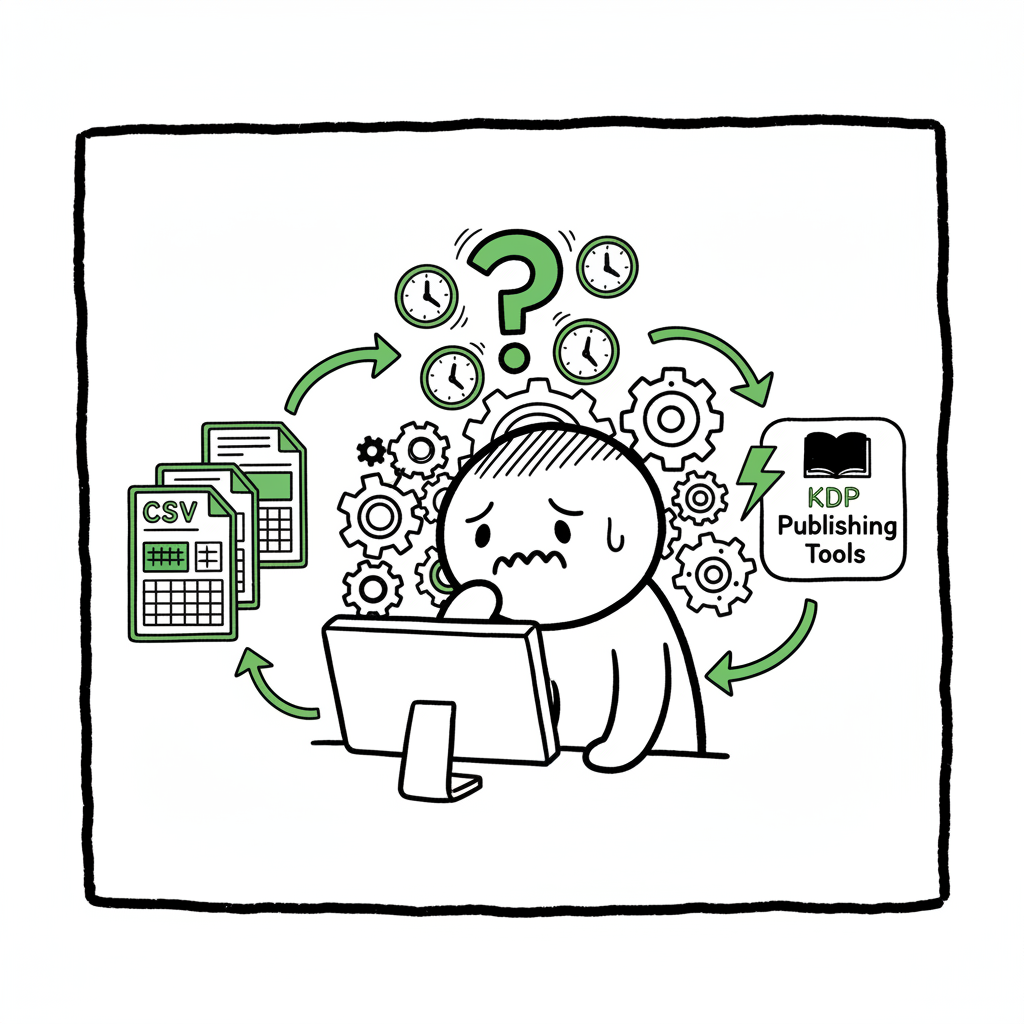
KDP Metadata Takes Forever and How to Speed Approvals
kdp metadata takes forever
Estimated reading time: 9 minutes
Key takeaways
- KDP metadata updates usually appear in 48–72 hours, but errors or mismatches can push reviews longer.
- Clear, consistent metadata and batch automation cut manual entry time and reduce review flags.
- For serious multi-format publishing, tools that automate CSV batch uploads and platform-specific checks make wide distribution practical.
Table of Contents
- How KDP’s review process works
- Common metadata issues that slow approvals
- Practical steps to reduce wait time and input pain
- Scaling metadata: batch workflows and automation
- Final thoughts
- FAQ
- Sources
How KDP’s review process works
Why authors say “kdp metadata takes forever.” Amazon states metadata updates generally show within 48–72 hours, but that’s a baseline, not a guarantee. The platform runs automated checks for formatting, policy compliance, and content matching. When everything is clean, changes appear quickly. When something looks off — a mismatched BISAC code, keywords that suggest content that isn’t present, or inconsistent titles between formats — KDP may route the submission to a manual review queue. Manual checks take longer and are the main reason metadata feels stalled.
A clear pattern from author forums and official timelines: routine edits move fast; edge cases trigger manual review. That is why the frustration centers on inconsistency. Sometimes an ebook updates in a couple of days while a paperback lags, especially when Amazon tries to link versions and requires exact metadata matches across files.
If you’re tracking timelines, it helps to read practical write-ups that explain why approvals extend beyond the usual window — they show the triggers and what to fix next. For a deeper look at approval timelines and causes of delay, see Why Amazon KDP Publishing Takes Long.
Common metadata issues that slow approvals
Slow KDP metadata input and longer waits are rarely mysterious. They come from a few common problems that trigger extra checks or rework.
- Inaccurate or inconsistent titles and authorship: If the title on the manuscript or interior file differs from the KDP title field, the system flags the mismatch. Matching text exactly across your files and metadata fields prevents this.
- Misplaced keywords or misleading claims: Keywords must reflect the book’s content. Aggressive keyword stuffing or keyword lists that imply content you don’t have often lead to manual review.
- Incorrect category or BISAC selection: Choosing the wrong subject code makes Amazon’s systems question whether the book fits its listed market. If they detect mismatch with content, a human reviewer may step in.
- Formatting problems inside the manuscript: Bad table of contents, corrupt images, or files that won’t render can hold a process up until a corrected file is uploaded.
- Linking multiple formats: When you publish ebook, paperback, and hardcover versions, KDP tries to link them. Exact matches are required in metadata to form correct product pages. Linking problems add time.
- Repeated edits and re-submissions: Multiple changes within a short window sometimes reset processing times. Make a batch of corrections and submit them cleanly rather than small, frequent edits.
These issues explain complaints about “kdp metadata overload” and why keyword entry time becomes an annoying bottleneck. The platform isn’t just slow for no reason — it’s trying to protect buyers and maintain catalog integrity. Fixing the common triggers reduces flags and speeds approvals.
Practical steps to reduce wait time and input pain
This section is about practical, repeatable steps that reduce how often KDP stalls you.
- 1) Prepare a metadata checklist you use for every release
Create a small, consistent checklist and apply it to every book. Include exact title and subtitle spellings, author name, publisher name (if used), ISBNs, and interior title pages that match the KDP fields. Consistency prevents basic mismatches that cause reviews. - 2) Use a keyword strategy before you type anything
Don’t copy-paste long keyword dumps into KDP. Choose focused keyword phrases and test them for relevance to the book. Keep the list tight and honest. That reduces rejections for misleading keywords and shortens review time. - 3) Validate files locally
Open the final EPUB, MOBI, or PDF on a reader or validator before upload. Fix TOC problems, image resolution issues, and broken links. A clean file usually gets processed faster. - 4) Batch changes into fewer submissions
If you have many titles to update, group changes and submit once instead of saving and publishing dozens of one-off edits. Frequent edits can trigger repeated processing and increase total wait time. - 5) Use tools that check platform-specific rules
Different stores have slightly different requirements for things like cover bleed, spine text, or EPUB structure. Where possible, run a preflight check against platform rules to avoid platform-specific rejections. BookAutoAI also offers batch uploads with platform-specific intelligence to help here. - 6) Monitor KDP emails and messages closely
If Amazon contacts you about metadata issues, respond quickly. A timely reply or corrected file gets things moving again. - 7) Track timelines and patterns
Keep a simple log of how long each approval took and what changes you made. Over a few releases this log reveals patterns: which titles, formats, or metadata fields tend to trigger delays. - 8) Learn small automation where it helps
Automating repetitive tasks reduces human error in keyword entry and category selection. Even simple CSV exports and imports for metadata reduce manual keying mistakes. For authors who publish several titles, automation is an operational upgrade: it saves time, cuts errors, and scales metadata consistently.
– For cover needs, use a cover generator to speed the preflight process. – For validated EPUB output, consider an EPUB converter.
Scaling metadata: batch workflows and automation
When a single title takes a day or two, you can tolerate manual work. When you publish dozens or hundreds, manual entry becomes the bottleneck. That’s where a predictable, batch workflow pays off.
CSV batch uploads and platform-specific intelligence
Batching metadata using CSVs or a publishing tool that maps fields to each store avoids repetitive typing. Good systems include platform-specific intelligence: they format titles, trim illegal characters, and check category codes before upload. That reduces the chance of something that will force manual review.
Platform-specific checks matter because Kobo, Apple Books, Ingram, and Amazon each have subtle rules. A single interface that understands those rules saves time. It also reduces the chance that a mismatched BISAC code or an EPUB formatting error will cause a hold-up on one platform.
How automation reduces errors and saves time
Automation isn’t about removing human thought. It’s about removing repetitive entry so humans can focus on judgment. Using batch uploads:
- – Cuts keyboard time by roughly 70–90% on repeat tasks.
- – Ensures consistent keyword and category use across formats.
- – Detects simple mismatches before submission and flags them to you.
That combination reduces the number of manual reviews KDP needs to perform because the majority of submissions arrive in a clean state.
Where to apply automation in your workflow
- Metadata templates: Save title formats, author names, and publisher settings in templates. Reuse them.
- Keyword groups: Maintain a small set of curated keyword phrases for each series or niche.
- File preflights: Run EPUB and PDF validators automatically before upload.
- Batch scheduling: Publish one batch at a time rather than different titles every day.
BookAutoAI’s role in multi-platform publishing is to automate repetitive book uploads across Amazon KDP, Kobo, Apple Books, Draft2Digital, and Ingram. It handles CSV batch uploads, applies platform-specific intelligence, and reduces errors that trigger manual checks.
Operational benefits you should expect:
- Unified multi-platform publishing from one workflow.
- Approximately 90% time savings on repetitive uploads.
- Fewer manual errors because the system validates and maps fields.
- Affordable pricing with a free trial, so you can test before committing.
If your current pain point is repeating the same metadata across six stores, a batch-first tool shifts your work from repetitive entry to oversight. Automate the upload. Own the distribution.
Final thoughts
Most complaints that “kdp metadata takes forever” come from avoidable mismatches and formatting issues. The platform’s baseline timing is reasonable, but edge cases trigger manual review. The practical path forward is straightforward: standardize your metadata, validate files, batch changes where possible, and use platform-aware tools to reduce manual entry errors.
If you publish more than a handful of titles, the operational gains from automating uploads become obvious. Batch CSV workflows, platform-specific checks, and preflight validations cut errors and free you to write, revise, and market.
FAQ
Q: How long should I expect a metadata change to appear on KDP?
A: Official timelines list 48–72 hours for typical updates. If the change triggers a manual review (mismatched content, policy questions, or format issues), it can extend to several business days.
Q: Will tight keyword lists speed up approvals?
A: Yes. Focused, accurate keywords reduce the chance Amazon flags your submission for misleading or irrelevant keyword use.
Q: Does linking ebook and paperback slow things down?
A: Linking can add time because KDP verifies exact matches across formats. Prepare matching metadata and ISBNs to reduce the delays.
Q: Can a single tool publish to all platforms and prevent KDP delays?
A: A multi-platform tool won’t remove KDP’s review process, but it reduces the types of errors that trigger manual review: inconsistent fields, formatting mistakes, and incorrect category codes. That lowers the chance of delays.
Q: What should I do if my book is stuck in review?
A: Check your KDP inbox for a message, confirm all metadata and file versions match, and ensure the interior or cover files open correctly. If everything looks clean, allow a few extra business days; often a manual reviewer is still processing the queue.
Q: How can I speed up future approvals?
A: Standardize metadata, validate files, batch changes where possible, and use platform-aware tools to reduce errors that trigger manual reviews.
Sources
- Timelines – Kindle Direct Publishing – Amazon.com
- How Long Does It Take Amazon to Approve a Book?
- How Long Does KDP Take to Publish a Book? Insights into the …
- KDP Community: ebook stuck in review longer than 72 hours
- KDP Community: KDP emailed me on Metadata issue
- Why are my books not linked on Amazon? – Kindle Direct Publishing
- EPUB converter (for validated EPUB output)
- Cover generator (for print-ready covers and processing)
- Book creation and distribution tools (for paperback and ebook workflows)
kdp metadata takes forever Estimated reading time: 9 minutes Key takeaways KDP metadata updates usually appear in 48–72 hours, but errors or mismatches can push reviews longer. Clear, consistent metadata and batch automation cut manual entry time and reduce review flags. For serious multi-format publishing, tools that automate CSV batch uploads and platform-specific checks make…