
In this guide

EPUBCheck is the free, open source tool that tests whether an EPUB file follows the EPUB specification, and it is the same family of checks the stores run when you upload. Running it yourself first turns a store rejection into a quiet fix at your desk: broken internal links, missing files, invalid markup, and bad metadata all surface before any store sees them. Yes, you should run it before uploading anywhere, because every store validates, and the only choice is whether you hear about the problems from a checker you control or from a rejection message.
Key takeaways:
- EPUBCheck is free and it is the reference validator for the EPUB format. If your file passes it, most store upload checks become a formality.
- Your EPUB carries its own metadata inside the file, including title, author, language, and identifier, and stores compare it against your listing.
- Validate the exact file you will upload, after the last export, not an earlier draft.
What EPUBCheck actually checks
An EPUB is a packaged set of files, and EPUBCheck unpacks and audits the package: the structure, the content documents, the navigation, the styles, fonts and images, and the metadata record. It reports errors that break the specification and warnings worth fixing, each with the file and line that caused it. Tools like the free Pagina EPUBChecker give it a friendly window, and editors like Sigil and conversion tools like Calibre work alongside it, but the check itself is the same: our guide to converting a Word document walks through the export and validation routine end to end.
The metadata that lives inside the file
Inside every EPUB sits a metadata record, held in its package file. It names the book’s title, the author or creator, the language, the publisher if there is one, the publication date, a description, the identifier, usually an ISBN or the store’s own number, series information where the tool supports it, and the cover image reference. This record is not decorative. Stores read it at upload and compare it against the details you type into their forms, and a difference as small as a middle initial can stop the upload. Our step by step on that exact failure shows how the comparison works.
How to make validation a habit
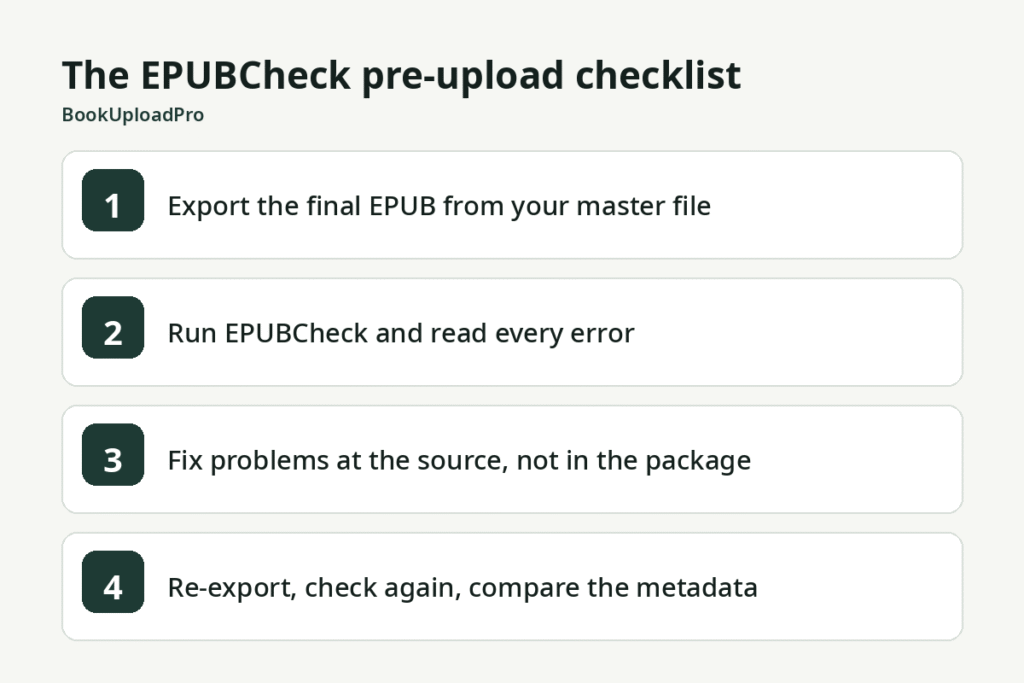
Export from your master file, run EPUBCheck on the exported EPUB, fix what it flags at the source rather than inside the package, re-export, and check again. Then read the file’s metadata one last time against your metadata sheet, the same sheet you copy into every store form. That routine, export, validate, compare, is most of what a pre-upload checklist is.
FAQ
What is EPUBCheck and should I run it before uploading anywhere?
EPUBCheck is the free reference validator for EPUB files. It tests the file against the format specification and reports errors and warnings. Run it before uploading anywhere, because stores validate on upload, and finding a broken link or a metadata error yourself is faster and calmer than fixing a rejection.
What metadata goes inside the EPUB file itself?
The title, author, language, publisher, publication date, description, identifier such as an ISBN, series details where supported, and the cover reference. This record travels with the file, and stores compare it with your listing, so it has to match exactly.