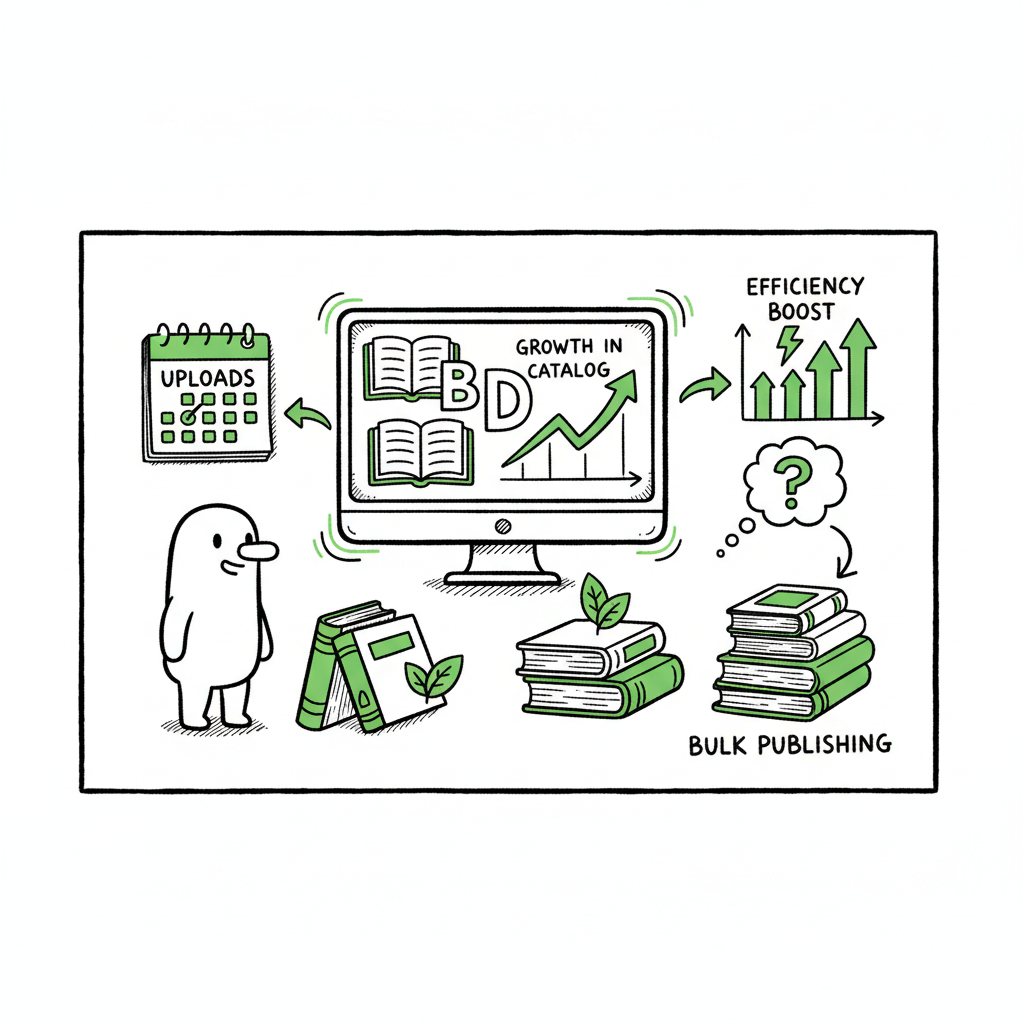
Bulk Publishing Books to Scale Low-Content Catalogs
Bulk Publishing Books: How to Scale Low‑Content Catalogs Without Losing Quality
Estimated reading time: 10 minutes
Key takeaways
- Bulk publishing books works best when you design repeatable templates and a reliable upload sprint.
- Focus on content generation, consistent metadata, and platform‑specific formatting to avoid rework and account risk.
- Use tools that handle multi‑platform output and CSV batch planning so you save time while keeping listings human‑friendly.
Table of Contents
- Why bulk publishing books works (and what it really means)
- Build a repeatable mass book publishing workflow
- Tools and guardrails for safe batch KDP book uploads
- How to roll out and maintain a large catalog
- FAQ
Why bulk publishing books works (and what it really means)
Bulk publishing books is not magic. It is a disciplined set of choices that let a publisher create many titles with predictable time and cost per book. For independent authors and small publishers, this approach unlocks scale in niches where a single interior or layout can be reused with small variations: journals, planners, coloring books, maze and puzzle books, and other low‑content formats.
Two realities drive the approach. First, major platforms like Amazon KDP still require each title to be created through the standard listing process. There is no public bulk upload endpoint that creates dozens of listings with one API call. That means the operational bottleneck is the per‑title metadata and upload step. Second, the content side has gotten much faster: template engines, puzzle generators, and batch cover tools let you produce dozens of interiors and covers in a single session.
If you want to scale responsibly, you focus on speed where it is safe (interior generation, size and bleed correctness, cover variants) and on human oversight where it matters (titles, subtitles, series names, and descriptions). For a practical view of what scaling looks like in the real world, see a guide on Scaling an Amazon KDP Business for operational tactics and account considerations. This is a natural next read once you decide to move from a few books into multi‑dozen rollouts.
Build a repeatable mass book publishing workflow
A repeatable workflow is the difference between a sprint that produces 10 books and one that produces 100. The workflow below mirrors what high‑volume publishers run in practice. Keep it simple and defensive.
- Pick a niche and define templates
Low‑content niches win because one interior can become many titles. Choose a narrow niche and design a small set of interior templates: grid layouts for journals, puzzle generators for activity books, or planner spreads for dated or undated planners. Keep variants manageable — color, cover art swap, and a minor layout tweak are enough to create distinct SKUs. - Map metadata in a spreadsheet
Create a master CSV or spreadsheet with one row per planned title. Columns include title, subtitle, series, keywords, primary category, secondary category, trim size, bleed settings, ISBN (if you provide one), price, and territory rights. Treat this spreadsheet as the single source of truth that drives batch uploads. It reduces copy‑paste errors and lets you preview catalog breadth before you touch KDP’s web form. - Generate interiors and covers in bulk
Use template engines and image libraries to export KDP‑ready PDFs. If your process needs an ebook version or EPUB conversion, bake that into the generation step so files match each platform’s spec. When you create covers, follow trim and spine calculations strictly and export high‑resolution JPG or PDF files that meet platform specs. Many publishers also use a cover generator to speed up design while keeping consistent brand elements. - Validate files automatically, then spot‑check
Run automated checks for correct page size, bleed, margins, and fonts. Export logs that say which files passed or failed. Then spot‑check samples from each batch. Automated checks catch mechanical problems; human checks catch odd layout or branding issues that automation misses. - Plan upload sprints
Group uploads into manageable sprints: 10, 25, or 50 titles per session depending on your comfort and the tools you use. During a sprint, your spreadsheet drives copy‑paste or semi‑automated form fills. Keep breaks and quality checks between sprints to avoid repetitive error cascades. - Track live status and updates
Record ASINs, store links, and monitor early sales and reviews. If a listing needs a fix, update your spreadsheet so future rollouts inherit corrections. Treat metadata as versioned data.
Tools and guardrails for safe batch KDP book uploads
When people talk about batch KDP book uploads, they mean a workflow that reduces repetitive work, not breaking platform rules. You should rely on tools that produce platform‑ready files and help you manage metadata, while still performing the final submission through the platform interface or approved mechanisms. The right toolset covers three areas: content generation, formatting and conversion, and multi‑platform upload support.
Content generation and interiors
For low‑content books, a generator can output dozens of interiors quickly. Use engines that let you control randomness and template variation so each book feels unique enough to the reader. Generate final pages in the exact trim size and export as print‑ready PDF. If you need ebook files, include an EPUB conversion step so the same content can be repurposed as an ebook when appropriate — use a trusted EPUB conversion tool to keep reflow and metadata intact.
Covers and design
Covers are the most visible element of any listing. Cover variants work well in bulk strategies: keep the layout and typography consistent while swapping imagery and color. If you use automated cover tools, make sure they produce KDP‑compliant files with the correct spine width and margins. A good cover generator will let you batch export covers sized for paperback, hardcover, and ebook.
Platform formatting and checks
Each distribution platform has its specifications. A practical multi‑platform workflow will produce a packaged set of files per title: print PDF(s), paperback cover, ebook EPUB (if required), and a metadata JSON or CSV. Build a validation step that checks each file against the platform rules you plan to use. Export errors into an action list before you start uploading.
Multi‑platform distribution
If you plan to publish beyond Amazon—Kobo, Apple Books, Draft2Digital, Ingram—you will need slightly different outputs for each. Some services accept the same EPUB, others require specific cover formats or promo images. The goal is to make multi‑platform distribution practical by automating the creation of all required files so you are not rebuilding per platform.
Operational guardrails
– Humanize titles and descriptions. Avoid robotic repetition. Even a 90% automated pipeline should include an editorial pass on key text fields.
– Avoid spammy keyword stuffing. Use clusters of relevant keywords and rotate phrases across titles to reduce platform flags.
– Limit identical interiors across many listings. Reuse design, don’t publish identical PDFs under many titles. Add value through layout, prompts, or minor content changes.
– Keep pricing and category choices consistent within series to reduce confusion during catalog management.
How to roll out and maintain a large catalog
Rolling out a large catalog is about timing, monitoring, and continuous improvement. A thoughtful rollout reduces platform friction and gives you real data to improve subsequent batches.
Stagger your releases
Don’t upload everything at once. Stagger releases across days or weeks. This lets you measure initial engagement and adjust metadata for the next wave. Staggering also spreads out any manual work if a platform requires updates or if you discover a recurring formatting problem.
Measure early signals
The first week or two after a title goes live provides useful data: impressions, clicks, buys, and any platform warnings. Record these early signals in your master spreadsheet so you can correlate metadata choices with performance. Small changes in subtitle wording or category selection can matter.
Maintain a feedback loop
Each upload sprint should feed lessons back to the template and metadata stage. If a particular cover concept underperforms or a certain keyword cluster fails to gain traction, modify the templates and the spreadsheet entries before the next sprint. Treat your catalog like a product line, not a set of isolated items.
Handle takedowns and edits carefully
If a platform rejects or flags a book, investigate quickly. Often corrections are minor—file replacement, corrected metadata, or clarifying the book’s description. Keep a revision log and an owner assigned to each batch so fixes happen fast and are not reintroduced in future batches.
Scale playbook for teams
If you expand from solo to team operations, separate responsibilities: content generation, quality assurance, upload specialist, and performance analyst. Use the spreadsheet as the handoff document. Batch uploads become safer when different eyes confirm each stage: one person generates, another validates, another uploads, and a fourth reviews live performance.
Automation that helps (but still respects platform controls)
Automation should reduce repetitive clicks and prevent human error, not bypass platform rules. Use automation tools that prefill forms or step through the web interface under your control. Avoid any tool that purports to “mass create” listings outside the platform interface—that is both risky and unnecessary. Semi‑automated sprints that use validated inputs are the operational sweet spot.
Practical examples and estimates
A realistic throughput for a well‑set pipeline: once interiors and covers are ready and metadata is in a validated spreadsheet, a focused uploader can create 20–40 KDP listings in a single workday using semi‑automated fills and short QA checks. The actual number depends on complexity (series setup, A+ content, multiple formats). Tools that automate multi‑platform packaging can save hours per batch by exporting correct files for KDP, Apple, Kobo, and Ingram at once.
When to upgrade to dedicated tools
If you publish seriously and regularly create dozens of titles, a dedicated multi‑platform publishing tool becomes an obvious upgrade. Look for a service that supports unified multi‑platform publishing, offers CSV batch uploads, applies platform‑specific intelligence, and reduces manual errors. A good service will save around 90% of the manual time for repetitive tasks and allow you to focus on content and marketing. Automate the upload. Own the distribution.
FAQ
Q: Is bulk publishing the same as spammy content farming?
A: No. Responsible bulk publishing focuses on delivering real value within a niche and avoiding duplicate content. Spammy behavior is usually identical files with minor cosmetic changes and low reader value. Keep interiors meaningful, vary copy, and maintain quality checks.
Q: Can I upload directly to KDP in bulk with an API?
A: Amazon KDP does not offer a public bulk create API that bypasses the standard listing process. Effective “bulk” strategies use validated files, CSV planning, and semi‑automated upload sprints through KDP’s interface. Always follow KDP’s listing rules.
Q: Will automation get my account suspended?
A: Using automation to eliminate repetitive clicks is common, but any method that tries to hide mass activity or submits low‑quality identical books will raise risk. Use humanized titles and descriptions, follow platform rules, and keep an editorial gate for reader‑facing text.
Q: Do I need separate files for paperback and ebook?
A: Yes. Print and ebook formats have different requirements. Print needs a correctly sized, print‑ready PDF and a cover with proper spine dimensions. Ebook needs a reflowable EPUB or appropriately formatted fixed‑layout file. Plan for both in your pipeline if you intend to distribute across formats.
Q: How do I handle ISBNs and distribution rights?
A: Choose whether to supply your own ISBNs or use platform‑assigned ones for print. Track ISBNs in your master spreadsheet. For distribution rights, make sure you correctly set territories and exclusivity options per platform.
Sources
- https://kdp.amazon.com/help/topic/G202172740
- https://hudareview.com/mazemindkdp-review/
- https://www.youtube.com/watch?v=4WiPbSUcWU4
- https://iflowy.app/en/blog/batch-upload-kdp-automazione-workflow
- https://www.youtube.com/watch?v=YTBRb1kmBWs
- https://www.youtube.com/watch?v=qAbe1szH-W4
Bulk Publishing Books: How to Scale Low‑Content Catalogs Without Losing Quality Estimated reading time: 10 minutes Key takeaways Bulk publishing books works best when you design repeatable templates and a reliable upload sprint. Focus on content generation, consistent metadata, and platform‑specific formatting to avoid rework and account risk. Use tools that handle multi‑platform output and…