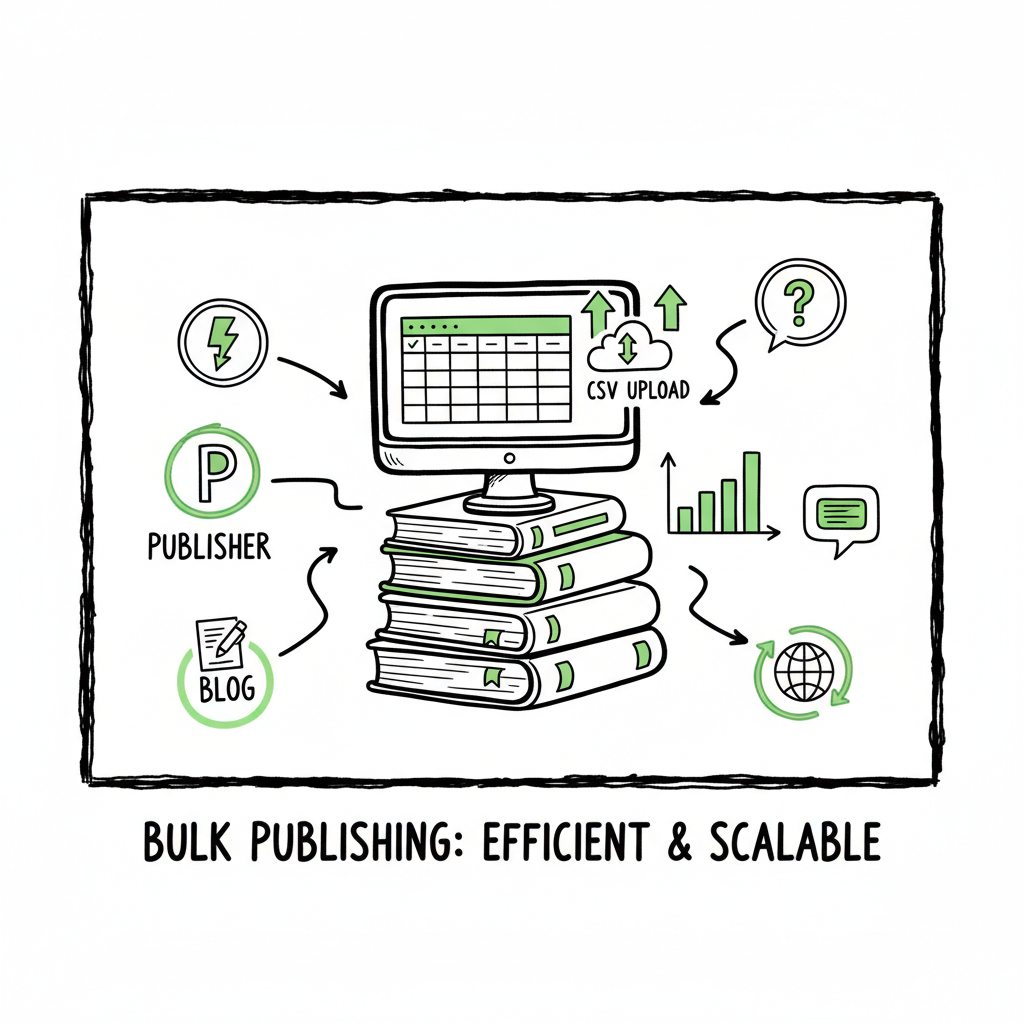
Bulk publishing books practical multi-platform workflow
Bulk publishing books: a practical guide for scaling without breaking KDP
Estimated reading time: 9 minutes
Key takeaways
- Bulk publishing books is a volume game that rewards repeatable, platform-aware processes over hacks.
- Use CSV batch uploads, platform-specific checks, and simple templates to cut time by ~90% while keeping quality steady.
- Multi-platform distribution makes a bulk strategy safer and more profitable — automate uploads, but keep human checks.
- BookUploadPro automates cross-platform uploads (KDP, Kobo, Apple, Draft2Digital, Ingram) and becomes an obvious upgrade as you scale.
Table of Contents
- Why bulk publishing books matters and when to choose it
- A practical multi-platform bulk publishing workflow
- Quality control, platform limits, and risk management
- Frequently asked questions
- Final thoughts
- Sources
Why bulk publishing books matters and when to choose it
Bulk publishing books is not a marketing stunt. It’s an operational choice. For authors and indie publishers who sell low-content or template-based titles—workbooks, notebooks, planners, daily logs—creating dozens of variations and rolling them out quickly can be the most reliable path to steady revenue. The goal isn’t to spam stores; it’s to build a catalog that finds small pockets of demand across multiple markets.
If you’re serious about scale, you need a repeatable method that minimizes manual clicks and avoids platform rejections. That’s where a mix of templates, CSV-driven metadata, and upload automation matters. It’s also where a clear plan for distribution—who gets which format and which territories—keeps you from wasting time.
If you want to read more about scaling specifics for Amazon, our team has a practical piece on Scaling an Amazon KDP Business that explains how volume and consistency change your choices. It’s the natural next step after you get a handle on a basic bulk process.
Why this approach works
- Speed: Templates and batch uploads let you create many SKUs in hours instead of weeks.
- Testing: Small changes to titles, descriptions, or covers let you test what resonates.
- Reach: Publishing across KDP, Kobo, Apple Books, Draft2Digital, and Ingram multiplies exposure and reduces reliance on one store.
- Economics: Low-cost titles can still make steady money when you manage publishing costs and keep quality acceptable.
A practical multi-platform bulk publishing workflow
This section lays out a simple operational workflow designed for an author or small team. The focus is on being practical: do fewer things, do them consistently, and automate the repetitive parts.
1) Decide what you will scale
Pick a niche and a set of repeatable products. Common choices:
- Low-content: notebooks, journals, planners, coloring books
- Short guides and workbooks: 20–60 pages, consistent layouts
- Series: collections with consistent series branding and shared keywords
One operational rule: limit initial variations. Start with 30–50 titles you can reproduce with small changes, then repeat based on results.
2) Build templates for interiors, covers, and metadata
Templates reduce errors. Create:
- Interior templates (.docx, InDesign, or PDF) sized correctly for common trim sizes.
- Cover templates with clear safe zones and spine calculations.
- CSV templates for metadata: Title, Subtitle, Series, Author, Description, Keywords, Categories, Price, Territories, and ISBN (if you use your own).
If you need a quick tool for generating covers at scale, a focused book cover generator can speed the visual side without sacrificing format accuracy. If you’re turning manuscripts into EPUBs for Apple or Kobo, an EPUB converter helps keep file structure consistent. For fast book creation workflows, you may also explore the BookAutoAI main page for scalable solutions.
3) Automate file generation
Use scripts or tools to feed your CSV and templates to produce finished files at scale:
- Replace placeholder text in interiors (dates, prompts, headers).
- Export print-ready PDFs for paperbacks and export EPUBs for ebook channels.
- Produce cover files sized to each platform and format.
A key time-saver is CSV-driven batch production: one spreadsheet row per SKU that a tool reads to create all the assets. The goal is fewer manual file tweaks.
4) Batch uploads and distribution
KDP does not offer a full official bulk upload for standard accounts, so you’ll rely on automation tools or services that handle repeated uploads to KDP and other retailers. That same CSV can drive uploads to Kobo, Apple Books, Draft2Digital, and Ingram, rather than repeating steps for each store.
For a multi-platform rollout, tools that understand each store’s requirements are essential. Platform-specific intelligence—like knowing Kobo’s preferred EPUB settings or Apple’s cover rules—avoids rejections and reduces back-and-forth corrections. This is the core value of a unified multi-platform publishing tool: it translates one source of truth into the right outputs for each channel.
5) Pricing, royalties, and territories
Set base list prices, then use platform calculators to confirm printing costs and royalties. For print-on-demand, prices matter more than most authors think. Keep a consistent pricing strategy across similar SKUs and watch for regional changes.
6) Post-publish checks and reporting
After upload:
- Verify each SKU in-store: preview files, categories, and metadata.
- Track availability across regions.
- Pull basic sales and ranking data into a simple dashboard to compare titles and iterate.
Where automation really helps: it reduces the time between publishing and verification, and makes the manual checks predictable.
How BookUploadPro fits
When you hit the point where your manual process slows you down, a service that automates cross-platform uploads becomes an operational upgrade. BookUploadPro handles CSV batch uploads, converts and sizes files correctly for each platform, reduces upload errors, and manages distribution to KDP, Kobo, Apple Books, Draft2Digital, and Ingram. For active publishers, this often results in roughly 90% time savings on repetitive tasks—so you spend time improving product quality and marketing instead of clicking the same buttons.
Quality control, platform limits, and risk management
Speed is valuable, but quality control is non-negotiable. Platforms enforce rules, and scales invite more scrutiny. Here’s how to keep risk low.
1) Expect platform-specific checks
KDP will reject or flag books with improper margins, missing fonts, or incorrect spine calculations. Apple and Kobo have EPUB validation rules that can fail if internal navigation or images are malformed. Ingram may require different trim sizes or credits for author copies.
Automated tools that produce platform-ready files help avoid these pitfalls, but you still need to manually inspect samples.
2) Set realistic daily limits
High-volume publishers often recommend practical caps. Industry practice suggests modest daily limits (for example, 50–100 titles per day) to avoid account flags or accidental quality slippage. Even if tools let you queue thousands, pace releases and monitor for platform messages.
3) Use a staged rollout
Rather than publishing everything at once:
- Release in batches (10–50 titles).
- Monitor for rejections, sales patterns, and listing issues.
- Apply fixes to subsequent batches.
Staged rollouts reduce the blast radius of any error and create meaningful feedback to improve templates.
4) Keep one title as the quality control sample
Always publish one sample title per batch first and inspect it in all storefronts. Confirm formatting, cover alignment, and metadata before releasing the rest.
5) Track and version your templates
When you make a change to a template—cover size, font, or metadata mapping—record it. Version control avoids applying a flawed template to hundreds of titles.
6) Avoid common policy risks
– Don’t misrepresent content or reuse copyrighted material without rights.
– Don’t stuff keywords unnaturally.
– Respect each store’s content guidelines.
Platform policy violations are the fastest way to lose the ability to publish at scale.
Platform-specific notes and small operational tips
KDP
KDP previews are strict on margins and fonts. Always check the online preview for bleed and spine fit. KDP doesn’t offer native bulk upload; third-party tools or services can handle batch uploads for you. For low-content books, small design variations (color, pattern, lining) plus consistent keywords can increase reach.
Kobo and Apple Books
EPUB quality matters. Navigation, metadata tags, and cover embedding must be correct. Test an EPUB in a reader before upload and check for reflow problems.
Draft2Digital and Ingram
Draft2Digital is useful for aggregating ebook distribution to smaller retailers. Ingram is the backbone for print distribution and library channels—align your print formats and ISBNs accordingly.
A note on file creation
If you are creating paperbacks and ebooks, make sure your workflow produces the correct file types. For quick conversions and consistent output, a reputable EPUB converter can reduce errors and save time. If you’re generating ebooks or paperbacks internally, consider outsourcing repetitive conversion work to tools that specialize in clean exports.
Design and covers at scale
Covers matter, even for bulk low-content books. Consistency across a series helps customers recognize your brand. Use a reliable cover workflow and batch tools that insert title text and adjust spine dimensions. If you need to generate many covers, a high-quality book cover generator will speed production and keep files consistent.
Pricing and profitability
A bulk rollout works best when you understand unit economics. For print-on-demand:
- Calculate printing cost per SKU and set list price to preserve margin.
- Remember that royalties vary by territory and distribution channel.
- Small price differences can shift buy-box probability on marketplaces.
Reporting and iteration
– Track sales by SKU and update metadata, covers, or prices for underperformers.
– Use simple A/B experiments on listings: tweak descriptions or cover variants and measure results.
– Maintain a clean spreadsheet or dashboard for titles, statuses, and performance metrics.
FAQ
Question?
How many books can I publish in a day without getting flagged?
There’s no universal limit. Practical advice from experienced publishers suggests pacing releases (for example, 50–100 per day) and staging batches. Rapid, massive uploads can trigger reviews; pacing gives you room to catch and fix errors.
Question?
Do I need unique ISBNs for each paperback?
Yes. Each paperback edition typically needs its own ISBN when you control ISBNs. Some platforms supply free ISBNs, but they’ve ownership rules. Decide on your ISBN policy before large rollouts.
Question?
Can I publish the same content across KDP and other stores?
Yes, but watch exclusivity clauses. If you enroll in a program that requires exclusivity, it may restrict where you can distribute that edition. For wide distribution, avoid exclusive programs.
Question?
What’s the simplest way to manage cover creation for many titles?
Use templates and a cover generator that can batch-insert text and export correctly sized files. Keep asset naming and folder structure consistent so uploads map cleanly to metadata.
Question?
Will automation tools get my account suspended?
Tools that mimic manual upload steps are usually safe. Problems arise from violating platform policies or pushing poor-quality content. Use tools to reduce human error, not to bypass platform rules.
Question?
Do I need separate files for each platform?
Often yes. Many platforms require different file formats or sizes. A good multi-platform tool converts one source of truth into platform-specific outputs.
Final thoughts
Bulk publishing books is an operational discipline. It rewards discipline, simple rules, and automation that respects platform differences. When the workload grows, a purpose-built service that supports CSV batch uploads, platform-specific intelligence, and multi-platform distribution becomes an obvious upgrade. By using templates, staging releases, and automating repetitive tasks, you’ll reduce errors, free time for creative work, and reach readers across multiple stores more reliably.
Automate the upload. Own the distribution.
Visit the BookUploadPro site to learn more and start a free trial.
Sources
- A 101 Guide to Kindle Direct Publishing Basics: Insider Secrets
- How to Upload KDP Low Content Books in BULK (YouTube)
- KDP Batch Upload: Revolutionizing Workflow Automation | iFlowy Blog
- Automate your Amazon KDP Uploads 2023 Tutorial (YouTube)
- Bulk Orders: Author Copies or Amazon Orders? – KDP Community
- BookAutoAI book cover generator
- BookAutoAI EPUB converter
- BookAutoAI main page for fast book creation
Bulk publishing books: a practical guide for scaling without breaking KDP Estimated reading time: 9 minutes Key takeaways Bulk publishing books is a volume game that rewards repeatable, platform-aware processes over hacks. Use CSV batch uploads, platform-specific checks, and simple templates to cut time by ~90% while keeping quality steady. Multi-platform distribution makes a bulk…