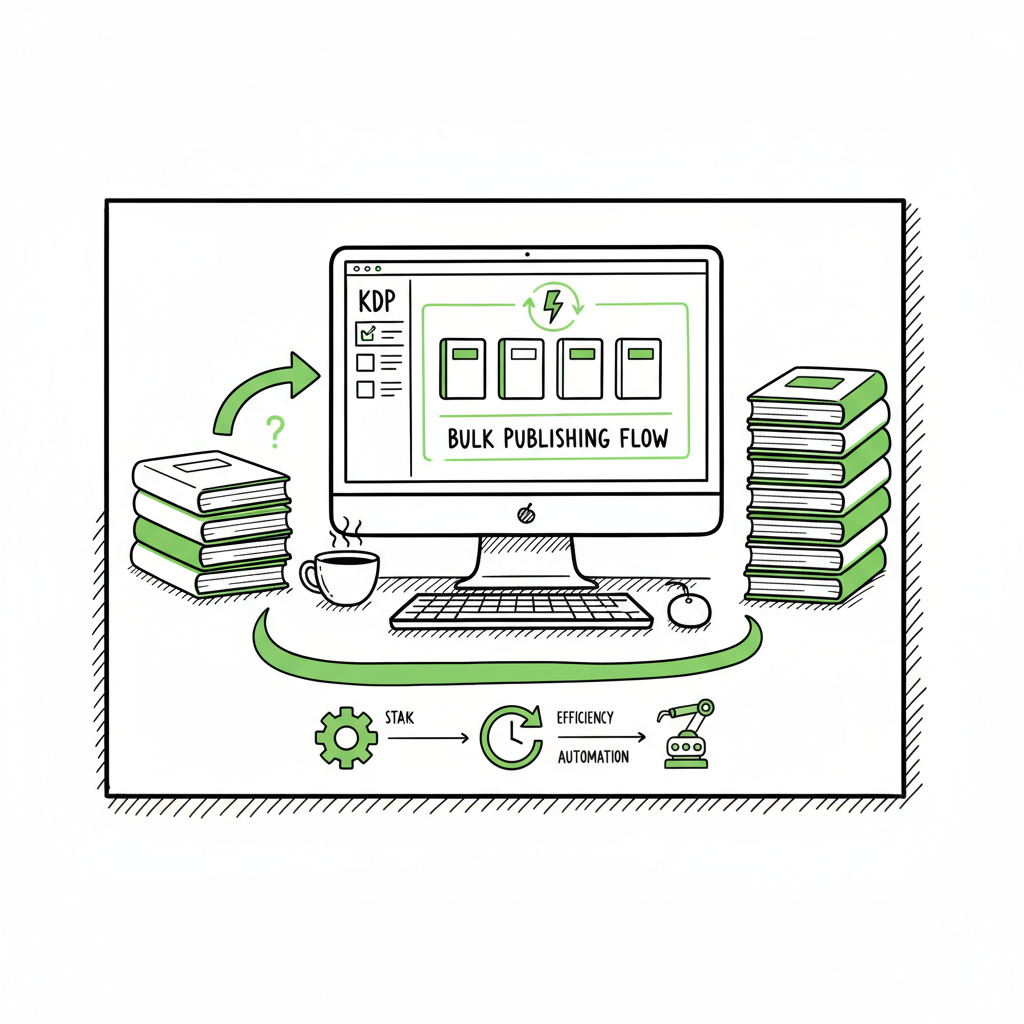
Bulk Publishing Books Practical Guide to Batch KDP
Bulk publishing books: a practical guide to batch KDP and multi‑platform rollout
Estimated reading time: 16 minutes
Key takeaways
- Bulk publishing books is a volume-driven approach that becomes efficient when you standardize templates, automate uploads, and maintain quality controls.
- A reliable multi‑platform workflow uses CSV batch uploads, platform‑specific intelligence, and error checks to save ~90% of the time spent on manual uploads.
- Use automation for scale, but measure account limits, royalties, and discoverability; when you publish seriously, tools like BookUploadPro make wide distribution practical.
Table of Contents
- Why bulk publishing books works (and when it doesn’t)
- Design, formatting, and file preparation at scale
- Operational workflow: CSV, metadata, and batch KDP book uploads
- Risks, limits, and metrics you must watch
- Final thoughts
- FAQ
- Sources
Why bulk publishing books works (and when it doesn’t)
Bulk publishing books is a straightforward idea: create many titles with predictable demand and roll them out quickly. For lots of authors that sell low‑content or niche paperback and ebook products, this strategy moves the bottleneck from upload time to product design, keyword testing, and optimization.
Why it works
- Predictability: small variations on a theme (color, cover art, subtitle) make it easier to A/B test which combinations find buyers.
- Reach: publishing to multiple marketplaces expands availability without repeating work for each store.
- Efficiency: once you have templates for interiors, covers, and metadata, each new title is usually a few minutes of work.
When it fails
- Quality shortcutting: poor interiors or lazy metadata reduce discoverability and hurt long‑term earnings.
- Account limits and policy risk: some platforms throttle uploads or flag suspicious behavior.
- Poor targeting: mass rolling out titles without keyword research scatters effort over low‑traffic queries.
A realistic plan balances volume with quality. One practical step after you outgrow manual uploads is to study processes like Scaling an Amazon KDP Business — it helps you see how to systemize testing, pricing, and marketplace rollout without inventing every step from scratch. That reference can guide decisions about batching cadence, testing groups of covers, and splitting titles across keyword clusters.
Design, formatting, and file preparation at scale
Design and formatting are where quality wins or fails. You can publish hundreds of titles, but if interiors are messy or the cover doesn’t read at thumbnail size, sales won’t follow. A consistent process keeps mistakes out of the feed and supports fast uploads.
Covers
A good cover system starts with templates. Decide three or four proven layouts and vary only the elements that matter for each niche. That keeps thumbnails sharp and brand cohesion intact.
If you’re generating covers or using an automated cover pipeline, consider processing that integrates with your upload system to avoid manual replacements. For a reliable cover workflow, use a dedicated cover service that accepts batch inputs and exports platform‑ready files. If you want a single place to process many covers quickly, look into a book cover processing tool that handles batch exports and size rules.
Interiors and formats
Interiors should be modular. Save base templates for common sizes and paper types. If you publish both paperback and ebook versions, keep a master manuscript that exports to each format.
EPUB conversion matters for ebook stores. A clean EPUB reduces rejections and display issues. If you need a consistent, repeatable conversion step, use an EPUB converter that accepts your master files and produces validated EPUBs for Apple Books, Kobo, and other stores.
Paperback and ebook generation
Create a single source file that outputs both paperback-ready PDFs and reflowable EPUBs. That reduces mistakes and ensures the cover spine calculations match the interior page count. If you’re producing large batches, a tool that handles paperback and ebook generation simultaneously saves time and keeps variants aligned.
Tips that speed production
- Lock down dimensions and fonts for each series to avoid last‑minute resizing.
- Use batch export tools for interiors and covers so filenames and metadata follow a standard pattern.
- Keep a small style guide for each niche (cover color palette, interior line spacing, subtitle conventions).
Operational workflow: CSV, metadata, and batch KDP book uploads
A practical bulk publishing workflow has four pillars: content templates, metadata systems, batch upload tools, and post‑publish checks. Put simply: prepare, push, verify, iterate.
Prepare: templates and assets
Start by building a library of interiors, covers, and ISBN/identifier rules. Save all assets in a folder structure that mirrors your CSV or batch file columns: title, subtitle, author, description, keywords, price, language, interior file, cover file, print settings.
Metadata matters as much as the file. Write descriptions and pick keywords with intent. For batch work, reuse high‑performing descriptions and tweak only title variants and keywords to test new angles.
Push: CSV batch uploads and platform intelligence
Batch uploads are the multiplier. CSVs let you define hundreds of products in one structured file. Choose a batch upload tool that understands platform‑specific fields—what KDP calls “product type” differs from another store’s options—so your CSV maps correctly.
Batch KDP book uploads are a common use case: you prepare a CSV with KDP fields and point an upload tool at your cover and interior files. The right tool handles file mapping, validates dimensions, and attempts the upload with minimal manual steps. For multi‑platform distribution, a unified publisher will take the same CSV and transform it for Amazon, Kobo, Apple Books, Draft2Digital, and Ingram with platform‑specific intelligence. That saves time and prevents common format errors.
Verify: automated checks and human spot checks
After uploading, run automated checks for failed uploads and common errors (wrong trim size, missing spine text, invalid EPUB). Keep a short human QA pass for thumbnails, cover cropping, and a spot‑check of descriptions and keyword placement.
Iterate: testing cadence and rollout
Use small test batches to validate keyword clusters and cover ideas. Once a cluster proves, scale the same template. Track which keyword‑cover combinations outperform others and use that data to guide the next batch. This is how a mass book publishing workflow becomes repeatable and measurable.
How BookUploadPro helps
When you reach steady volume, a service built for bulk publishing books changes the math. BookUploadPro centralizes CSV batch uploads, applies platform‑specific intelligence, reduces errors, and automates distribution to Amazon KDP, Kobo, Apple Books, Draft2Digital, and Ingram. That kind of unified tool can cut upload time by roughly 90% versus manual steps, makes wide distribution practical, and removes the tedious parts that slow teams down. For authors who publish seriously, it’s an obvious upgrade: Automate the upload. Own the distribution.
Practical file mapping checklist
- One row per title in CSV, with columns for every required platform field
- Consistent filenames tied to CSV identifiers
- Platform variants (paperback vs. ebook) flagged in the CSV
- Pricing rules included so prices convert properly across marketplaces
- A final validation pass that flags size and EPUB errors before upload
Risks, limits, and metrics you must watch
Scaling is not only technical. It’s a set of trade‑offs you must manage. The right metrics and guardrails keep a bulk publishing program from burning cash or triggering platform flags.
Platform limits and policies
Amazon and other stores have activity limits and policies that look for abuse. KDP can throttle uploads and may flag accounts that show very high variance or rapid mass uploads. Recommended practice is to ramp volume gradually and monitor account notices. Keep daily and weekly upload counts reasonable and always ensure product quality.
Common limits (practical guidance)
- Start slow: keep early daily uploads modest and increase volume over weeks.
- Watch rejections: frequent rejections attract scrutiny and slow your progress.
- Maintain consistent metadata quality to reduce false positives.
Quality metrics that matter
- Conversion rate per title (downloads or purchases per impression)
- Royalties per title (net per sale after fees)
- Return on time invested (time to create vs. expected lifetime royalty)
- Error rate (uploads that fail validation or are rejected)
Financial math
High volume only makes sense when you know the economics. Low‑content titles often earn small royalties per sale, so the model depends on volume. If each title nets you $1–$3 on average, you need a plan to publish hundreds of titles and maintain steady discoverability. Batch testing of covers and keywords lets you find the combos that scale.
Operational metrics
- Time per successful upload (goal: minutes, not hours)
- Percentage of titles that need rework after QA
- Errors per 100 uploads (target: as low as possible)
Automation reduces errors and saves time, but you still need human judgment. Use automated processes to do the heavy lifting, and reserve human review for edge cases and performance monitoring.
Final thoughts
Bulk publishing books is a practical path for authors who can standardize content and invest in tooling. The model is simple: create repeatable templates, batch your metadata, use platform-aware upload tools, and measure what matters. You’ll find that most of your time shifts from clicking through portals to testing covers, refining keywords, and scaling the best performers.
When you’re ready to move beyond templates and spreadsheets, choose tools that support multi‑platform distribution, CSV batch uploads, and platform‑specific intelligence. A service that automates uploads and reduces human error makes wide distribution practical and affordable, and it becomes an obvious next step once you publish seriously.
FAQ
Q: What types of books are best for bulk publishing?
Low‑content and mid‑content books (notebooks, journals, planners, workbooks) work well because they reuse interiors and benefit from visual and keyword variations. Series and versions of a theme also scale effectively.
Q: How many books can I upload at once?
That depends on your upload tool and the platform’s policies. Tools that accept CSVs can queue hundreds of titles for processing, but platforms like KDP may have practical limits and review rates. Ramp up uploads slowly to avoid throttling.
Q: Does bulk publishing hurt discoverability?
It can if titles are low quality or poorly targeted. If you maintain good interiors, cover legibility, and focused metadata, multiple related titles can increase visibility in niche searches rather than dilute it.
Q: How do I price titles for a bulk rollout?
Start with a pricing hypothesis based on expected royalties and competitor pricing. For paperbacks, aim for a price that gives meaningful royalty per sale; for ebooks, consider promotional pricing during testing. Monitor which price points convert best and scale those.
Q: What role does multi‑platform distribution play?
Distributing to multiple stores increases availability and revenue channels. A unified system that adapts a single CSV to platform‑specific fields saves time and avoids repeated uploads.
Sources
- How to Upload KDP Low Content Books in BULK – YouTube
- KDP Batch Upload: Revolutionizing Workflow Automation | iFlowy Blog
- Automate your Amazon KDP Uploads 2023 Tutorial – YouTube
- How I Built a Fully Automated Amazon KDP Business – YouTube
- Bulk Orders: Author Copies or Amazon Orders? – KDP Community
Bulk publishing books: a practical guide to batch KDP and multi‑platform rollout Estimated reading time: 16 minutes Key takeaways Bulk publishing books is a volume-driven approach that becomes efficient when you standardize templates, automate uploads, and maintain quality controls. A reliable multi‑platform workflow uses CSV batch uploads, platform‑specific intelligence, and error checks to save ~90%…