
In this guide
- The four checks before you upload
- What metadata do you need ready
- Aggregator or direct for audiobooks
- FAQ
- How do I check my audiobook before I upload it so I do not miss mistakes?
- What is the difference between an audiobook aggregator and uploading to stores myself?
- What metadata do I need ready before I upload an audiobook to a store?
Check an audiobook before you upload it by listening to the whole recording once through, checking the metadata against your listing, confirming the file format the store wants, and deciding aggregator or direct before you start. An audiobook you upload with a mistake in it is much harder to fix than an ebook, because the mistake is in hours of recorded sound, not in a page you can re-export in seconds. The checklist below is the cheap insurance.
Key takeaways:
- Listen to the full recording once, start to finish, before you upload. Skimming misses the mistake in chapter nine.
- Metadata for audiobooks is the same discipline as for ebooks: one record, copied everywhere, no retyping.
- An aggregator reaches stores and libraries you would not sign up with yourself, for a cut of sales.
The four checks before you upload
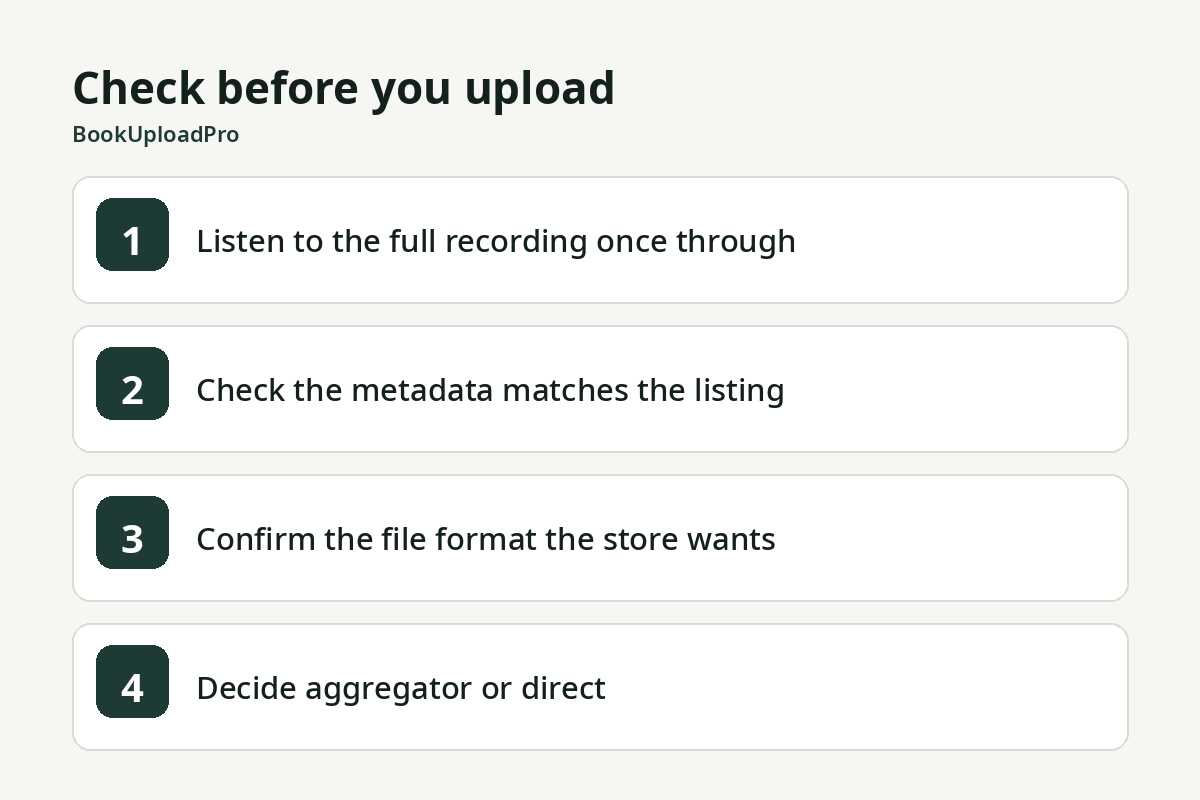
First, listen to the full recording, start to finish, at normal speed. You are listening for misread words, repeated lines, a chapter that starts twice, background noise that appears halfway through, and a narrator whose energy drops in the last hour. Note the time of every problem as you go, so the fix list is exact. Second, check the metadata: title, author, narrator, series and number, description, and language, all matching your listing and your cover exactly, the same way a mismatched ebook fails. Third, confirm the file format: the store’s required audio format, bit rate, and chapter marking, and that your files meet them. Fourth, decide aggregator or direct, before you upload, because switching later means re-uploading. Our aggregator explainer lays out that trade.
What metadata do you need ready
The same record you keep for every book, plus the audiobook’s own fields: the narrator’s name as it should appear, the series and book number if it is part of one, the total running time, and the language. If the audiobook was produced with AI narration, check each store’s current rules before you upload, because platform terms for AI narration differ and change, and the honest move is to read the store’s own policy for that week rather than trust a blog post’s summary. The same single metadata sheet we recommend for ebooks works here, so build one record and copy from it.
Aggregator or direct for audiobooks
An audiobook aggregator distributes your recording to many stores and library services from one dashboard, taking a cut of every sale, just like an ebook aggregator. Uploading direct means one account per store, the full store royalty, and full control, at the cost of the setup work at each one. The deciding question is the same as for ebooks: would those channels earn anything at all without the aggregator? For most authors, the answer is yes for the main store, direct, and yes for the long tail, aggregator, especially library channels, which are a large part of audiobook listening and hard to reach store by store.
FAQ
How do I check my audiobook before I upload it so I do not miss mistakes?
Listen to the whole recording once through at normal speed, noting the time of every misread, repeat, noise, or energy drop. Then check the metadata and the file format against the store’s requirements, and fix the source recording before you upload, because a fix after upload means re-recording and re-uploading.
What is the difference between an audiobook aggregator and uploading to stores myself?
An aggregator uploads once to its dashboard and distributes to many stores and libraries for a cut of sales. Uploading yourself means a separate account, upload, and report at every store, with the full store royalty and full control. Most authors mix the two: direct at the main store, aggregator for the rest.
What metadata do I need ready before I upload an audiobook to a store?
Title, author, narrator, series and number, description, language, running time, and the file format details the store requires. Keep them in one record and copy from it everywhere, so the listing, the files, and the cover all agree.