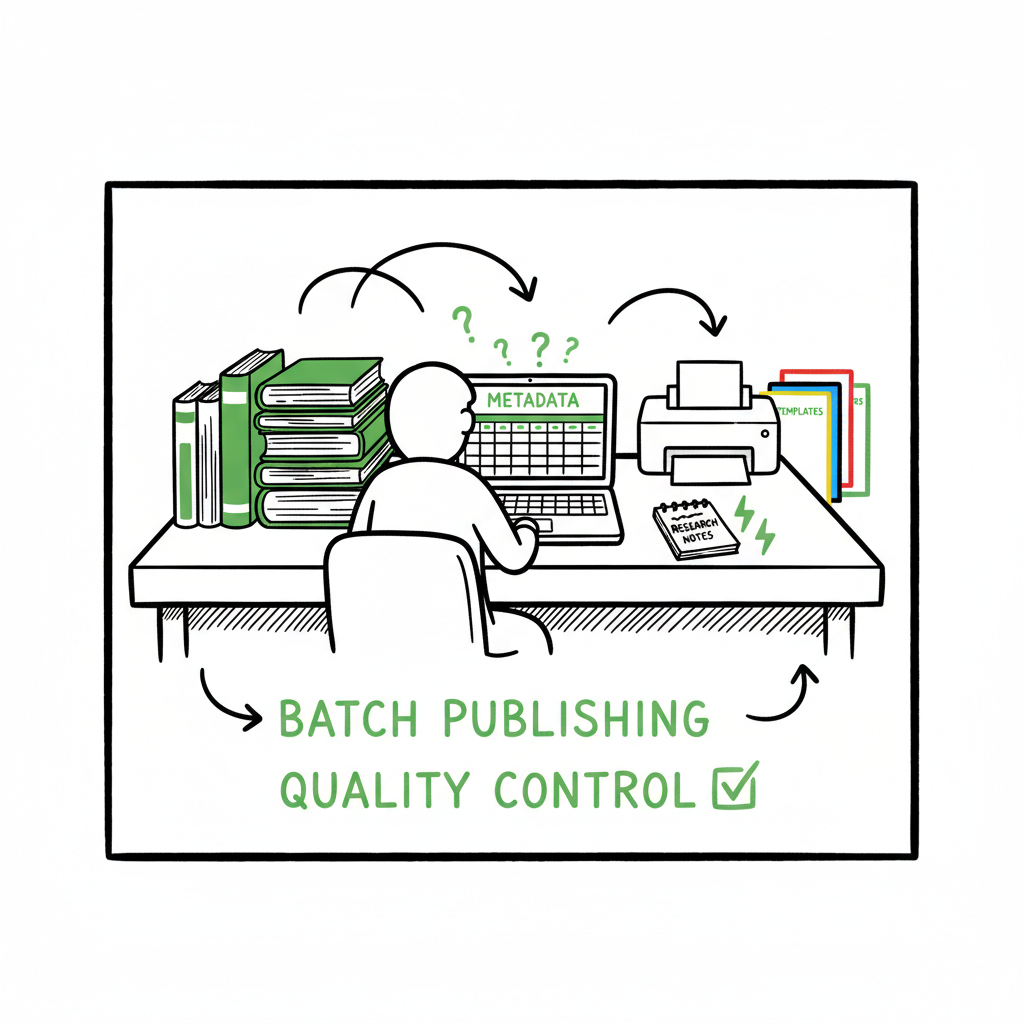
Bulk publishing books for KDP and multi-platform rollout
Bulk publishing books: A practical guide to scaling KDP and multi‑platform rollouts
Estimated reading time: 9 minutes
Key takeaways
- Bulk publishing books succeeds when you treat it like production: batch research, batch assets, batch quality checks.
- Amazon KDP does not offer a true bulk-import API; reliable scaling depends on templates, repeatable metadata, and careful human review.
- A multi‑platform approach (KDP plus Kobo, Apple, Ingram, Draft2Digital) widens reach and smooths revenue cycles — and is practical when uploads are automated and platform differences are respected.
Table of Contents
- Why bulk publishing books works
- Designing a mass book publishing workflow that passes KDP review
- Multi-platform distribution and automation at scale
- FAQ
Why bulk publishing books works
“Bulk publishing books” sounds like a shortcut. It isn’t. At its best it’s a production discipline: you use repeatable processes to create many legitimate, distinct titles that target real reader needs. Authors and small publishers get two practical benefits when they do this well: the cost per title drops dramatically, and the odds of hitting a steady income stream increase because you diversify risk across many SKUs.
There are clear limits set by platforms. Amazon KDP still requires full metadata and content for each title — title, contributors, description, categories, keywords, manuscript, cover, rights, and pricing. That means true bulk uploads are not a built‑in KDP feature; scaling requires a repeatable system. If you want a deeper look at methods for broadening an Amazon catalog, see Scaling an Amazon KDP Business.
Why this model often works
- Low‑ and medium‑content markets (journals, planners, workbooks) scale because a single interior template can support many covers and metadata variations.
- Niche clusters: instead of random titles, publishers create clusters around related keywords and audience needs—this improves discoverability and conversion.
- Small, steady sales from many titles compound. A single breakout hit is rare; a well‑executed catalog with dozens of relevant listings is more predictable.
Risks to avoid
- Near‑duplicate listings: uploading the same interior with trivial cover changes invites manual review and may trigger account flags.
- Poor metadata: generic titles, empty descriptions, or irrelevant keywords lead to low visibility and may violate platform policies.
- Bad file prep: incorrect bleed, wrong trim size, or low‑resolution covers cause rejections and wasted time.
The right mindset is operational: design a pipeline that treats each book as an individual product but produces many of them using templates and guarded automation. The rest of this article walks through how to do that and how to extend the model across multiple stores without multiplying headaches.
Designing a mass book publishing workflow that passes KDP review
If each KDP title needs full setup, how do you speed up hundreds of uploads without cutting corners? The answer is organization and a small set of automation-friendly tools that preserve human review at key points.
Step 1 — Plan your catalog like a batch project
Start with research. Identify niche clusters, not isolated keywords. For example: instead of “blank notebook” aim for “garden planner notebook for urban gardeners” with related keyword lists, cover concepts, and interior templates. Group titles into campaigns of 10–50 items that share interiors and meta‑themes. This lets you reuse work without producing dupes.
Step 2 — Standardize your assets
Create canonical templates for interiors and covers. Interior templates handle trim size, margins, and bleed. Covers follow a small set of layout rules so you can swap images and titles without rebuilding from scratch. Keep a single spreadsheet or CSV that lists the variable fields per title: title, subtitle, contributors, description, keywords, categories, price, and distribution choices. That spreadsheet becomes your source of truth for batch operations.
Step 3 — Prepare clean, platform‑ready files
KDP will reject or flag bad files. Test a handful of uploads manually before a mass run. Ensure:
– Manuscripts meet trim size and bleed requirements
– Covers meet resolution and color profile needs
– PDFs embed fonts and flatten transparency where required
If you build both paperbacks and ebooks, a one‑click conversion path for the ebook format saves time. For simple, reliable book creation you can use dedicated tools that package print and ebook files consistently; these tools handle standard checks so you don’t repeat manual fixes for every title. If you want automated cover processing, consider a streamlined workflow using a cover generator processing that speeds production while keeping specs correct. And when you produce ebooks, EPUB converter to make clean, validated files for stores that require EPUBs. For simple, reliable book creation you can use dedicated tools that package print and ebook files consistently; these tools handle standard checks so you don’t repeat manual fixes for every title. BookAutoAI can be part of your book creation workflow.
Step 4 — Fill metadata with templates and human review
Automate the mundane fields from your CSV—title, subtitle, pricing tier, territory rights—but always route descriptions and keywords through a quick human check. Amazon’s teams look for meaning and accuracy; short, templated descriptions often read as spam. A 2–3 minute human edit per description prevents many policy and conversion problems.
Step 5 — Batch upload and staged publishing
Because KDP lacks a native bulk import, many publishers use scripted uploads, upload managers, or services that map CSV fields into KDP’s forms. The critical principle is staged publishing:
– Upload in controlled batches (5–20 titles) rather than all at once.
– Allow a review period between batches to catch systemic errors.
– Track KDP review results and preview pages so you can fix common failures quickly.
Tool selection and safeguards
- Choose upload tools that maintain a mapping to your CSV and let you preview the resulting listing before committing.
- Keep a clean log of transaction IDs, ASINs, and status per title.
- Maintain a fallback plan for titles KDP rejects—don’t push fixes blindly; investigate the rejection reason.
Human review is not optional. A hybrid model—templated automation plus human checks—scales better and is safer than pure automation. When publishers ignore this, they risk mass rejections and account scrutiny.
Multi-platform distribution and automation at scale
Relying on Amazon alone limits reach and revenue stability. Multi-platform publishing spreads visibility and reduces the downside of an account or algorithm change. The operational challenge is different data models: each store asks for slightly different files, metadata formats, and pricing rules. The solution is a consolidated publishing layer that respects platform differences.
Why distribute beyond KDP
- Wider audience: Kobo and Apple Books serve different readers and geographies.
- Print redundancy: Ingram or Draft2Digital with expanded distribution gets print copies into channels KDP alone won’t.
- Revenue diversification: small sales across multiple stores smooth income variability.
What a practical multi‑platform system looks like
- Centralized catalog: a master CSV that contains canonical metadata and per‑platform overrides (e.g., different price points, different categories).
- Platform adapters: pieces that transform the master fields into the format each store expects (file types, category schemas).
- Batch delivery: one operation pushes a title to multiple platforms, and another monitors processing and delivery status.
Platform specifics to watch
- Formats: Apple and Kobo prefer EPUB; KDP’s print workflow requires a PDF for print and accepts a MOBI/EPUB for Kindle. Convert and validate using an EPUB converter as part of the pipeline.
- Covers: EPUB readers use different cover sizing and image handling than print. Generate platform‑specific cover variants if needed.
- Pricing and royalties: pricing rules differ by store and territory. Use a pricing matrix per campaign and automate the math in your CSV.
- Distribution options: KDP’s Expanded Distribution has implications for wholesale discounts and returns. Track which titles opt in.
How automation changes the math
- With a robust batch system you can:
- Reduce per‑title upload time dramatically (some teams report up to ~90% time savings on repetitive steps).
- Keep metadata consistent across stores without manual retyping.
- Scale catalog growth while preserving quality controls like preview checks and human metadata review.
BookUploadPro fits here as an operational layer: it unifies multi‑platform publishing, supports CSV batch uploads, applies platform‑specific intelligence, and reduces errors. BookUploadPro fits here as an operational anchor in your distribution strategy. Automate the upload. Own the distribution.
Practical steps to implement multi‑platform publishing
- Build one CSV per campaign that contains both shared fields and platform overrides.
- Use tools that produce validated EPUBs and correctly formatted print PDFs for each trim size.
- Run a pilot: publish 5–10 titles across all platforms, track how each store processes the files, and refine your templates.
- Add logging and alerts so failures are visible and fixable without sweeping manual searches.
Asset management: covers and interiors
Covers are particularly sensitive: a print cover needs exact spine dimensions and bleed; an ebook cover needs a clean front image. Use a cover generator processing that supports both print and ebook outputs so you don’t create separate assets by hand. That will cut errors and speed production while keeping quality consistent.
Operational guardrails to protect your account
- Avoid excessive near‑duplicates across platforms.
- Keep keyword and description edits meaningful; don’t spray the same keywords across hundreds of titles.
- Space launches: stagger releases to let the first few complete review cycles and to measure early sales signals.
FAQ
FAQ
How many titles is “bulk”?
Bulk is relative. For most indie authors it means moving from single digits to dozens. For small publishers it can mean hundreds over a year. The real test is whether you have templates, a catalog plan, and automation that reduces per‑title time.
Can I upload all titles to KDP with one CSV?
No—KDP does not provide an official CSV import for full titles. You can use upload tools that map a CSV to KDP’s forms or services that perform batch uploads, but those are not native KDP features. Each title still needs a full metadata and file set.
Does bulk publishing hurt discoverability on Amazon?
It can if you flood the store with near‑duplicates or low‑quality listings. Good catalog design—distinct titles, accurate descriptions, and honest metadata—helps discoverability. A cluster approach (many related but unique titles) performs better than many generic ones.
What file types do I need for multi‑platform publishing?
For print on KDP you need print‑ready PDFs for interiors and a PDF/JPEG/TIFF for covers that meet specs. For ebook stores, validated EPUBs are standard. Use an EPUB converter to produce clean EPUBs and run validation before upload.
How does BookUploadPro help with bulk publishing books?
BookUploadPro automates repetitive uploads across Amazon KDP, Kobo, Apple Books, Draft2Digital, and Ingram. It accepts CSV batch uploads, applies platform‑specific rules, and highlights errors before they block publication. The service emphasizes human‑reviewed metadata and consistent file formatting so you scale without multiplying mistakes. For many authors and small publishers, moving to a unified system is the practical step between doing everything manually and running a professionally managed catalog.
Final thoughts
Bulk publishing books is not a hack; it’s an operations problem. When you treat book publishing like a production line—with templates, validation, staged uploads, and human oversight—you can scale while preserving listing quality and account safety. Multi‑platform delivery widens reach, but it also requires disciplined asset management and platform awareness.
If you publish seriously, the gains come from reducing repetitive work and standardizing outputs. Using a centralized system for CSV batch uploads, platform adapters, and preflight checks makes running catalog campaigns predictable. For covers and ebook formatting, rely on tools that produce platform‑ready files so you don’t trade speed for errors.
Visit BookUploadPro and try the free trial.
Sources
- Amazon KDP – Create a Book (official help on setup workflow, metadata, upload, and pricing)
- Amazon KDP – Expanded Distribution (official help on distribution and pricing implications)
- YouTube – How to Upload KDP Low Content Books in BULK (Sarah Larson)
- YouTube – Publish MULTIPLE Books at once using Amazon KDP and Book Bolt (Fabienne Hansen)
- YouTube – Automate your Amazon KDP Uploads 2023 Tutorial (Flying Upload KDP workflow)
Bulk publishing books: A practical guide to scaling KDP and multi‑platform rollouts Estimated reading time: 9 minutes Key takeaways Bulk publishing books succeeds when you treat it like production: batch research, batch assets, batch quality checks. Amazon KDP does not offer a true bulk-import API; reliable scaling depends on templates, repeatable metadata, and careful human…