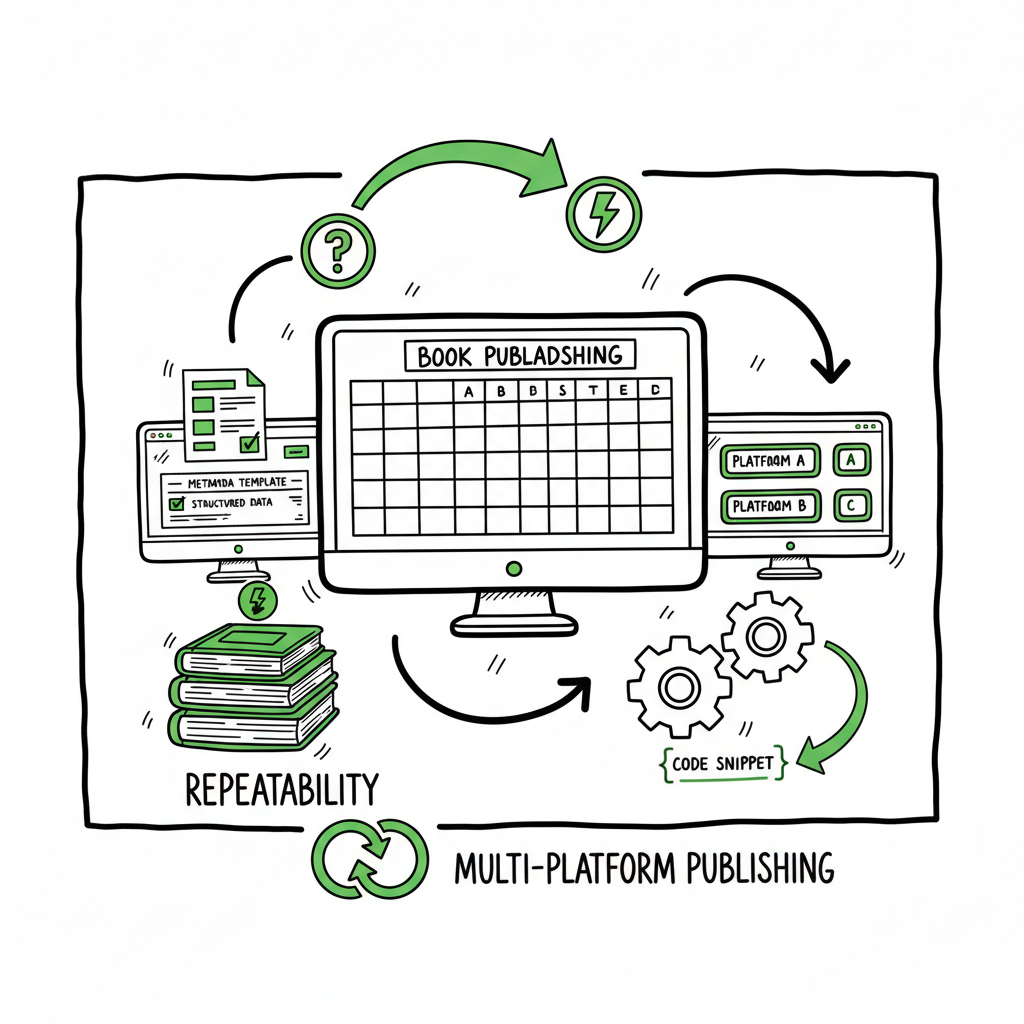
Bulk publishing books, repeatable multi-platform workflow
Bulk publishing books: How to build a repeatable, multi-platform workflow
Estimated reading time: 18 minutes
Key takeaways
- Bulk publishing books succeeds when you treat metadata and files as structured products, not one-off tasks.
- A single master spreadsheet, standardized templates, and platform-aware exports reduce mistakes and cut upload time by a large margin.
- Automation tools that preserve human-readable metadata and platform rules make wide distribution practical and lower risk.
- BookUploadPro focuses on unified multi-platform publishing, CSV batch uploads, and platform-specific intelligence to save time and reduce errors.
Table of Contents
- Why bulk publishing books works — and what actually changes
- Designing a mass book publishing workflow
- Tools and automation that cut time and errors
- Common risks and quality controls for a bulk indie title rollout
- FAQ
- Sources
Why bulk publishing books works — and what actually changes
Bulk publishing books is not a magic trick. It’s a change in how you think about each title. Instead of treating every upload as a one-off creative act, you treat titles as products built from a set of repeatable components: an interior, a cover, a title pattern, a description template, a keyword cluster, pricing rules, and distribution options.
Amazon KDP doesn’t offer a single bulk-upload API for the public. That means publishers still move through KDP’s steps for each title. But once the parts are standardized—interior files that match trim sizes, covers sized correctly, and a metadata master sheet—what used to be manual per-title work becomes a predictable assembly and upload process. That predictability is the reason volume is possible without collapsing into low-quality spam.
When organized correctly, a mass approach shifts effort from repetitive form-filling to setting up the system that will fill those forms reliably. That setup includes:
– A metadata master sheet that becomes the single source of truth.
– Reusable templates for descriptions and subtitles that are easy to humanize.
– A ruleset for pricing and distribution that you can apply across many SKUs.
For a practical look at how processes scale, see Scaling an Amazon KDP Business.
Why this matters for you
Bulk publishing books is a strategic choice. Used well, it lets you test niches quickly, launch series, and populate topic clusters that attract steady organic traffic. Used poorly, it invites quality problems, poor discoverability, and the kind of account friction you do not want. The work here is process design, not just faster clicking.
Designing a mass book publishing workflow
Start with the deliverables, not the portal. List everything that must be done for a single book from first idea to live listing. Group tasks into repeatable buckets and design a master sheet that drives those buckets.
Core components
- Master metadata sheet: One row per title. Columns for title, subtitle, author name variations, series name, edition, description template ID, keyword set, BISAC categories, trim size, paper type, ISBN (if used), list price, and distribution flags. This is the product catalog.
- File library: A folder structure with interiors, covers, and supplemental files. Name files consistently so automation can pair them with metadata rows.
- Templates and text blocks: Short description variants, subtitle patterns, and series blurbs stored in a small library. Templates let you personalize without rewriting.
- Pricing rules: Default list price by trim size and region, with the ability to override per title. Keep one master rule and a column for exceptions.
- QA checklist: Things that must be verified before upload—print bleed settings, cover text legibility, minimum word counts, and accurate keywords.
Why the master sheet matters
Everything else is downstream from that sheet. Use it to:
– Generate file names and push them to upload tools.
– Produce simple variance rules (color options, subtitle swaps).
– Drive CSV exports for platforms that accept metadata imports.
– Feed reporting: what sold, what changed, what got rejected.
A note on categories and keywords
Winning at scale means specializing. Niche clusters outperform generic scatter. Use consistent BISAC categories across similar titles and rotate keyword clusters to avoid near-duplicates. Keep keyword sets focused and human-readable; avoid stuffing.
Batch KDP book uploads and platform differences
KDP requires the same three-step process for each title: details, content upload, and rights & pricing. That’s why you design a workflow that prepares every field in advance. For other platforms—Kobo, Apple Books, Draft2Digital, Ingram—the metadata needs are similar but not identical. Your master sheet should include platform-specific columns so every export matches the platform’s expectations.
A reliable mass book publishing workflow treats platform differences as a configuration layer, not as a blocker.
Tools and automation that cut time and errors
Automation doesn’t replace judgment. It removes tedium. The tools you use should respect platform rules, preserve readable metadata, and reduce form entry that causes mistakes.
What automation should do
- Read your master sheet and pair each row with the correct interior and cover files.
- Generate any minor file variants automatically (e.g., cropping, bleed adjustments).
- Produce platform-specific exports—CSV files for systems that accept them, and fixed-upload packages for those that don’t.
- Execute scheduled or semi-automated upload sessions that reuse profiles for fixed choices like trim size and paper type.
- Validate basic constraints before sending, such as file sizes, allowed characters in titles, and category limits.
Where automation helps most
Batch KDP book uploads: Automation speeds up repetitive selections, fills repeatable fields, and records errors so you can fix them in bulk.
Multi-platform publishing: One push that adapts metadata and files for KDP, Kobo, Apple Books, Draft2Digital, and Ingram saves hours per title.
Reporting and reconciliation: Track what went live, what failed, and which SKUs need action.
A practical example: EPUB conversion
Some platforms prefer or require EPUB files. Converting interiors to a clean EPUB is a common friction point. Using a tool that produces consistent EPUBs from your master interior files saves repeated fixes and speeds cross-channel distribution. If EPUB conversion is part of your pipeline, you can link it directly to your metadata export so platforms that need EPUB get the right file every time: consider using a dedicated EPUB conversion tool to avoid formatting errors.
How BookUploadPro fits
BookUploadPro focuses on unified multi-platform publishing and CSV batch uploads. It keeps platform-specific intelligence in the pipeline so authors don’t have to remember every checkbox for every store. That reduces errors and makes wide distribution practical for serious indie publishers. For many authors, BookUploadPro becomes an obvious upgrade once they decide to publish at scale—Automate the upload. Own the distribution.
Human-readable metadata and “humanization”
One common failure at scale is obvious automation artifacts: boring titles, repetitive descriptions, and long keyword lists that read like a dump. Good systems incorporate small humanization steps:
– Use title patterns that change a single word or adjective per SKU.
– Rotate description starts so the first sentence reads unique.
– Keep series and brand language consistent but allow subtitle variation.
These small bets keep listings looking crafted rather than mass-generated. That improves click-through and reduces the chance of KDP flags for near-duplicates.
An example pipeline
1. Idea and niche selection → row added to master sheet.
2. Interior and cover files named to match the row ID.
3. Template applied for description and subtitle; keyword cluster chosen.
4. Local validation run—file checks, metadata checks.
5. Batch export for each platform: KDP CSV-ready fields collected; EPUBs attached for platforms that need them.
6. Semi-automated upload session: the tool fills forms or sends the package; operator reviews flagged errors.
7. Record the outcome in the master sheet and schedule any follow-up.
This pipeline keeps human attention where it matters: niche selection, creative choices, and quality checks—not data entry.
Common risks and quality controls for a bulk indie title rollout
Bulk publishing books introduces volume-based risks. The good news is those risks are manageable with clear controls.
Risk: Near-duplicate content and account scrutiny
What happens: Many titles that are too similar can trigger internal reviews or generate poor customer experiences.
How to control it:
– Maintain clear differentiation rules for titles, covers, and first lines of description.
– Use intentional variation rather than random swaps.
– Keep a sampling QA process where each batch has a percentage reviewed by a human.
Risk: Metadata drift and inconsistent fields
What happens: As catalogs grow, inconsistent author names, series tags, or category choices erode discoverability.
How to control it:
– Lock certain master sheet fields (author name, publisher imprint, brand tags) and only allow controlled edits.
– Use picklists for category and trim-size fields to prevent typos.
– Run periodic audits that look for inconsistencies and correct them centrally.
Risk: Formatting and file failures
What happens: Bad margins, wrong trim sizes, and malformed EPUBs lead to rejections or poor print copies.
How to control it:
– Standardize interior templates by trim size and file type.
– Run automated checks for bleed, margins, and file size before upload.
– If using EPUBs, validate on multiple readers or use a conversion tool that logs warnings and fixes common issues automatically.
Risk: Poor discoverability from bad keywords or descriptions
What happens: A large catalog doesn’t sell if listings are invisible or unconvincing.
How to control it:
– Keep keyword sets focused and limit overlap across closely related titles.
– Test different description openings and measure click-through rate when possible.
– Avoid stuffing keywords; prefer natural, shopper-focused language.
Risk: Pricing errors and inconsistent royalties
What happens: Wrong list prices or royalty options reduce margins and complicate reporting.
How to control it:
– Encode pricing rules in the master sheet (defaults + exceptions).
– Use a pricing rule engine that can apply regional adjustments automatically.
– Reconcile live prices against your master sheet regularly.
Operational controls that scale
- CSV and API logs: Log every automated export and upload attempt. That log becomes your audit trail.
- Batch failure handling: Group failures so you can fix 50 rejections in a structured pass rather than one by one.
- Periodic human review: For every 100 uploads, sample 5–10 for full human review of cover text, description tone, and interior quality.
A note about ethical and platform rules
High-volume publishing can cross into spammy territory when it sacrifices clarity or misleads customers. Keep titles accurate, don’t use irrelevant keywords, and avoid misleading metadata. Good systems include a ruleset that flags potential policy violations before they get uploaded.
FAQ
What kinds of books are best for bulk publishing?
Templated formats—journals, workbooks, planners, low-content interiors, and series where each entry is a clear variation—are easiest. But bulk methods also work for multi-volume nonfiction series when you have standardized formats and strong niche targeting.
Can I use bulk techniques and still have unique listings?
Yes. The goal is to automate repetitive parts while humanizing reader-facing fields. Use templates for structure and small, targeted edits for uniqueness.
Do I need a developer to do batch KDP book uploads?
Not always. Many tools and services support CSV batch uploads and semi-automated sessions. If you do build custom scripts, keep them focused on quality checks and logging, not on trying to bypass platform rules.
How do I handle ISBNs for large rollouts?
Decide on a policy up front—use publisher-owned ISBNs for print or KDP’s free ISBNs when appropriate. Track ISBNs in the master sheet and prevent duplicates.
What’s the minimal team needed?
You can start solo with good tools. For larger scale—hundreds of titles—you’ll need someone to manage catalogs, someone for QA, and a tool that handles the heavy lifting. That’s where a service that automates upload steps and standardizes exports becomes essential.
Is bulk publishing right for my niche?
Bulk publishing works best when you have standardized formats and clear niche targeting, allowing you to scale without sacrificing quality.
Sources
- https://kdp.amazon.com/help/topic/G202172740
- https://kdp.amazon.com/help/topic/GQTT4W3T5AYK7L45
- https://iflowy.app/en/blog/batch-upload-kdp-automazione-workflow
- https://www.youtube.com/watch?v=4WiPbSUcWU4
- https://www.youtube.com/watch?v=YTBRb1kmBWs
- https://www.youtube.com/watch?v=qAbe1szH-W4
- https://www.bookautoai.com/epub-converter
- https://blog.bookuploadpro.com/scaling-an-amazon-kdp-business
Bulk publishing books: How to build a repeatable, multi-platform workflow Estimated reading time: 18 minutes Key takeaways Bulk publishing books succeeds when you treat metadata and files as structured products, not one-off tasks. A single master spreadsheet, standardized templates, and platform-aware exports reduce mistakes and cut upload time by a large margin. Automation tools that…