AI tools that save authors time for faster publishing
AI tools that save authors time: How to speed publishing without losing your voice
Estimated reading time: 19 minutes
Key takeaways
- AI tools that save authors time work best when they reduce repetitive steps, not when they replace creative judgment.
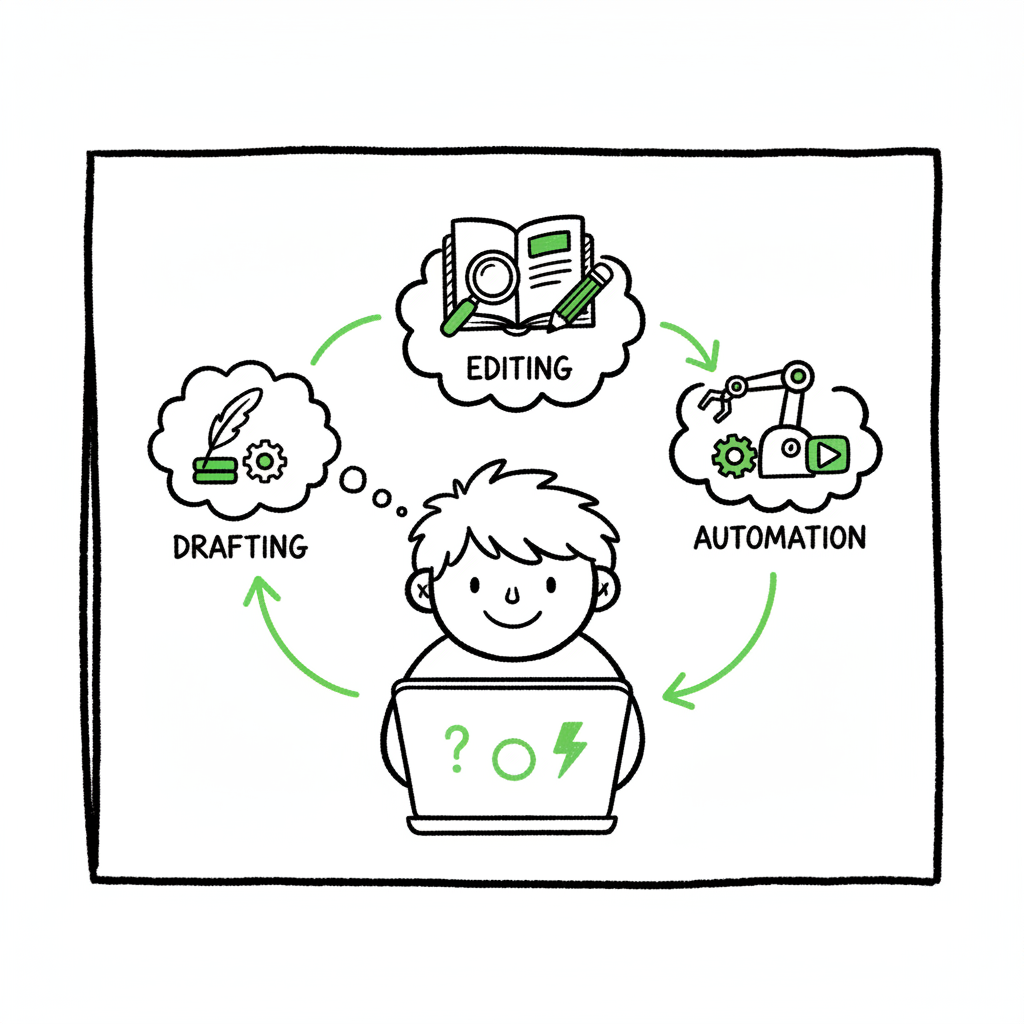
- Combine drafting assistants, editing/analysis tools, and production automation for the biggest time savings.
- BookUploadPro automates multi-platform uploads and formatting so authors can move from draft to live book faster with less manual work.
Table of Contents
- Why authors lose time in publishing workflows
- AI tools that save authors time: categories and how to use them
- Integrating AI with publishing: production, distribution, and BookUploadPro
- Getting started: practical steps and common pitfalls
- FAQ
- Final thoughts
- Key takeaways
- Sources
Why authors lose time in publishing workflows
Most authors spend more hours on production tasks than they expect. Drafting and plotting take one kind of focus. Formatting, cover preparation, metadata entry, and uploading to retailers take another. The primary keyword—AI tools that save authors time—describes helpers that target these repetitive areas. Those tools let writers keep creative time while automating the rest.
Time leaks happen in predictable places:
- Moving text between apps and reformatting it for each platform.
- Repeating the same manual edits across ebook, paperback, and distributor files.
- Entering metadata and uploading files to multiple stores.
- Cleaning up front- and back-matter to meet platform rules.
- Fixing small layout issues that break conversion to EPUB or print.
Authors who publish multiple titles or publish frequently feel these pains most. Speed without structure creates mistakes. That’s where automation is useful, but it must be applied with care. If you rush uploads without quality checks, your book can be removed, formatted poorly, or misrepresented in stores. For a practical look at how pace and automation interact, see Ai Self Publishing Speed Burnout.
For a practical look at how pace and automation interact, see Ai Self Publishing Speed Burnout.
AI tools that save authors time: categories and how to use them
There are five practical categories of AI tools that reliably save authors time. Each one removes a different bottleneck. Use them together, and you get compounding gains.
1) Drafting and idea tools
What they do
- Turn notes into scenes or chapter outlines.
- Generate “what if” options for plot, structure, or example lists.
- Expand short descriptions into full paragraphs you can edit.
How they save time
- Reduce hours spent staring at a blank page.
- Speed iteration on structure so you can test versions quickly.
- Let you get a rough draft faster, which you then refine with human edits.
Practical tip
Use a drafting assistant for three tasks: brainstorm titles and hooks, create chapter skeletons, and expand scene prompts into 300–800 word drafts you edit. Keep control by using prompts that preserve voice (for example, “Write in a conversational style similar to my first chapter and preserve the key point about resilience”).
2) Editing and manuscript analysis tools
What they do
- Flag grammar, clarity, and tone issues.
- Detect repetition, pacing problems, and structural weak spots.
- Create reports you can use before sending to a human editor.
How they save time
- Remove routine line-editing hours.
- Reduce cycles with paid editors by delivering cleaner drafts.
- Help you spot consistent problems across a manuscript.
Practical tip
Run an automated report early and again before handoff to a human editor. Use the reports to make global fixes (trim passive voice, reduce filler phrases), then focus human edits where nuance matters.
3) Formatting and production tools
What they do
- Convert manuscripts to EPUB, MOBI, print-ready PDFs.
- Apply consistent front- and back-matter styles.
- Handle chapter breaks, page numbers, and table of contents.
How they save time
- Eliminate manual reformatting between apps.
- Produce platform-compliant files in one export.
- Reduce last-minute fixes that delay launch.
Practical tip
If you need a simple EPUB conversion, use a purpose-built converter rather than a generic export. For more complex needs, combine a formatting tool with a production workflow that checks EPUB and print proofs.
If you need a reliable EPUB conversion step, try an epub converter that handles edge cases like nested lists and complex TOCs.
4) Cover and asset generation
What they do
- Create draft covers or supply starting points for designers.
- Generate social images, ad banners, and retailer thumbnails.
How they save time
- Cut the back-and-forth with designers by giving clear starting references.
- Produce promotional assets in consistent sizes quickly.
Practical tip
Use a book cover generator to produce thumbnail-ready covers that you can refine with a designer or edit lightly before upload. Always check readability at thumbnail size and test the cover against your genre competitors.
5) Automation and workflow tools
What they do
- Move data between apps, auto-fill metadata, and trigger uploads.
- Batch-process multiple books using CSVs or templates.
- Schedule tasks and reduce repetitive platform steps.
How they save time
- Turn hours of repeated uploads into minutes.
- Minimize human error from copy-paste mistakes.
- Make publishing at scale feasible.
Practical tip
When you publish more than a few books a year, switch to batch methods. Uploading ten titles one-by-one is inefficient and error-prone. A CSV batch upload and platform-aware validation save dozens of hours.
Across these categories, the best time savings come from fitting tools into your workflow where the friction already lives. Tools that live where you already write or export—so they can pass files, styles, and metadata without rekeying—deliver the most consistent results. That’s why a combination approach wins: use writing assistants for content, editing tools for polish, and production automation for uploads and distribution.
Integrating AI with publishing: production, distribution, and BookUploadPro
Automation matters when you move from one finished file to many store-ready files and listings. That transition is the most time-consuming part of indie publishing. It’s also the part where BookUploadPro adds measurable value.
What BookUploadPro automates
- Unified multi-platform publishing: upload once and distribute to Amazon KDP, Kobo, Apple Books, Draft2Digital, and Ingram without repeating data entry.
- CSV batch uploads: process large sets of books or multiple formats in a single operation.
- Platform-specific intelligence: auto-check formats, flag common platform errors, and fix metadata issues before upload.
- Formatting assistance: apply consistent front/back matter and layout rules so ebooks and paperbacks behave predictably.
- Error reduction: automated validation that cuts rejections and manual fixes.
Where time savings show up
- Preparing a single title for multiple platforms used to be hours of setup. With a unified approach, the same work is done once and applied across stores.
- Batch uploads for series or backlist updates remove repeated manual uploads and metadata edits.
- Platform-aware checks reduce time lost to rejected files and rework.
How to combine BookUploadPro with other AI tools
Use drafting assistants to create or refine manuscript text. Run editing tools for grammar and structural checks. Export a clean manuscript and use BookUploadPro to handle formatting and multi-platform upload. Use a purpose-built EPUB converter if you have complex layout needs, then let BookUploadPro apply platform rules and batch the distribution.
If you create paperback and ebook files as part of your workflow, a single place to handle output makes a difference. For book creation workflow and multi-format output, consider tools that support both ebook and print processes.
Common real-world example
An author has five backlist titles and a new release. Previously they spent 25–40 hours preparing files and updating metadata across five platforms. With an integrated approach that includes a drafting assistant, a manuscript analysis pass, and a batch uploader, the author compresses that work to a few hours of validation and proof review. The heavy lifting—formatting changes, metadata mapping, and uploads—runs in the background.
Risks and guardrails
Automation can introduce errors when unchecked. Typical issues:
- Tone changes if AI “humanization” is unchecked. BookUploadPro focuses on preserving the author’s voice during automated adjustments, but always review outputs.
- Platform policy problems if AI-generated blurbs misrepresent rights or content. Keep human oversight on metadata and marketing copy.
- Over-reliance: automation should reduce busywork, not replace final quality control.
Practical checks to keep
- Keep canonical source files and use versioned exports.
- Review EPUB and print proofs on device and physical proof before approving a wide release.
- Spot-check metadata after batch uploads to ensure categories, pricing, and territories match your plan.
A note on distribution scale
BookUploadPro is built for book-scale projects—50k–100k+ word manuscripts—and to handle multiple titles at once. For authors who publish seriously and want to avoid manual upload fatigue, it’s an obvious upgrade. Automate the upload. Own the distribution.
Getting started: practical steps and common pitfalls
If you’re curious about using AI to save time, start with a small, safe project and scale up.
Step 1 — Map your current process
Write down each step you take from a finished draft to a live product. Include:
- Final edits and proofreading
- Cover creation and sizing
- File conversions and formatting
- Metadata entry and taxonomy selection
- Uploads to stores and distributors
- Proof review and fixes
This map shows where tools can remove repetitive steps.
Step 2 — Add one AI tool per bottleneck
Don’t change everything at once. Examples:
- Drafting: use a scene generator to unblock or expand a chapter.
- Editing: run a manuscript report to catch recurring problems.
- Formatting: use a converter or dedicated layout tool for EPUB and print.
- Uploading: try batch uploads for metadata and files.
Step 3 — Validate quality at each stage
For each automated change, run a quick checklist:
- Does the text keep my voice?
- Are chapter breaks and TOC entries correct?
- Does the cover read at thumbnail size?
- Are stores showing the right categories and pricing?
Step 4 — Scale with batch operations
Once confidence is built, move to CSV batch uploads, centralized metadata templates, and grouped publishing events. The first scaled projects save the most time, because you avoid repeating setup.
Common pitfalls and how to avoid them
- Pitfall: Treating AI as a replacement for human editing.
- Fix: Use AI to pre-clean and flag issues, then hire a human editor for narrative and nuance.
- Pitfall: Over-automating metadata and launch settings.
- Fix: Keep a manual review step for bookstore-facing fields.
- Pitfall: Exporting one file and assuming it works everywhere.
- Fix: Test proof files on device and physical proofs for print.
When to use specialized tools
- If you need precise EPUB control for images, nested lists, or a complex TOC, use a dedicated EPUB converter before upload.
- If covers require professional typography or branding, use an initial generator to explore concepts, then refine with a designer or design tool.
If you are dealing with covers as part of production, a book cover generator can give you quick starting points that speed design decisions.
BookAutoAI links (required resources)
- For EPUB conversion needs, see an epub converter that handles complex files.
- For basic book creation and distribution assets, see book creation workflow options.
- For cover drafting and processing, a book cover generator can speed concepting.
These tools are useful companions to a publishing automation service. They let you focus time where it matters most: the writing, the craft, and the marketing choices that shape a book’s reach.
Common real-world example
An author has five backlist titles and a new release. Previously they spent 25–40 hours preparing files and updating metadata across five platforms. With an integrated approach that includes a drafting assistant, a manuscript analysis pass, and a batch uploader, the author compresses that work to a few hours of validation and proof review. The heavy lifting—formatting changes, metadata mapping, and uploads—runs in the background.
Risks and guardrails
Automation can introduce errors when unchecked. Typical issues:
- Tone changes if AI “humanization” is unchecked. BookUploadPro focuses on preserving the author’s voice during automated adjustments, but always review outputs.
- Platform policy problems if AI-generated blurbs misrepresent rights or content. Keep human oversight on metadata and marketing copy.
- Over-reliance: automation should reduce busywork, not replace final quality control.
Practical checks to keep
- Keep canonical source files and use versioned exports.
- Review EPUB and print proofs on device and physical proof before approving a wide release.
- Spot-check metadata after batch uploads to ensure categories, pricing, and territories match your plan.
A note on distribution scale
BookUploadPro is built for book-scale projects—50k–100k+ word manuscripts—and to handle multiple titles at once. For authors who publish seriously and want to avoid manual upload fatigue, it’s an obvious upgrade. Automate the upload. Own the distribution.
FAQ
Q: Will AI tools make my writing sound robotic?
Not if you use them properly. Treat AI as a drafting or polishing assistant. Keep final edits human. Use tools that prioritize “humanization” of text and always review changes that affect voice.
Q: How much time can I actually save?
Results vary, but many authors report 50–90% time savings on production work like formatting and uploads when they adopt batch methods and platform-aware automation. Drafting and editing savings depend on how much of those steps you delegate to AI tools.
Q: Are automated uploads safe for KDP and other stores?
They are safe when the files and metadata meet platform rules. Use validation checks and proof reviews. A platform-aware service reduces the risk by flagging common issues before upload.
Q: Do I still need an editor?
Yes. AI speeds the process and provides a cleaner starting point, but a human editor catches story-level and nuance problems that tools miss.
Q: Will automation cost more than the time it saves?
Good automation often pays for itself rapidly, especially for authors who publish multiple titles. Look at the time saved versus subscription or per-book costs. BookUploadPro positions itself as affordable and designed to replace multiple separate steps.
Final thoughts
AI tools that save authors time change how indie publishing scales. They are most effective when they’re applied to predictable, repetitive parts of the process—formatting, metadata, file conversion, and distribution—while leaving creative decisions and narrative editing to human authors and editors. A combined stack of drafting assistants, manuscript analyzers, converters, and a publishing automation service creates the biggest gains.
BookUploadPro fits into that stack as the production and distribution engine. It handles unified multi-platform publishing, CSV batch uploads, platform-specific checks, and formatting assistance. For authors publishing seriously, it reduces manual work, cuts errors, and makes wide distribution practical. It also aims to preserve human voice while preparing files at book scale, which is essential for long manuscripts.
If you’re ready to stop repeating tedious steps and start publishing more consistently, visit BookUploadPro.com and try the free trial.
Sources
- https://booklaunchers.com/5-game-changing-ai-tools-for-authors-in-2024/
- https://www.authormedia.com/time-saving-tools-for-authors/
- https://lifehackmethod.com/blog/ai-productivity-tools-for-work/
- https://kindlepreneur.com/best-ai-writing-tools/
- https://www.embersigniting.com/2025/06/30/just-write-seven-ways-authors-can-use-ai-to-save-time/
- https://www.rivalflow.com/blog/ai-writing-tools
AI tools that save authors time: How to speed publishing without losing your voice Estimated reading time: 19 minutes Key takeaways AI tools that save authors time work best when they reduce repetitive steps, not when they replace creative judgment. Combine drafting assistants, editing/analysis tools, and production automation for the biggest time savings. BookUploadPro automates…