AI in Self Publishing Speed Without Burnout Workflows
AI in Self Publishing: Speed Without Burnout
Estimated reading time: 14 minutes
Key takeaways
- AI can speed every stage of self‑publishing, but it needs clear limits to prevent creative exhaustion.
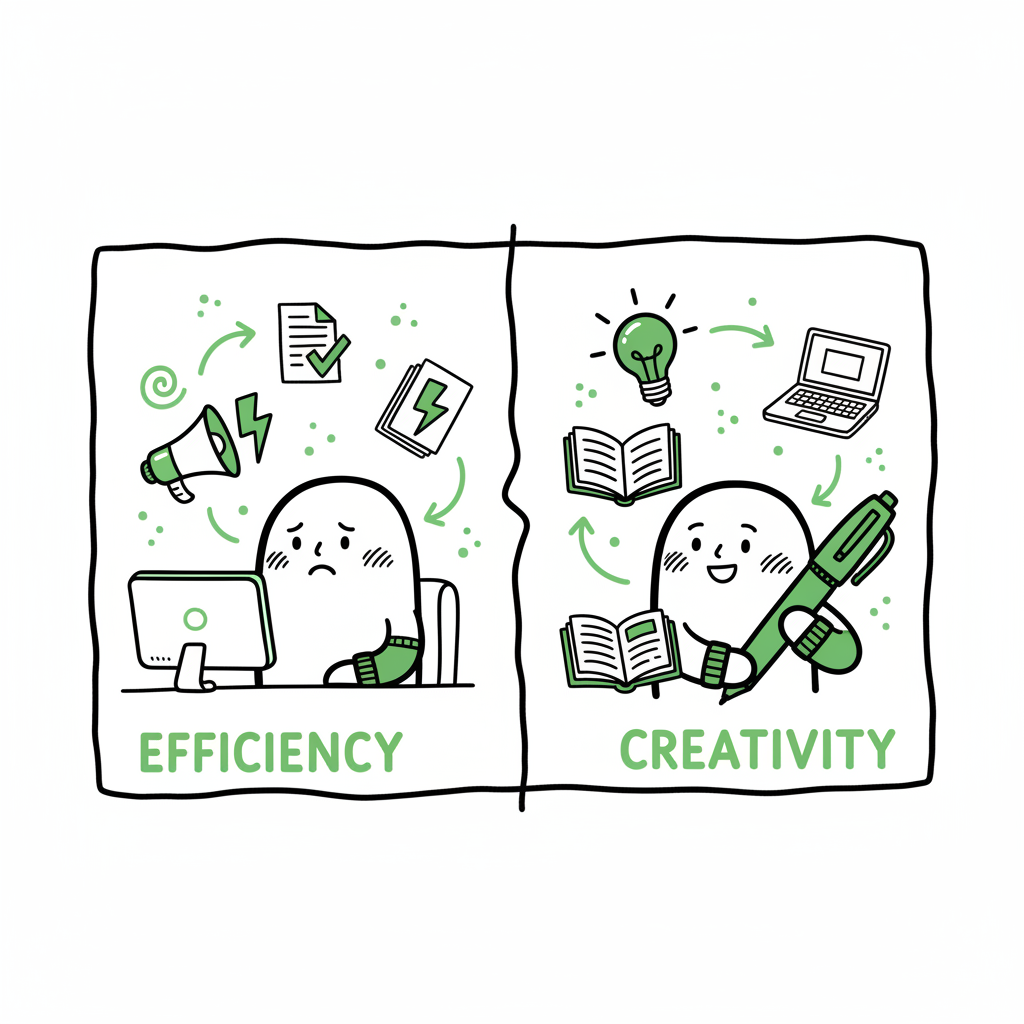
- Use AI for repetitive work (formatting, metadata, marketing) and keep humans in charge of voice, structure, and final quality.
- Multi‑platform automation tools make wide distribution practical; they cut repetitive uploads, reduce errors, and free time for writing.
Table of Contents
- Why AI Changes the Pace of Publishing
- Designing a Sustainable AI Workflow
- Automating Distribution Without Losing Control
- Practical Steps to Start Using AI Today
- FAQ
- Sources
Why AI Changes the Pace of Publishing
“AI in Self Publishing: Speed Without Burnout” is not a slogan. It’s a working principle for authors who want to publish more often without wearing themselves out. AI tools now touch ideation, drafting, editing, cover work, formatting, and marketing. That makes it possible to move from idea to store page in weeks instead of months — if you use the tools in a controlled way.
What changed is simple: tasks that felt manual and slow are now predictable and repeatable. A cover mockup that used to require back‑and‑forth with a designer can be narrowed to a few options in minutes with a reliable cover tool like a book cover generator. If your manuscript needs to reach ebook stores, an EPUB converter will handle the technical conversion so you don’t fight file quirks. And when you need both print and ebook files at scale, streamlined book creation tools can save hours of formatting work.
The upside is speed, lower cost, and fewer technical blockers. The downside appears when an author mistakes speed for marginless effort. Publishing faster is useful only when quality and author energy are protected. The rest of this article shows how to set up workflows and guardrails so AI saves time without eroding voice, craft, or momentum.
Designing a Sustainable AI Workflow
Speed without burnout comes from two things: deciding where AI fits, and limiting how far it goes. A deliberate workflow keeps AI in support roles and preserves the parts of the process that matter most to your creative energy.
Pick the right tasks for AI
Use AI for research, brainstorming, and expanding outlines. It’s excellent at scanning themes, suggesting hooks, and turning a one‑line idea into a usable chapter list.
Let AI draft first passes for non‑fiction sections that are data‑heavy or process‑driven. For fiction, AI can help with scene scaffolding, not final voice.
Delegate mechanical work to AI: metadata, keyword generation, back cover blurbs, social posts, and repeatable formatting steps.
Define passes and stop conditions
Set a finite number of AI passes for each stage. Example:
- Ideation: two AI rounds to expand and prune ideas.
- Drafting: one AI‑assisted draft pass, followed by two human revision passes.
- Editing: AI grammar pass, then human line edit.
- Formatting: AI format + human spot check.
These limits prevent endless tinkering. When authors let every new model and prompt rewrite their files, they lose momentum and increase fatigue. Set hard caps and respect them.
Protect voice and originality
Treat AI as an assistant, not as the author. Keep your own major structural decisions: chapter order, scene arcs, character motivation, and the thesis for non‑fiction. Use AI to generate alternatives, then choose and adapt. That preserves voice and reduces the mental load of starting from blank.
Automate repetitive publishing work
When you publish more than one title, the real burnout comes from distribution chores: repeatedly uploading cover files, entering metadata, matching categories, and converting files for multiple stores. That’s where multi‑platform automation matters. A service that handles batch uploads, platform‑specific checks, and CSV imports can cut upload time by roughly 90% and remove the friction that turns a planned release into a delayed one. Once you’re publishing seriously, moving to unified multi‑platform publishing is an obvious upgrade.
Safeguard creative energy with schedules
AI can create the pressure to publish faster. Counter that by scheduling only what you can sustain. If your rhythm is one book every three months, build a process that supports that cadence without scaling up machine‑fast expectations. Use AI to shorten the manual parts of each release so you get breathing room for marketing and rest.
Automating Distribution Without Losing Control
Fast publishing is only useful if the books reach readers cleanly. Distribution brings a unique set of repetitive tasks and platform quirks. The way to avoid burnout here is to automate the busywork while keeping oversight on the decisions that matter.
Where automation helps most
- CSV batch uploads and template imports for multiple titles.
- Platform‑specific intelligence that translates your general metadata into store‑specific fields and category choices.
- Error checking that flags image size, gutters for print, and EPUB validation before you upload.
- One console to manage Amazon KDP, Kobo, Apple Books, Draft2Digital, and Ingram. That reduces duplicate work and prevents mismatched listings.
What to keep manual
- Final approval of pricing and territories.
- Creative metadata choices that reflect your positioning.
- Strategic decisions around special promotions and preorders.
Platform‑specific intelligence cuts down revisions
Each store has different cover rules, file specs, and category taxonomies. A good automation tool knows these differences and adapts your files automatically, reducing rejections and time spent fixing technical issues. That matters when you’re scaling: one failed upload can eat multiple afternoons if you do it manually across platforms.
Use automation to reduce errors, not hide them
Automation should detect mismatches and provide clear flags. The error reduction is partly technical (file sizes, margins) and partly administrative (missing ISBN, inconsistent blurbs). With repeatable checks in place, you rarely need to rework a file because a store rejected it for a basic reason.
How BookUploadPro fits
A multi‑platform uploading service integrates these elements: unified multi‑platform publishing, CSV batch uploads, and platform‑specific intelligence to reduce errors and save time. When authors begin publishing in volume, automating the upload is the next logical step: it makes wide distribution practical and reliably repeatable. For many authors, that workflow transition delivers the 90% time savings needed to maintain sustainable publishing without overwork. Automate the upload. Own the distribution.
Practical Steps to Start Using AI Today
This section walks through an actionable plan you can apply immediately. The goal is fast, predictable output that preserves voice and reduces friction.
- Plan your role and set the rules
Write a one‑page workflow that assigns each task to either human or AI and sets the number of passes allowed. For example:
- Outlining: AI 1 pass, human prune 1 pass
- Drafting: AI 1 pass for first draft, human 2 passes for edits
- Copy: AI 1 pass for blurbs, human refine 1 pass
- Use AI for scaffolding, then write the core
Ask AI to produce a tight outline and scene list. Take that scaffold and write the first complete human section yourself. This keeps voice anchored early and reduces later friction.
- Offload formatting and technical conversions
When preparing files for stores, use a reliable EPUB converter rather than wrestling with code. If you need print and ebook versions, a dedicated book creation tool will generate compliant files and save hours of layout fixes.
- Simplify covers with smart tools
Sketch the visual direction and let a cover tool produce options you can iterate. Pick one and make minor adjustments rather than redoing covers entirely each time. A controlled approach to cover design keeps releases moving.
- Batch metadata and uploads
Collect title metadata in a single spreadsheet and use platform tools or services that accept CSV batch uploads. This reduces duplicate typing, avoids inconsistencies, and minimizes store rejections for mismatches.
- Automate marketing tasks but test human‑first content
Use AI to generate ad copy, social posts, and email drafts, then refine them by hand. Test the variants that AI proposes, but keep your primary marketing voice human‑authored at high impact touchpoints like your author newsletter.
- Keep a short QA checklist for every release
A two‑minute checklist before pushing live saves time. Include:
- Blurb and title match across platforms
- Cover resolution and trim checks
- EPUB validation
- Pricing and territory confirmation
- Reclaim time for creative work
With repetitive tasks automated, schedule dedicated blocks only for writing and strategic planning. The time saved is what prevents burnout — not simply the act of publishing faster.
Real examples of where this helps
- A non‑fiction author uses AI to draft chapter introductions, then spends focused time adding examples and case studies. Formatting and EPUB conversion are handled by a tool, freeing the author to prepare the launch instead of troubleshooting files.
- A romance author sets a firm rule: one AI draft pass per novella, two human edits. Covers are generated from a set of approved templates. The author publishes a steady stream without the video‑editing style anxiety of constant redesign.
Practical links to useful tools
When you work with covers, converters, and file creation, pick tools that reduce manual steps while producing compliant outputs. A smart book cover generator helps narrow visual direction quickly. If you need to deliver ebooks to stores, an EPUB converter reduces headaches during upload. And when you want one place to generate both print and ebook files, reliable book creation tools can handle both formats and speed the release schedule.
(If you are evaluating tools, try ones that give predictable outputs and don’t require daily manual fixes. The right tools will become part of a repeatable assembly line, not a new set of last‑minute problems.)
FAQ
What parts of publishing should I never fully automate?
Never fully automate final creative judgment: voice, narrative arc, core thesis, and key marketing claims. Those require your perspective. Also avoid fully automating unique content that defines your author brand without human review.
Will AI make my books feel generic?
Not if you use it correctly. Use AI to generate options, not final text. Feed outputs through your voice and editing process. That preserves distinctiveness while cutting time on mechanical work.
How do I prevent AI from increasing my output pressure?
Set a sustainable publishing schedule and stick to it. Limit AI passes and keep a visible publishing calendar so you can say no to scope creep. Use automation to free time, not to raise your target output unrealistically.
Can I use one tool for everything?
You can, but it’s better to combine tools that specialize. For example, use one tool for manuscript drafting assistance, another for cover creation, and an automation service for distribution and batch uploads. That mixes best‑of‑breed capability with repeatable outputs.
How should I pick a distribution automation service?
Look for unified multi‑platform publishing, CSV batch uploads, platform‑specific intelligence, and clear error reports. Services that reduce repeated manual uploads and prevent store rejections will save the most time and avoid stress.
Sources
- Top AI Publishing Tools to Boost Your Self-Publishing in 2025
- Top Essential Tools for Self-Published Authors in 2025
- 8 Powerful AI Tools to Streamline Your Self-Publishing Process
- AI Tools for Self-Publishing: Boost Your Book & Creativity
- AI Book Writer | Publish Your Book Faster with Publishing.ai
Final thoughts
AI is a multiplier, not a replacement. When you structure the work so AI handles repetitive tasks — research, initial drafts, formatting, metadata, and marketing drafts — you free your creative energy for what matters: voice, story, and strategic decisions. For authors ready to publish seriously, unified multi‑platform publishing and batch uploads make wide distribution practical and sustainable.
If you want to keep production fast without burning out, use AI for speed and automation for distribution. Try automating the repetitive parts of publishing and reserve your attention for the creative and strategic choices only you can make.
Visit BookUploadPro.com to try a free trial and see how multi‑platform publishing automation can save time while keeping you in control.
AI in Self Publishing: Speed Without Burnout Estimated reading time: 14 minutes Key takeaways AI can speed every stage of self‑publishing, but it needs clear limits to prevent creative exhaustion. Use AI for repetitive work (formatting, metadata, marketing) and keep humans in charge of voice, structure, and final quality. Multi‑platform automation tools make wide distribution…