How to Publish Faster on Apple Books Without Errors
How to Publish Faster on Apple Books Without Errors
Estimated reading time: 12 minutes
Key takeaways
- Prepare a standards‑compliant EPUB before you upload. Clean files cut rejections and speed approvals.
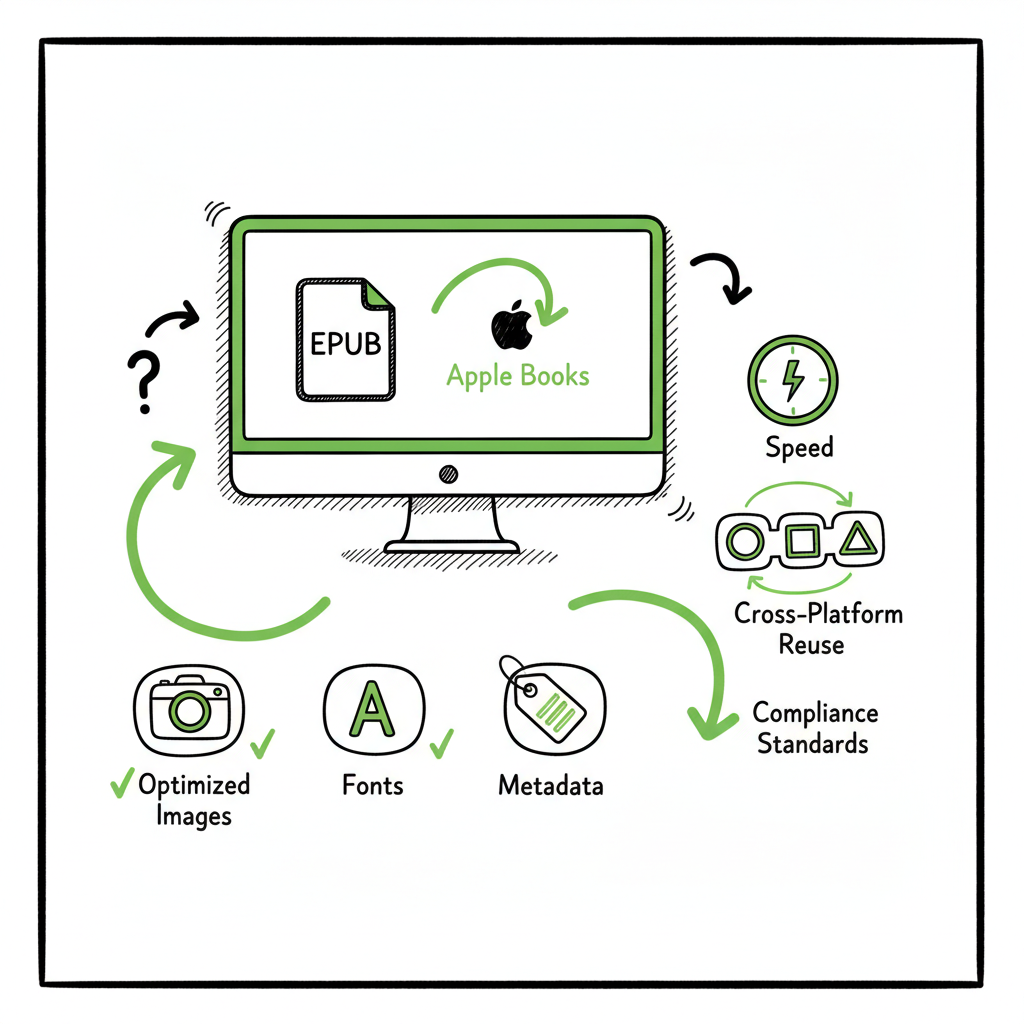
- Optimize images, fonts, and metadata once; reuse those optimized assets across platforms to save hours on each title.
- Use unified, repeatable upload processes—CSV batches, trusted converters, or a publishing service—to remove manual steps and reduce errors.
Table of Contents
- What slows Apple Books and how to stop it
- How to prepare, upload, and automate for fast, error-free Apple Books publishing
- FAQ
- Sources
What slows Apple Books and how to stop it
Apple’s store is straightforward to readers but strict with files. If your goal is how to publish faster on Apple Books without errors, the principle to follow is simple: remove variables before upload. Apple’s review teams check technical details that many DIY conversions miss. That’s where delays and rejections come from, and where you can save the most time.
Common bottlenecks
- Bad EPUB structure. Auto-converted EPUBs from Word or a wrong tool often contain malformed code, missing navigation, or broken HTML that trips Apple’s validation.
- Embedded fonts and CSS problems. If fonts aren’t properly embedded or your stylesheet is noisy, layout issues can appear on certain devices or get flagged during review.
- Large or unoptimized images. Heavy images increase file size and can cause slow uploads, failed uploads, or performance problems for readers.
- Incorrect metadata or filenames. Small mistakes in ISBNs, language tags, or file names can force a fix-and-reupload cycle.
- Multiple upload paths and version confusion. Apple allows several ways to deliver files (Pages, iTunes Producer, or an aggregator). If you mix paths, metadata gets out of sync and troubleshooting takes longer.
Practical first-aid steps (do these before you click upload)
- Validate the EPUB. Run a validation tool and fix any errors. Fixes early are fast; fixes after review add days.
- Strip unnecessary code. Convert complex Word formatting into a clean, simple structure before generating the EPUB.
- Optimize images for web reading—resize and compress without visible quality loss.
- Embed only necessary fonts and check licensing for embedding.
- Prepare accurate metadata (title, subtitle, author, language, ISBN, categories) and keep one canonical source for it.
Why this matters
Authors report that Apple’s review usually takes hours to a few days. The real slowdown is not the review itself; it’s rework caused by avoidable errors. When the first upload is clean, books commonly go live in the reported hours-to-days window. When the first upload fails, you spend time troubleshooting, re-exporting files, and repeating the review cycle.
How to prepare, upload, and automate for fast, error-free Apple Books publishing
This section explains a repeatable workflow that scales. The aim is not theory; it’s a practical system you can use for one title or a hundred. The closer your process gets to “prepare once, reuse many,” the fewer errors you will see and the faster your time-to-market.
Step 1 — Start with a clean source
Work from a single, clean source file. If you write in Word, export with simple styles. If you work in InDesign or Pages, export carefully. Avoid heavy, manual formatting in the manuscript that doesn’t translate into EPUB cleanly. For authors who want to remove conversion risk entirely, using a trusted conversion tool will pay back in time saved; many tools export well-formed EPUBs that pass Apple’s checks.
If you need a reliable conversion, try a dedicated EPUB converter to avoid common mistakes and speed the process. For cover work, use a tested book cover generator so the jacket is print- and ebook-ready.
Step 2 — Validate and humanize the EPUB
Run the EPUB through a validator and fix every warning that could affect display or navigation. Validators catch issues like missing nav points, invalid character encoding, and broken hyperlinks. Beyond validation, “humanizing” the text—checking chapter breaks, drop caps, widows, and orphans—avoids complaints from reviewers and readers. Clean structure reduces edge-case layout failures across Apple devices.
Step 3 — Optimize images, fonts, and file size
Image handling is a recurring bottleneck. Eyes-only optimization means resizing large images to screen-appropriate dimensions, compressing them (PNG for line art, JPEG for photos), and reassembling the EPUB. If your book is image-heavy, consider using compression tools specifically built for EPUBs.
File size matters. Apple allows large files, but large uploads are slower and more error-prone. Recompress EPUBs where necessary.
Step 4 — Use a single, accurate metadata source
Store your final metadata in one clean CSV or a single metadata file that you reuse across platforms. When you update title, subtitle, price, or territory, updating one source avoids contradictory data between Apple and other stores. For authors publishing at scale, CSV batch uploads and a centralized metadata file save hours each week.
Step 5 — Choose the upload path that fits your needs
You have three main options to get a book into Apple Books: the Pages app, iTunes Producer, or an aggregator. For fast, error-free publishing, the choice matters.
- Pages is fine for simple books and Mac users who prefer Apple’s UI.
- iTunes Producer is a common path for detailed delivery but requires care with filenames and metadata.
- Aggregators can hide Apple’s complexity and remove the need for Apple-specific uploads.
If you publish seriously across multiple stores, consider a centralized publishing workflow. At scale, Apple Books Publishing Automation removes the guesswork and lets you treat Apple like another destination in a single, repeatable process. That kind of automation is how teams consistently publish without rework while managing metadata and pricing across stores.
Step 6 — Pre-flight checks and a small test release
Before you schedule a wide release, run a pre-flight check: validate EPUB, test on a real device, and verify metadata in the store preview. If you have multiple formats, test the most complex one (usually EPUB with images or complex styles). When possible, do a soft launch with a limited distribution window to validate store behavior before a full public release.
Tools and tricks that save time
- Trusted exporters: If you use a layout app or a converter that consistently produces valid EPUBs, you minimize rework.
- Batch processing: Compress images and run validation across multiple files with scripts or bulk tools.
- Reusable assets: Keep a shared folder with approved fonts, images, and metadata to avoid recreating assets for each title.
- Aggregators and services: Aggregators simplify updates and price changes. Services that automate wide distribution let you sync changes across Apple, Kobo, Amazon, and more.
- Publishing services: If you want to remove the technical burden, a service that manages EPUB preparation and submission can get you to live faster, with fewer returns for technical issues. For authors who move beyond a DIY pace, automated Apple Books uploads become an obvious upgrade—Automate the upload. Own the distribution.
When to use a publishing service
If you’re publishing multiple titles a year, a service that handles formatting, EPUB validation, and submission is often cheaper than the time and repeated fixes of DIY. Look for services that offer:
– Unified multi-platform publishing across KDP, Kobo, Apple Books, Draft2Digital, and Ingram
– CSV batch uploads and platform-specific intelligence
– Clear metrics on time saved (typical claims are ~90% time savings) and reduced error rates
– Affordable pricing with a free trial so you can test on one title
How BookUploadPro fits
BookUploadPro focuses on reducing the technical friction that slows Apple submissions. The service prepares compliant EPUBs, humanizes manuscripts for better reader experience, and streamlines multi-platform uploads so you don’t repeat the same manual steps for each store. For authors who publish seriously, it’s an obvious upgrade: Apple Books Publishing Automation—upload once, distribute widely, and spend time on writing instead of fixes.
Practical checklist to follow every time (do this in order)
- Export a clean source file with simple styles.
- Convert to EPUB using a trusted exporter or converter.
- Run EPUB validation; fix errors and warnings.
- Optimize images and fonts; check file size.
- Confirm metadata in your single source and export a CSV copy.
- Upload via your chosen path (Pages, iTunes Producer, aggregator, or a service).
- Monitor the review; address any flagged issues immediately.
- Reuse the validated assets for future formats and marketplaces.
Tools to consider in the workflow
- EPUB validator (run locally or with a service)
- Image batching/compression tools
- A trusted converter or layout app for consistent exports
- CSV templates for metadata
- An aggregator or publishing service for multi-store distribution
Be deliberate about tool choice. Switching converters or upload tools midstream introduces risk. Choose one path, prove it with a test title, and then scale.
FAQ
Q: How long does Apple Books review usually take?
A: Review times vary. Authors commonly report hours to a few days. The key to speed is avoiding resubmissions. A clean first upload is the fastest path to a quick review.
Q: Do I need a Mac to publish on Apple Books?
A: Not necessarily. Aggregators remove the need for Apple hardware. If you use Pages or iTunes Producer directly, a Mac is helpful, but many authors use web-based tools or services instead.
Q: What image size should I use for illustrations?
A: Resize images to the maximum display size they’ll need on tablets or phones, then compress them. For full-bleed images, use larger dimensions but balance against file size. Test on a device to ensure quality.
Q: Which file format should I upload to Apple Books?
A: Apple expects EPUB. Prepare a validated, well-formed EPUB and avoid relying on automatic conversions during upload.
Q: How do aggregators help with speed and errors?
A: Aggregators centralize uploads, keep metadata consistent, and handle platform-specific quirks. That reduces manual steps and the risk of mismatch between stores.
Q: Will using a service like BookUploadPro fix all errors automatically?
A: Services reduce the technical burden and lower error risk by preparing compliant files and automating uploads. However, no system eliminates every possible issue; you should test a single title first to prove the workflow for your book’s specific needs.
Sources
- https://theurbanwriters.com/blogs/publishing/how-to-self-publish-on-apple-books-for-authors
- https://killzoneblog.com/2021/07/how-to-easily-publish-on-apple-books.html
- https://publishdrive.com/how-to-publish-on-apple-books.html
- https://www.youtube.com/watch?v=efRauuQfkCo
- https://community.adobe.com/t5/indesign-discussions/the-wonderful-odyssey-of-publishing-to-apple-books-possible-issue-with-hyperlinks-creation/m-p/12781946
Final call to action: Visit BookUploadPro.com to streamline multi-platform uploads and try the free trial.
How to Publish Faster on Apple Books Without Errors Estimated reading time: 12 minutes Key takeaways Prepare a standards‑compliant EPUB before you upload. Clean files cut rejections and speed approvals. Optimize images, fonts, and metadata once; reuse those optimized assets across platforms to save hours on each title. Use unified, repeatable upload processes—CSV batches, trusted…