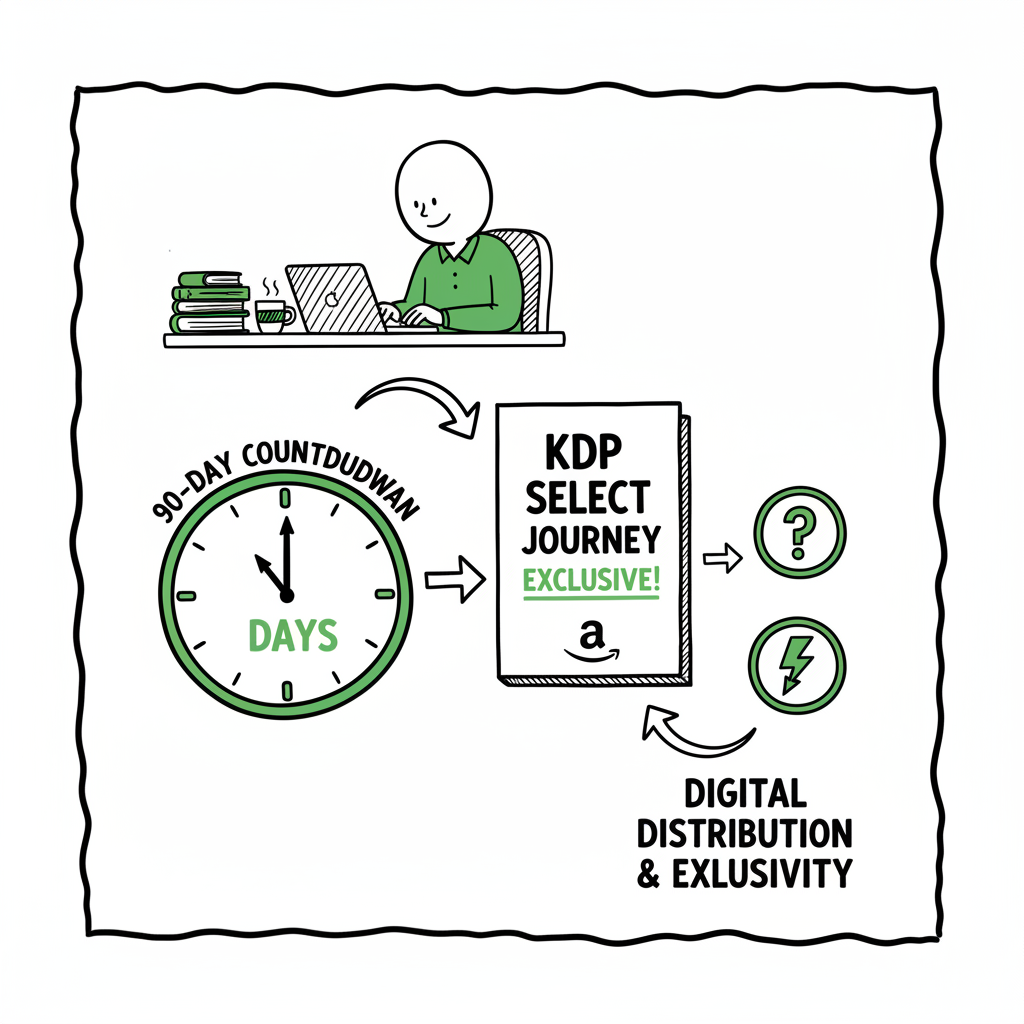
KDP Select Term Length — What 90 Days Means for Authors
kdp select term length: What 90 Days Really Means for Authors
Estimated reading time: 15 minutes
Key takeaways
- The KDP Select term length is a fixed 90-day period that grants Amazon exclusive digital distribution rights for your Kindle eBook and automatically renews unless you opt out.
- Exclusivity applies only to the Kindle eBook file; you can still distribute print, audio, and other formats elsewhere, and tools like BookUploadPro make multi-platform distribution practical once you publish seriously.
- Plan promotions, pricing, and enrollment timing around the 90-day renewal cycle to avoid accidental exclusivity and to use promotional tools effectively.
Table of Contents
- What the KDP Select Term Length Means
- How Auto-Renewal Works and Practical Implications
- Strategies for Managing KDP Select Enrollment Across Platforms
- How BookUploadPro Fits Your Publishing Process
- FAQ
- Sources
- Final thoughts
What the KDP Select Term Length Means
KDP Select enrollment requires authors to commit their Kindle eBook to Amazon exclusively for a fixed period: a 90-day term. That phrase—kdp select term length—defines the window during which your ebook must be available only through Amazon’s Kindle store in digital form. The rule is simple: enroll, and Amazon becomes the sole digital seller of your Kindle-format file for that 90 days.
If you want a quick refresher on how enrollment works in context, see Amazon KDP Select Explained for step-by-step details and how to check your enrollment status. This is helpful if you’re tracking renewal dates or planning promotions.
Practically, the 90-day length matters because it’s long enough to run promotional campaigns, test pricing, and build a paid or borrows-driven audience—but it’s not permanent. Each enrollment period is the same length: 90 days, with no shorter or longer options. Authors frequently ask whether the term can be prorated or shortened; it cannot. You enroll for a defined block, and the clock runs until the 90 days end.
What Exclusivity Covers
- Exclusivity applies only to the Kindle eBook file (the digital format sold on Amazon). You retain the right to publish print books, audiobooks, and other formats elsewhere.
- You cannot offer the same digital file on another retailer or your own site during the 90-day window.
- If you need to distribute an EPUB or another digital file outside Amazon, you must wait until the term ends or remove the book from KDP Select.
Why 90 days is a practical choice
A single 90-day term is short enough to allow frequent strategic changes and long enough to use Amazon’s promotional tools. For many authors, the period provides a useful testing ground: run a free promotion one term, try price-based promotions the next, and measure what grows your audience. Because enrollments auto-renew by default, though, authors must be deliberate about opting out if they plan to go wide after a specific term.
How Auto-Renewal Works and Practical Implications
When you enroll a Kindle eBook in KDP Select, Amazon sets the enrollment to renew automatically for successive 90-day cycles unless you cancel. That automatic renewal keeps your book in the program without manual intervention, which is convenient if you want continuous access to KDP Select benefits. It’s also the main operational risk: forget to opt out, and your book stays exclusive longer than you intended.
Timing and Reminders
Amazon doesn’t block you from opting out; it expects authors to manage the checkbox on the KDP Bookshelf. If you plan to distribute your ebook to other stores once a term ends, you must uncheck auto-renew before the term expires. Treat the 90-day end date like a small deadline: set a calendar reminder a few days before the term ends to decide whether to renew or opt out.
Promotions Inside a Term
Promotional tools that require KDP Select—like Kindle Countdown Deals and Free Book Promotions—are tied to the 90-day structure. You can schedule specific promotions only while enrolled, and some rules limit the number and timing of promotions per term. For example, you can run a free promotion or a countdown deal during a term, but you cannot do overlapping promotional types that conflict. Plan your marketing calendar around the 90-day window.
Revenue and borrows
Enrollment gives your book access to Kindle Unlimited and the Kindle Owners’ Lending Library. That can change how revenue looks: instead of direct sales, some earnings will come from borrows and the KDP Select Global Fund payouts. Track performance per term and measure whether borrows are growing readership or replacing sales across the term.
Practical implications for operations
- If you publish multiple ebooks, stagger enrollments when possible to maintain promotional flexibility across your catalog.
- Keep an enrollment calendar. Treat once-per-90-days as a workflow checkpoint: review pricing, promotion plans, and any plans to distribute outside Amazon.
- If your project involves multiple formats, remember that exclusivity applies only to the Kindle eBook—print and audio distribution can proceed elsewhere during the term.
Strategies for Managing KDP Select Enrollment Across Platforms
Authors who publish at scale think in calendars and batches. The 90-day KDP Select term length is an operational constraint you can use, not just endure. Here are practical strategies that authors and small teams use.
1. Stagger enrollments across titles
If you have a series or multiple titles, stagger their enrollments so that not all books are locked at once. This approach preserves your ability to run promotions and distribute selectively across platforms. For a slate of releases, allocate each title to different 90-day windows so you can test different strategies in parallel.
2. Use KDP Select for discovery, then go wide
Many authors use KDP Select early in a book’s life to build reviews and visibility through borrows, then leave the program to reach other stores. If that’s your plan, mark the end of the 90-day term in your project tracker and prepare EPUB files and metadata for wider distribution.
If you need help converting your manuscript and files for other retailers, a reliable EPUB conversion tool can simplify the process. Consider using a dedicated EPUB conversion service to avoid formatting problems and speed up rollout.
3. Keep print and audio moving while you test
Because exclusivity is limited to Kindle eBooks, you can publish paperbacks and audiobooks while your ebook sits in KDP Select. That means you don’t need to pause other revenue streams when you test Amazon-focused strategies. If you produce paperback files or need a cover, use a robust cover process so your print and audio releases are ready on schedule. A professional cover generator can speed up producing consistent art across formats.
4. Batch the administrative work
Once you publish multiple titles, administrative tasks multiply: metadata, categories, pricing, and enrollment settings. Batch these tasks. Export metadata to CSV where possible, schedule enrollments and opt-outs in blocks, and use tools that reduce repetitive uploads.
5. Consider the promotional cadence
Plan one or two major promotions per 90-day term rather than constant changes. That cadence gives you time to analyze results and reduces the risk of conflicting promotions that confuse readers.
6. Monitor and adapt to platform intelligence
Amazon’s reporting and bookstore behavior can change. Watch performance metrics per 90-day term and decide whether KDP Select improves audience development for each title. Sometimes a title benefits from long-term exclusivity; other times, wide distribution outperforms.
Practical file processes to go wide
When it’s time to distribute beyond Amazon, prepare three things: a clean EPUB file, a retail-ready cover, and consistent metadata. A practical author process often uses a book creation process to keep formats in sync and avoid last-minute errors.
How BookUploadPro Fits Your Publishing Process
When you’re publishing more than one or two books, manual uploads become a bottleneck. BookUploadPro automates repetitive uploads across Amazon KDP, Kobo, Apple Books, Draft2Digital, and Ingram. It’s designed for authors who want unified multi-platform publishing without the day-to-day friction.
Why the automation matters
- Time savings: BookUploadPro can save about 90% of the time you’d spend on manual uploads. That’s not marketing copy—that’s operational math once you factor in metadata entry, cover and file uploads, and selecting territories and pricing across platforms.
- CSV batch uploads: Upload a CSV with metadata and point to files; BookUploadPro maps fields and pushes to each store with platform-specific intelligence.
- Platform-specific intelligence: Different platforms have different requirements for files, territories, and categories. BookUploadPro adjusts uploads to match each platform’s rules, which reduces rejections and errors.
- Error reduction: Automation reduces copy-paste mistakes, metadata mismatches, and failed uploads. That lowers the chance of accidental exclusivity or missed release dates.
- Wide distribution made practical: If you use KDP Select for discovery, BookUploadPro helps you manage the rest of your catalog quickly when you opt out and want to go wide.
How this looks in a real operation
Imagine you’ve released a title and it’s finishing a KDP Select term. Instead of manually preparing separate uploads for each retailer, you prepare a clean EPUB and packaged assets, update your CSV, and push the books to multiple stores. BookUploadPro handles the specifics for each store so you don’t have to. This makes moving from exclusive to wide distribution a single coordinated exercise rather than a week of manual work.
Supporting the file process
Automation is only as good as the files you feed it. Make sure you have:
- A clean EPUB file for ebook distribution. If you need conversion help, use a reputable EPUB conversion service to avoid common formatting issues and speed rollout.
- Retail-ready covers for all sizes and formats. A cover generator speeds creating consistent covers for ebook and paperback and reduces iteration time.
- Consistent metadata across platforms so your book’s title, subtitle, author name, and series data match everywhere.
BookUploadPro positions itself as an obvious upgrade once authors start publishing seriously. Automate the upload. Own the distribution.
Pricing and trial
BookUploadPro is built for authors and small publishers who want predictable, repeatable publishing without manual toil. It offers affordable pricing and a free trial so you can test the batch upload and platform mapping features before committing.
Operational tips for using BookUploadPro with KDP Select
- Track your KDP Select renewal dates in your project management tool. When a term ends and you plan to distribute outside Amazon, schedule the BookUploadPro batch upload for that same window.
- Use BookUploadPro’s CSV templates to store canonical metadata that you reuse every term.
- If you keep some titles exclusive and push others wide, maintain two CSVs: one for exclusive strategy and one for wide distribution. That reduces the risk of accidentally re-enrolling a title.
- Keep a clean copy of the ebook file outside KDP in case you need to reformat or re-export for other stores quickly.
FAQ
Q: How long is the KDP Select term?
A: Each KDP Select enrollment lasts exactly 90 days.
Q: Does KDP Select auto-renew?
A: Yes. Enrollment auto-renews for another 90-day term by default unless you opt out on the KDP Bookshelf before the current term ends.
Q: Does exclusivity apply to print and audio formats?
A: No. Exclusivity applies only to the Kindle eBook. You may distribute print and audio versions elsewhere while the ebook is enrolled.
Q: Can I run promotions during the 90-day term?
A: Yes. You can use Kindle Countdown Deals and Free Book Promotions while enrolled. These promotions are tied to the 90-day cycle and may have scheduling limits per term.
Q: What happens if I forget to opt out and want to go wide?
A: Your ebook will remain exclusive until the end of the current 90-day term. To avoid this, set a calendar reminder before the term ends and uncheck automatic renewal on the KDP Bookshelf.
Q: How do I prepare my files for wide distribution after a KDP Select term?
A: Prepare a clean EPUB, ensure your cover art matches retailer specs, and have consistent metadata. For easier conversion or cover generation, use specialized tools—a dedicated EPUB converter and a cover generator streamline the process.
Q: Is BookUploadPro useful for an author who wants to use KDP Select sometimes and go wide other times?
A: Yes. BookUploadPro is designed for mixed strategies. It automates wide distribution, supports CSV batch uploads, and reduces the manual work when you move titles out of exclusivity.
Sources
- https://kdp.amazon.com/help/topic/G201293780
- https://kdp.amazon.com/help/topic/GD9PMU58BV24QFZ7
- https://kdp.amazon.com/help/topic/G202173620
- https://kdp.amazon.com/terms-and-conditions
- https://reedsy.com/blog/guide/kdp/kdp-select/
- https://blog.bookbaby.com/how-to-self-publish/ebooks/what-to-know-about-kdp-select
Final thoughts
The kdp select term length is a clear operational constraint: 90 days of Kindle exclusivity with automatic renewal unless you opt out. Treat it like a cycle you control. Use the term to test promotions and build readership, then use practical tools to move titles where they perform best. When publishing moves beyond a handful of books, automation tools like BookUploadPro make the difference between a one-person scramble and a predictable, repeatable publishing operation.
Visit BookUploadPro.com to try the free trial and see how batch uploads and platform-specific automation simplify multi-platform publishing.
kdp select term length: What 90 Days Really Means for Authors Estimated reading time: 15 minutes Key takeaways The KDP Select term length is a fixed 90-day period that grants Amazon exclusive digital distribution rights for your Kindle eBook and automatically renews unless you opt out. Exclusivity applies only to the Kindle eBook file; you…