
In this guide
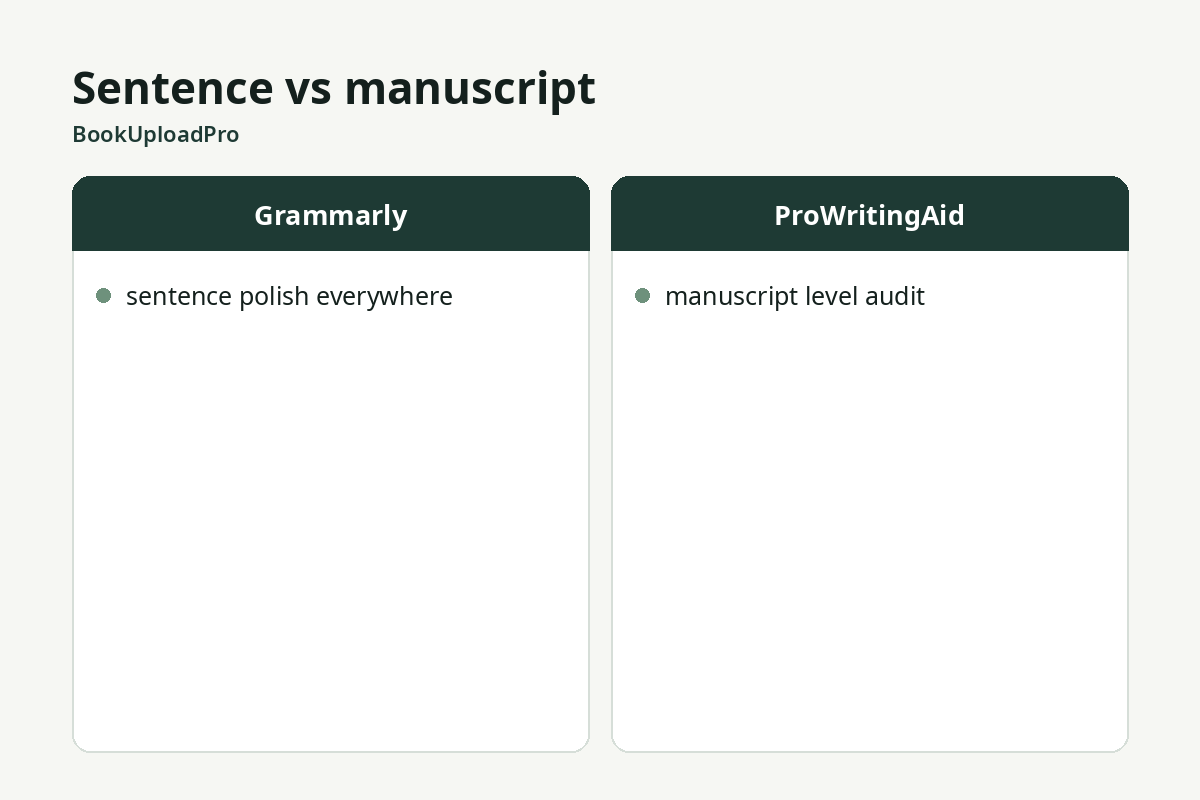
These two comparisons have the same shape: one tool is built for the sentence in front of you, the other for the document as a whole. Grammarly is the better sentence polisher, fast, confident grammar and clarity suggestions everywhere you write. ProWritingAid is the better manuscript editor, slower and deeper, with reports that hunt the problems books actually die of: repeated phrases, pacing drag, overused words, sticky sentences, and consistency errors across 25,000 words. For a nonfiction manuscript, ProWritingAid catches more real issues, because its unit of analysis is the chapter and the book, not the paragraph. Use both if you can: draft level auditing in ProWritingAid, then Grammarly’s polish on the author’s own final pass, never letting either rewrite your voice unchecked.
Key takeaways:
- Real issues in a manuscript are mostly above sentence level: repetition, bloat, inconsistency, and drift. That is ProWritingAid’s home ground and Grammarly’s blind spot.
- Neither tool verifies facts, checks your argument, or replaces a human editor for a book you intend to sell for years. They are the pass before the editor, not instead of one.
- Word vs Google Docs: both are fine to draft in; problems come from what happens at export, and the winner depends on your formatting route.
Word vs Google Docs, judged at the handoff
Draft where you think best; Docs wins on collaboration, comments from beta readers, and never losing work, and costs nothing. Word wins on offline control, styles discipline, and being the file format every editor and many formatters expect. The formatting problems authors blame on these tools are predictable in both: pasted text carrying hidden formatting, headings faked with bigger fonts instead of styles, and manual spacing doing the work of paragraph settings. Use real heading styles and paragraph styles from chapter one in either tool, and both export cleanly into a formatter or formatting software. If a professional editor enters the picture, expect to work in Word with tracked changes; if your team lives in comments, expect Docs. Choose by collaborators, keep styles clean, and neither will sabotage the book.
The editing stack that actually works
Draft, rest, self edit for structure with the manuscript level reports, then the sentence level polish, then human eyes, an editor or at minimum beta readers, then proofread. AI generated drafts need the same stack with the fact pass added on top. The tools earn their subscriptions in the middle passes, where their patience for your two hundredth repeated phrase exceeds yours. What they must never do is accept all changes on your behalf: both tools will confidently flatten a deliberate style choice into a generic one, and the book’s voice is the thing you are selling.
FAQ
ProWritingAid vs Grammarly for editing a nonfiction manuscript, which catches more real issues?
ProWritingAid, for manuscripts. Its reports target book scale problems, repetition, pacing, consistency, overused constructions, where Grammarly excels at sentence scale grammar and clarity. The strongest setup uses ProWritingAid for the manuscript audit and Grammarly for final polish, with your judgment overruling both.
Word vs Google Docs for writing a manuscript I will format later, which causes fewer problems?
Either, provided you use genuine heading and paragraph styles instead of manual formatting. Docs is better for collaboration and feedback; Word is the standard your editor will likely demand and exports the DOCX that formatting tools expect. Problems come from style chaos, not from the brand of word processor.