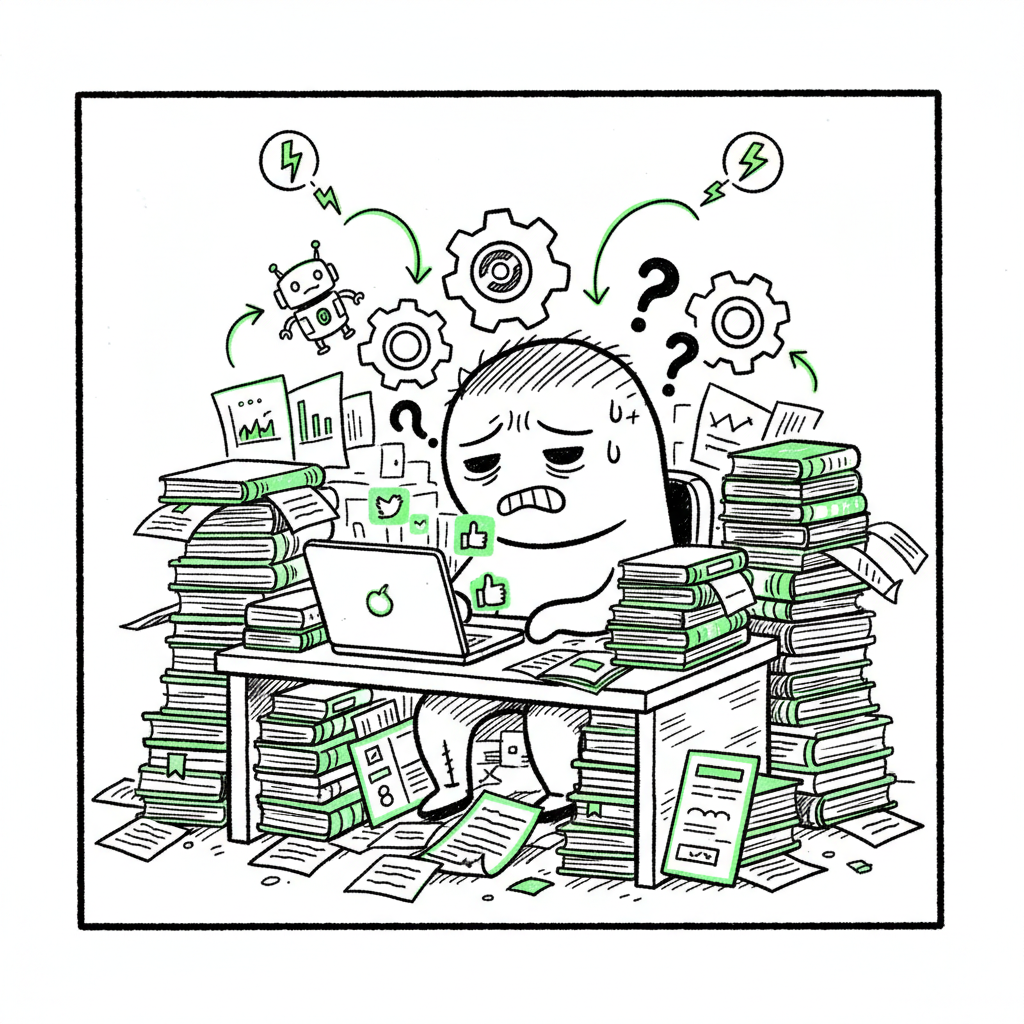
KDP publishing burnout causes and practical fixes to recover
KDP publishing burnout
Estimated reading time: 15 minutes
Key takeaways
- KDP publishing burnout combines marketing overload, workflow friction, and emotional fatigue; recognizing the pattern is the first step to recovery.
- Operational fixes—batching, templates, and automation—cut repetitive work and protect writing time; multi-platform automation makes wide distribution practical.
- When authors scale, services that offer CSV batch uploads, platform-specific intelligence, and error reduction (about ~90% time savings) become an obvious upgrade.
Table of Contents
- Why KDP publishing burnout happens
- Operational fixes: reduce workflow burnout and scale publishing
- FAQ
- Sources
Why KDP publishing burnout happens
KDP publishing burnout is a specific kind of exhaustion. It shows up when authors trade focused writing for constant business work: listings, cover files, formatting, ad campaigns, and dashboard checking. The first 150 words matter for context. If you feel drained, overwhelmed, or stuck in a cycle of producing a book and immediately losing momentum, you’re seeing kdp publishing burnout in action.
Three forces combine here. First, marketing fatigue: many indie authors spend hours per week and significant ad budget trying to get traction. Second, workflow overload: the steps to publish a single title multiply across formats and platforms. Third, emotional burnout: ranking swings, low sales for most books, and the social noise of forums and groups create discouragement. These add up into kdp publisher exhaustion and self publishing fatigue that hits both new and experienced authors.
The mechanics matter. Amazon’s systems are fast in some ways and slow in others. Release tasks—cover checks, content review, metadata matching—often take longer than expected. If you’ve ever wondered why your book sits “processing” or why distribution feels uneven, a clear explainer is available: Why Amazon KDP Publishing Takes Long. That post walks through where delays originate and how to set realistic timelines.
Patterns to watch for
- You spend more time on tasks that repeat for every book than on writing.
- You feel drained after admin work and avoid marketing because it’s associated with stress.
- You promise yourself a new routine after a launch, but the next release repeats the same friction points.
KDP workflow burnout grows quietly. At first it’s productivity dips. Later it’s emotional: avoiding forums, shrinking your publishing calendar, or stepping away from promotion entirely. Left unaddressed, this becomes long-term self publishing fatigue. The next section focuses on pragmatic, operator-level fixes you can implement this week.
Operational fixes: reduce workflow burnout and scale publishing
Treat this like fixing a production line. When the publishing process is manual, small problems compound. The solution set divides into three practical areas: reduce repetitive work, ensure quality with templates and checks, and adopt multi-platform tools that handle platform differences.
Reduce repetitive work with batching
Batch similar tasks and protect deep-writing blocks. Examples:
- Metadata day: set aside one session for all titles’ descriptions, keywords, and categories.
- Cover batch: finalize multiple covers in a single design session.
- Upload block: prepare files and upload 3–5 titles in one go rather than uploading one at a time.
Batching reduces context switching, increases speed, and lowers anxiety. It also makes outsourcing easier—if files and instructions are consistent, a VA can take over predictable work without constant oversight.
Use templates and checklists
Create a publishing template that holds all the metadata fields, marketing copy variations, and asset file names. Keep a post-upload checklist with the exact steps you run after every release: proof ordering, price checks across stores, and tracking ads.
Templates reduce errors. That matters because manual mistakes cause rework and loss of momentum. Over time, your template library becomes a catalog of reusable assets and rules that speed new releases.
Automate the uploads and reconcile platform differences
A single platform’s requirements aren’t the same as another’s. Amazon wants a specific cover size and interior file type. Apple Books uses their own rules. Doing each by hand multiplies workload. A multi-platform publishing tool that handles platform-specific intelligence removes those checks from your plate.
Services that automate repetitive uploads offer predictable benefits: CSV batch uploads, platform-specific formatting adjustments, and direct mappings of metadata across stores. That means authors can push dozens of titles without repeating the same clicks over and over. For teams and serious indie authors, that automation reliably delivers around 90% time savings on routine tasks compared with manual uploads.
Practical workflow with automation
– Prepare a single master manuscript and cover folder.
– Export a CSV with metadata for all titles.
– Use an upload service to push the CSV to Amazon KDP, Kobo, Apple Books, Draft2Digital, and Ingram in one batch.
– Receive an errors report and fix only the flagged items.
This approach reduces kdp workflow burnout because you no longer police every step. You fix exceptions instead of repeating every step for every title.
File formats and production touches
Two recurring friction points are covers and ebook file formats. Instead of wrestling with conversion tools each time, use a reliable EPUB conversion service when preparing ebooks. A good converter ensures your table of contents, images, and metadata survive the transfer between formats. If you need a fast way to convert manuscript files to EPUB, an EPUB converter can save hours compared with manual fixes.
Covers are another bottleneck. If you’re generating or updating many covers, use a batch cover process or an automated cover generator to standardize sizes and export presets. That cuts round-trip design time and prevents repeated re-uploads for size or bleed issues.
If you publish both paperback and ebook, aim for a single source of truth—a final manuscript and a packaging routine that produces both formats. Services that support book creation workflows provide a place to keep all assets and export them to multiple stores without repeating design and conversion steps.
Quality controls that reduce stress
Automation doesn’t remove the need for quality control. It changes where you do the checks. Instead of checking each store, check the report. Prioritize fixes by impact: errors that prevent distribution must be fixed first; cosmetic issues can wait and be corrected in a revision cycle.
Make revision windows part of your calendar. For example, plan a 48-hour monitoring period after pushing a batch. Collect errors, fix them together, and push a tidy amendment. This keeps temporary problems from spiraling into ongoing anxiety.
How automation addresses emotional burnout
When tools remove the smallest hassles—wrong file names, mismatched ISBNs, failed uploads—you remove the triggers that turn administrative work into dread. That’s the practical benefit: you stop avoiding publication tasks. You regain writing time and protect creative energy, which is the root cure for many cases of kdp publisher exhaustion.
Practical examples and a realistic migration path
If you’re currently publishing one book every few months and want to ramp up, don’t flip a switch. Start with:
– One small test batch: prepare 2–3 backlist titles and move them through a CSV-driven upload once.
– Build your metadata template during this test.
– Track time saved and error counts.
Once you see the reduced workload and fewer errors, automation becomes an obvious upgrade. For authors publishing multiple titles a year, services that centralize uploads and format outputs make wide distribution practical and affordable. As you scale, the jump from manual to automated publishing often moves you from burnout to a predictable business rhythm.
Beyond tools: daily habits that prevent relapse
Automation reduces friction, but daily habits hold the gains. These are low-friction practices that limit kdp publishing burnout without complex change.
- Timebox admin tasks. Give marketing and uploads fixed slots; don’t let them spill into writing hours.
- Protect writing days. Treat them as non-negotiable and remove administrative notifications.
- Use simple metrics. Track time spent per task rather than obsessing over daily sales numbers.
- Rotate channels. Don’t expect perfect success on every platform at once. Use a triage mindset: fix what blocks distribution, then test marketing channels one at a time.
When to outsource
If a task follows the same pattern every time, outsourcing is a strong option. Those repetitive tasks are precisely what assistants and services do well. Outsource the upload execution, metadata entry, and routine formatting checks once you have reliable templates. Keep the creative control—titles, covers, and pricing decisions—to yourself until you’ve built confidence with the process.
Balancing emotional recovery with operational fixes
Addressing kdp publishing burnout means treating both the machine and the operator. Fix the machine—the processes and tools—so it doesn’t demand constant babysitting. Then repair the operator—your routines and boundaries—so you have space for writing and rest.
Short-term steps to recover momentum
– Pause new releases for one short cycle and batch-fix 2–3 backlist items.
– Reclaim a writing block: one morning per week with notifications off.
– Reduce community noise: mute or unfollow threads that drain energy.
Medium-term steps to prevent repeat burnout
– Build a single, editable template for metadata and covers.
– Run one CSV batch to publish or update multiple titles.
– Try a free trial of a multi-platform upload service to compare time saved.
Tools and services that fit this approach
Look for tools that combine these features: CSV batch uploads, platform-specific intelligence (auto-adjusting files for each store), error reduction reports, and a clear dashboard for fixes. These tools should make wide distribution practical and affordable. For authors who publish seriously, they feel like an obvious upgrade.
FAQ
Q: How fast will automation reduce my publishing workload?
A: You’ll see the biggest gains on repetitive, manual tasks. Many authors report saving most of their time on the upload process within the first batch. Exact time saved depends on how many titles you manage. Expect immediate reductions on uploads and error handling; cultural habits (like checking dashboards) will take more time.
Q: Is automation safe for quality control?
A: Yes—if you keep a quality-review step. Automation standardizes outputs but you should still inspect a small sample after a batch push. Set a 48-hour review window after publication to catch platform-specific issues.
Q: Will automation hurt discoverability if everything looks similar?
A: No. Automation handles technical tasks, not creative choices. You still write titles, blurbs, and choose covers. Automation reduces friction so you can spend more time on strategy and on testing creative variations.
Q: What if I’m worried about platform rule changes?
A: Use a service with platform-specific intelligence. Good platforms track each retailer’s rules and adjust file outputs automatically. That reduces surprises when policies change.
Q: I’m a one-person author business. Is switching to a multi-platform tool worth it?
A: If you plan to publish more than a handful of titles or want to update multiple backlist items, the time and error savings generally pay off quickly. If you publish rarely and manually, it may be less urgent. For authors publishing seriously, automation is an obvious upgrade.
Q: How do I avoid losing creative energy when scaling up?
A: Keep writing blocks sacrosanct. Let automation handle the admin. If you start to feel drained, step back and batch a correction cycle rather than pushing new titles immediately.
Final thoughts
Automation and disciplined workflows don’t remove the uncertainty of selling books. They do remove the daily grind that turns effort into exhaustion. By batching, templating, and using multi-platform upload services that handle differences between stores, you reduce errors, reclaim writing time, and make wide distribution practical.
If you deal with kdp workflow burnout or kdp publisher exhaustion, start with a short experiment: pick a small batch of titles, prepare a CSV, and run a single automated upload. Track the time you save and the errors you fix. For most authors, that first experiment is the turning point.
Automate the upload. Own the distribution.
Visit BookUploadPro.com to try a free trial and see how CSV batch uploads, platform-specific intelligence, and unified multi-platform publishing can stop workflow burnout and make serious publishing sustainable.
Note: For practical help converting manuscripts to ebook files, consider using an EPUB converter. If you need batch cover processing, a cover generator processing can speed design consistency. For unified publishing across paperback and ebook formats, look for services that support a centralized book creation workflow.
Source note: You can reference sources in the Sources section at the bottom.
Sources
- 69% of publishing professionals reporting burnout
- The Hidden Challenges of Self-Publishing on Amazon
- 2024 Indie Author Survey Results: Insights into Self Publishing for Authors
- Is Amazon KDP Profitable? The Realities of Self-Publishing Earnings
KDP publishing burnout Estimated reading time: 15 minutes Key takeaways KDP publishing burnout combines marketing overload, workflow friction, and emotional fatigue; recognizing the pattern is the first step to recovery. Operational fixes—batching, templates, and automation—cut repetitive work and protect writing time; multi-platform automation makes wide distribution practical. When authors scale, services that offer CSV batch…