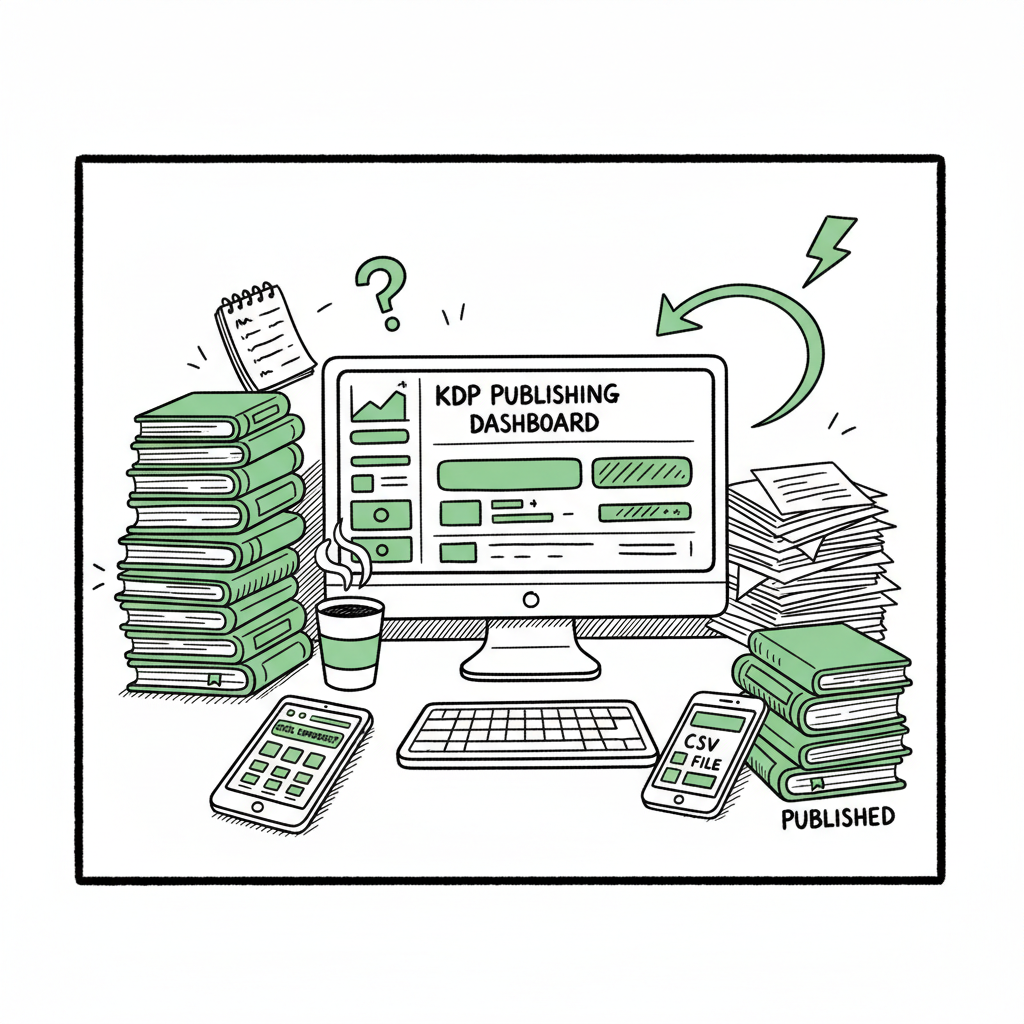
Why KDP Publishing Feels Like Data Entry and How to Fix It
kdp publishing feels like data entry
Estimated reading time: 14 minutes
Key takeaways
- KDP publishing feels like data entry because the platform requires precise, repeated metadata and file uploads that scale poorly when you publish many books.
- You can cut most of that repetitive work by batching metadata, using CSV-driven workflows, and moving uploads to a single multi-platform tool that understands each store’s rules.
- BookUploadPro automates CSV batch uploads across Amazon KDP, Kobo, Apple Books, Draft2Digital, and Ingram, saving roughly 90% of time on repetitive KDP form filling while reducing validation errors.
Table of Contents
- Overview
- Why kdp publishing feels like data entry
- Fixing the workflow: unify and automate multi-platform uploads
- Practical steps to reduce kdp data entry tasks at scale
- A short real-world example
- Common objections and how to handle them
- Book file handling and conversions
- Distribution beyond Amazon
- Pricing, trials, and practicality
- Final thoughts
- FAQ
- Sources
Overview
KDP publishing feels like data entry for a reason. The Kindle Direct Publishing dashboard asks for the same fields—title, subtitle, author, series, description, keywords, categories, language, ISBNs, pricing, and print options—over and over. Each book needs exact, validated inputs to appear correctly on Amazon. That structure is useful for quality, but it adds up into hours of form filling when you publish multiple titles or different formats.
If you want a clear look at why these steps take time on Amazon, read Why Amazon KDP Publishing Takes Long. Understanding the bottlenecks helps you decide where to automate, which manual checkpoints still matter, and how to scale without hiring a stack of freelancers.
Why kdp publishing feels like data entry
Most authors notice KDP’s tedium on the first full upload. You’ll spend more time in the dashboard than in your manuscript editor. Here’s why the platform feels like a set of forms that never end.
What the platform asks for
- Metadata: title, subtitle, author name, contributors, series information.
- Descriptions and keywords: long copy and multiple keyword fields designed for search and discovery.
- Categories and audience: primary and secondary categories, age and grade settings where needed.
- Files: manuscript upload for eBook and print, cover uploads for each format.
- Print setup: trim size, paper type, ink color, and page count for paperbacks.
- ISBN and rights: free KDP ISBN or your own, territorial rights.
- Pricing and royalty: currency, list price, and pricing matching across territories.
Each of those fields can be validated: character counts, forbidden characters, exact ISBN formatting, and file size limits. That validation is necessary, but it turns every new book into a checklist of required inputs.
Why repetition becomes a scale problem
Repetition is tolerable for one book. It becomes costly at scale for three reasons:
- Mechanical time: Entering the same author, series, and description across dozens of titles is pure keyboard work.
- Context switching: Switching from cover work to metadata to pricing breaks creative and production flow.
- Error risk: Small typos or mismatched ISBNs can trigger rejections or make edits harder after publication.
Publishers and high-output authors respond in two ways: hire people for “KDP data entry tasks” or build systems to batch the work. Freelancers on Upwork and job marketplaces advertise precisely for “filling in metadata” or “upload inside KDP dashboard,” which confirms that many see this as data entry.
Where platform design enforces precision
Amazon’s system prioritizes accurate product pages. That means fields are not arbitrary: author names must match registration, ISBNs must be valid, and file previews must conform to error checks. For series, you may need consistent numbering. For print, page counts must align with trim and bleed settings. Those constraints explain why KDP feels strict—and why automation must be platform-aware to be safe.
Why kdp publishing feels like data entry
If KDP publishing feels like data entry, the solution is to treat those fields as data you can batch and feed—rather than manual inputs you retype every time. The practical fix is a unified publishing process: one source spreadsheet or CSV that feeds multiple platforms with platform-specific intelligence layered on top.
Why unify?
Most publishers need the same core data for every store: title, author, description, pricing, and files. Unifying lets you:
- Maintain a single source of truth for metadata.
- Reuse covers and manuscript files across formats.
- Generate platform-specific variants (trim sizes, file formats) automatically.
What platform intelligence means
Platforms differ. Amazon requires certain metadata formats and has unique file checks. Kobo, Apple, Draft2Digital, and Ingram have other rules. A useful automation tool understands those differences and maps your single dataset into valid, platform-specific uploads. That prevents the back-and-forth of manual correction and reduces validation errors.
How batch uploads work
A CSV or spreadsheet becomes the control panel. Each row is a book; columns are fields. The upload tool reads the sheet, converts files (EPUB or print-ready PDFs), applies platform-specific options, and pushes the data to each store via their APIs or validated upload paths. This replaces repetitive KDP form filling with a one-time data entry and automated dispatch.
Why automation doesn’t replace editorial judgment
Automation saves time, but you keep decisions that matter:
- Book descriptions still need human editing for sales copy.
- Cover design choices and A/B testing should be intentional.
- Series order and back-matter require careful setup.
Automation handles the repetitive, low-value inputs so you can focus on the strategic parts that require human judgment.
How BookUploadPro helps
BookUploadPro is built for that exact problem. It automates CSV batch uploads across Amazon KDP, Kobo, Apple Books, Draft2Digital, and Ingram. The platform applies platform-specific intelligence so metadata, pricing, and file variants are validated before upload. That reduces errors and saves roughly 90% of the manual time many publishers spend on repetitive KDP forms. For authors who publish seriously, moving to a unified tool is an obvious upgrade: Automate the upload. Own the distribution.
Fixing the workflow: unify and automate multi-platform uploads
If KDP publishing feels like data entry, the solution is to treat those fields as data you can batch and feed—rather than manual inputs you retype every time. The practical fix is a unified publishing process: one source spreadsheet or CSV that feeds multiple platforms with platform-specific intelligence layered on top.
Why unify?
Most publishers need the same core data for every store: title, author, description, pricing, and files. Unifying lets you:
- Maintain a single source of truth for metadata.
- Reuse covers and manuscript files across formats.
- Generate platform-specific variants (trim sizes, file formats) automatically.
What platform intelligence means
Platforms differ. Amazon requires certain metadata formats and has unique file checks. Kobo, Apple, Draft2Digital, and Ingram have other rules. A useful automation tool understands those differences and maps your single dataset into valid, platform-specific uploads. That prevents the back-and-forth of manual correction and reduces validation errors.
How batch uploads work
A CSV or spreadsheet becomes the control panel. Each row is a book; columns are fields. The upload tool reads the sheet, converts files (EPUB or print-ready PDFs), applies platform-specific options, and pushes the data to each store via their APIs or validated upload paths. This replaces repetitive KDP form filling with a one-time data entry and automated dispatch.
Why automation doesn’t replace editorial judgment
Automation saves time, but you keep decisions that matter:
- Book descriptions still need human editing for sales copy.
- Cover design choices and A/B testing should be intentional.
- Series order and back-matter require careful setup.
Automation handles the repetitive, low-value inputs so you can focus on the strategic parts that require human judgment.
How BookUploadPro helps
BookUploadPro is built for that exact problem. It automates CSV batch uploads across Amazon KDP, Kobo, Apple Books, Draft2Digital, and Ingram. The platform applies platform-specific intelligence so metadata, pricing, and file variants are validated before upload. That reduces errors and saves roughly 90% of the manual time many publishers spend on repetitive KDP forms. For authors who publish seriously, moving to a unified tool is an obvious upgrade: Automate the upload. Own the distribution.
Practical steps to reduce kdp data entry tasks at scale
You don’t need custom engineering to escape KDP’s data-entry loop. Follow a practical path that combines simple process changes with automation tools.
-
1) Create a single source spreadsheet
Make a master CSV where each row is a book and each column is a field. Include:
– Basic metadata: title, subtitle, author, contributors.
– Technical fields: ISBN, ASIN (if reissuing), page counts, trim sizes.
– Distribution options: territories, DRM preference.
– Pricing: list price per currency or region.
– File paths: manuscript, cover, print PDF.This spreadsheet stops you retyping the same fields. Keep it under version control and use column validation (drop-downs, allowed values) to prevent typos.
-
2) Standardize your assets
Store covers, interior files, and back matter in a clearly named folder structure. For print and ebook variants, include naming that maps to the CSV. If you create covers externally, use a repeatable process so new covers slot into the same folder pattern.
-
3) Convert once, reuse everywhere
Stores accept different ebook formats. Convert your manuscript early in the workflow:
– Produce a high-quality EPUB and validate it.
– Produce print-ready PDFs for each trim size. -
4) Use a CSV-driven upload tool
Move from logging into each dashboard to uploading your CSV into a single tool that drives multiple platforms. The benefits:
– One upload pushes to KDP and other stores, saving repetitive KDP form filling.
– The tool applies platform validation and reports errors before the push.
– You keep a single change log rather than scattered dashboard edits. -
5) Automate the most repetitive form fields first
If full automation feels like a big leap, automate incrementally:
– Start with author and series fields.
– Next, batch pricing and territory settings.
– Then automate print options and file attachments. -
6) Validate before pushing
Automation needs validation steps. A good workflow flags:
– ISBN mismatches.
– File format or page count problems.
– Metadata length or forbidden-character issues. -
7) Track and audit
Keep logs of every upload. When an error occurs or Amazon flags content, the log helps you identify which CSV row or file caused the issue. This is infinitely faster than searching through dashboard activity for each book.
-
8) Delegate with guardrails
If you use freelancers, give them CSV templates instead of dashboard access. This lets non-technical assistants fill data without touching your store accounts, and you retain control with a final validation step.
-
9) Maintain a library of reusable descriptions and keyword sets
Create modular descriptions and keyword bundles that you can reuse and tweak. This reduces time spent crafting new copy for similar titles.
-
10) Keep platform-specific notes
Document quirks: which stores treat keywords differently, how Apple handles preorders, or which print trim sizes map to which ISBN. These notes speed future uploads and can be embedded in your CSV as helper columns.
A short real-world example
A small publisher had 120 backlist titles to reissue. Using a master CSV, reusable covers, and a tool built for batch uploads, they:
- Consolidated metadata in two days.
- Converted all interiors to EPUB and print PDFs in one week.
- Pushed updates across platforms with a single upload pass.
Most of the manual KDP form filling—title entry, author fields, and pricing—was eliminated. The publisher reported a 10x speed increase on uploads and far fewer validation errors.
Common objections and how to handle them
“I’m worried automated uploads will make mistakes.” Good tools validate and report issues before pushing. If you keep a validation step in your workflow, automation reduces—not increases—errors.
“I don’t want to lose control over product pages.” Automation doesn’t prevent manual edits. It handles the repetitive base entries and leaves strategic edits—like sales copy or cover swaps—to you.
“Isn’t it expensive to use an upload tool?” Compare the cost to paying for repeated freelancer hours or the personal time lost to manual entry. The math usually favors automation once you publish multiple titles.
Book file handling and conversions
You’ll still need to manage manuscripts and covers. Convert your master manuscript to a validated EPUB for ebooks and to print-ready PDFs for paperbacks. If you need help with conversion or validation, an EPUB converter will speed the step that otherwise triggers repeated dashboard fixes.
For covers, using a consistent process or a cover generator produces files in correct dimensions and DPI. That reduces the need to re-upload multiple times for different trims.
Distribution beyond Amazon
Many authors stop at KDP because it’s familiar. But distribution is broader: Kobo, Apple Books, Ingram, and Draft2Digital reach different readers. A unified upload approach makes wide distribution practical because you prepare once and release everywhere. That’s where platform intelligence matters—each store has different expected inputs and file formats, and a good tool maps your master data to each store’s requirements.
Pricing, trials, and practicality
If you’re publishing more than a handful of titles a year, automation is often the obvious upgrade. BookUploadPro offers affordable pricing, a free trial, and specific features aimed at eliminating repetitive kdp forms and preventing errors across platforms.
Final thoughts
KDP feels like data entry because it asks for structured, validated inputs that don’t scale well when repeated manually. The solution is practical: consolidate metadata, standardize files, and move to a CSV-driven, platform-aware upload process. That reduces time spent on repetitive KDP tasks, lowers error risk, and makes full distribution practical.
BookUploadPro is built for authors and publishers who reach a point where manual uploads are the bottleneck. It automates batch uploads across Amazon KDP, Kobo, Apple Books, Draft2Digital, and Ingram, applies platform-specific intelligence, accepts CSV control files, and cuts the repetitive work that slows publishing output. For authors publishing seriously, it’s an obvious operational upgrade.
FAQ
Why does KDP require so many fields?
Amazon needs structured metadata to build product pages, support search, and enforce content rules. That structure prevents errors but increases the number of fields you must fill.
Can I still edit a book after it’s published?
Yes, but some fields are harder to change or may affect your product page (for example, ISBN or certain product identifiers). It’s better to validate metadata before publishing to avoid repeated edits.
If KDP publishing feels like data entry, can I hire someone instead of automating?
Yes—many authors hire freelancers for one-off data entry. That works for small catalogs. For scale, hiring becomes costly and error-prone compared with a CSV-driven automated workflow.
How do I handle different file requirements for ebook and print?
Create separate, validated files: a clean EPUB for ebooks and print-ready PDFs for paperbacks. Use a conversion tool to standardize EPUB output and a reliable PDF workflow for print.
Will automation help me distribute beyond Amazon?
Absolutely. Automation tools that map one CSV to multiple platforms make wide distribution practical because they handle platform-specific differences while using a single source of truth.
Sources
- Create a Book – Kindle Direct Publishing
- Kindle Publishing – How To Hire Virtual Assistants – YouTube
- The Complete Amazon KDP Tutorial for Beginners (2025) – YouTube
- Amazon Kindle Jobs – Freelancer
- Kindle Direct Publishing Freelance Jobs – Upwork
- Amazon Publishing Assistant (Remote Role)
kdp publishing feels like data entry Estimated reading time: 14 minutes Key takeaways KDP publishing feels like data entry because the platform requires precise, repeated metadata and file uploads that scale poorly when you publish many books. You can cut most of that repetitive work by batching metadata, using CSV-driven workflows, and moving uploads to…