KDP Book Stuck in Review – Common Fixes and Steps to Resolve
kdp book stuck in review (common fixes)
Estimated reading time: 11 minutes
Key takeaways
- Most KDP reviews finish within 72 hours; long holds usually point to formatting, cover or rights issues.
- Practical fixes: check your email, simplify or republish, and contact KDP after 72 hours with clear details.
- When publishing at scale, automation with multi-platform tools reduces file errors and repeat delays.
Table of Contents
- Why books get held up in KDP review
- Fixes that work when your kdp book stuck in review
- FAQ
- Sources
- Final thoughts
Why books get held up in KDP review
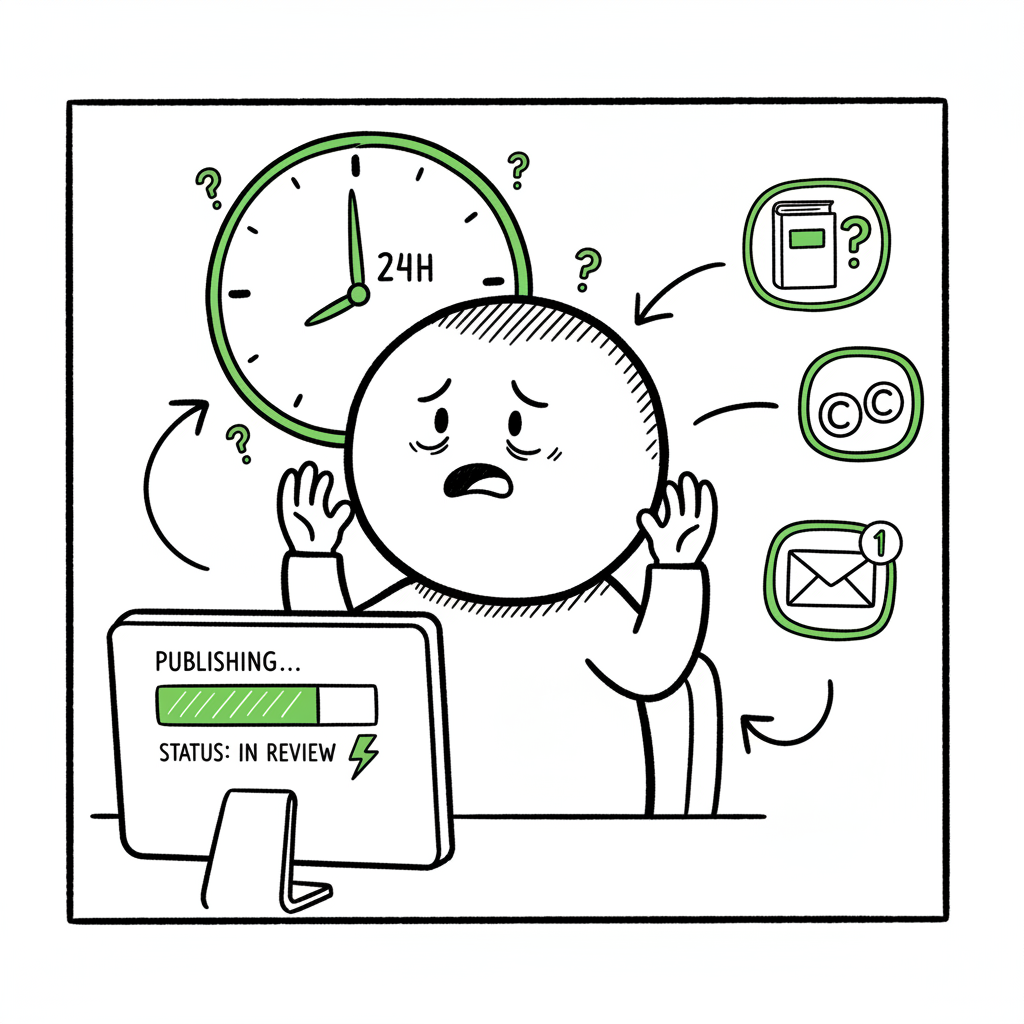
If you searched for kdp book stuck in review (common fixes), you already know how frustrating it is to see a status that won’t move. KDP’s review is an automated and human-assisted process that looks for formatting problems, content and rights issues, and other red flags. Most titles clear review in under 72 hours, but some take longer, especially when images, cover elements, or rights are unclear.
What reviewers check
- Formatting and file integrity (corrupt files, bad margins, incorrect page counts).
- Cover and interior images (high image counts or unusual file types trigger manual checks).
- Copyright and rights statements (unlicensed artwork, public-domain confusion, or borrowed text).
- Metadata or category inconsistencies that look like spam or keyword stuffing.
Common causes of long holds
- Covers with unlicensed elements. Templates or stock graphics that require extended verification often cause delays.
- Short books or repetitive content. Very short or low-value content sometimes flags an extra review.
- Lots of images or non-standard layouts. Children’s books, coloring books, and heavily illustrated titles are more likely to be checked.
- Unexpected metadata or ISBN conflicts. Mismatched ISBNs, duplicate listings, or inconsistent territory rights slow things down.
Why waiting matters
KDP’s system can’t be canceled or expedited by authors. That means the practical response is to gather information, verify the files and rights you control, and prepare action steps if the hold exceeds a reasonable window. If you plan to publish multiple titles, small file errors multiply into repeated delays. That’s where a publishing workflow that reduces file mistakes pays off.
If you’re still getting started with Amazon publishing workflows, this guide to Self Publish Book Amazon Kdp explains platform-specific steps and common pitfalls to avoid early on. Self Publish Book Amazon Kdp explains platform-specific steps and common pitfalls to avoid early on.
If you’re still getting started with Amazon publishing workflows, this guide to Self Publish Book Amazon Kdp explains platform-specific steps and common pitfalls to avoid early on. Self Publish Book Amazon Kdp explains platform-specific steps and common pitfalls to avoid early on.
For broader guidance on self-publishing, you can also explore additional resources on the Book Upload Pro site. book creation workflow to help streamline your publishing process.
If you’re ready to jump into a structured approach, consider leveraging a self-publishing workflow with a multi-platform uploader as a path to reduce delays before submission.
If you’d like a solid primer on the platform basics before re-uploading, Kindle Direct Publishing for Beginners walks through the core steps and settings to verify before submission.
Fixes that work when your kdp book stuck in review (common fixes)
Start here: give it time, then audit. Reviews do often clear within three days. If 72 hours pass and the status is unchanged, do these steps in order.
- 1. Check your email and KDP Messages
KDP will usually email if there’s a specific problem. Look in the email tied to your account and the “Messages” area inside KDP. The message may point to a formatting issue, an image problem, or a rights concern. If KDP sent instructions, follow them precisely and resubmit. - 2. Re-run basic file checks
Open your interior file and cover in their native editors. Look for:- Corrupt pages or unreadable fonts.
- Bleeds that extend beyond the trim box.
- Incorrect file types (KDP prefers PDF for paperbacks, EPUB or MOBI for ebooks depending on workflow).
If you convert to EPUB, a professional converter reduces errors; if you need a quick, reliable tool, consider using a dedicated EPUB converter for clean uploads.
- 3. Inspect the cover for licensing issues
Unlicensed or poorly edited stock images are a frequent cause of manual review. If you used a template or stock art, ensure you have a license that allows commercial distribution. If you designed a cover and are unsure, remove or replace questionable elements and resubmit. - 4. Simplify and republish
If the review goes beyond 72 hours with no email, republishing a corrected version often resolves the hold. Make one focused change (for example: re-export the interior as a fresh PDF) and publish that new version rather than making multiple changes at once. KDP support has advised this approach in many community threads. - 5. Contact KDP support with concise detail
After 72 hours, open a support case. Provide:- ASIN or manuscript title.
- Date you submitted.
- Exact steps you’ve taken (file checks, re-export, cover audit).
Be concise and factual. Ask if there’s a specific reason for the delay and whether a manual review is in progress.
- 6. Consider republishing under a new file set
In stubborn cases, some authors have had success uploading a fresh title edition and unpublishing the stuck one. That’s a heavier step — you’ll need to ensure metadata, ISBNs (if used), and rights are handled correctly. This is a last-resort tactic but effective when the stuck record refuses to update. - 7. Prevent repeat delays at scale
If you publish many titles, manual checks multiply the wait. Batch processes and platform-specific intelligence cut errors before upload. A Kindle Direct Publishing for Beginners walks through the core steps and settings to verify before submission. A multi-platform uploader that accepts CSV batch uploads and validates platform rules reduces mistakes and cuts time by roughly 90% compared with manual entry. That makes wide distribution practical and helps you avoid repeated KDP review delays.
If you’d like a solid primer on the platform basics before re-uploading, Kindle Direct Publishing for Beginners walks through the core steps and settings to verify before submission.
Practical file checklist to run before any resubmit
- Open the exported interior file and scroll every page.
- Confirm the final page count matches your metadata.
- Check image DPI (300 for print, 150–300 for illustrated ebooks).
- Use fonts properly embedded in PDFs.
- Re-export using trusted settings rather than quick or low-resolution presets.
When covers, images or EPUB conversion are involved
- If you need a new cover or a cleaned design approach, try a book cover generator that produces print-ready files.
- When converting to EPUB, pick a converter that validates and fixes common XHTML/CSS issues automatically via the EPUB converter.
- For paperback creation, verify spine width calculations and bleed settings carefully; a bad spine range can trigger manual checks.
Why automation helps here
When you automate the upload and validation steps, the files that reach KDP are less likely to trip automated flags. Consistent file names, validated EPUBs and PDFs, and correct metadata reduce back-and-forth and cut the chance of getting stuck in review across platforms like Kobo, Apple Books, Draft2Digital and Ingram as well. book creation workflow enables a smoother distribution process.
Why automation helps here
When you automate the upload and validation steps, the files that reach KDP are less likely to trip automated flags. Consistent file names, validated EPUBs and PDFs, and correct metadata reduce back-and-forth and cut the chance of getting stuck in review across platforms like Kobo, Apple Books, Draft2Digital and Ingram as well. book creation workflow enables a smoother distribution process. Also, consider the BookUploadPro brand for efficient multi-platform uploads — BookUploadPro.
FAQ
Q: How long should I wait before I contact KDP about a stuck review?
A: Wait 72 hours after submission. If the status has not changed and you haven’t received any explanatory email, contact KDP support with the ASIN/title, submission date, and the steps you’ve taken.
Q: Will republishing erase my original listing or sales history?
A: Republishing a corrected file under the same listing usually preserves history. Uploading as a new edition can create a separate product; use a new ISBN or ASIN carefully and only after you understand the distribution implications.
Q: Can I cancel a review or request expedited processing?
A: No. KDP does not provide an expedited review option. The practical approaches are file audits, republishing a clean copy, or contacting support after the 72-hour window.
Q: My cover uses a Canva template — is that a problem?
A: Unedited Canva templates and some stock elements have caused delays for others. Ensure you have the commercial rights and avoid elements that may need additional licensing. If in doubt, replace or remove questionable graphics and re-export.
Q: Should I remove images to get quicker approval?
A: Not necessarily. If images are essential, focus on using standard formats and embedding them properly. Excessive or non-standard image formats are more likely to trigger manual review, so keep images optimized and compliant.
Q: My book was set to In Review but moved back to Draft — what now?
A: Check KDP messages and your email for a reason. Often the platform flags a specific issue; fix it and resubmit. If there’s no message, perform the file checks listed above and then contact support if the problem persists.
Sources
- KDP Self-Publishing Glitches–And How to Fix Them
- Book Stuck In Review – KDP Community
- Why is my book still in review – YouTube
- Book Status – Kindle Direct Publishing
- Nightmare experience! Book stuck in ‘publishing’ phase
Final thoughts
If you publish a small number of books, these steps will usually get a stuck title moving: check email, run file checks, and republish a clean file if needed. If you publish at scale, shifting to a reliable multi-platform upload workflow with CSV batch support and platform-aware validation will eliminate the majority of the small errors that cause long reviews. That’s why automation becomes an obvious upgrade once authors start publishing seriously.
Try BookUploadPro to automate uploads across Amazon KDP, Kobo, Apple Books, Draft2Digital and Ingram — reduce repetitive errors, save time on batch uploads, and make wide distribution practical. BookUploadPro to start a free trial.
kdp book stuck in review (common fixes) Estimated reading time: 11 minutes Key takeaways Most KDP reviews finish within 72 hours; long holds usually point to formatting, cover or rights issues. Practical fixes: check your email, simplify or republish, and contact KDP after 72 hours with clear details. When publishing at scale, automation with multi-platform…