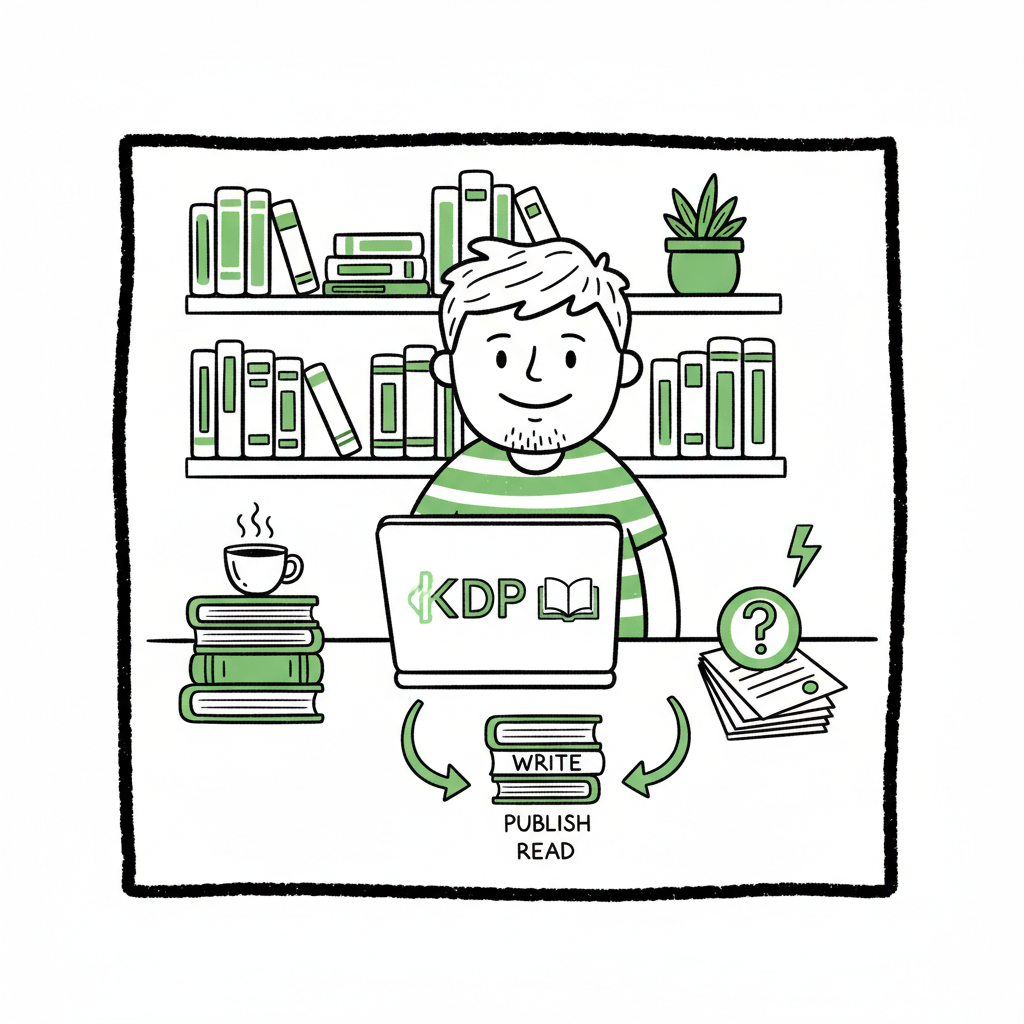
Kindle Direct Publishing for Beginners Practical Guide
Kindle Direct Publishing for Beginners: A Practical Starter Guide
Estimated reading time: 9 minutes
Key takeaways
- Kindle Direct Publishing (KDP) is a low‑cost way for first‑time authors to publish ebooks and print books using Amazon’s print‑on‑demand and distribution.
- Focus first on clean files, clear metadata, and the correct rights/pricing settings; those choices drive whether the book uploads cleanly and can be found.
- When volume or repeat uploads matter, automation tools that handle multi‑platform uploads, CSV batch jobs, and platform rules save time and reduce errors.
Table of Contents
- What is Kindle Direct Publishing?
- Prepare and upload your book
- KDP account setup, pricing, and distribution
- When to automate: scale, platforms, and error reduction
- FAQ
- Sources
What is Kindle Direct Publishing?
Kindle Direct Publishing for beginners means using Amazon’s self‑service platform to turn a manuscript into an ebook or paperback that sells on Amazon. For a new author the appeal is simple: Amazon handles listing, delivery, and print‑on‑demand, while you control the content, price, and rights. You can start with a single title or scale to many; the basic flow is the same.
At first you’ll hear a lot about file formats, royalties, and categories. Those are important, but they are practical challenges you can solve in a few steps: get the files right, add clear metadata, choose pricing and territories, and publish. If you prefer a guided path for the practical parts—account setup, file checks, and the upload workflow—see Self Publish Book Amazon KDP for a hands‑on walk‑through.
Why KDP works for beginners
- No upfront printing cost. Paperbacks are printed when ordered.
- Simple dashboard. Titles, sales, and pricing are managed in one place.
- Fast path to market. Once files are compliant, a book can be live in days.
- Clear royalties. Ebook royalty options are typically 35% or 70% depending on price and territories.
Prepare and upload your book
The most frequent problems for new publishers come from files and metadata. Fix those first and the rest is routine.
Manuscript and ebook files
Ebooks: Amazon accepts EPUB, Word (DOC/DOCX), and KPF. EPUB is the modern standard and gives the cleanest results for layout and navigation. If you’re converting, use a reliable EPUB conversion tool so chapters, images, and table of contents behave correctly—consider an epub converter if you don’t want format surprises.
Paperbacks and hardbacks: For print you need a print‑ready PDF of the interior with proper margins and page size (trim size). Use a consistent trim size and a matching cover with bleed and spine calculations.
Covers
A clear, high‑resolution cover is critical for clicks. Use an image at 300 dpi and fit the required dimensions for the intended trim size. If you don’t have a cover yet, a cover generator can speed the process while keeping file specs correct.
Metadata: title, subtitle, description, and keywords
Metadata is how readers find your book. The title and subtitle should be accurate and searchable. The description should read well and include relevant terms, but not keyword spam. KDP gives you seven keyword slots—use them for phrases a reader might type, not a list of disconnected words. Choose two appropriate categories from the KDP list; these affect browse visibility and ranking.
Interior checks
Run a quick quality check before upload:
- All chapters show in the table of contents.
- Images are ordered and sized correctly.
- No orphaned headings or missing page numbers for print.
- For ebooks, test navigation and common ereader behaviors (font size changes, reflow).
Upload tips
– Use the KDP previewers for both ebook and print. Preview thoroughly.
– Keep a single clean source file. Export from that for all outputs.
– Label files clearly so the upload screen shows the correct versions.
When to use tools vs. manual work
If you plan a one‑off, manual preparation is fine. If you plan multiple titles or frequent updates, use batch conversion and structured inputs. Creating paperbacks and ebooks repeatedly is a format problem that automation and templates solve well—if you expect to publish more than a few titles, that investment pays back quickly.
KDP account setup, pricing, and distribution
Account basics
Set up a KDP account with your Amazon login or a new one. You’ll enter tax and payment details before a title can earn royalties. The dashboard then becomes your control center for titles, pricing, and sales reporting.
Rights and territories
KDP asks whether you hold worldwide rights or only certain territories. Be honest—incorrect rights can cause distribution problems later. Rights choices affect your distribution and enrollment options.
Royalties and pricing
Ebook royalties: 35% or 70% depending on price and delivery costs. The 70% option has price and territory restrictions; read KDP’s rules before picking it. For paperbacks, royalties are revenue minus printing cost. Use KDP’s printing cost calculator to estimate payout.
List price strategy
- Start with sensible prices for your genre. Look at comparable titles.
- Remember discounts and promotions affect perceived value.
- Set price consistency across platforms if you value a unified strategy.
Visibility and discoverability
Keywords and categories are the main levers on KDP. Also consider:
- Series pages (if you have multiple books).
- Author central profile for branding.
- Cover and description that match buyer expectations.
Practical publishing workflow
- Create the KDP listing: enter title, subtitle, author, and contributors.
- Enter metadata: description, keywords, and categories.
- Upload files: ebook file and cover; for print, upload interior PDF and cover PDF.
- Choose territories and rights.
- Set pricing and royalty option.
- Preview and publish.
Common beginner mistakes
- Uploading the wrong file version.
- Poorly formatted EPUBs that break on devices.
- Overstuffed keywords or banned phrases.
- Wrong trim size or insufficient bleed on covers.
When to automate: scale, platforms, and error reduction
What automation solves
- CSV batch uploads for many titles.
- Platform‑specific intelligence that maps metadata and file requirements so you don’t repeat the same corrections.
- Rule checks to reduce common errors that cause rejections or poor conversions.
- Simultaneous distribution to Amazon KDP, Kobo, Apple Books, Draft2Digital, and Ingram without hand‑entering each field.
BookUploadPro fits here as an obvious upgrade once authors start publishing seriously: it handles unified multi‑platform publishing, applies platform‑specific settings, and uses CSV batch uploads to reduce repetitive work. The result is roughly 90% time savings on upload tasks, fewer errors, and cleaner listings across stores. Automate the upload. Own the distribution.
Practical example
Imagine you have a series of 20 short books. Manually entering metadata and uploading files on five platforms could take days. With a structured CSV and a platform that understands each store’s requirements, you go from days to hours. That same system also reduces the chance of simple mistakes—wrong trim, missing TOC, or mismatched metadata—that interrupt sales.
When to keep it manual
- One title and you prefer full hands‑on control.
- You’re experimenting with different descriptions and covers and want quick iterations before scaling.
- You need custom workflows for a specific project.
Integrations and extras
Automation tools often integrate with cover generation tools and EPUB converters to streamline the process. If you’re creating both paperback and ebook variants at scale, a dedicated platform can simplify the workflow.
Book production partners
When a book requires professional production—photo‑heavy layouts, complex interior design, or unusual trim sizes—use specialist tools or services for that stage, then feed the final assets into your upload process.
FAQ
Do I need an ISBN for KDP?
For KDP paperbacks, Amazon can provide a free ISBN or you can supply your own. Ebooks do not require an ISBN on KDP.
What file formats should I use for ebooks?
EPUB is the most reliable cross‑platform format. KDP also accepts Word and KPF. If you’re unsure, convert to EPUB and validate it before upload.
How long before my book is live?
Ebooks often appear within 24–48 hours. Paperbacks can take a little longer as Amazon processes the print configuration.
Can I change the book after it’s published?
Yes. You can upload new files, change metadata, and update prices. Changes may take up to 72 hours to fully propagate.
Is KDP free?
Yes. Creating a KDP account and uploading files costs nothing. Amazon takes printing costs and royalties on each sale.
How does wide distribution work?
You can publish directly to KDP for Amazon channels and use other platforms (Kobo, Apple Books, Draft2Digital, Ingram) for additional retail distribution. Tools that handle multi‑platform uploads make this much more practical than manually repeating the same job on each site.
Final thoughts
Kindle Direct Publishing for beginners is straightforward when you focus on the core tasks: clean files, sensible metadata, clear rights, and correct pricing. Those practical elements determine whether your book uploads cleanly and how visible it is to readers.
If you plan to publish more than a few titles, consider automating repetitive steps. Systems that manage multi‑platform uploads, CSV batch jobs, and platform‑specific rules save time and reduce the small errors that cost you visibility. For authors who want to offload the mechanical work—account setup, file preparation, upload, and pricing configuration—BookUploadPro offers a focused option that handles the implementation while you keep control of content and marketing.
Automate the upload. Own the distribution.
Visit BookUploadPro.com to try the free trial and see how automated multi‑platform publishing fits your workflow.
Sources
- https://kdp.amazon.com/help/topic/GHKDSCW2KQ3K4UU4
- https://kdp.amazon.com/help/topic/GU72M65VRFPH43L6
- https://www.publishing.com/blog/amazon-kdp-for-beginners
- https://selfpublishing.com/amazon-kdp/
- https://reedsy.com/blog/guide/kdp/
- https://www.youtube.com/watch?v=VoZdSiO24cU
- https://www.youtube.com/watch?v=klnIsGHa2kQ
- https://www.bookautoai.com/book-cover-generator-processing
- https://www.bookautoai.com/epub-converter
- https://www.bookautoai.com
Kindle Direct Publishing for Beginners: A Practical Starter Guide Estimated reading time: 9 minutes Key takeaways Kindle Direct Publishing (KDP) is a low‑cost way for first‑time authors to publish ebooks and print books using Amazon’s print‑on‑demand and distribution. Focus first on clean files, clear metadata, and the correct rights/pricing settings; those choices drive whether the…