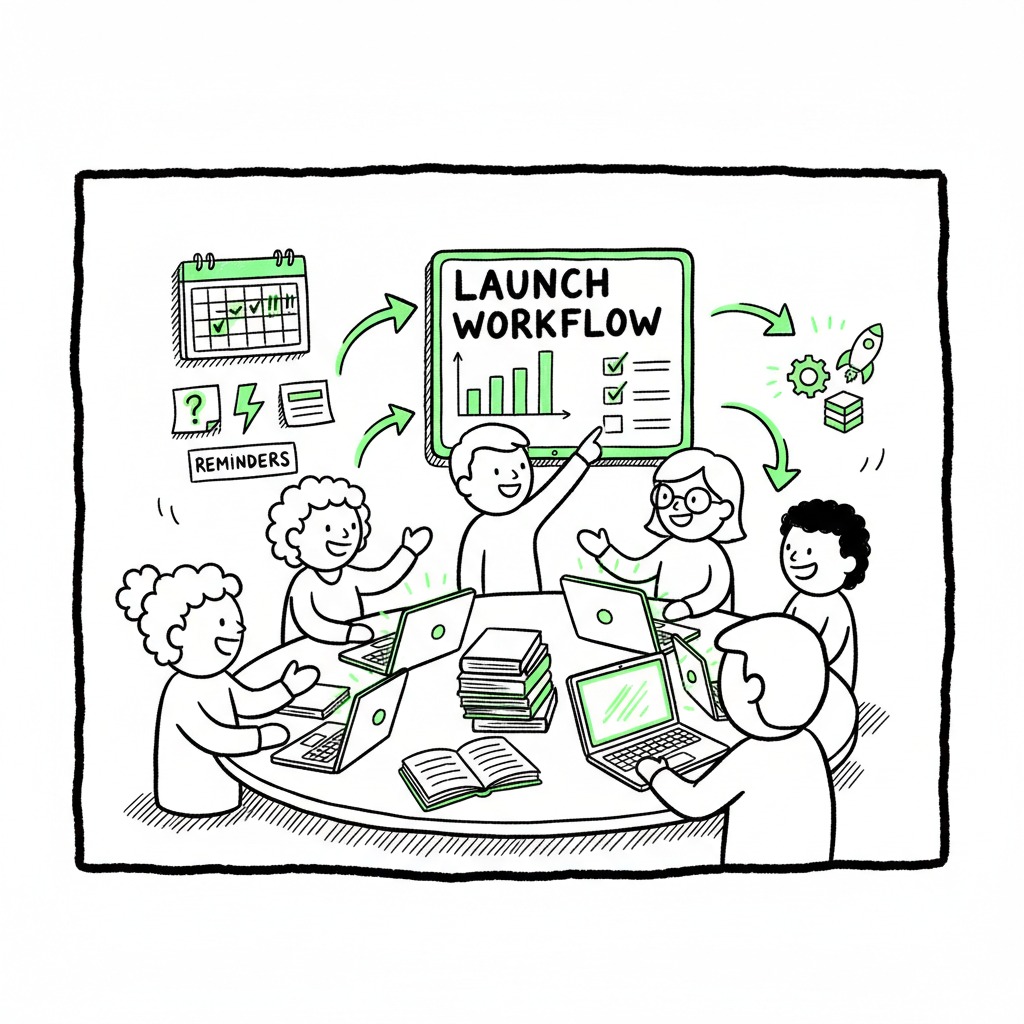
Launch SOPs for Teams to Build Repeatable Book Launches
Launch SOPs for Teams: Build Repeatable Book Launch Workflows
Estimated reading time: 10 minutes
Key takeaways
- Launch SOPs for teams turn one-off launches into reliable, repeatable operations that scale with publishing output.
- A good SOP combines timing, asset lists, platform checks, and a clear owner for every task.
- Automation tools like BookUploadPro cut repetitive uploads by ~90% and make multi-platform distribution practical.
Table of Contents
- Why launch SOPs for teams matter
- Core components of a launch SOP
- Implementing SOPs at scale
- Tools, automation, and where BookUploadPro fits
- FAQ
- Sources
Why launch SOPs for teams matter
A launch SOP is a clear, written process that tells your team what to do, when, and how when a book goes live. Launch SOPs for teams stop people from guessing. They make handoffs simple. When every role knows the exact deliverable and deadline, launches stop slipping and errors drop.
If you want a ready checklist and a proven sequence of steps, see our Book Launch Strategy Practical Guide for practical templates and timing examples. That guide fits naturally into an SOP and shows which tasks you can batch or automate.
Core components of a launch SOP
An effective SOP is short, explicit, and testable. For book launches, include these parts:
- Purpose and scope: State which formats and platforms the SOP covers (ebook, paperback, wide distribution).
- Timeline and milestones: Set absolute dates and relative deadlines (e.g., 30 days before release: final manuscript; 14 days: metadata locked).
- Task list and owners: Break the launch into named tasks (formatting, cover upload, metadata entry, proof check) and assign one owner per task.
- Asset inventory: A living list of files and links — manuscript file, EPUB, print-ready PDF, cover files, metadata spreadsheet, review copies.
- Platform checks: A short, platform-specific checklist (upload confirmation, ISBN entry, pricing, territories).
- Communication rules: How the team signals completion (status board, Slack channel, or shared spreadsheet).
- Post-launch review: Capture metrics, failures, and tweaks for the next run.
Keep sections short and machine-friendly. Use a CSV or spreadsheet where repeated fields (titles, ISBNs, ASINs) can be copied into batch tools later.
Implementing SOPs at scale
Start small and iterate. Pilot the SOP on one title, then refine.
- Run one launch exactly by the SOP
Pick a title with low risk and follow the SOP end-to-end. Note where people pause, where assets arrive late, and where manual steps cause mistakes. - Measure cycle time and error points
Track how long each task takes and how often it fails. Those data points tell you where to standardize templates or introduce automation. - Convert repeat tasks into templates and CSVs
Common uploads across platforms are ideal for CSV templates. When your metadata and assets live in a predictable format, you reduce manual copy-paste and typos. - Train and hand off
Make a short screencast for each complex step rather than long prose. New team members can watch the clip and follow the SOP in their first week. - Run retrospectives
After each launch, capture three small fixes and add them to the SOP. Over time this creates a living playbook.
Tools, automation, and where BookUploadPro fits
When a team publishes more than a few titles a year, manual uploads become a bottleneck. This is where automation matters. BookUploadPro automates repetitive uploads across Amazon KDP, Kobo, Apple Books, Draft2Digital, and Ingram. It supports CSV batch uploads, applies platform-specific intelligence to reduce errors, and makes wide distribution practical.
Practical benefits teams see:
- ~90% time savings on uploads when using batch workflows
- Fewer platform rejections because platform checks are handled by the system
- Centralized asset management so one CSV and one location holds everything for a release
In your SOP, mark which steps are manual and which can be handed to automation. For example, leave creative approval (cover sign-off) manual, but hand the metadata and file uploads to an automated system once assets are approved.
Formatting and asset notes
– Convert final manuscripts to EPUB for ebook stores and to print-ready PDF for print-on-demand. If your workflow includes EPUB conversion tools, link the conversion step to a trusted converter to save time and prevent formatting errors. (See also the EPUB converter) For EPUB conversion, EPUB converter.
– Design and finalize covers in a consistent size and format required by each platform. If you use an automated cover creation or batch processing tool, link that into the SOP so covers land in the same folder named by ISBN or title. If you reference cover generation, consider using a batch-capable tool from cover generator.
If your SOP references cover generation, EPUB conversion, or creating ebook/paperback files, consider integrating specialized tools to reduce manual steps. For cover processing, you can use a cover generator that supports batch output. For EPUB conversion, use a converter that produces platform-ready files. For creating paperback or ebook files at scale, use services that accept standardized inputs and output validated files. To learn more about these tools, you can explore BookAutoAI’s offerings such as cover processing and EPUB conversion, and consider BookAutoAI as a broader publishing solution.
FAQ
Q: How long should an SOP be?
A: Keep it concise. A one-page checklist plus two short reference documents (timeline and asset template) is usually enough.
Q: Who should own the SOP?
A: Assign a launch manager. That person owns the timeline and final sign-off but can delegate tasks.
Q: Can SOPs handle multiple formats and platforms?
A: Yes. Build a master SOP that branches into short platform-specific checklists for KDP, Apple, Kobo, etc.
Q: What if one platform changes its rules?
A: Treat platform changes as a trigger to update the SOP. Note the change, test it on a single title, then roll the update to the team.
Sources
- https://blog.bookuploadpro.com/book-launch-strategy-practical-guide
- https://bookuploadpro.com
- https://www.bookautoai.com/book-cover-generator-processing
- https://www.bookautoai.com/epub-converter
- https://www.bookautoai.com
Final steps
A practical SOP reduces surprises and hands teams predictable work. Pair the SOP with tools that handle repetitive uploads and platform quirks. Once a team is publishing seriously, automation becomes an obvious upgrade: use CSV batch uploads, platform-aware checks, and centralized asset storage to cut time and errors. Automate the upload. Own the distribution.
Visit BookUploadPro.com to learn more and try the free trial.
Launch SOPs for Teams: Build Repeatable Book Launch Workflows Estimated reading time: 10 minutes Key takeaways Launch SOPs for teams turn one-off launches into reliable, repeatable operations that scale with publishing output. A good SOP combines timing, asset lists, platform checks, and a clear owner for every task. Automation tools like BookUploadPro cut repetitive uploads…