Scaling launches across catalogs practical workflow
Scaling launches across catalogs
Estimated reading time: 7 minutes
Key takeaways
- Scaling launches across catalogs requires moving from manual, per-store uploads to repeatable, automated workflows that handle formats, metadata, and timing.
- Batch CSV uploads, platform-specific intelligence, and unified distribution cut time and errors—BookUploadPro saves ~90% of routine upload work.
- Focus on a practical workflow: prepare clean assets, normalize metadata, stage releases, and let automation handle platform rules and publishing windows.
Table of Contents
- Why scaling launches across catalogs matters
- A practical workflow for scaling launches
- Automation, assets, and common pitfalls
- FAQ
- Final thoughts and next steps
- Sources
Why scaling launches across catalogs matters
Scaling launches across catalogs is about consistency and control. When you publish one book to Amazon, Kobo, Apple Books, Draft2Digital, and Ingram, the manual steps multiply. Multiply that by dozens or hundreds of titles and you need a system that treats publishing as an operational process rather than a one-off creative task.
If you want reliable release dates, clean metadata across stores, and synchronized availability for ebook, audiobook, and print, a practical plan matters. For hands-on guidance about sequencing and promotion, see our Book Launch Strategy Practical Guide.
A practical workflow for scaling launches
A practical workflow for scaling launches
Start with repeatable inputs. When every title follows the same preparation checklist, you can automate the rest.
-
Standardize assets and metadata
- Keep one master CSV or spreadsheet per release: title, subtitle, author name variants, BISAC/subject codes, keywords, price, territories, and ASIN/ISBN placeholders. This single source feeds every platform.
- Validate metadata early. Use a consistent naming convention for editions and language tags so platforms don’t create duplicate records.
-
Prepare platform-ready files
- Export your print-ready PDF and correctly formatted ebook files. If you need reliable EPUB conversion, use a specialist EPUB converter to avoid formatting issues that cause rejection or display errors.
- Make a cover that meets each store’s specs; sizes and spine calculations differ for print versus ebook. If you handle many covers, consider an automated cover pipeline—tools exist to generate and batch-process covers for consistent branding.
-
Stage a coordinated release
- Decide whether you’ll release globally the same day or phase by market. Coordinated global multi-format launches build momentum; staggered releases require careful metadata flags for preorders and territory control.
- Use a central schedule that tracks preorders, pricing windows, and marketing milestones. This is the single source of truth that automation will read.
-
Batch and push
- With standardized CSVs and verified assets, push uploads in batches. Bulk imports reduce human error and free your team to focus on marketing and author relations.
- After initial upload, monitor platform reports and sync corrections back into your master records so the system learns and stays clean.
Automation isn’t magic; it enforces the rules. The goal is to automate the repetitive parts and keep humans in the loop for decisions only people should make.
What automation handles well
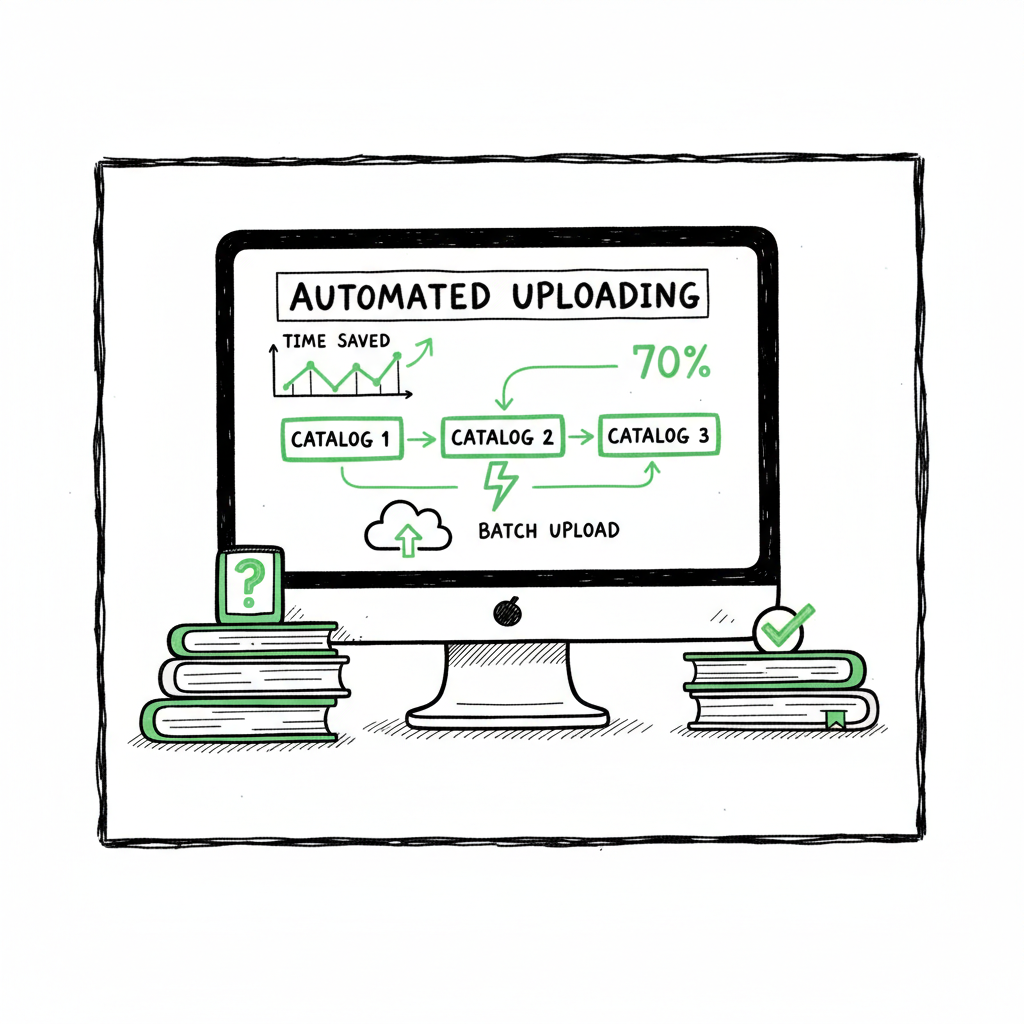
CSV batch uploads to multiple storefronts, applying platform-specific fields automatically. Format-specific checks (epub validation, PDF bleed/margins) and flagging problems before submission. Territory mapping and price conversions, with the ability to override exceptions.
Common mistakes to avoid
Mixing staging and live metadata in the same source. Keep separate columns or files for preorders vs live releases. Neglecting platform-specific requirements. Stores have different file size limits, cover dimensions, and category taxonomies—automation must adapt those automatically. Overlooking backlist opportunities. When you have many titles, simple cross-promotion or bundling can unlock consistent revenue with low extra work.
Assets and third-party tools
For covers, an automated cover workflow reduces manual resizing and ensures print and ebook variants match. If you create covers in volume, consider using a cover tool that handles batch processing to maintain brand consistency. For EPUB, use a reliable converter early so ebook failures don’t derail a scheduled launch. Clean EPUBs save time at upload and reduce rejection cycles. When creating paperbacks and ebooks at scale, use tools that support bulk generation and metadata injection so each SKU is production-ready.
How unified multi-platform publishing changes the math
Using a centralized service that understands each store’s rules makes synchronized launches practical. BookUploadPro automates uploads to Amazon KDP, Kobo, Apple Books, Draft2Digital, and Ingram with CSV batch support and platform-specific intelligence. Expect about 90% time savings on routine uploads, fewer formatting errors, and much faster time-to-market across catalogs. Automate the upload. Own the distribution.
Choosing the right automation partner
Look for these capabilities:
- Unified dashboard for multi-store status and error reporting
- CSV batch import and export with templates you control
- Platform-specific intelligence to map categories and validate files before submission
- Simple rollback and update flows when metadata changes after launch
BookUploadPro fits these needs: it reduces repetitive effort, handles store quirks, and makes wide distribution practical. It becomes an obvious upgrade once authors publish seriously.
For covers, a dedicated cover generator processing tool helps batch-resize and ensure consistency. For EPUB, use an EPUB converter early so ebook failures don’t derail a scheduled launch. When creating paperbacks and ebooks at scale, use a book creation workflow that supports bulk generation and metadata injection.
In this space, BookUploadPro remains a practical choice for authors who publish across catalogs.
Final thoughts and next steps
Scaling launches across catalogs is operational work: standardize inputs, validate assets, stage releases, and let automation do the repetitive parts. The biggest gains come from reducing manual uploads and avoiding the error cycles that cost time and momentum. As you scale, a platform that understands each store and accepts CSV batch feeds will let you focus on marketing and catalog strategy instead of clerical work.
Visit BookUploadPro to learn more about multi-store publishing capabilities.
FAQ
Q: How quickly can automation push a catalog of releases?
With clean inputs and prepared assets, bulk uploads can be processed in hours rather than weeks. The main time sink is fixing validation errors; automation that validates files beforehand makes the process fast.
Q: Do I still need to check each store after upload?
Yes — spot checks are sensible. Automation handles the mechanical work and most validations, but your launch checklist should include a quick live-check on major storefronts for formatting and metadata accuracy.
Q: What about cover sizes and print specs?
Different print-on-demand services require different dimensions and spine calculations. Use a cover generator that can batch-output print and ebook variants to avoid manual resizing and errors.
Q: Can I preserve release dates across time zones and territories?
Coordinated releases require controlling store settings for time zones and preorders. A centralized system stages releases and ensures the right files go live in each territory at the intended moment.
Q: How do I handle preorders across stores?
Plan preorders with metadata flags and store-specific delay rules; ensure your CSV includes preorder status and dates for each market so automation can apply the correct publishing window.
Sources
- https://publishdrive.com/how-to-effectively-manage-a-big-catalog-of-books-strategies-for-publishers.html
- https://www.bookscloud.io/post/scaling-your-book-business-bookscloud-bulk-sync-bulk-orders-automation
- https://www.frontnow.com/blog/smarter-ecommerce-product-catalog-management-for-modern-online-stores
- https://www.inriver.com/resources/pim-for-catalog-management/
Scaling launches across catalogs Estimated reading time: 7 minutes Key takeaways Scaling launches across catalogs requires moving from manual, per-store uploads to repeatable, automated workflows that handle formats, metadata, and timing. Batch CSV uploads, platform-specific intelligence, and unified distribution cut time and errors—BookUploadPro saves ~90% of routine upload work. Focus on a practical workflow: prepare…