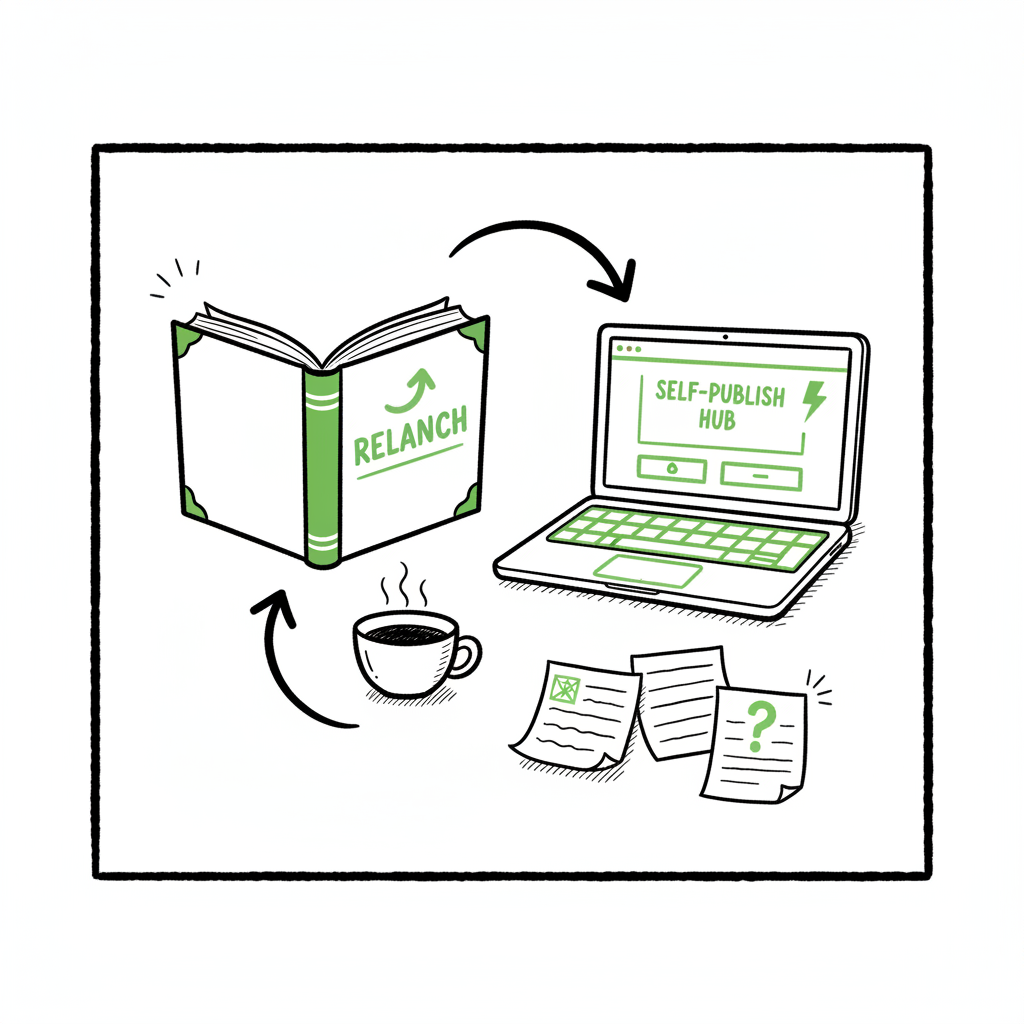
Relaunching Old Books Practical Self-Publishing Guide
Relaunching Old Books: A Practical Guide for Self-Publishing Authors
Estimated reading time: 8 minutes
Key takeaways
- Relaunching old books is a focused process: audit, fix, repackage, and redistribute with clear goals.
- Use platform-aware uploads and multi-platform automation to cut time and reduce errors.
- Treat a relaunch like a new launch: new cover, updated description, targeted promotions, and measured follow-up.
Table of Contents
- How relaunching old books boosts sales
- Relaunch checklist: edits, covers, and rights
- Automate multi-platform republishing
- Marketing the relaunch
- FAQ
How relaunching old books boosts sales
If your book has been on store shelves for a year or more without steady sales, relaunching old books can reset discoverability and correct problems that have been quietly holding performance back. Relaunching means more than republishing the same file: it’s a data-driven refresh. Early steps include checking sales by format, reviewing category placement, and scanning recent reviews for recurring issues. Many authors find that small fixes—cleaning up formatting, tightening the description, or updating metadata—produce outsized returns.
A relaunch also gives you permission to market the book again. Use the relaunch to highlight changes: note corrected errors, updated content, or a redesigned cover. If you’re planning a coordinated promotion or ad push around the relaunch, the Book Launch Strategy Practical Guide is a useful next read to align messaging and timing.
If your book has been on store shelves for a year or more without steady sales, relaunching old books can reset discoverability and correct problems that have been quietly holding performance back. Relaunching means more than republishing the same file: it’s a data-driven refresh. Early steps include checking sales by format, reviewing category placement, and scanning recent reviews for recurring issues. Many authors find that small fixes—cleaning up formatting, tightening the description, or updating metadata—produce outsized returns.
Relaunch checklist: edits, covers, and rights
Start with a short audit and prioritize fixes that block sales.
- Audit sales and reviews
- Compare ebook, paperback, and audio performance.
- Note whether categories or keywords need adjusting.
- Fix the interior
- Correct typos and formatting issues across ebook and print.
- Reflow and proof the ebook on multiple devices.
- If you need EPUB conversion as part of the relaunch, use a reliable EPUB converter to avoid shop rejections.
- Refresh the cover and title metadata
- A modern, category-accurate cover improves click-through. If you’re rebuilding or testing cover options, a cover generator can speed iterations.
- Decide on versioning and rights
- If you’re updating a live ISBNed print edition, plan for the platform-specific unpublish/publish timeline.
- Reclaiming rights or moving between distributors may require GPS-style tracking of editions and identifiers.
Make these practical choices before you press “publish.” If you change the interior significantly or update a print edition, platform rules vary: some marketplaces let you unpublish and republish quickly; others (print channels) can require weeks to process. Plan for that delay when scheduling promotions.
When you prepare new files, include a final pass for platform specifics. For example, generate print-ready PDFs at the correct bleed and spine size, produce an EPUB that validates cleanly, and keep source files organized for future changes. For authors creating a new paperback or ebook from scratch, a short set of book creation tools will save time and reduce formatting errors.
Automate multi-platform republishing
Relaunches are where automation moves from convenience to necessity. Uploading the same set of assets to five different platforms—each with slightly different forms, metadata fields, and validation checks—drains attention and invites mistakes. A dashboard that manages unified multi-platform publishing lets you:
- Push one master upload to KDP, Kobo, Apple Books, Draft2Digital, and Ingram, with platform-specific intelligence applied automatically.
- Batch multiple titles with CSV uploads so you can relaunch several books in a series without repeating manual entry.
- Reduce errors that come from copy-paste and form fatigue, especially for fields like BISAC codes, trim sizes, and pricing.
For authors who take publishing seriously, a multi-platform upload tool becomes an obvious upgrade. It cuts repetitive work—often by roughly 90% for bulk relaunches—so you can focus on marketing and measuring results rather than fighting forms. Automating uploads does not replace your judgement: you still choose categories, pricing, and the promotional cadence. Automate the upload. Own the distribution.
Marketing the relaunch
Treat the relaunch like a new launch in promotion and measurement.
- Refresh the product page
- Lead with the improvement in the description (what changed and why it matters).
- Add a short author note in the book description for transparency.
- Set a promotional window
- Use a few days of price promotion or an enrollment window for any platform-specific deals.
- Coordinate email, social, and paid ads to concentrate attention.
- Track and iterate
- Monitor unit sales, page reads (where applicable), and keyword ranking.
- If a new cover or blurb doesn’t move the needle, iterate quickly—cover tests can be fast when you have clean uploads and templates.
A relaunch is not a one-off event. Plan for a short-term promotional push and a medium-term measurement window (4–12 weeks). Use those weeks to spot friction points—returns, mismatched metadata, format complaints—and fix them fast.
FAQ
Q: Do I need to unpublish the old version before relaunching?
A: Not always. If you’re making minor fixes, updating files on the same marketplace may be enough. If you change ISBNs or want a clean slate, follow platform-specific unpublish or republishing steps and expect print channels to take longer.
Q: Should I change the ISBN when relaunching?
A: Only if the content changes significantly (new edition), or if you move from one distributor model to another. Changing ISBNs resets records and may require extra setup in distribution systems.
Q: How much will automation save me?
A: For multi-title relaunches, automation commonly saves the majority of the repetitive work. A dashboard that supports CSV batch uploads and platform-aware templates cuts entry time and reduces platform rejections.
Q: Should I set a promotional window during the relaunch?
A: Yes. Use a few days of price promotion or an enrollment window for any platform-specific deals. Coordinate email, social, and paid ads to concentrate attention.
Q: How long should the promotional window last?
A: Plan for a short-term push and a medium-term measurement window (4–12 weeks).
Final thoughts
Relaunching old books is practical, measurable work. Fix what blocks sales, refresh the customer-facing assets, and make the technical steps repeatable. Use automation for distribution so you spend less time on uploads and more time on marketing and product decisions. When relaunches become a regular part of your publishing workflow, a system that handles multi-platform uploads and batch processing becomes the natural next step.
Call to action: Visit BookUploadPro.com and try the free trial.
Sources
- https://bookuploadpro.com/about
- https://www.youtube.com/watch?v=fbQec_t2Mjc
- https://booklaunchers.com/how-to-republish-a-book/
- https://www.youtube.com/watch?v=SYRXX0ykJMs
Relaunching Old Books: A Practical Guide for Self-Publishing Authors Estimated reading time: 8 minutes Key takeaways Relaunching old books is a focused process: audit, fix, repackage, and redistribute with clear goals. Use platform-aware uploads and multi-platform automation to cut time and reduce errors. Treat a relaunch like a new launch: new cover, updated description, targeted…