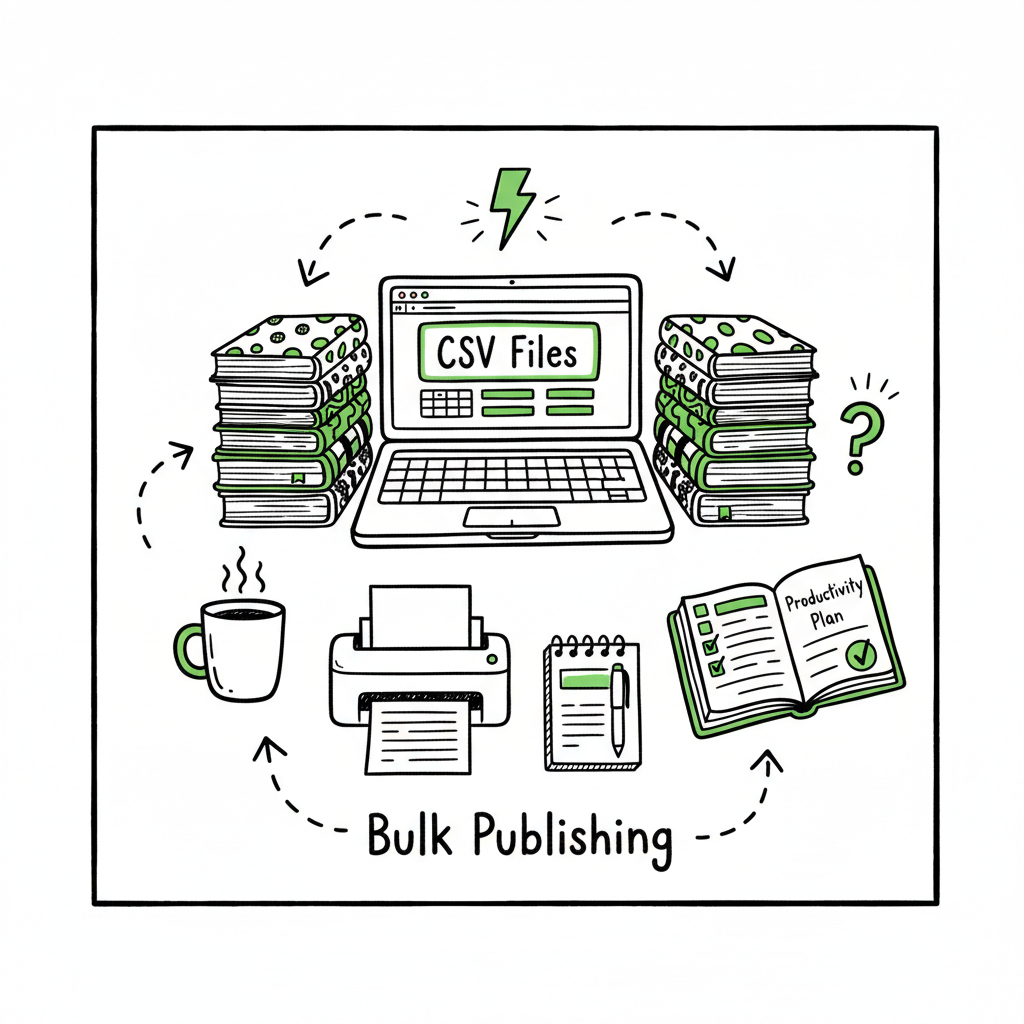
Bulk Publishing Books Batch Upload Workflow Explained
Bulk publishing books: Practical steps to scale multi‑platform uploads
Estimated reading time: 9 minutes
Key takeaways
- Bulk publishing books is about repeatable systems: templates, metadata groups, and batch files cut repetitive work by ~90% when done right.
- Focus on formats, consistency, and account safety. Use CSVs, standard interiors, and tested cover/EPUB files to reduce upload errors.
- Automating uploads across Amazon KDP, Kobo, Apple Books, Draft2Digital, and Ingram makes wide distribution practical and affordable for serious indie publishers.
Table of Contents
- Why bulk publishing books matters
- Build a batch publishing workflow
- Platform steps: files, formats, and common pitfalls
- Scaling, safety, and final thoughts
Why bulk publishing books matters
If you publish more than a handful of titles a year, bulk publishing books stops being a nice-to-have and becomes a survival skill. The manual route—open KDP, upload one interior, upload one cover, type the metadata—takes time and invites mistakes. When you multiply that process by dozens or hundreds of titles, time and errors explode.
That’s why experienced operators think in groups: batches of interiors, palette-based covers, CSV metadata, and a single profile that can be applied across platforms. Tools that repeat the same steps across Amazon KDP, Kobo, Apple Books, Draft2Digital, and Ingram are not a luxury; they are what make wide distribution practical.
If your goal is to grow beyond single-title publishing, think about the next level early. For example, many publishers who reach steady monthly output look for ways to scale efficiently. For those ready to move from occasional uploads to volume, the idea of Scaling an Amazon KDP Business is the turning point where process replaces friction. That shift is what separates hobby publishing from a steady indie business.
For publishers ready to move from occasional uploads to volume, Scaling an Amazon KDP Business offers a turning point where process replaces friction.
Build a batch publishing workflow
Design your system around three simple ideas: repeatable files, grouped metadata, and controlled variation. Keep each piece small and testable.
- Prepare repeatable files
- Interiors: Create a small set of interior templates. For low-content books (journals, planners, notebooks) a handful of reliable interiors covers most needs. For longer content, standardize font sizes, margins, and front/back matter so a single file can be reused.
- Covers: Use a repeatable cover grid. Change colors, type, or small elements rather than rebuild covers from scratch. If you generate covers at scale, consider a cover tool to speed production — for example, a book cover generator can batch-process art and text into export-ready images.
- EPUB and print: Have a validated EPUB and print-ready PDF per format. Convert and validate once, then reuse. If you convert manuscripts to EPUB often, an EPUB converter simplifies that step and avoids repeated rework.
- Group metadata
- Metadata is where most repetitive typing happens. Group titles by category and assign shared fields:
- Author/Publisher name (use one company name for volume publishing)
- BISAC categories and keywords set per group
- Pricing tiers and territories
- Description templates with short unique hooks
- A single CSV can hold title, subtitle, ISBN, publisher name, keywords, and pricing for a batch. With that CSV, you map fields to upload tools or feeds and reduce manual typing.
- Metadata is where most repetitive typing happens. Group titles by category and assign shared fields:
- Plan controlled variation
- Volume works best when variation is controlled. Decide what changes between copies and automate those changes. Examples:
- Color palette swaps
- Interior page templates with alternate headers
- Subtitle A/B tests across a subset of releases
- Controlled variation supports discovery and gives each listing a small chance to stand out without increasing production burden.
- Volume works best when variation is controlled. Decide what changes between copies and automate those changes. Examples:
- Use batch files and validation
- Before any upload run, validate:
- File sizes and pixel dimensions for covers
- PDF bleed and margins for print
- EPUB validation for reflowable ebooks
- Metadata completeness and keyword count
- Automated checks catch the majority of problems that slow down the upload process.
- Before any upload run, validate:
- Pick the right cadence
- You can upload a few titles daily or larger batches weekly. Many publishers suggest staying under platform thresholds (for Amazon, community advice often mentions cautious limits like under 1,000 uploads per week). Protect accounts by ramping volume slowly, and keep a consistent cadence.
Platform steps: files, formats, and common pitfalls
When you run a mass book publishing workflow, each storefront has its quirks. Plan for them, and your batch runs become predictable.
Amazon KDP
- KDP still requires separate uploads for each title, but batch tools and CSV feeds handle metadata and file assignment faster.
- Covers need exact pixel sizes for print. Preflight PDF files to avoid preview errors.
- Use consistent author/publisher names and ISBN workflows. For paperback ISBNs, decide whether you supply your own or use KDP’s free ISBN.
- Keep copies of the final preview screenshots for each title. They are useful if you need to troubleshoot later.
Kobo, Apple Books, Draft2Digital, and Ingram
- These platforms accept EPUBs as the primary file for ebooks. A clean, validated EPUB reduces rejections.
- If you distribute centrally through an aggregator, prepare a single master EPUB and policy file. Aggregators may accept CSV uploads for metadata.
- Print-on-demand hubs like Ingram require specific print settings. Verify trim size, spine width, and cover bleed carefully.
Common pitfalls and how to avoid them
- Wrong trim or bleed settings: Standardize a template for each trim size and lock it for all print projects.
- Rejected EPUBs: Run a validation pass after every conversion. Small issues (images missing alt tags, malformed metadata) block storefront ingestion.
- Inconsistent metadata: A single misspelled author name fragments your catalog. Use company-level defaults for all fields that don’t need to change.
- SKU and ISBN mismatch: Track which ISBNs map to which formats. Maintain a single spreadsheet for rights, ISBNs, and distribution choices.
Practical tools and steps that reduce friction
- CSVs: Use one CSV per batch. Columns include title, subtitle, author, description, keywords, categories, price, ISBN, and language.
- Naming conventions: File names should include SKU + format (e.g., SKU123_interior.pdf).
- Checklists: Keep a brief checklist per format—one line for cover, one line for interior, one line for metadata—to run before upload.
If you need quick conversion or cover steps, short tools can handle each piece. For example, if you frequently convert manuscripts to EPUB, an EPUB converter becomes part of your production chain. If you generate many covers, a cover generator can save hours by batch-exporting multiple colorways to exact sizes.
Additionally, for creators exploring scalable book creation, a book creation platform can streamline drafting and packaging processes.
If you distribute centrally through an aggregator, prepare a single master EPUB and policy file. Aggregators may accept CSV uploads for metadata. Print-on-demand hubs like Ingram require specific print settings. Verify trim size, spine width, and cover bleed carefully.
Scaling, safety, and final thoughts
When you get to higher volume, scaling is not just about speed. It’s about resilience and reputation.
Account safety and best practices
- Pace your uploads. Rapid spikes in publication volume can trigger account reviews. Ramp up steadily.
- Use a single, consistent publishing name for branding and to simplify reporting.
- Keep clean sales channels. If a title receives multiple content strikes, your whole catalog may be at risk.
- Maintain a record of proofs and final files. If a platform asks for details, a tidy archive speeds resolution.
Quality control as a growth lever
Quality wins even in volume publishing. A reliable interior, a readable cover, and honest metadata produce better conversion than sloppy work multiplied. Automate the repetitive checks, but keep a human sample review for every batch.
Why unified multi-platform publishing matters
Publishing across multiple stores widens reach. Doing it manually on each storefront is where time gets eaten. A unified publishing process that uploads to Amazon KDP, Kobo, Apple Books, Draft2Digital, and Ingram saves time and reduces errors. CSV batch uploads, platform-specific intelligence, and error-reduction checks are the tools that make it practical. At scale, a service that automates repetitive uploads can approach ~90% time savings for the repetitive parts of the job. For publishers who reach steady output, switching to automation is an obvious upgrade once authors start publishing seriously. Automate the upload. Own the distribution.
BookUploadPro automates the repetitive parts of multi-platform publishing. It handles CSV batch uploads, applies platform-specific rules, and reduces human error during repetitive steps. The result is routine tasks happening faster and more reliably across stores. The service is built for indie publishers who want organized, fast, and repeatable release pipelines without hiring a team.
For authors ready to automate uploads across Amazon KDP, Kobo, Apple Books, Draft2Digital, and Ingram, consider tools that provide platform-specific intelligence, CSV batch uploads, and a trial so you can test the fit. BookAutoAI is built to make multi-platform publishing practical for scaling indie presses and serial authors.
Visit BookUploadPro.com to try the free trial and see how automated batch uploads can free time for writing and strategy..
FAQ
Q: How many books can I safely upload during a week?
A: Limits vary by account and storefront behavior. A cautious approach is to stay within a few dozen per day and under community-recommended weekly thresholds until you establish a clean track record. Watch for any platform warnings and pause if needed.
Q: Can I use the same interior template across editions and sizes?
A: Yes, with caution. If you reuse an interior, ensure margins and bleeds match the trim size. For different trim sizes, create a template per trim and keep the content consistent.
Q: Should I buy ISBNs or use platform-assigned ones?
A: It depends. Using your own ISBN gives you control and consistent metadata across platforms. Platform-assigned ISBNs are free but may list the platform as the publisher in some channels. Track whichever choice you make in your master spreadsheet.
Q: What file formats should I keep for quick reuploads?
A: Keep: final print-ready PDF, validated EPUB, high-resolution cover PNG/PDF, and source files (InDesign, Word). Also archive the CSV used for metadata mapping.
Q: How do I test new templates at scale without risking my account?
A: Start small. Publish a handful of titles with the new template, observe for issues, then scale gradually.
Sources
- A 101 Guide to Kindle Direct Publishing Basics: Insider Secrets
- How to Upload KDP Low Content Books in BULK (YouTube)
- KDP Batch Upload: Revolutionizing Workflow Automation | iFlowy Blog
- Automate your Amazon KDP Uploads 2023 Tutorial (YouTube)
- Bulk Orders: Author Copies or Amazon Orders? – KDP Community
Bulk publishing books: Practical steps to scale multi‑platform uploads Estimated reading time: 9 minutes Key takeaways Bulk publishing books is about repeatable systems: templates, metadata groups, and batch files cut repetitive work by ~90% when done right. Focus on formats, consistency, and account safety. Use CSVs, standard interiors, and tested cover/EPUB files to reduce upload…