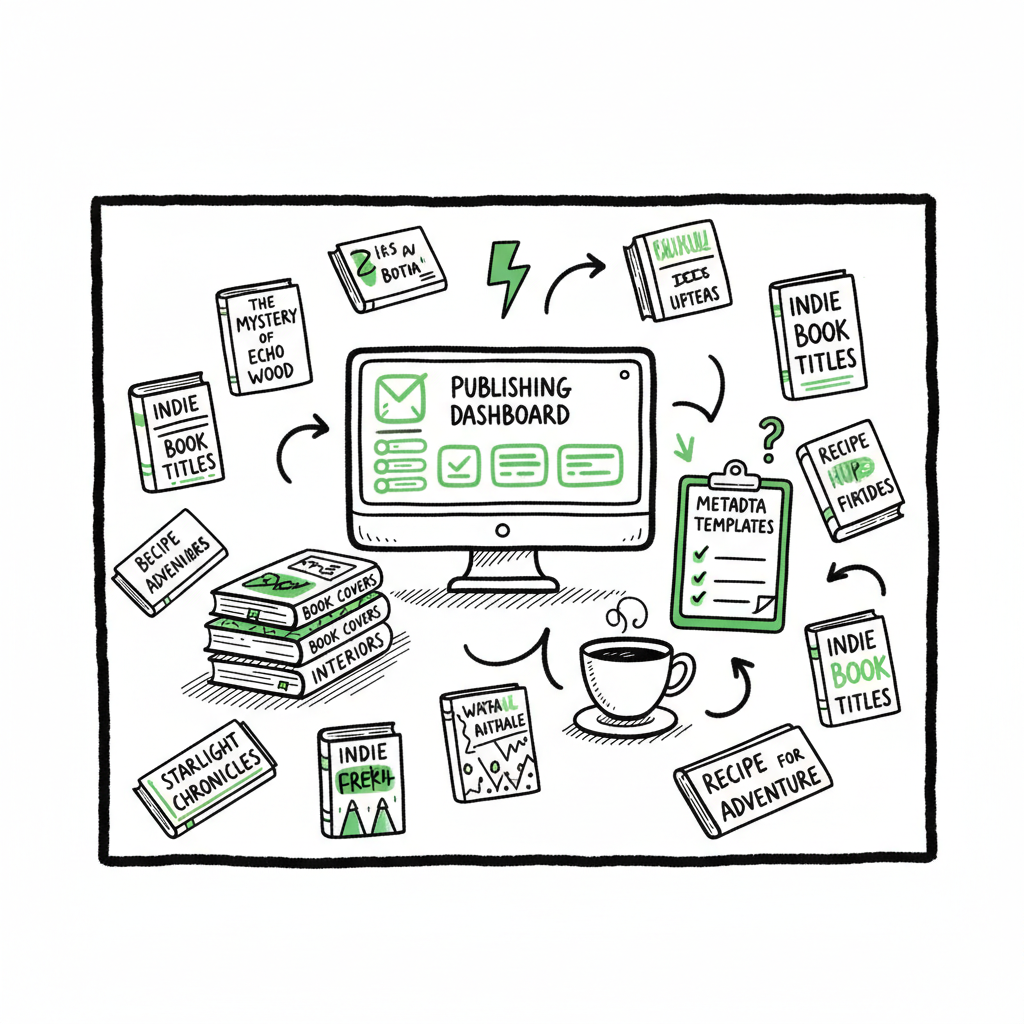
Bulk Publishing Books Practical Guide for Scaling Releases
Bulk publishing books: a practical guide to scaling high-volume indie releases
Estimated reading time: 12 minutes
Key takeaways
- Bulk publishing books is a repeatable process, not a shortcut: standardize interiors, covers, and metadata so quality stays consistent as volume rises.
- Use CSV batch uploads, platform-aware files, and a centralized workflow to publish across Amazon KDP, Kobo, Apple, Draft2Digital, and Ingram with far less manual work.
- Automating uploads with the right tools saves ~90% of time and reduces errors, making wide distribution practical when you publish seriously.
Table of Contents
- Why bulk publishing books works
- Designing a mass book publishing process
- Platform specifics and distribution
- Risks, checks, and scaling safely
- FAQ
- Sources
Why bulk publishing books works
If you want to make publishing repeatable, you need a plan for bulk publishing books. That phrase is about doing the same publishing steps reliably for many titles. It’s not about throwing low-quality files online. Done right, bulk publishing combines templates, metadata standards, and platform-aware files so you can move dozens or hundreds of titles from draft to live without redoing the same work every time.
High-volume indie publishers started this way in low-content niches—notebooks, planners, journals—then expanded to series and multi-format releases. The math is simple: a consistent interior and a sensible pricing strategy spread across markets yields steady, predictable revenue that a single hit title rarely can match over time. You still need to design products that buyers want, but once you find formats that sell, batching uploads is how you scale.
Early on, read the fundamentals about growth and account management. For teams moving from a handful of titles to hundreds, a focused primer like Scaling an Amazon KDP Business offers practical context about limits and policies that matter as you grow. Scaling an Amazon KDP Business
Why this approach matters now
- Platforms allow broad, international distribution but require repeated fields and formats for every title.
- Manual uploads multiply work—doing the same form 50 times is a mechanical waste.
- Batch processes shift effort from repetitive clicking to template design and quality control, where a small investment reduces hours of work.
This is the difference between publishing as a hobby and running publishing like an operation. The goal is reproducible quality, not churn. When the basics are standardized, you can test cover variants, tweak keywords, and scale distribution without risking chaos.
Designing a mass book publishing process
A mass book publishing process is less about a single “tool” and more about a reliable sequence: create assets, validate files, prepare metadata, and upload via CSV or batch uploader. That sequence becomes your playbook for every title.
- Define your product mix
Pick a handful of repeatable formats. For low-content, that might be 120-page lined notebooks or weekly planners. For fiction or nonfiction, decide on trim sizes, interior fonts, and template chapters you’ll reuse. Keep the number of formats small at first—five templates beat fifty one-offs. - Build templates and asset libraries
Create interior templates in the layout program you use and maintain a cover master file with editable layers. Make a catalog of ISBNs, BISAC codes, and price tiers. This is the single biggest lever: a strong asset library lets junior team members produce publish-ready files without reinventing structure. - Standardize metadata
Metadata matters more than most authors expect. Set rules for:- Title patterns (series and subtitles)
- Author name (use a consistent imprint when appropriate)
- Description length and HTML tags
- Keyword groups and primary categories
When metadata is templated, you can create CSV rows that populate every required field for each platform.
- Prepare batch files
For platforms that support CSV or XML imports, generate standardized batch files from your asset catalog. A typical CSV row will reference:- Title, subtitle, author/imprint
- Price and currency
- File paths for interior and cover
- Language, BISAC, and keywords
Keep a validation step that checks file sizes, page counts, and margin settings before you push anything live.
- Use a multi-platform uploader
A unified uploader that understands platform quirks eliminates repeated manual entry. It maps your single CSV to Amazon KDP, Kobo, Apple Books, Draft2Digital, and Ingram with platform-specific intelligence—adjusting file types, metadata fields, and territory options automatically. This is where you recover the most time: a good system trims 80–90% of upload time and catches the common errors that slow you down.
Quality control and spot checks
Batching doesn’t replace quality control. It changes the check points:
- One-person proof for every 20–50 titles
- A sample download and open for interior and cover validation
- Metadata preview for search and category placement
When a title fails, that failure often points to systematic problems—bad template, incorrect export settings, or a metadata rule that needs updating. Fixing the root cause keeps the same error from repeating across hundreds of books.
Operational roles
Assign clear responsibilities:
- Template author: maintains interiors and cover masters
- Data operator: generates CSVs and manages ISBNs
- QA reviewer: samples proofs and metadata
- Publisher/owner: approves pricing and distribution decisions
This role map enables parallel work. While the data operator prepares the next batch, the designer can update a template without pausing uploads.
Tools and file formats
Format choice matters. For print, PDF/X-1a or PDF/X-3 with embedded fonts remains standard. For wide ebook distribution, a clean EPUB is essential. Keep interior files modular so you can export multiple formats from a single source.
If you need to mass-create paperbacks or ebooks from your templates, BookAutoAI services can help. BookAutoAI services — mass-produced publishing workflow simplifies the step where a manuscript becomes platform-ready. For EPUB conversion, use the EPUB converter.
For automated cover creation, see the cover generator.
Platform specifics and distribution
No two platforms are identical. If your goal is wide distribution, you need to respect platform rules and optimize for each storefront. Here’s what matters for the major players.
Amazon KDP
- Amazon is the biggest volume driver, but it has upload limits and anti-spam rules. Conservative daily publishing is safer—many publishers use 50–100 titles per day as a practical ceiling.
- Keep ISBN handling consistent: KDP can provide free ISBNs for paperbacks, but use your own ISBNs if you want full control and easier distribution to Ingram.
- KDP accepts print PDFs and requires specific bleed and margin settings. Check Amazon’s templates for common trim sizes to avoid rejections.
- KDP metadata benefits from well-structured keywords and BISAC categories. Keep descriptions readable and avoid keyword stuffing.
Kobo and Apple Books
- Kobo and Apple require EPUB files for ebooks. They treat metadata slightly differently and may require separate category choices.
- Apple Books has different formatting expectations for fixed-layout and reflowable books. Test EPUBs in the target apps to confirm formatting.
- These stores can drive global sales, often with higher per-unit payments in some regions.
Draft2Digital and Aggregators
- Aggregators handle many storefronts and simplify royalty splits. They’re useful if you want broad reach without managing every storefront directly.
- Aggregators often reformat files during intake—keep original files archived and monitor any transformations that matter for layout.
Ingram and Print Distribution
- Ingram gives you access to libraries and brick-and-mortar channels. Their print requirements differ from KDP’s; a single PDF may not work for both without minor edits.
- If you want a title to be accepted by retailers worldwide, prepare a proof that matches Ingram’s specifications.
Cross-platform issues to plan for
- File format conversion: generating a single master file that exports cleanly to both EPUB and print reduces work.
- Cover variants: different platforms and markets sometimes require different spine widths, or they may expect different cover art styles.
- Territories and pricing: price your titles for each market or use automated price conversion with manual overrides for key regions.
Distribution strategy
- Rollout in waves. Start with Amazon and one aggregator or store to test demand, then expand once you confirm sales patterns.
- Use consistent author/imprint names to build an identifiable presence. If you publish under multiple imprints, keep the association clear.
- Track performance at the title level. When a design or style shows traction, create variants and expand the series.
Why unified multi-platform publishing helps
Managing different file types and metadata rules is the main headache in multi-platform publishing. A unified uploader that maps your CSV to each target store saves time and reduces error. Combined with CSV batch uploads and platform-specific intelligence, it makes wide distribution practical rather than a logistical nightmare.
Risks, checks, and scaling safely
Scaling fast without guardrails invites problems. Here’s how to protect accounts, reputation, and revenue as you increase volume.
Account and policy risks
- Platform limits: Amazon and other stores monitor unusual activity. Avoid sudden spikes that look like automation without human oversight.
- Rejections: repeated rejections for file format or metadata can flag your account. Use staged rollouts and keep error logs.
- Duplicate content: duplicating text, metadata, or covers across titles can trigger moderation. Keep unique descriptions and meaningful differences in each title.
Quality and customer experience
- Customer refunds and returns can rise if interiors or covers are faulty. Sample proofs are your best early warning.
- Bad formatting or broken links in ebooks degrade reviews and long-term discoverability. Use device previews and native apps to test.
Data and tracking
- Track upload timestamps, SKU/ASIN/ID mappings, and price history. When a title doesn’t match expected performance, these logs help diagnose why.
- Use simple dashboards to track units sold, returns, and geographic patterns. Small trends compound quickly when you publish at scale.
Pricing and royalty strategy
- Test price tiers in a small subset before applying them across a catalog. A $1 royalty multiplied by 500 titles may be sustainable; a $0.50 royalty might not.
- Remember platform fees and delivery costs for ebooks vary by file size and market.
Operational resilience
- Back up templates, CSV exports, and final platform files. When something breaks, you want a single source of truth to rebuild.
- Keep an archive of ISBNs and their allocations. Misallocated ISBNs are painful to correct later.
Legal and rights
- Clear rights and permissions for images, fonts, and content are critical. At scale, an unlicensed asset can affect dozens or hundreds of titles.
- Use a simple rights ledger to record asset licenses, usage terms, and expiration dates.
When to automate and when to hold back
Automation and batch uploads accelerate work, but they shouldn’t remove human controls. Automate repetitive tasks, but keep manual checks for title approval, price changes, and marketing metadata. As you scale, introduce sampling rules: review 5–10% of each batch manually, and increase review frequency when you deploy new templates.
Putting it into practice with the right tools
A publishing operations tool that supports CSV batch uploads, platform-specific validation, and error reporting will be the backbone of this process. Look for these features:
- Mapping engine that translates your CSV into each platform’s required fields
- Automatic file checks for sizing, margins, and page counts
- A queue system so uploads can be scheduled and monitored
- Error reports that point to a specific fix, not a cryptic rejection message
When your process is operational, you can make decisions like:
– Expand to 10 more markets in a week, or
– Test 50 new cover variants in a month
Final thoughts
Bulk publishing books is a scale strategy built on repetition, discipline, and tooling. If you treat publishing like an operation—standardize templates, automate routine steps, and keep focused quality checks—you win time back and reduce risk. Wide distribution becomes practical when you can prepare platform-aware files, map metadata centrally, and upload confidently across stores.
FAQ
Q: What counts as “bulk” in bulk publishing?
A: There’s no fixed number, but most publishers call it bulk when they can routinely publish dozens of titles in a short period—think 50+ per month. The key is repeatable processes, not a single large push.
Q: Will templates make my books look too similar?
A: Templates are a starting point. Use templating for structure—page counts, margins, and layout—while keeping covers and specific content unique. Good templates free you to focus on design and marketing choices that matter.
Q: Can I use the same files for KDP and Ingram?
A: Often you need small adjustments. KDP and Ingram have different print requirements for margins, color profiles, and trim sizes. Plan for a rapid export path that creates slightly different PDFs as needed.
Q: How many keywords should I use per title?
A: Follow each platform’s guidance. For KDP, use the allowed keyword slots with sensible, buyer-focused phrases. Avoid stuffing; test groups of keywords with a few titles before rolling them out catalog-wide.
Q: How do I manage ISBNs when publishing at scale?
A: Keep a ledger. Decide whether to use platform-provided ISBNs (convenient) or your own (better control). If you use your own, record exactly which ISBN maps to which title and platform.
Sources
- How to Upload KDP Low Content Books in BULK – YouTube
- KDP Batch Upload: Revolutionizing Workflow Automation | iFlowy Blog
- Automate your Amazon KDP Uploads 2023 Tutorial … – YouTube
- How I Built a Fully Automated Amazon KDP Business – YouTube
- Bulk Orders: Author Copies or Amazon Orders? – KDP Community
Bulk publishing books: a practical guide to scaling high-volume indie releases Estimated reading time: 12 minutes Key takeaways Bulk publishing books is a repeatable process, not a shortcut: standardize interiors, covers, and metadata so quality stays consistent as volume rises. Use CSV batch uploads, platform-aware files, and a centralized workflow to publish across Amazon KDP,…