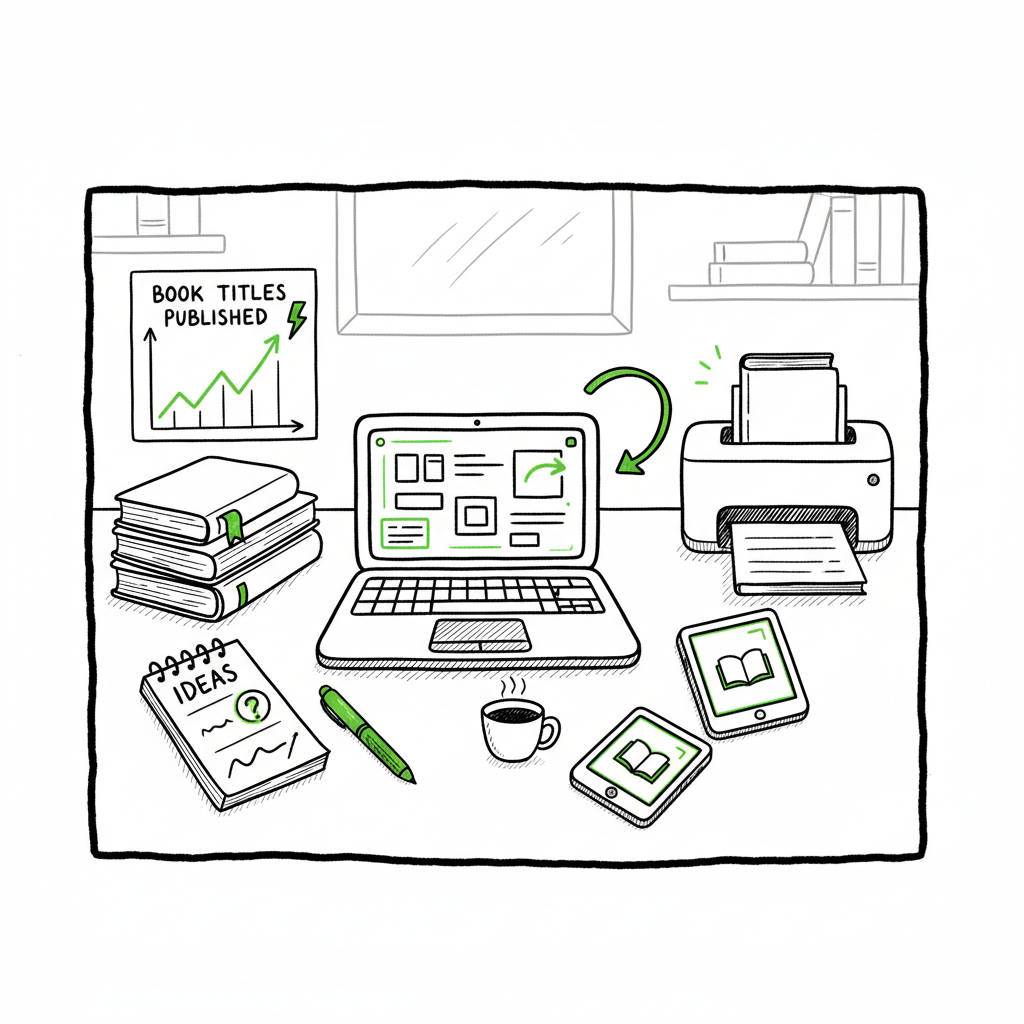
Self publishing tools authors need to publish faster in 2026
Self publishing tools: What serious authors need in 2026
Estimated reading time: 5 minutes
Key takeaways
- The right mix of self publishing tools cuts repetitive work and reduces errors, letting you publish more titles faster.
- Choose tools that handle format-specific needs (ebook, paperback, distribution) and scale with CSV batch uploads.
- For multi-platform distribution at scale, BookUploadPro automates uploads across Amazon KDP, Kobo, Apple Books, Draft2Digital, and Ingram with platform-specific intelligence.
Table of Contents
- Which self publishing tools are worth your time
- How to pick the right toolset
- How BookUploadPro fits into your process
- Final thoughts and next steps
- FAQ
Which self publishing tools are worth your time
Self publishing tools are no longer just one-off helpers. In 2026 the best tools form a chain: writing and organization, formatting, cover creation, and distribution. If you plan to publish more than one title a year, think beyond a single platform. Use the right tool for each step and automate what repeats.
Start with writing and formatting tools. Software like Atticus or Scrivener makes drafting and structure easier. For final files, EPUB conversion is a frequent pain point — converting your manuscript cleanly to EPUB matters for Apple Books and many retailers. If you need a reliable EPUB conversion step, consider a dedicated converter to avoid layout regressions and metadata loss. (See epub converter for automated EPUB processing.)
Cover files are another frequent source of errors. A good cover generator or designer that exports print-ready, spine-adjusted files saves time and rejected uploads. If you handle covers yourself, use a cover workflow that outputs both ebook and print-ready versions from the same source to avoid mismatches. For automated cover processing and generation, a dedicated service can keep your files consistent and print-ready. (See book cover generator processing.)
Distribution is where choices compound. Amazon KDP dominates reach and flexibility for ebooks and print-on-demand. IngramSpark and distributors like Draft2Digital and Draft2Digital-equivalents widen placement to bookstores and library channels. If your plan includes both ebook and paperback, pick tools that support both formats cleanly and can batch process metadata and ISBNs.
Finally, if you create paperbacks or ebooks repeatedly, streamline creation so metadata, interior files, and covers flow from the same CSV or project file. For book creation workflows that unify these steps, a single platform that centralizes uploads can be a multiplier. (See book auto publishing resources.)
How to pick the right toolset
Choosing tools is about trade-offs: cost, control, distribution, and the amount of manual work you’re willing to accept.
-
Match tools to the format you publish most
- Ebook-first authors need solid EPUB conversion and retailer validation.
- Print-focused authors need color proofs, trim size control, and a reliable print-on-demand printer like IngramSpark or KDP Print.
-
Prioritize platforms that reduce repeated work
- If you plan multiple titles or wide distribution, favor tools that accept CSV batch uploads or provide an API. CSVs let you push dozens of titles with consistent metadata in minutes rather than hours.
-
Check platform-specific intelligence
- Top tools embed rules: image specs per retailer, file naming, metadata field mappings, and territory checks. That cuts upload errors and saves support time.
-
Consider time versus cost
- Free DIY platforms work for single titles. But when publishing at scale, automation often delivers ~90% time savings versus manual uploads. That saves money long-term and avoids the kind of data-entry mistakes that waste launch days.
-
Validate conversion and proofs before wide release
- Always check EPUBs in multiple readers and order a proof for print to confirm spine, margins, and paper choices.
-
Keep one source of truth
- Maintain a master CSV or project file for metadata, ISBNs, pricing, and assets. That file should feed formatting, cover creation, and distribution tools. This single-source approach prevents mismatches that cause delists or poor metadata in retailer catalogs.
-
Practical example
- Set up a spreadsheet with title-level fields, keywords, categories, pricing, and links to interior and cover files. Use a tool that can map those columns to retailer fields and batch upload them. That reduces repetitive clicks and keeps your catalog consistent.
How BookUploadPro fits into your process
When authors move from one-off self-publishing to steady output, the bottleneck is uploads and platform-specific quirks. BookUploadPro removes that bottleneck.
- Unified multi-platform publishing: BookUploadPro automates uploads to Amazon KDP, Kobo, Apple Books, Draft2Digital, and Ingram from a single dashboard. Instead of repeating the same steps on five portals, you prepare one dataset and push it out.
- CSV batch uploads and platform intelligence: Use a single CSV to create multiple formats and map fields to each retailer’s requirements. The system applies platform-specific rules so filenames, image specs, and metadata match each store.
- Error reduction: Automated validation flags common issues before submission. That keeps books from being rejected for avoidable problems like missing ISBNs or incorrect trim sizes.
- Time savings: For active publishers, BookUploadPro typically delivers major time reductions compared to manual uploads—making wide distribution practical rather than optional.
- Affordable pricing and a free trial: The service is built for authors and small presses ready to scale without breaking the bank.
Use case at scale: a small press that publishes a dozen titles a year can standardize assets and metadata once, then batch push updates or new titles with minimal manual work. That makes marketing and release coordination predictable and reliable.
Technical notes for operators
- Keep your master CSV consistent. Column headers should be stable so automated mappings don’t break.
- Store finalized interior and cover files in a versioned folder. Automation works best when files don’t move unexpectedly.
- Use platform-specific previews and proofs when available. Automation reduces errors but proof checks catch edge cases like unusual fonts or rare typography.
If you publish both ebooks and paperbacks, include steps that create both file types from the same source. Automating those file outputs ensures your ebook and print editions match in metadata and cover art, lowering the chance of buyer confusion.
Final thoughts and next steps
Self publishing tools in 2026 are about connecting steps, not replacing judgment. The big wins come from eliminating repetitive uploads, enforcing platform rules automatically, and maintaining one source of truth for metadata and assets. For authors serious about publishing multiple titles each year, automation of the upload process shifts work from busywork to creative and promotional tasks.
Start small: formalize a master spreadsheet, standardize your file naming, and run a single title through an automated pipeline. Measure time saved and error reduction. When the savings are clear, scale up.
Automate the upload. Own the distribution.
FAQ
Q: Which tool should I use for EPUB conversion?
A: Use a dedicated EPUB converter that preserves structure and metadata. If you want a service tied into a larger batch workflow, an automated EPUB converter integrated into your pipeline removes a common failure point. (See epub converter.)
Q: Do I need separate covers for ebook and paperback?
A: Yes. Ebook covers are simple rectangles; print covers need a combined front, spine, and back layout sized for trim and page count. Use a cover pipeline that exports both versions from a single source image to keep branding consistent. (See book cover generator processing.)
Q: Can automation handle ISBNs and print proofs?
A: Automation can manage ISBN assignments and submit files, but you should still order proofs for print. Proofs catch print-specific issues that automated checks can miss.
Q: Will multi-platform uploads affect royalties or pricing?
A: Each retailer has its royalty rules. Automation sets fields like list price and territory, but you should confirm pricing and royalty tiers per store during setup.
Q: Is BookUploadPro suitable for first-time authors?
A: Yes. It’s especially valuable once you plan to publish more than a single title. For first-timers, it simplifies distribution and removes much of the technical friction.
Sources
- Best Self-Publishing Platforms in 2026: Complete Comparison Guide
- Best Self-Publishing Platforms for Books in 2026 and Beyond
- Navigating the Self-Publishing Landscape: A Comparison of Platforms
- 6 Best Book Writing Tools in 2026 (What Actually Works)
- 10 best digital publishing platforms for 2026 – Shorthand
- The 17 BEST Self-Publishing Companies of 2026 – Reedsy
- Best eBook publishing platforms 2026 – Save the Student
Self publishing tools: What serious authors need in 2026 Estimated reading time: 5 minutes Key takeaways The right mix of self publishing tools cuts repetitive work and reduces errors, letting you publish more titles faster. Choose tools that handle format-specific needs (ebook, paperback, distribution) and scale with CSV batch uploads. For multi-platform distribution at scale,…