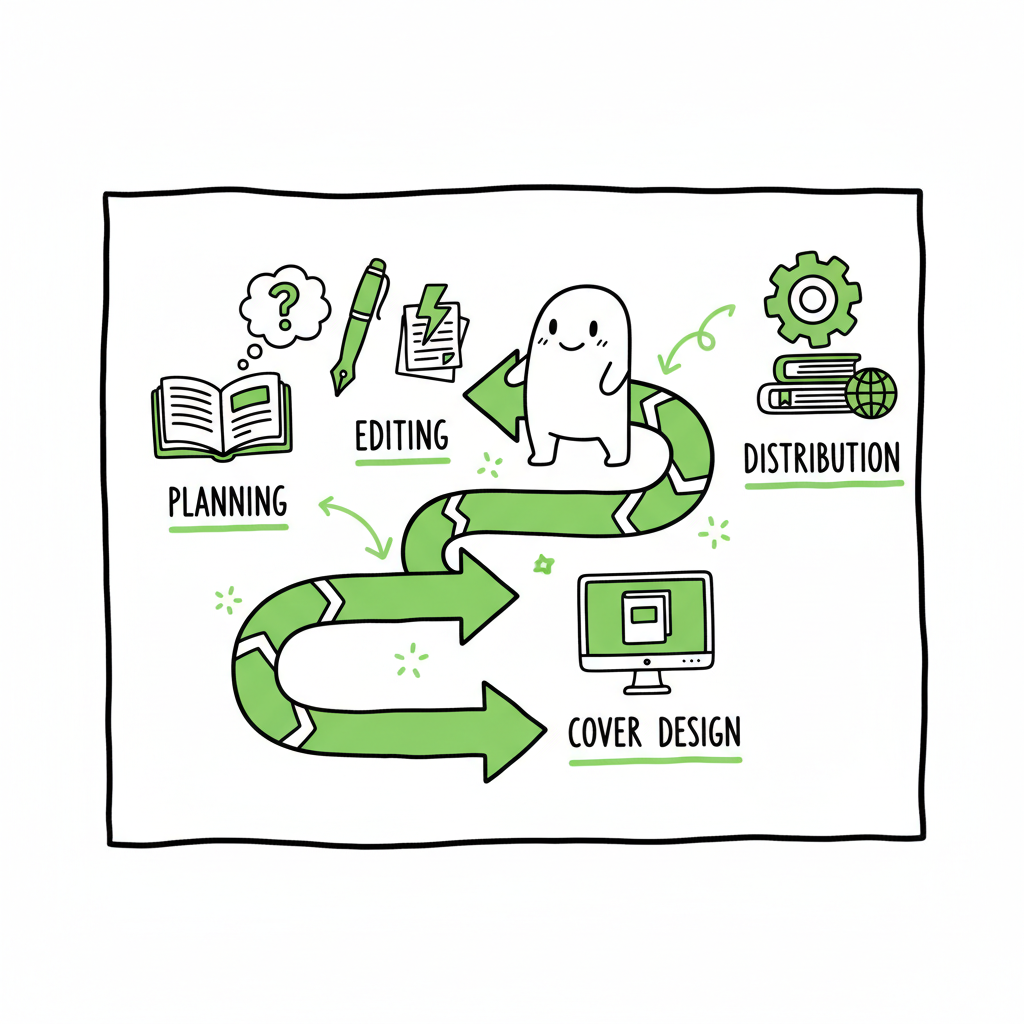
Self Publish Your First Book Step-by-Step Roadmap Guide
Self publish your first book: A practical roadmap for debut authors
Estimated reading time: 18 minutes
Key takeaways
- Treat your debut like a product: plan, hire the right help, and control quality before upload.
- Editing, a strong cover, and clean formatting are the highest‑impact investments for a first book.
- Choose a distribution strategy that fits your goals, and consider automation for multi‑platform uploads.
Table of Contents
- Start like a publisher
- Production: editing, cover, and formatting
- Distribution, uploads, and automation
- Launch, pricing, and author platform
- FAQ
- Sources
Start like a publisher
If you want to self publish your first book, begin by thinking like a publisher. That means you are responsible for quality control, positioning, and the long view. Many debut authors focus only on finishing the manuscript. That matters, but finishing is step one. The next steps determine whether readers see your book as professional or amateur. Self Publishing for Beginners.
Set clear goals
Decide what success looks like for this title. Do you want to build an author audience? Create a proof of concept before a series? Reach bookstores or libraries? Your goals determine the distribution path, budget, and timeline.
Budget for the basics
For a first book, prioritize three line items:
– Professional editing (developmental, line, or copyedit as needed).
– A genre‑appropriate cover.
– Clean formatting for ebook and print.
These three usually consume most of your necessary budget. Plan for them early and treat them as non‑negotiable. If you have to trim costs, do it in marketing or extras, not editing or cover design.
Build a small team
You don’t need a long list of vendors, but you do need the right roles filled:
– An editor who understands your genre.
– A designer for the cover (or someone who will commission the right artwork).
– A formatter who can produce ebook files and print‑ready PDFs.
– A person (you or a service) to handle metadata and uploads.
If it helps, think in terms of functions rather than named people. You can hire separate freelancers or use a specialized service to handle formatting and uploads. The key is that these functions are covered and you review every output.
Create a launch timeline
Work backward from a target publication date. Allow time for rounds of edits, cover iterations, layout checks, proof copies, and platform processing. A realistic timeline for a first book is 3–6 months from a finished manuscript to live retail pages if you schedule work and reviews.
Production: editing, cover, and formatting
Editing: fix the foundations
Good editing is non‑negotiable. Many debut authors underestimate how much revision a manuscript needs to meet reader expectations. At minimum:
– Do a developmental edit if your story needs structure or pacing work.
– Do a copyedit to catch grammar, clarity, and consistency.
– Consider a proofread pass on the final formatted file.
Hire editors who read in your genre. Ask for sample edits or references. If budget is tight, prioritize structural fixes over cosmetic line edits; a book with solid structure but rough prose is easier to fix than the reverse.
Cover design: your marketing image
A book’s cover is its primary marketing asset. A weak cover will hurt discoverability and sales more than a few typos. Covers must signal genre, tone, and audience at a glance.
If you’re producing a print and ebook, plan for multiple cover versions and create a full wrap for print. If you need a fast solution to prototype or iterate, there are automatic tools that can speed processing, but always review and refine with a human eye. For authors working at scale or under time pressure, a dedicated cover generator can help move from concept to a finished image quickly.
Formatting: clean files for readers and platforms
Formatting matters to both readers and platform acceptance. Ebook files must flow correctly, have consistent styles, and include required front matter. Print files need correct margins, page count, and a print‑ready PDF that meets a POD provider’s specs.
For ebooks, convert to EPUB properly and validate the file so readers get consistent results across devices. If you plan to distribute widely, produce platform‑neutral source files and platform‑specific outputs from those sources. EPUB converter can help automate this step.
If converting your manuscript to EPUB or producing print files sounds technical, there are tools that automate conversion and validation while letting you inspect the results. A validated EPUB reduces the chance of rejected uploads and bad reader experiences.
Formatting checklist highlights
– Consistent chapter styles and headings.
– Proper front matter and back matter (title page, copyright, acknowledgments, author bio).
– Embedded fonts where required and correct image sizing.
– Table of contents that matches chapter headings and works on devices.
– Print PDF with correct trim size, bleed, and spine calculations.
Book creation workflow notes: BookUploadPro is built around these problems. It automates uploads across Amazon KDP, Kobo, Apple Books, Draft2Digital, and Ingram, using CSV batch uploads and platform‑specific checks to cut the repetitive work. Book creation workflow.
Distribution, uploads, and automation
Distribution choices shape reach and royalties
When you publish a debut book, distribution is a strategic decision. Two common paths:
– Amazon‑centric: Publish on Amazon KDP and consider KDP Select. Pros: single large marketplace, promotional tools. Cons: limits promotional options outside Amazon.
– Wide distribution: Use services that place your ebook and print into multiple retailers and library channels. Pros: broader global reach. Cons: more accounts and rules to manage.
Print-on-demand vs print runs
For most first books, print-on-demand (POD) is the practical choice. POD removes inventory risk and makes global print distribution viable through services like Ingram. If you expect large orders or special editions, consider a short print run, but factor storage and shipping.
Account setup and rights
Control your retailer accounts. If you use a service to upload for you, make sure you retain full access to your KDP, Kobo, Apple Books, and distributor accounts. Keep login rights and control of pricing and promotions.
Uploads: details matter
Uploading a first book involves more than files. Expect to provide:
– Accurate metadata (title, subtitle, series, contributors).
– Targeted keywords and categories.
– Correct ISBNs for each print edition.
– Territory and pricing rules.
– Sales channels and expanded distribution choices.
Metadata and keywords are discoverability tools. Spend time on a short, benefit‑focused description and choose categories that match reader behavior, not just what sounds best.
Multi‑platform publishing at scale
If you plan to publish multiple books or wide distribution, automate repetitive steps. Automation saves time and reduces human error when you:
– Batch upload using CSVs for multiple editions.
– Apply platform‑specific intelligence that adapts metadata and category formatting per retailer.
– Maintain a single source of truth for cover and interior files.
BookUploadPro is built around these problems. It automates uploads across Amazon KDP, Kobo, Apple Books, Draft2Digital, and Ingram, using CSV batch uploads and platform‑specific checks to cut the repetitive work. Book creation workflow for a smoother process. Automate the upload. Own the distribution.
Quality checks and proofs
Always order a proof for print and inspect the final ebook on a device or emulator. Look for:
– Text truncation or orphaned lines.
– Image placement and clarity.
– Page breaks and chapter breaks.
– Correct ISBN and barcode on the print cover.
If you find problems after publication, you can update files, but reprinting and reprocessing can take time. Catch issues before the official release date.
Launch, pricing, and author platform
Pricing strategy for a debut
Pricing affects visibility and perception. For a first book:
– Consider a lower launch price to attract readers, but don’t price yourself out of perceived value.
– Use temporary discounts or free promos strategically if you have a plan to convert readers to an email list.
– For series planning, price the first in a series lower and subsequent titles higher.
Metadata as marketing
Your book description is your landing page. Structure it for readers:
– Hook: open with a one‑line promise.
– Setup: introduce stakes and main character.
– Call to action: a final line that invites a purchase or sample.
Also optimize keywords and categories to match how readers search for books like yours. Avoid stuffing keywords; focus on relevance.
Build an author platform
Even a modest author platform pays off. Start with:
– A simple author website with a signup for an email list.
– A clear way for readers to contact you or follow new releases.
– Social presence in one or two channels where your target audience spends time.
Email lists are still the most durable channel for a debut author. Use the list to announce the launch, offer bonuses, and drive early reviews.
Launch tactics that work for beginners
– Pre‑launch: gather ARC readers and ask for honest reviews close to release.
– Launch week: focus on visibility—ads, newsletter swaps, and tactical promotions.
– Post‑launch: keep pricing and ad campaigns measured and iterate based on sales data.
Affordable promotional options
If your budget is small, focus on:
– Cross-promotions with authors in your genre.
– Targeted ads that test one audience at a time.
– Promotions through read‑for‑reviews services or curated deals.
Final checks before “go live”
– Confirm pricing and territories across platforms.
– Verify that buy links point correctly to retailer pages.
– Double‑check the final metadata and cover thumbnails.
– Ensure your proof copy is acceptable for print.
FAQ
Q: How long does it take to publish a first book?
A: From a finished manuscript, expect 3–6 months if you schedule editing, design, formatting, and proofing. Rushed timelines increase the chance of errors.
Q: Which investment will pay the most for a debut?
A: Editing and a genre‑appropriate cover. Both improve reader experience and discoverability. Formatting is necessary to ensure the book looks professional on devices and in print.
Q: Should I use Amazon exclusive programs?
A: It depends on goals. KDP Select offers promotional tools that can be useful when you have a single title and want to maximize Amazon visibility. Wide distribution is better for long‑term reach, libraries, and print availability. Consider your marketing channels and revenue goals.
Q: Can I do this all myself?
A: Yes, but be realistic. You can learn formatting and uploads, but mistakes are common. Many authors find a hybrid approach works: do the parts you enjoy and outsource technical tasks or use a service to handle repetitive uploads.
Q: How do I get wider distribution without extra work?
A: Use a multi‑platform upload service or distributor that can push your ebook and print files to multiple retailers. Automation tools reduce manual entry and keep metadata consistent.
Sources
- https://savannahgilbo.com
- https://dabblewriter.com
- https://davidgaughran.com
- https://janefriedman.com
- https://smartblogger.com
Self publish your first book: A practical roadmap for debut authors Estimated reading time: 18 minutes Key takeaways Treat your debut like a product: plan, hire the right help, and control quality before upload. Editing, a strong cover, and clean formatting are the highest‑impact investments for a first book. Choose a distribution strategy that fits…