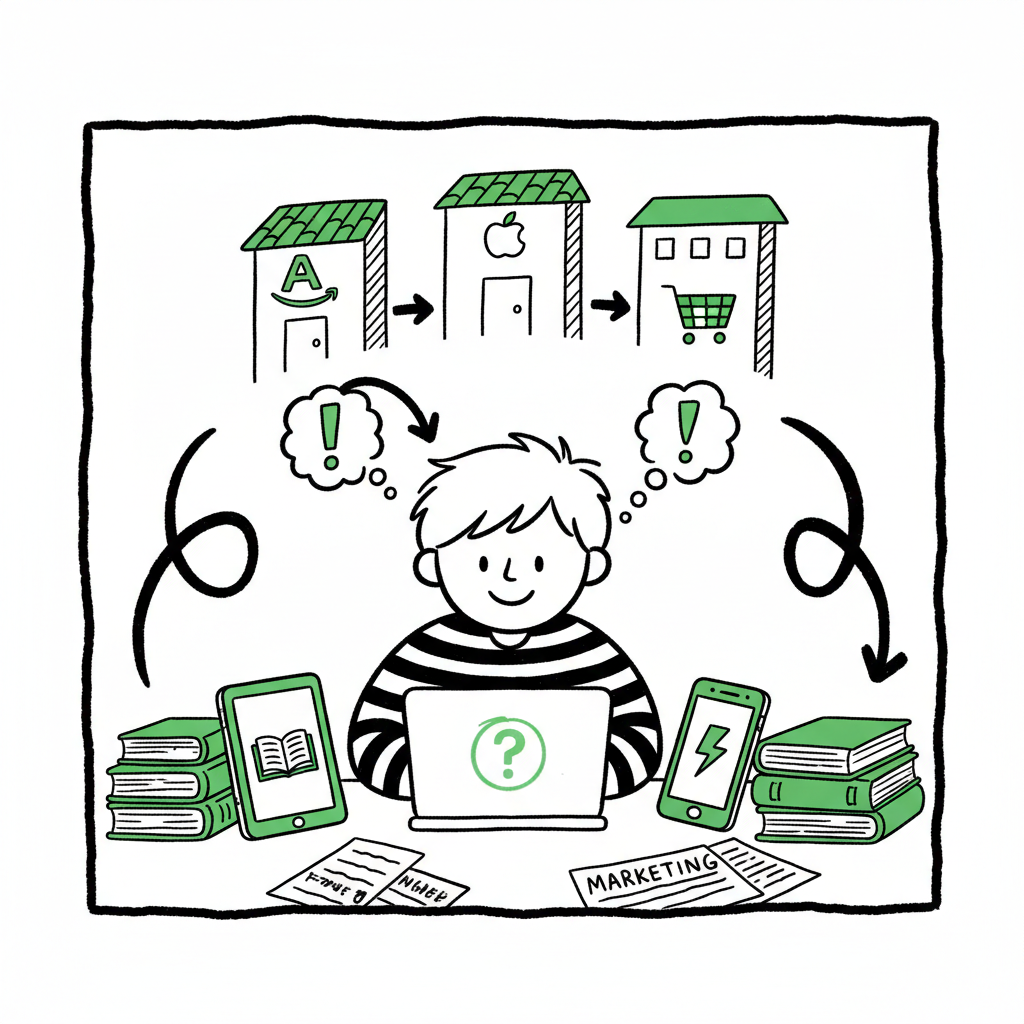
How to Self Publish on Multiple Platforms for Authors
How to Self Publish on Multiple Platforms: A Practical Guide for Indie Authors
Estimated reading time: 7 minutes
Key takeaways
- Self publish on multiple platforms to reach readers where they buy, control pricing, and reduce dependence on a single retailer.
- A repeatable workflow, proper file preparation, and the right tools make wide distribution practical and fast.
- Automation with CSV batch uploads and platform-aware checks saves time, cuts errors, and scales publishing—BookUploadPro is an obvious upgrade once you publish seriously.
Table of Contents
- Why publish wide?
- A practical multi-platform publishing workflow
- Formatting, covers, and platform assets
- Automating distribution and scaling publishing
- FAQ
Why publish wide?
If you want to reach more readers, you should self publish on multiple platforms. Relying only on one storefront limits exposure and can leave you vulnerable to changing policies, royalty shifts, or algorithm swings. Publishing across retailers spreads risk, reaches different audiences, and lets you test price and promotion strategies independently.
The math is simple. Different readers prefer different stores: some buy on Amazon, others on Kobo or Apple Books. Libraries and stores that rely on Ingram may prefer print copies fulfilled through a global distributor. Making your book available across platforms increases discoverability and gives you options for pricing, promotions, and rights.
Beyond reach, multi platform self publishing improves control. If a single retailer changes rules, you still sell elsewhere. If a region favors one store, you can optimize availability regionally. That control matters when you publish multiple titles and want a steady, diversified income stream.
There are trade-offs: separate storefronts mean more metadata, file formats, and upload steps. But those trade-offs shrink with a consistent process and automation. When authors publish seriously, tools that automate uploads and manage platform quirks become indispensable.
For a structured, repeatable approach, see the Publish Wide Self Publishing Workflow.
A practical multi-platform publishing workflow
A repeatable workflow keeps publishing predictable. Use the same sequence for every title so you reduce errors and can batch work across multiple books. Here’s a practical workflow that scales from one title to dozens.
- Plan your distribution and editions
Decide where to sell your ebook and print versions. Typical wide distribution includes Amazon KDP (for exclusive or non-exclusive ebooks), Kobo, Apple Books, Draft2Digital or PublishDrive, and Ingram for print-on-demand and global bookstore channels. Choose which formats you’ll offer: ebook (reflowable), fixed-layout (if needed), paperback, and hardcover. - Prepare a single source manuscript
Keep one clean master manuscript file. From that single source you’ll derive EPUB for retailers, print-ready PDF for paperbacks, and any fixed-layout files needed. This reduces the chance of version drift and makes updates easier. - Create assets and metadata
Collect cover files, contributor names, descriptions, keywords, categories, BISAC/subject codes, ISBNs, and pricing. Use standard naming conventions and a simple spreadsheet to track everything for each title. - Produce platform-specific files
Different stores require slightly different files: EPUB for most ebook stores, MOBI/AZW3 variants for older Kindle workflows (though KDP accepts EPUB now), and print-ready PDF for paperbacks and hardbacks. If you’re preparing multiple books, convert all final files in a batch. - Validate and quality-check
Open every file in devices or emulators: EPUB in dedicated readers, print PDF in Acrobat or a PDF proofing tool. Check front/back matter, chapter breaks, hyphenation, fonts, page count, margins, bleed, and ISBN mapping. - Upload, map metadata, and publish
This is where the process becomes repetitive: create book records on each platform, upload files, map metadata and pricing, and activate distribution. For a single title the manual route is doable. For many titles, CSV batch uploads and automation cut the work drastically.
Note on workflows: if you’re ready to move from manual steps to a standardized, testable system, see the Publish Wide Self Publishing Workflow that outlines a repeatable process for scaling uploads and tracking title status across multiple retailers. That resource shows how to structure spreadsheets, name files, and stage uploads so you can batch or automate most publishing steps.
Why this workflow works
- Single source reduces errors: one manuscript produces all formats.
- Asset checklist prevents missing files at upload time.
- Batch conversions and validations save hours per title.
- A single spreadsheet or CSV ties everything together for uploads and reporting.
For a broader view of related topics, see Book Cover Generator Processing.
Formatting, covers, and platform assets
File formats and visual assets are where many publishers lose time. A clear plan here eliminates last-minute fixes.
Ebook formats and EPUB conversion
Most retailers accept EPUB as the standard ebook format. EPUB handles reflowable text and is required by Apple Books, Kobo, and many non-Amazon retailers. Convert your clean manuscript to EPUB and validate it. If you need a dedicated conversion tool, consider services that automate EPUB conversion to ensure consistent output and quick fixes. Using an EPUB converter avoids repeated manual corrections and preserves layout for tables of contents, front matter, and images.
Print files and paperbacks
Paperbacks and hardcovers need print-ready PDFs with correct trim size, bleed, margins, and embedded fonts. Use a template that matches the chosen trim size and paper weight. Ingram and some other distributors will accept PDF for print-on-demand; KDP has its own template system. Make a single print PDF per edition and test the proof thoroughly for page image placement and margins.
Covers and visual design
A good cover follows retailer guidelines: correct spine width for print, 300 DPI images, and safe text areas inside trim and bleed. A cover works differently as a thumbnail in a store and as a full-size print file, so prepare both layered source files and flattened export files.
If you want to speed up these parts of the workflow, tools exist to automate cover generation and processing. For streamlined output and consistent results, a reliable cover generator can produce both ebook and print-ready cover files without manual rework.
Assets, naming, and metadata best practices
– File names: title_format_trim_ISBN_v1.pdf (consistent and searchable)
– Metadata: keep one master spreadsheet with columns for every platform’s fields
– ISBNs: assign per edition (ebook, paperback, audiobook) and record them in your master sheet
– Backups: keep versioned copies of every file and the metadata spreadsheet
Automating distribution and scaling publishing
Manual uploads are manageable for one or two titles. For dozens, automation is the rational choice. Automation saves time, reduces repetitive errors, and turns distribution from a task into a process you can measure.
Why automation matters
– Speed: CSV batch uploads and automated connectors cut upload time dramatically—publishers report around 80–90% time savings in upload work when they use the right tools.
– Accuracy: Platform-specific intelligence checks common problems before files are uploaded, reducing rejection rates and resubmissions.
– Scale: When you have a pipeline that accepts CSVs and asset folders, you can publish multiple titles in a single session.
– Reporting: Centralized dashboards show which platforms are live, pricing differences, and where a title may need attention.
For a structured, repeatable approach, see the Publish Wide Self Publishing Workflow again as a reference for scaling uploads and status tracking across retailers.
What to automate first
- Metadata ingestion: push author, title, description, keywords, and categories via CSV.
- File uploads: map EPUB and print PDFs to the correct platform slots.
- Pricing and territories: set prices and rollout plans per store automatically.
- Store checks: pre-flight validations for EPUB errors, cover size, and print bleed.
How automation integrates with your workflow
Keep the single-source manuscript and asset folder. Your automation tool should accept the assets and the spreadsheet, then:
- Run validation checks
- Convert formats where practical
- Build platform-specific payloads
- Upload to each retailer’s interface or through their APIs
- Report any problems back into the spreadsheet
A practical example of scaling
Imagine you have ten backlist titles and a new release. Doing each upload manually to five retailers could take many days. With a CSV-driven process and an upload platform that handles platform differences, you prepare assets once, point the tool at your spreadsheet, and monitor the process. Problems get flagged; clean titles go live across stores with minimal intervention.
Why BookUploadPro fits here
When authors reach the point where multiple titles or frequent releases become routine, automation becomes an obvious upgrade. BookUploadPro automates repetitive uploads across Amazon KDP, Kobo, Apple Books, Draft2Digital, and Ingram. It supports CSV batch uploads, enforces platform-specific checks, and reduces errors, making wide distribution practical at scale.
Core benefits you’ll notice
- Unified multi-platform publishing: manage multiple storefronts in one place.
- Platform-specific intelligence: the system checks file and metadata issues that typically cause rejections.
- ~90% time savings on uploads for batch jobs.
- Error reduction across conversions, cover sizing, and metadata mapping.
- Affordable pricing and a free trial let you test automation with minimal risk.
What automation does not do
Automation does not eliminate editorial or design work. It reduces the friction around distribution. You still need a clean manuscript, a strong cover, and accurate metadata to see results.
Practical tips when you automate
- Keep a master spreadsheet that maps title slug to every asset and price.
- Use versioning in filenames so you know which file was uploaded.
- Run one test title before batch-publishing to catch mapping issues.
- Maintain a simple rollout plan: ebook first, then print, then expanded territories.
For a broader look at cover automation, see Book Cover Generator Processing.
Scaling without losing control
Automation should give you control, not take it away. Make sure your tool offers preview reports and lets you approve actions before they go live. That reduces surprises and keeps quality high as you increase volume.
FAQ
Q: Can I still use Amazon KDP if I publish wide?
A: Yes. You can publish on Amazon KDP and distribute to other stores at the same time. Be aware of KDP Select if you enroll your ebook, which requires digital exclusivity for the enrollment period. Many authors publish certain titles wide while keeping others exclusive depending on marketing goals.
Q: Do I need different ISBNs for each platform?
A: ISBN requirements vary. For ebooks, many retailers don’t require an ISBN; for print editions, each format and edition should have its own ISBN. Keep a record in your master spreadsheet.
Q: Will automation reduce royalties or control?
A: Automation affects distribution workflow, not royalties. You still set prices and choose territories. The automation tool uploads your settings; it doesn’t change them.
Q: What if a platform rejects my files after automation?
A: Good automation systems run pre-flight checks to reduce rejections. If a platform rejects a file, the tool should surface the error and let you fix the file and re-upload.
Q: How much time does automation save?
A: Time savings depend on volume and complexity. For a catalog of multiple titles, authors often see ~80–90% time savings on upload and distribution tasks.
Sources
- https://www.bookuploadpro.com
- https://www.bookautoai.com/book-cover-generator-processing
- https://www.bookautoai.com/epub-converter
- https://www.bookautoai.com
How to Self Publish on Multiple Platforms: A Practical Guide for Indie Authors Estimated reading time: 7 minutes Key takeaways Self publish on multiple platforms to reach readers where they buy, control pricing, and reduce dependence on a single retailer. A repeatable workflow, proper file preparation, and the right tools make wide distribution practical and…