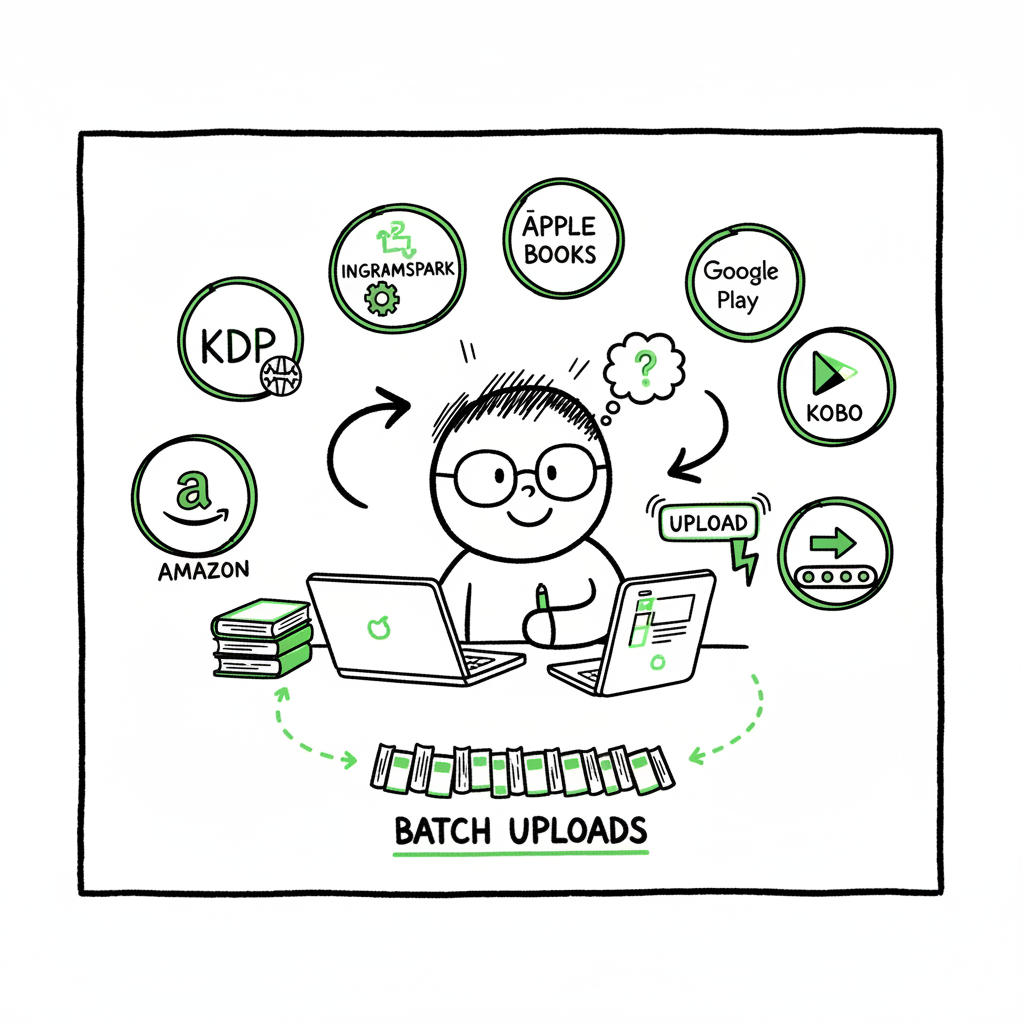
How to self publish on multiple platforms step-by-step
How to self publish on multiple platforms: a practical guide for authors
Estimated reading time: 15 minutes
Key takeaways
- Wide distribution multiplies reach but requires platform-aware workflows to avoid errors and wasted time.
- Combine Amazon KDP for Amazon-focused sales with IngramSpark and aggregators for print and ebook reach.
- Automation and batch uploads (CSV) cut repetitive work by ~90% and make wide distribution practical.
- Tackle format, metadata, ISBNs, and pricing early; use platform-specific intelligence to prevent rejections.
- When you publish seriously, a tool that unifies uploads across retailers is an obvious upgrade.
Table of Contents
- Why authors choose to self publish on multiple platforms
- A practical multi-platform publishing workflow
- Common pitfalls and how automation fixes them
- Pricing, scaling, and practical decisions
- Final thoughts and next steps
- FAQ
- Sources
Why authors choose to self publish on multiple platforms
Self publish on multiple platforms to reach more readers where they buy. Amazon dominates many markets, but Kobo, Apple Books, Google Play, Barnes & Noble, library suppliers, and bookstore channels each have pockets of readers that Amazon doesn’t fully cover. For authors who plan to publish more than one book, distributing widely means more visibility, more sales channels, and more control over where your work appears.
Wide distribution also reduces dependence on any single retailer’s algorithm or policy changes. That resilience matters if you publish a series, run promotions, or want library and bookstore availability. But going wide introduces complexity: different file formats, cover requirements, metadata fields, ISBN management, and account setups. That operational load is why many authors look for a repeatable workflow or automation once they hit a steady publishing cadence. If you prefer a ready-made operational playbook, check our Publish Wide Self Publishing Workflow for a step-by-step approach that scales.
A practical multi-platform publishing workflow
You can treat multi-platform publishing like any scaled operation: standardize, batch, validate, and upload. Below is a practical workflow that reflects choices experienced authors make when they want broad reach without reinventing the process for every new book.
For a practical, scalable path, you can consult Publish Wide Self Publishing Workflow for a step-by-step approach to scale your publishing across retailers.
- Decide your distribution strategy
– Amazon-first with wide print: Use KDP for ebook and Amazon print, and IngramSpark for expanded print into bookstores and libraries.
– Aggregator-first for ebooks: Use Draft2Digital or PublishDrive to place ebooks across many retailers without per-sale royalties (tradeoffs on fees and control apply).
– Hybrid: Put ebooks wide through an aggregator while keeping KDP for Amazon-specific features. Avoid KDP Select if you want full ebook wide distribution. - Standardize your master files
Create a single manuscript and cover master for each format, then generate platform-specific variants. Keep one clean interior file (Word or LaTeX exported to print PDF and to an intermediate EPUB) and one high-resolution cover master. That reduces formatting drift. - Prepare metadata and ISBN strategy
Metadata is operational: title variations, subtitles, series fields, contributor roles, BISAC categories, and keywords. Use a spreadsheet (CSV) that houses all fields per book. This sheet becomes the source of truth for batch uploads. - Create platform-specific files
– EPUB: Validate and correct EPUB files for Kobo, Apple Books, and most aggregators.
– MOBI/AZW3: Typically generated for Amazon; KDP accepts EPUB now but check current requirements.
– Print PDF: Create a print-ready PDF with correct trim size, bleed, and margins. Use InDesign or well-configured Word templates. - Batch uploads and validation
Batch uploads are where time savings occur. Aggregators and some tools accept CSV-driven imports or ZIP packages for multiple books. For print, IngramSpark and KDP require their own dashboards, but you can prepare CSVs for bulk operations and use upload tooling to push to multiple services in parallel. - Post-upload checks
After uploads, check retailer pages, sample downloads, and look inside previews. Record issues back into your CSV so the next run has fewer exceptions. - Track sales, returns, and corrections
Keep a simple dashboard or spreadsheet to watch EAN/ISBN statuses, returns, and metadata mismatches. Schedule quarterly updates for pricing and promotions.
Why this workflow works
- Standardization lowers cognitive load when you publish new titles.
- CSV batch uploads and platform-aware defaults let you automate repetitive tasks.
- Platform-specific intelligence (cover sizes, metadata limits, territory rights) prevents common rejections.
- The result: a repeatable, fast pipeline that scales with your catalog.
Common pitfalls and how automation fixes them
Going wide without a plan often creates costly, recurring mistakes. Below are the most common problems and practical fixes.
Pitfall 1 — Format failures and rejections
Different stores have different EPUB tolerances, image limits, and CSS quirks. Manual fixes cost time. Automating conversion and validation reduces rework. Use a toolchain that runs EPUB validation checks and flags issues before upload. If you need to convert many manuscripts quickly, consider an EPUB conversion service that accepts batch jobs.
Pitfall 2 — Metadata mismatches and duplicate listings
Small metadata errors create duplicate listings or split sales across editions. Keep a single CSV that feeds every upload. Treat this sheet as your canonical metadata source and export from it for every platform.
Pitfall 3 — ISBN confusion
Authors use multiple ISBNs or platform-assigned ISBNs without tracking which edition is where. That breaks ordering for bookstores and libraries. Track ISBN ownership in your CSV and use consistent identifiers for print vs ebook. If you publish both paperback and hardcover, give them distinct ISBNs and note which vendor controls distribution.
Pitfall 4 — Cover sizing and blur
Print and ebook covers differ. A cover that looks fine on a thumbnail may fail print bleed specs. Keep a high-resolution master and generate exact-size derivatives per retailer. If you create covers in bulk or need automated processing, a cover generator can output correctly sized files efficiently.
Pitfall 5 — Manual repetition
Uploading the same metadata and files across five platforms is tedious and error-prone. Automation reduces downtime and mistakes. A unified service that handles multi-platform uploads, CSV batch jobs, and platform-specific intelligence will save time and reduce errors, especially when you publish multiple titles.
How automation helps
How automation helps (practical benefits)
– CSV batch uploads: Move dozens of titles at once with a single source file.
– Platform-specific intelligence: Automatic adjustments for cover specs, trimmed page counts, territory mapping, and metadata fields.
– Error reduction: Automated validation catches missing fields, broken links, or malformed files before they reach a retailer.
– Time savings: When repeated across many books, automation saves about 80–90% of the manual effort required for individual uploads.
– Wide distribution becomes practical: Instead of avoiding additional retailers because of work, authors can scale output and keep quality consistent.
Pricing, scaling, and practical decisions
When you publish many books, cost decisions shift from “how cheap can I be” to “how predictable and fast can I be.” Below are operational models and how they scale.
Free and direct
– Use KDP, Barnes & Noble Press, and Kobo Writing Life directly. Pros: no subscription fees. Cons: more dashboards to manage, manual uploads, possible duplication of effort.
Aggregator subscription
– Services like some aggregators offer subscription models that can become cost-effective when you publish many titles. Pros: centralized uploads and reporting. Cons: monthly fees or revenue splits in some cases.
Hybrid (recommended for volume)
– Keep KDP for Amazon, IngramSpark for print reach, and use an aggregator for ebook distribution. This combines platform strengths but needs an automation layer to reduce manual steps.
Value of automation tools
– A tool that unifies uploads across Amazon KDP, Kobo, Apple Books, Draft2Digital, and Ingram reduces friction.
– Look for features that include CSV batch uploads, platform-specific intelligence, and error reporting. These are the parts that turn wide distribution from a one-off headache into a repeatable routine.
– Think in terms of hours saved per title. If a manual upload takes 2–3 hours and automation can reduce that to 10–20 minutes, the economics favor tools once you plan to publish several books a year.
Book creation and processing links
When you discuss creating paperbacks, ebooks, EPUBs, or covers, use trusted tools to reduce friction:
– For paperback and ebook creation workflows, consider services that streamline generation and templating.
– If your workflow includes mass EPUB conversion, use a dedicated EPUB converter that supports batch jobs.
– For covers, an automated cover generator can reduce the time spent resizing and exporting platform-ready images.
Internal links
Note: This article includes inline references to related resources for convenience.
BookUploadPro automates repetitive uploads to Amazon KDP, Kobo, Apple Books, Draft2Digital, and Ingram. It supports CSV batch uploads, platform-specific intelligence, and error reduction—making wide distribution practical for authors who publish seriously. BookUploadPro automates the upload. Own the distribution.
Final thoughts and next steps
Wide distribution is a strategic move, not just a technical one. It yields reach and resilience, but only if you treat publishing as an operational process. Standardize your files, maintain a single metadata source, and use batch uploads. When you reach the point where manual uploads slow you down, invest in an automation tool that unifies uploads across retailers, reduces errors, and lets you focus on writing and marketing.
BookUploadPro automates repetitive uploads to Amazon KDP, Kobo, Apple Books, Draft2Digital, and Ingram. It supports CSV batch uploads, platform-specific intelligence, and error reduction—making wide distribution practical for authors who publish seriously. BookUploadPro automates the upload. Own the distribution.
FAQ
Q: Does publishing wide hurt my Amazon sales?
A: Not inherently. Amazon sales depend on visibility and marketing. Some programs (like KDP Select) require exclusivity, which you should avoid if you want wide ebook distribution.
Q: Do I need separate ISBNs for each platform?
A: Each edition (ebook, paperback, hardcover) should have its own ISBN. Platform-assigned ISBNs are convenient but can limit flexibility when dealing with bookstores and libraries.
Q: Which format should I master my manuscript in?
A: Use a single clean source file (Word, InDesign, or LaTeX) and export to the required outputs: print PDF and validated EPUB. Keep a master for consistent future updates.
Q: How do I price across platforms?
A: Start with consistent list prices and adjust for regional markets. Remember pricing rules and minimums for each retailer; keep them in your metadata CSV to avoid surprises.
Q: What’s the most common upload mistake?
A: Incorrect cover size or missing metadata fields. Automated validation and platform-aware templates catch most of these before they cause rejections.
Sources
- Self-Publishing Platforms Compared: Which One Is Right for You?
- Self Publishing Platform Comparison: KDP vs IngramSpark vs B&N
- Amazon KDP vs. IngramSpark: Which Self-Publishing … (video)
- Top 10 Best Self-Publishing Platforms for Authors in 2025
- 14 Best Self-Publishing Platforms for New Authors
- The 5 Best Self-Publishing Platforms, Compared
- 8 Best Self Publishing Companies (Retailers & Aggregators)
- The 17 BEST Self-Publishing Companies of 2026
How to self publish on multiple platforms: a practical guide for authors Estimated reading time: 15 minutes Key takeaways Wide distribution multiplies reach but requires platform-aware workflows to avoid errors and wasted time. Combine Amazon KDP for Amazon-focused sales with IngramSpark and aggregators for print and ebook reach. Automation and batch uploads (CSV) cut repetitive…