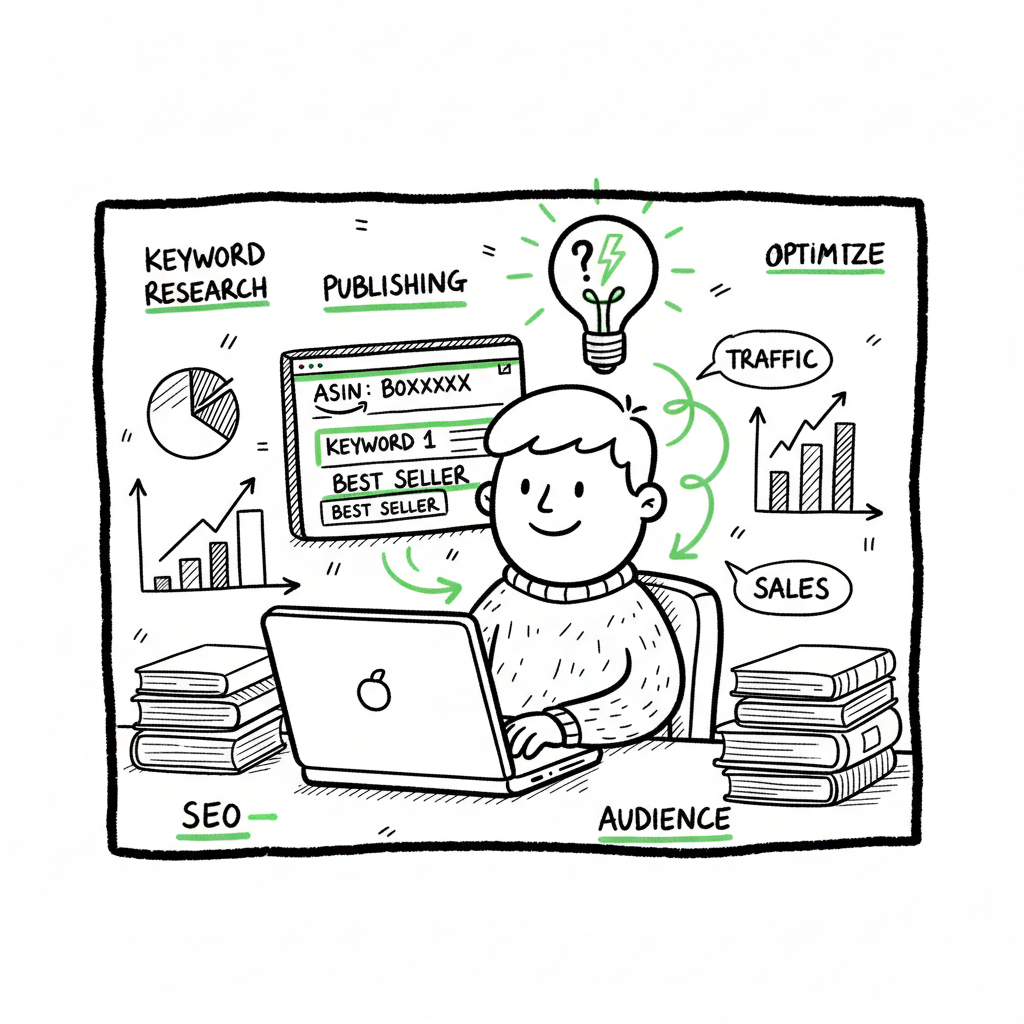
Reverse ASIN Keyword Research for Amazon KDP Authors
Reverse ASIN Keyword Research: How Authors Find Winning Amazon Keywords
Estimated reading time: 8 minutes
Key takeaways
- Reverse ASIN keyword research starts from competitor ASINs to discover the exact terms driving their traffic and sales.
- The method is practical for Amazon KDP: it reveals high-value keywords, long-tail phrases, and PPC targets you can test quickly.
- Pair reverse ASIN data with a repeatable process and publishing automation to scale listings without multiplying manual work.
Table of Contents
- What is reverse ASIN keyword research?
- How to use reverse ASIN research for book listings and ads
- Tools, process, and publishing at scale
- Frequently asked questions
What is reverse ASIN keyword research?
Reverse ASIN keyword research is a competitive-intelligence technique that extracts the keywords a specific Amazon ASIN ranks for, both organically and in ads. Instead of starting with seed terms, you start with a proven product and read its keyword footprint. For authors this means you can see the actual phrases readers use to find competing books, journals, or low-content products and reuse the best fits in your own listing and campaigns.
In practice you identify 5–10 direct competitor ASINs from your category, run them through a reverse-ASIN tool, and get a list of ranked keywords with metrics like search volume, ranking position, and trend lines. That lets you prioritize terms that already convert in your niche. If you also want to tighten your on-page SEO and metadata based on editorial best practices, see Amazon Book SEO for Authors for hands-on guidance and examples.
Why this matters for KDP
- It reveals the high-value phrases competitors rely on, including niche long tails that standard keyword lists miss.
- It bridges organic and paid insight: you learn which keywords work for organic ranking and which appear in Sponsored Products.
- It speeds up testing: rather than guessing, you build listings and ad campaigns around terms that already drive sales.
How to use reverse ASIN research for book listings and ads
Start with a short, focused list of competitors. Pick ASINs that consistently appear on page one for your category or have bestseller badges in your subcategory. Analyze a handful — 5–10 ASINs tends to be enough to surface the most important terms without noise.
What to extract and how to act on it
- Top-ranked keywords: Move the best matches into your title and subtitle where appropriate, and into your backend keyword fields.
- Long-tail phrases: Use these for product descriptions, Enhanced Brand Content (A+), and as negative-match candidates in campaigns.
- PPC targets: Prioritize high-converting terms for early Sponsored Products campaigns; test with small bids and scale what converts.
- Gaps and opportunities: Look for relevant phrases your competitors rank for but you don’t — those are white-space opportunities.
Formatting and file workflow
Collect the keywords into a CSV with columns for keyword, search volume, organic rank, and which ASINs rank for it. This structure feeds both ad builders and batch upload tools. If you need clean EPUBs or consistent ebook files to publish across stores, a reliable EPUB converter can save hours converting manuscript files for multiple platforms. If you’re preparing final assets, a simple book cover generator helps produce consistent covers at scale.
Using keyword data for low-content books
Reverse ASIN works well for journals and planners because you can map niche phrases to categories and search terms. For example, reverse-engineering the keyword mix for a top-selling gratitude journal often reveals exact subtitle phrases and long tails that buyers use. Apply those phrases to a set of similar titles, batch the metadata, and upload repeatedly rather than rebuilding each listing by hand.
Tools, process, and publishing at scale
Tools make reverse ASIN research practical. Popular options include Helium 10’s Cerebro, Jungle Scout, and SellerSprite; these tools give you the keyword lists and performance metrics that manual checks can’t replicate. Use them to export keyword reports and then filter by relevance and volume.
Scale the work with templates and automation
- Keyword master sheet: Keep one CSV for your niche with columns for priority, match type, and where to use each term (title, subtitle, description, backend).
- Batch publishing: When you publish multiple titles, use a CSV-driven upload to fill metadata fields quickly rather than copying entries one-by-one.
- Platform intelligence: Treat each store differently—Amazon, Kobo, Apple Books, Draft2Digital, and Ingram use different metadata fields and file expectations.
When you start publishing seriously, platform automation becomes an obvious upgrade. BookUploadPro automates repetitive uploads across Amazon KDP, Kobo, Apple Books, Draft2Digital, and Ingram, typically cutting ~90% of the time required by manual entry. It supports CSV batch uploads, applies platform-specific intelligence to reduce common errors, and makes wide distribution practical and affordable. Automate the upload. Own the distribution.
Practical example process
- Research: Pull 5–10 competitor ASINs and run reverse ASIN reports. Export keyword lists.
- Filter: Remove irrelevant terms and keep high-relevance long tails.
- Map: Assign each keyword to a metadata field in your CSV (title, subtitle, description, backend).
- Build assets: Generate or update your cover using a book cover generator and export clean EPUBs with an EPUB converter.
- Upload: Use a batch upload tool to push listings to KDP and other channels, then create targeted Sponsored Products campaigns for top keywords.
- Monitor and iterate: Track rankings and ad performance, repeat reverse-ASIN scans monthly.
Asset generation and conversion links
If you produce covers in bulk, a reliable book cover generator speeds the design step without losing quality. For file conversion and consistent epub output, an EPUB converter helps create platform-ready files from your manuscript. When you need to generate paperbacks or ebooks across stores, a streamlined book creation process reduces mistakes and keeps your catalog consistent.
What to watch out for
- Tool availability and limits: Some reverse-ASIN tools are region-locked or rate-limited. Plan for tool costs.
- Overfitting: Don’t copy competitor metadata word-for-word. Use the data to inform unique, compliant listings.
- Ongoing tracking: Keywords move. Re-run reverse-ASIN scans periodically to catch trends and new long tails.
Frequently asked questions
FAQ
Q: Is reverse ASIN keyword research legal?
A: Yes. You’re analyzing public data visible on Amazon listings and using third-party tools to aggregate it. It’s market research, not copying content.
Q: How many competitor ASINs should I analyze?
A: Start with 5–10 direct competitors. That range gives enough depth to spot recurring terms without overwhelming your analysis.
Q: Can this method work for nonfiction books with unique topics?
A: Yes. Even for niche nonfiction, reverse ASIN helps identify search phrases readers use. You may find adjacent terms or long-tail queries that broaden discoverability.
Q: Should I use reverse ASIN data for PPC bids right away?
A: Use conservative bids to test. Reverse ASIN shows what keywords drive traffic, but conversion can vary by price, cover, and reviews.
Q: How often should I re-run reverse ASIN scans?
A: Monthly to quarterly, depending on how dynamic your category is and whether you’re running active promotions.
Sources
- Reverse ASIN Lookup Explained: How to Steal Your Competitors …
- Reverse ASIN searches: 3 things you may not have thought about
- Amazon Reverse ASIN: Competitor Keyword Research – Tool4seller
- Reverse-Asin Amazon Tool – Sniper Insights
- How Important Is The Reverse ASIN Research Method On Amazon KDP
- Reverse Asin – A comprehensive guide to finding high-value keywords
Reverse ASIN Keyword Research: How Authors Find Winning Amazon Keywords Estimated reading time: 8 minutes Key takeaways Reverse ASIN keyword research starts from competitor ASINs to discover the exact terms driving their traffic and sales. The method is practical for Amazon KDP: it reveals high-value keywords, long-tail phrases, and PPC targets you can test quickly.…