Publish Wide vs Exclusive KDP Which Path Fits Your Books
Publish Wide vs Exclusive KDP: Which Path Fits Your Books?
Estimated reading time: 15 minutes
Key takeaways
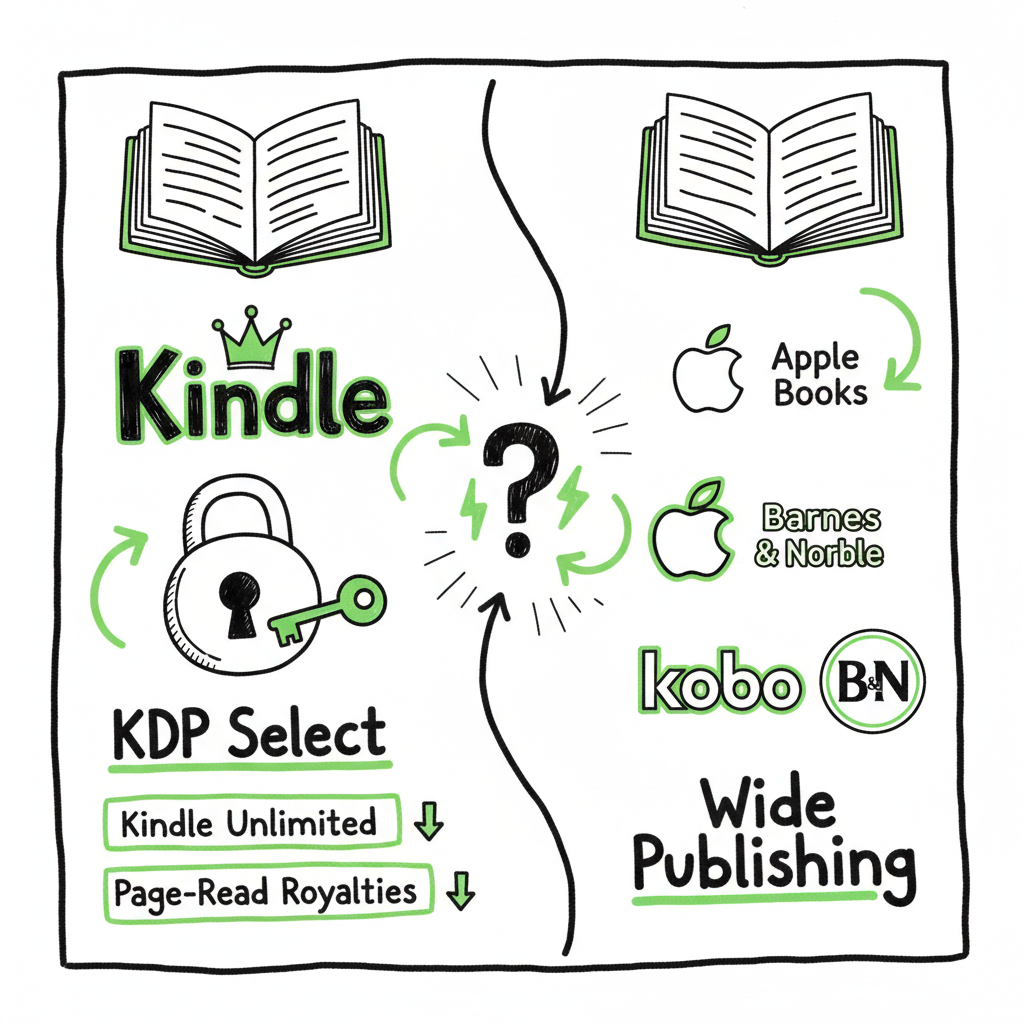
- KDP Select (exclusive KDP) trades exclusivity for access to Kindle Unlimited, page-read royalties, and Amazon-specific promos. It can boost short-term visibility in the Kindle store.
- Publishing wide spreads distribution across Apple Books, Kobo, Barnes & Noble, and libraries. It diversifies income but increases marketing complexity.
- For authors publishing at scale, a hybrid approach and automation tools that handle CSV batch uploads and platform-specific requirements make wide distribution practical and efficient.
Table of Contents
- What publish wide vs exclusive KDP means
- Exclusive KDP vs wide: pros and cons
- Choosing a strategy that fits your books
- Scaling wide: automation, CSVs, and practical workflow
What publish wide vs exclusive Kdp means
Every new author faces a practical choice: enroll in KDP Select and go exclusive to Amazon for 90-day periods, or publish wide and make your ebook available across multiple stores. The difference is simple to state but tricky in practice.
KDP Select asks for exclusivity for the ebook file (not the print), and in return your title is eligible for Kindle Unlimited (KU) and Kindle Owners’ Lending Library. KU pays authors from a shared fund based on page reads, and Amazon gives Select books access to promotions like Countdown Deals and Kindle Free Promotions. That can translate into fast exposure on Amazon’s platform.
Publishing wide means you keep the ebook file free to distribute to Apple Books, Kobo, Barnes & Noble, Draft2Digital, Ingram, libraries, and others. You lose KU-specific perks, but you gain broader reach, alternative retail channels, library distribution, and often better list-price control. If you plan to convert your manuscript to EPUB yourself or need reliable EPUB conversion, consider dedicated tools for the EPUB conversion process to avoid formatting mistakes.
If your plan is to build a long-term, multi-title catalog and you want distribution that isn’t tied to one retailer’s rules, a clear multi-platform approach works better. For authors who intend to publish seriously and at scale, a documented Publish Wide Self Publishing Workflow shows how to sequence releases, optimize metadata per store, and manage distribution without repeating manual uploads. When the technical burden grows, automation becomes obvious: CSV batch uploads, platform-specific intelligence, and error reduction are what make wide distribution practical rather than painful.
Cover and file prep
Covers and file formatting are small tasks that cause big distribution delays when they’re done manually or without the right tools. If you’re creating or testing covers, a reliable cover generator speeds iterations and ensures specs match each retailer. Likewise, a proper EPUB converter reduces rejections and formatting glitches when sending files wide.
If you’re exploring book creation tools that handle both paperback and ebook outputs, looking at purpose-built solutions will save time and reduce format errors. Consider BookAutoAI for streamlined options.
A practical tip: BookUploadPro can simplify multi-platform publishing with batch uploads and platform-specific checks.
Final note: automation lowers the overhead of going wide. If manual uploads and formatting are the bottleneck, targeted tools can significantly reduce friction and accelerate your publishing calendar.
Exclusive KDP vs wide: pros and cons
This is where the decision becomes tactical. Both routes can earn money. The difference is how and where you find readers.
Exclusive KDP — the upsides
- Kindle Unlimited access: KU gives your book to subscribers, and page-read payouts can add up for high-engagement genres (romance, thriller, fantasy).
- Faster visibility on Amazon: Algorithms reward engagement. KU page reads and downloads can trigger more Amazon promotions and higher discoverability.
- Simple single-platform marketing: You can focus promotions in one retail ecosystem and measure results without cross-channel variables.
- Promotional tools: KDP Select includes time-limited promotions that only work for enrolled books.
Exclusive KDP — the downsides
- No distribution outside Amazon for the ebook: You miss sales from Apple, Kobo, B&N, and library systems while enrolled.
- Dependence on one provider: Changes to KU payouts, policy shifts, or algorithm updates affect your income more directly.
- Unpredictable per-page payouts: The KU fund and per-page rate shift month to month, so income can vary.
Publishing wide — the upsides
- Audience diversification: Different readers prefer different stores or devices; wide lets you reach them all.
- Multiple income streams: Direct sales, library sales, international stores, and promotional opportunities outside Amazon.
- Pricing and promotion control: You set prices and run promotions independently on each platform.
- Long-term catalog value: A widely available backlist compounds earnings across markets and formats.
Publishing wide — the downsides
- More moving parts: Each store has unique metadata fields, file requirements, and review cycles.
- Marketing must be broader: You’ll need separate storefront strategies and may have to advertise or promote across channels.
- No KU-style page-read income: You miss that particular stream, which some genres rely on.
Choosing a strategy that fits your books
Answer the practical questions first. Your decisions must map to revenue goals and operational capacity.
- How many titles do you have or plan to publish?
– One to three titles: You can experiment. Enroll one book in Select and keep the others wide. Track performance for a few cycles.
– Five or more titles: You need a scalable process. Wide distribution often pays off over time because it opens international and library channels. - What genre are you in?
– High-engagement genres often do well in KU.
– Nonfiction, niche, academic, and some children’s books may do better wide for library and retailer reach. - Do you rely on steady, predictable royalties or variable KU payouts?
– If predictability matters, wide channels with per-sale royalties can feel more stable.
– If you can tolerate variability for the chance of higher short-term visibility, KDP Select is a tool. - What is your marketing plan?
– If you can run multi-channel campaigns, wide distribution amplifies reach.
– If your marketing is Amazon-first (sponsored ads, Amazon-specific promos), Select simplifies the promotional funnel. - How important is international reach?
– Wide gives access to countries and stores Amazon doesn’t dominate, especially for formats like EPUB sold on Kobo and Apple. - Do you want library and academic channels?
– Wide distribution opens those doors through aggregators and services that feed into library systems.
Test and measure: run a 90-day Select enrollment, compare page-read revenue against expected wide sales and library income, and adjust. Track costs: paid ads, promotional email costs, and time spent managing multiple platforms. If manual uploads dominate your calendar, you’re missing scale — that’s when automation software becomes a practical upgrade.
When you talk about creating a paperback or ebook, or about automating uploads, tools can help. For example, authors who generate paperback and ebook files often use a single place to create and push files to stores. If you’re exploring book creation tools that handle both paperback and ebook outputs, looking at purpose-built solutions will save time and reduce format errors. Consider BookAutoAI for streamlined options.
Cover and file prep is a critical bottleneck. A reliable cover generator and a robust EPUB converter save time and prevent rejections.
Scaling wide: automation, CSVs, and practical workflow
If you publish more than a few titles, manual uploads stop being practical. Publishers and high-output indie authors rely on automation and repeatable workflows. The goal is consistent metadata, error-free files, and predictable publishing windows.
Core elements of a scalable wide workflow
- Master files and templates: Keep a master manuscript, a final EPUB, interior templates for paperback, and a standard cover pack.
- Metadata spreadsheet: Track ISBNs, release dates, categories, keywords, price tiers, territory rights, and distributor details in a single CSV.
- Batch upload process: Use CSV batch uploads wherever possible. This cuts repeated form-filling and keeps metadata consistent between releases.
- Platform-specific intelligence: Each retailer expects particular category formats, image sizes, and rights statements. Map those differences in your workflow so conversions are automatic.
- Error reporting and retries: Automation that reports platform-specific errors helps you fix the real issue fast instead of guessing.
Where automation helps the most
- Repetitive uploads: CSV or API-based batch uploads remove the manual steps that cause human errors.
- File conversion: A reliable EPUB converter reduces rejection rates on Apple and Kobo.
- Cover processing: A cover tool that outputs retailer-ready variants eliminates rework.
- Distribution management: One dashboard that pushes to Amazon KDP, Kobo, Apple Books, Draft2Digital, and Ingram saves time and reduces missed windows.
A practical workflow for wide releases
- Finalise the manuscript and create a clean EPUB. If you need a dependable conversion, use a tested EPUB converter to avoid formatting issues.
- Create a set of retail-ready covers. A cover generator that produces files for each store cuts iterations.
- Populate the master CSV with metadata, pricing, and territories. Include the correct ONIX/category codes where necessary.
- Run a batch upload to all platforms that accept CSVs or use an automation platform that handles platform-specific APIs.
- Monitor platform reports for errors, fix them, and re-upload only where necessary.
- Schedule launch-day promotions across stores and track sales by channel.
Why this matters in the publish-wide vs exclusive KDP choice
Automation lowers the operating cost of going wide. If manual uploads and formatting are the barrier, tools that provide CSV batch uploads and platform-specific checks can reduce that friction by roughly 90% compared with slow, manual processes. When you can push ten titles per CSV instead of one at a time, the economics of wide distribution change.
How BookUploadPro fits
At scale, authors don’t want to spend time copying fields into five different portals. A unified multi-platform publishing service handles Amazon KDP, Kobo, Apple Books, Draft2Digital, and Ingram. It applies platform-specific intelligence to correct common errors automatically and supports CSV batch uploads so you can publish multiple titles with one process. For authors publishing seriously, it’s an obvious upgrade: automate the upload. Own the distribution.
Final thoughts
The choice between publish wide vs exclusive KDP is not binary for most authors. It’s a business decision that depends on genre, goals, and capacity. Exclusive KDP can accelerate visibility and readership on Amazon in the short term. Wide distribution builds long-term resilience, opening international markets and library channels.
For authors publishing multiple titles, automation and batch processes change the math. CSV uploads, platform-specific intelligence, and tools that reduce rework make wide distribution feasible without doubling your workload. If you create covers, convert to EPUB, or produce paperback files, use tools designed for those tasks so the technical side doesn’t slow your publishing calendar.
FAQ
Q: Can I move a book from KDP Select to wide after the 90-day period?
A: Yes. KDP Select enrollments run for 90 days. At the end of an enrollment period you can choose not to renew and then distribute the ebook elsewhere.
Q: Which genres benefit most from KDP Select?
A: High-engagement genres—like category romance, certain thrillers, and serial fantasy—often see strong performance in KU because readers consume many pages per month.
Q: Are page-read payouts reliable?
A: KU payouts vary by month because they come from a shared fund. They can be lucrative but are less predictable than per-sale royalties.
Q: Do I need a separate ISBN for wide vs KDP?
A: For ebooks, retailers usually accept the same ISBN or ASIN rules may differ. For paperbacks, if you use KDP’s free ISBN it is assigned to KDP; if you want the same paperback distributed via other channels, purchase your own ISBN or use a distributor that supports wide POD.
Q: How does price control work across stores?
A: You set list prices per store. Some platforms have minimum or maximum rules. If you use a distributor, map your pricing tiers into its system to keep parity across markets.
Q: Will going wide hurt my Amazon ranking?
A: Not directly. Amazon ranking responds to sales velocity, reviews, and page reads. A wide strategy can reduce KU-specific page reads but can increase total sales across other stores. Monitor both channels and adjust promotions.
Sources
- https://www.writtenwordmedia.com/amazon-kdp-select-vs-wide-which-is-better-for-authors/
- https://scribecount.com/blog/wide-vs-kindle-unlimited
- https://createifwriting.com/should-you-publish-your-book-wide-or-go-exclusive-with-amazon/
- https://www.youtube.com/watch?v=AgZ4fQe1eqo
- https://davidgaughran.com/a-tale-of-two-marketing-systems/
Publish Wide vs Exclusive KDP: Which Path Fits Your Books? Estimated reading time: 15 minutes Key takeaways KDP Select (exclusive KDP) trades exclusivity for access to Kindle Unlimited, page-read royalties, and Amazon-specific promos. It can boost short-term visibility in the Kindle store. Publishing wide spreads distribution across Apple Books, Kobo, Barnes & Noble, and libraries.…