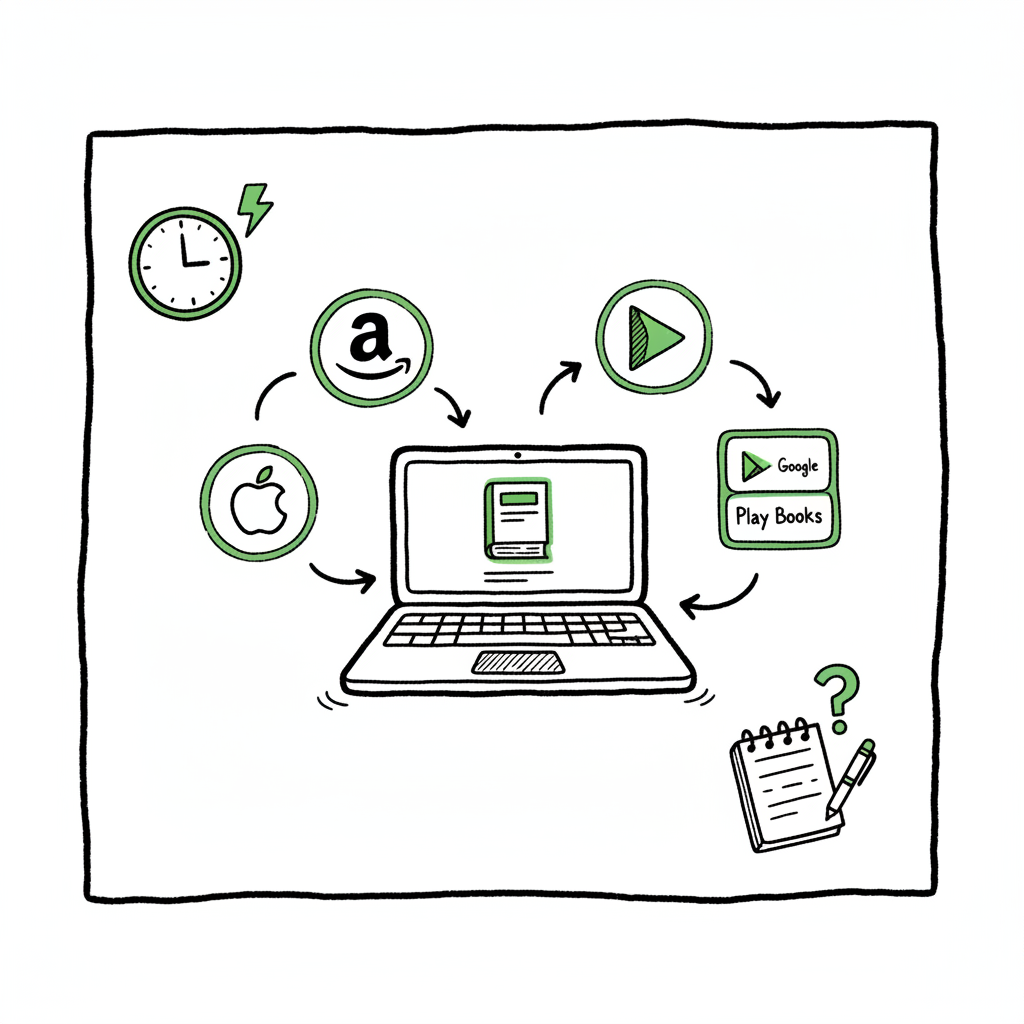
Publish Same Book Everywhere Practical Publishing Guide
Publish same book everywhere: a practical guide for wide distribution
Estimated reading time: 13 minutes
Key takeaways
- You can legally publish same book everywhere if you avoid exclusive agreements like KDP Select and manage rights, ISBNs, and metadata consistently.
- A repeatable workflow and batch tools cut the manual work of multi-store publishing — saving time and reducing errors.
- Unified multi-platform publishing tools make wide distribution practical: CSV uploads, platform-specific intelligence, and error checks matter more than marketing tricks.
Table of Contents
- Why publish same book everywhere?
- Rights, formats, and pricing to watch
- A practical workflow to publish wide
- Avoiding common pitfalls and FAQ
- FAQ
- Sources
Why publish same book everywhere?
Publish same book everywhere because readers live on many platforms. Some readers prefer Kindle, others read on Apple Books or Kobo, and bookstores may buy print copies through Ingram. For authors who want wider reach, universal book distribution is the straightforward answer: put the same title on multiple stores, keep the reading experience consistent, and let each retailer do what it does best.
Start by setting a clear process. A Publish Wide Self Publishing Workflow that standardizes your files, metadata, pricing, and account details saves hours each release. It’s not just a checklist; it’s a sequence you use every time you publish. That sequence reduces manual errors and ensures the same title all platforms presents correctly.
Wide publishing is most useful when an author plans to publish seriously — multiple titles or frequent revisions. Using an automated, repeatable process means you can scale without doubling the work. For example, CSV batch uploads let you push dozens of titles at once. That kind of tool, combined with platform-specific intelligence, cuts repetitive work and prevents common mistakes like misordered interior files or wrong trim sizes for paperbacks.
You’ll also want reliable cover and file tooling. If you need a quick, production-ready cover, you can use a book cover generator processing to produce compliant art at upload time. For a quick, compliant cover, you can use a book cover generator processing to produce compliant art at upload time. If you’re delivering ebooks, converting to EPUB correctly matters — use an EPUB converter that preserves chapters, images, and links. For paperbacks and hardbacks, make sure your production files are accurate before you create live listings.
Rights, formats, and pricing to watch
Before you duplicate listings across stores, check legal and technical limits.
Exclusivity
Many authors run into trouble with exclusivity. Amazon’s KDP Select requires a 90-day ebook exclusivity if you enroll. If you want to publish wide, do not enroll that title in KDP Select. You can participate for a limited time and then go wide, but plan the schedule first. The choice is deliberate: KDP Select can give short-term promotional reach; wide distribution gives long-term availability.
ISBNs and print syncing
For print books, ISBNs matter. Using the same ISBN across providers helps consolidate listings and prevents duplicate entries. If you plan to sell a paperback through KDP Print and IngramSpark, set the ISBN intentionally so channels recognize the same product. That choice keeps listing pages clean on Amazon and in library or bookstore databases.
File formats and conversion
Ebooks generally require EPUB or industry-compliant files. Poorly converted files create reader problems and bad reviews. Use a proper EPUB converter that preserves metadata, images, and reflow. For print, create PDFs that match the selected trim and bleed. A mismatch on trim size or margins will delay publication.
Pricing and price parity
Different stores have different royalty structures. Some platforms calculate royalties off list price, others use a net price or different delivery fees. When you publish same book everywhere, decide whether you want identical list prices or adjusted prices per market. Be careful: retailers sometimes enforce price parity or show conflicting prices, which can confuse buyers. Keep a price table in your workflow.
Metadata and legal pages
Metadata fields—title, subtitle, author name, description, categories, and keywords—need to be consistent and correct. For legal pages (copyright, ISBN, imprint), keep a master file for each edition and reuse it across uploads. Small inconsistencies are the top cause of rejected uploads and duplicate listings.
A practical workflow to publish wide
This section lays out a tight, repeatable workflow that scales. It covers files, metadata, uploads, and checks. Use it as an operational map rather than a marketing manifesto.
1) Plan and lock:
- Select rights and exclusivity decisions. Decide if any title will use KDP Select and schedule enrollment timelines.
- Choose distribution platforms and formats: ebook, paperback, hardback, or audiobook.
- Create a single, authoritative metadata sheet for the title. Include ISBNs, prices, categories, BISAC codes, and language.
2) Prepare files:
- Finalize manuscript and export clean files. For ebooks, validate your EPUB. For print, export PDFs with correct trim, bleed, and embedded fonts.
- Create final cover files sized for each platform and product. If you need a quick, compliant option, a book creation workflow can speed this step without guesswork.
- Make backup source files (.docx, .indd) and a production log of export settings.
3) Standardize and batch:
- Put all metadata into a CSV or spreadsheet template that matches your preferred upload tool. Batch tools accept consistent columns for title, author, ISBN, price, description, categories, and file paths.
- If you have multiple titles, use CSV batch uploads to push them together. This saves time and enforces consistency.
4) Platform uploads and routing:
- Upload to platform portals where needed: Amazon KDP, Apple Books, Kobo, Barnes & Noble, and Ingram. For some platforms, use aggregators to simplify distribution.
- Use platform-specific intelligence: some platforms reject particular keywords or require specific image dimensions. Build those rules into your workflow so the right file goes to the right store.
5) Quality checks and live verification:
- After upload, verify live listings. Check sample downloads (ebook) and order proof copies (print) where possible.
- Confirm pricing and territory settings. Make sure the title shows in target stores, and record live URLs.
6) Monitor and iterate:
- Track sales channels and account notifications for issues like takedown notices or flagged metadata.
- Keep the master CSV updated with live store URLs, effective prices, and any platform notes.
Avoiding common pitfalls and FAQ
Common pitfalls
- Accidentally enrolling in exclusivity: Enrolling in KDP Select while trying to go wide is one of the most common errors. Double-check enrollment status before uploading elsewhere.
- Inconsistent metadata: Small differences in author name spelling or subtitle text can lead stores to treat listings as different books.
- Wrong ISBNs on print files: Using a new ISBN by mistake creates duplicate records and splits sales history.
- Bad EPUB or PDF files: Poorly formatted ebook files or incorrect print PDFs cause rejections and delays.
- Price mismatch confusion: Different list prices across stores can lead to unhappy readers or unexpected royalty splits.
FAQ
Q: Can I publish the same ebook on Amazon and other stores?
A: Yes. To publish same book everywhere, do not enroll that ebook title in KDP Select. Keep the rights non-exclusive and ensure your files are consistent across platforms.
Q: What about pricing differences across stores?
A: You can set different list prices per store, but maintain a simple table showing intended prices and territory rules. Decide whether list price parity is worth enforcing versus optimizing royalties on each platform.
Q: Do I need a different ISBN for each platform?
A: For ebooks, ISBNs are optional on some platforms. For print editions, each format (paperback, hardback) requires its own ISBN. If you use the same print file across print-on-demand providers, give them the same ISBN to keep listings unified.
Q: Should I use an aggregator or upload directly?
A: Aggregators simplify wide distribution but may take a commission. Direct uploads give you fine control. For many authors, a hybrid approach works: upload core channels directly and use aggregators for smaller retailers.
Q: How do I avoid duplicate listings on Amazon?
A: Use the same ISBN for the same print edition and keep metadata identical. If Amazon still shows duplicates, contact support with your ISBN and proof of ownership to merge listings.
Q: Is there a risk with exclusivity if I go wide?
A: Going wide reduces reliance on a single platform for long-term availability, but plan timelines to avoid accidental exclusivity during transitions.
Operational checklist (short)
- Confirm non-exclusive rights for the ebook.
- Create master metadata sheet and locks all fields.
- Export EPUB and validate with reader previews.
- Export print PDFs with correct trim and embedded fonts.
- Produce platform-specific cover files.
- Batch upload via CSV or use a unified tool.
- Verify live listings and order proofs if needed.
Final thoughts
Publishing the same title across every store is both practical and sensible when you treat it like production work. It’s not a marketing stunt — it’s distribution. The difference between a messy, one-off upload and a deliberate, repeatable process is hours saved and fewer corrections later.
Tools that unify uploads, handle platform quirks, and validate files reduce friction. They let you focus on the craft and the reader experience rather than the mechanics of uploads. Automate the upload. Own the distribution.
Visit BookUploadPro.com and try the free trial.
Sources
- Can You Self-Publish a Book on Multiple Sites? – BookBaby Blog
- Publish Your Ebook on Multiple Platforms Without Breaking Terms
- How to Self-Publish With More Than One Print on Demand Company (video)
- Can You Self-Publish on Multiple Platforms? – The Tribe
- Publishing books at another platform along with KDP
Publish same book everywhere: a practical guide for wide distribution Estimated reading time: 13 minutes Key takeaways You can legally publish same book everywhere if you avoid exclusive agreements like KDP Select and manage rights, ISBNs, and metadata consistently. A repeatable workflow and batch tools cut the manual work of multi-store publishing — saving time…