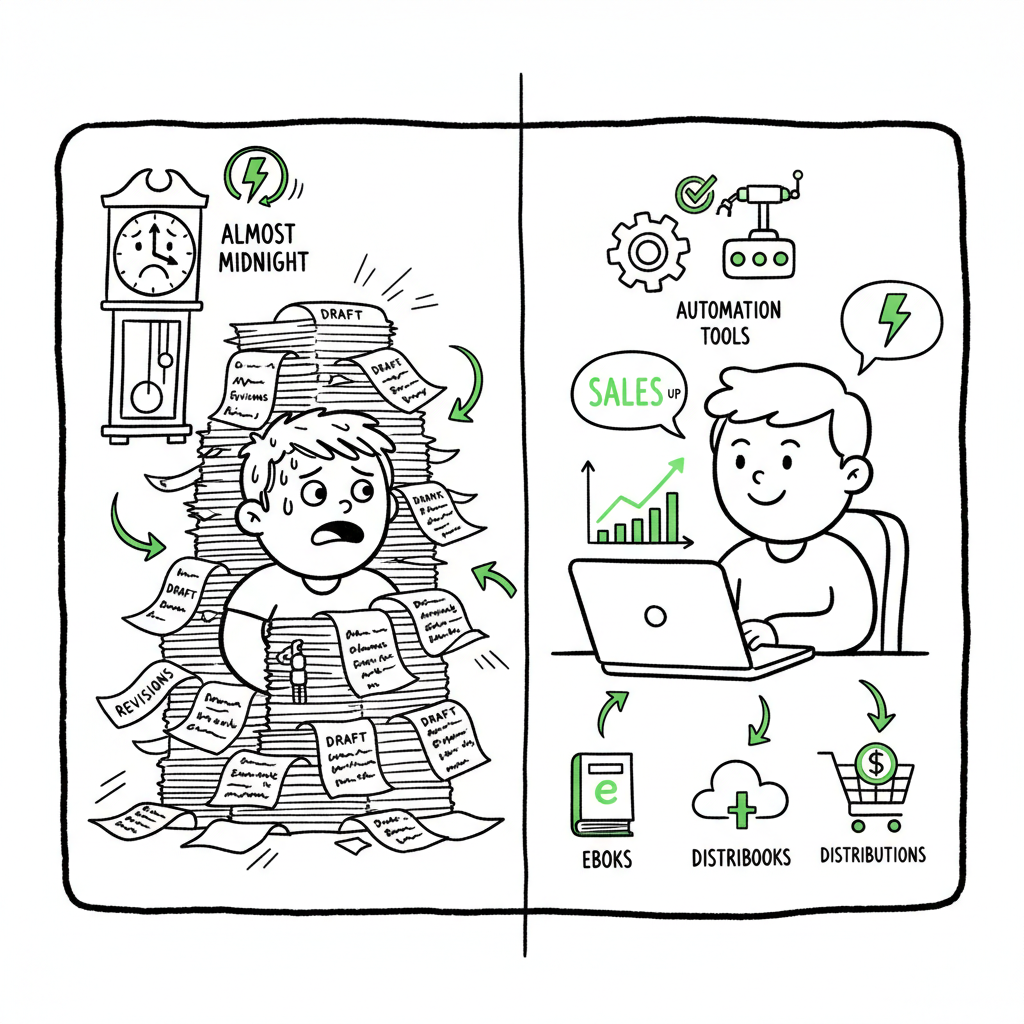
Publish Books Faster with Multi-Platform Automation
Publish Books Faster: How to Cut Upload Time and Multiply Reach
Estimated reading time: 8 minutes
Key takeaways
- Publishing books faster is mainly about removing repetitive manual steps across platforms.
- Multi-platform automation saves time (often ~90%), reduces errors, and makes wide distribution practical.
- Use CSV batch uploads, platform-specific checks, and automated formatting to scale without losing control.
Table of Contents
- Why authors need to publish books faster
- How to actually publish books faster with multi-platform automation
- Final thoughts
- FAQ
- Sources
Why authors need to publish books faster
Publishing books faster matters because speed is a lever, not a shortcut. When you shorten the time between finishing a manuscript and getting it live, you increase opportunities to test covers, pricing, and distribution. Faster publishing also lowers the cost per title: the less time you spend on repetitive uploading, the more titles you can manage with the same resources.
Authors who treat publishing as a steady operation—rather than a one-off project—start to see compound gains. That’s where unified multi-platform publishing becomes an obvious upgrade once authors start publishing seriously. Automating uploads across Amazon KDP, Kobo, Apple Books, Draft2Digital, and Ingram lets you focus on content and marketing, not re-keying metadata or troubleshooting file errors.
How to actually publish books faster with multi-platform automation
The practical path to faster publishing has three parts: prepare a repeatable package, run platform-aware automation, and use data to improve the next cycle.
1) Prepare a repeatable package
Make a CSV master that holds the metadata for each title: title, subtitle, series info, ISBNs, pricing by territory, keywords, categories, contributor roles, and file paths for manuscript and cover. Keep a consistent file naming convention so automation can match the right files to the right records.
For covers and ebooks, remove bottlenecks early. If you don’t want design to slow you down, use an automated cover process that batches art and exports print-ready files quickly; that reduces back-and-forth with designers and speeds final uploads. If your workflow includes EPUB conversion, use an automated converter so manuscripts move from draft to validated ebook format without hand edits.
2) Run platform-aware automation
A multi-platform uploader reads your CSV, validates fields against each store’s rules, and pushes the right file types to each vendor. The automation applies platform-specific intelligence—like image bleed requirements for print, EPUB checks for reflowable text, and metadata mapping for territories—so you avoid rejections.
Automation should also handle common exceptions: alert you if an image is too small for a print cover, or if an EPUB has a missing TOC. That reduces back-and-forth and the risk of misconfigured listings.
3) Use data to improve the next cycle
Track upload success rates, error causes, and time per title. Over a handful of releases you’ll see patterns you can fix at the source—bad exports, inconsistent metadata, or cover files flagged for size. Fixing the root cause is how you keep getting faster.
Typical automated upload workflow
- CSV export: Your title metadata and file paths are exported from your cataloging sheet.
- Preflight: The automation validates metadata and files against each platform’s rules.
- Transform: Files are converted where needed (for example, to EPUB for specific stores).
- Upload: The system performs authenticated uploads to each store and records the landing URL or identifier.
- Report: You get a simple report of success, warnings, and failures so you can fix only what matters.
A well-built workflow treats formatting as a solved step. For example, when you need a high-quality ebook file, an EPUB converter that validates and fixes common markup problems saves hours that would otherwise go to manual fixes. And when your production includes print, automating cover generation and processing reduces delays caused by incorrect spine calculations or bleed errors.
Why automation matters for distribution
Manually uploading the same title five times to different vendors is not just slow; it’s error-prone. Each platform has slightly different requirements. Automation translates your single source of truth into many valid listings while keeping a full audit trail. That makes wide distribution practical and repeatable at scale.
A service that supports CSV batch uploads and platform-specific intelligence cuts repeated busywork. It’s reasonable to expect time savings on the order of magnitude—authors who scale often report saving around 90% of upload time once their workflow is automated. That time frees you to write more, test marketing approaches, and iterate on covers and descriptions.
Practical notes on file types and assets
- Manuscripts: Keep a clean, well-organized manuscript in a single source file. Convert to EPUB automatically to avoid manual rework. If you need a reliable EPUB conversion, use a tool that validates the output and flags issues early.
- Covers: Have a process for generating both ebook and print covers in the right dimensions. Automated cover processors handle spine calculations and export both PDF for print and JPG/PNG for stores.
- Editions: Use the same metadata master for paperback, hardcover, and ebook entries, and let automation manage format-specific fields like trim size and print-ready PDFs.
Tools and checks that reduce friction
- CSV templates that match platforms’ expected fields
- Automated EPUB conversion and validation to reduce rework
- Cover processing that produces print-ready files
- Platform-aware validators that catch errors before upload
- Centralized reporting so you don’t chase multiple email confirmations
How BookUploadPro fits
For authors ready to scale, BookUploadPro automates the repetitive parts of publishing across Amazon KDP, Kobo, Apple Books, Draft2Digital, and Ingram. The platform supports CSV batch uploads, applies platform-specific intelligence, and reduces errors that cost time. Automate the upload. Own the distribution.
If your workflow includes cover processing or ebook formatting, pair automation with reliable tools: use a dedicated cover processor for print-ready art, and an EPUB converter to move manuscripts into validated ebook files. These components keep your pipeline moving.
Final thoughts
Publishing books faster isn’t a hack—it’s an operational change. You trade one-off fixes for a repeatable, monitored workflow that handles differences between stores and frees your time for writing and promotion. At that scale, services that automate uploads and validate files stop being a luxury and become core infrastructure: they save time, reduce errors, and make wide distribution realistic.
FAQ
Q: Will automation force me into a one-size-fits-all format?
No. Good automation maps your master data into platform-specific fields and file types. It keeps your source of truth intact while transforming outputs for each store.
Q: How much setup does automation require?
Initial setup includes building a CSV template, organizing assets, and running a few test uploads. After that, the runtime for each title is mostly validation and confirmation.
Q: Do I lose control over metadata or cover files?
Automation should offer an audit trail and manual override options. You still control the master metadata and assets; the system handles the repetitive transformations and uploads.
Q: Can automation help with paperback and ebook simultaneously?
Yes. A good workflow exports the correct print-ready PDFs and EPUBs from the same source materials and uploads each format to the appropriate store.
Sources
- https://blog.bookautoai.com/top-10-ai-book-generator-5/
- https://www.bookautoai.com/book-cover-generator-processing
- https://www.bookautoai.com/epub-converter
- https://www.bookautoai.com
Publish Books Faster: How to Cut Upload Time and Multiply Reach Estimated reading time: 8 minutes Key takeaways Publishing books faster is mainly about removing repetitive manual steps across platforms. Multi-platform automation saves time (often ~90%), reduces errors, and makes wide distribution practical. Use CSV batch uploads, platform-specific checks, and automated formatting to scale without…