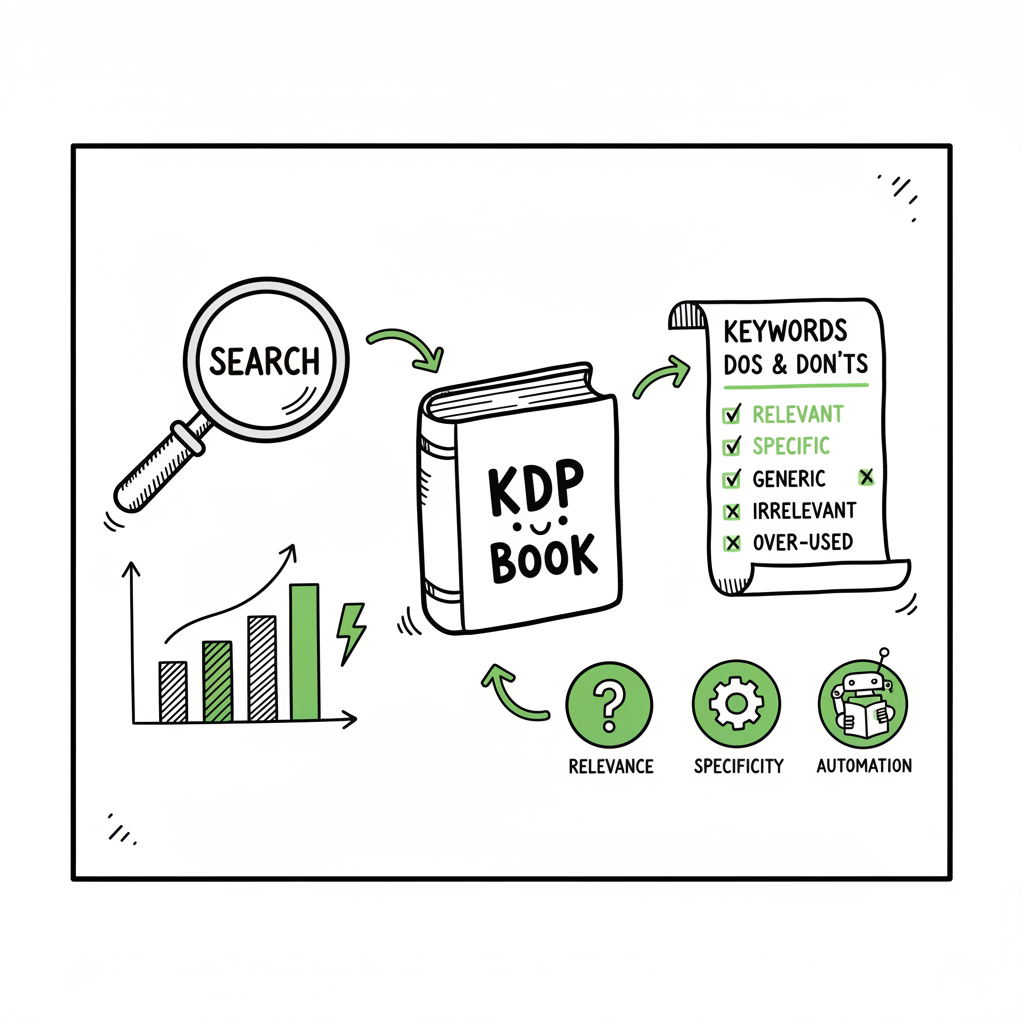
KDP Search Keywords Mistakes and How to Fix Them Effectively
Why KDP search keywords matter
Estimated reading time: 14 minutes
Key takeaways
- Small keyword errors can hide a book; focus on relevant, specific phrases and avoid repeats or forbidden terms.
- Test keywords with data, not guesses; balance long-tail precision with legitimate variations.
- When you publish at scale, automation that handles metadata and distribution saves time and reduces avoidable keyword mistakes.
Keywords are the bridge between a reader’s search and your book. On Amazon, the seven keyword boxes are a limited space to describe what readers type when they look for a book. Use them well and your book reaches readers who convert. Use them poorly and your book never shows up, or it shows to the wrong people.
Authors often underestimate three things:
- Amazon ignores metadata repetition. If a word is already in your title, subtitle, or category, it gives little extra weight when repeated in the keyword fields.
- Amazon blocks or filters some terms. Words like “best,” program names, or “free” can get you removed or cause indexing problems.
- Guessing is costly. If you enter phrases that users don’t search for, you wasted a slot and may have reduced visibility.
Early on, many authors make simple mistakes. These mistakes are avoidable if you understand how Amazon indexes keywords and then validate your choices. This article walks through the common problems, clear fixes, and a practical workflow you can use for one book or a hundred.
For scalable metadata workflows, the tool Amazon Kdp Metadata Optimization Automation offers guidance. BookUploadPro also provides practices that help you apply consistent metadata across catalogs.
If you’re preparing a long-term publishing program, consider how automation can reduce repetitive tasks and help you maintain discoverability across stores. For broader context, see how metadata automation tools can scale from a few titles to a catalog.
Authors often underestimate three things:
– Amazon ignores metadata repetition. If a word is already in your title, subtitle, or category, it gives little extra weight when repeated in the keyword fields.
– Amazon blocks or filters some terms. Words like “best,” program names, or “free” can get you removed or cause indexing problems.
– Guessing is costly. If you enter phrases that users don’t search for, you wasted a slot and may have reduced visibility.
Table of Contents
- Why KDP search keywords matter
- Common kdp search keywords mistakes
- How to fix bad kdp keyword choices at scale
- FAQ
- Final thoughts
- Sources
Why KDP search keywords matter
Keywords are the bridge between a reader’s search and your book. On Amazon, the seven keyword boxes are a limited space to describe what readers type when they look for a book. Use them well and your book reaches readers who convert. Use them poorly and your book never shows up, or it shows to the wrong people.
Authors often underestimate three things:
– Amazon ignores metadata repetition. If a word is already in your title, subtitle, or category, it gives little extra weight when repeated in the keyword fields.
– Amazon blocks or filters some terms. Words like “best,” program names, or “free” can get you removed or cause indexing problems.
– Guessing is costly. If you enter phrases that users don’t search for, you wasted a slot and may have reduced visibility.
Early on, many authors make simple mistakes. These mistakes are avoidable if you understand how Amazon indexes keywords and then validate your choices. This article walks through the common problems, clear fixes, and a practical workflow you can use for one book or a hundred.
For scalable metadata workflows, the tool Amazon Kdp Metadata Optimization Automation can be a key resource. BookUploadPro also provides practices that help you apply consistent metadata across catalogs.
Authors often underestimate three things:
- Amazon ignores metadata repetition. If a word is already in your title, subtitle, or category, it gives little extra weight when repeated in the keyword fields.
- Amazon blocks or filters some terms. Words like “best,” program names, or “free” can get you removed or cause indexing problems.
- Guessing is costly. If you enter phrases that users don’t search for, you wasted a slot and may have reduced visibility.
Early on, many authors make simple mistakes. These mistakes are avoidable if you understand how Amazon indexes keywords and then validate your choices. This article walks through the common problems, clear fixes, and a practical workflow you can use for one book or a hundred.
Common kdp search keywords mistakes
Below are the recurring errors that reduce discoverability. Each mistake includes why it matters and what to do instead.
1) Repeating metadata words
Why it’s a mistake
Authors often fill keyword boxes with words already in the title, subtitle, or categories. Amazon’s system already reads those fields. Repeating them wastes space in the seven keyword boxes — space you could use for different, targeted phrases.
What to do
Scan your title, subtitle, series name, and categories first. Use keyword slots for complementary search phrases that aren’t already represented in those fields.
2) Using single-word or overly broad keywords
Why it’s a mistake
Single words like “romance,” “mystery,” or “yoga” are highly competitive and rarely match actual search intent. Those words are too broad to surface a niche title.
What to do
Choose specific long-tail phrases that match user intent. For example, instead of “yoga,” use “postnatal yoga for beginners” or “yoga for lower back pain.” Long-tail phrases reduce competition and draw readers looking for that exact solution.
3) Keyword stuffing and awkward phrases
Why it’s a mistake
Stuffing unrelated words or jamming many concepts together doesn’t help indexing. Amazon reads phrases more intelligently than a list of tags. Illogical combinations can confuse the algorithm and produce irrelevant traffic.
What to do
Write keyword phrases that mirror natural searches. Think like a reader: what would they type when they want this book? Use phrase-like entries, not long comma lists in a single box.
4) Using prohibited or risky terms
Why it’s a mistake
Some words violate Amazon’s metadata rules or trigger manual review. Prohibited terms include program names (KDP, Kindle Unlimited), words like “free” or “best,” and subjective claims. Using them can lead to removal or de-indexing.
What to do
Avoid program names and promotional words in keyword fields. If you want to reference a program, place it where allowed or avoid it entirely. Read Amazon’s metadata rules periodically — they change — and treat keywords conservatively.
5) Copying competitor phrases without validation
Why it’s a mistake
Picking keywords from top listings might sound smart, but those books ranked for reasons beyond metadata: reviews, pricing, and ad spend. Blind copying wastes slots and ignores niche differences.
What to do
Validate competitors’ phrases with real search data. Use basic tools and manual searches to confirm that a phrase gets queries and matches your book.
6) Guessing without testing
Why it’s a mistake
Authors often rely on intuition and never check if a phrase has search volume. That leads to low-impression placements and no conversions.
What to do
Test keywords. Look at Amazon autosuggest, use simple keyword tools, and monitor performance. Swap underperforming phrases and track changes over time.
7) Irrelevant keywords that generate clicks but not sales
Why it’s a mistake
A keyword can bring eyeballs but not buyers. If the search results show different content, your page will get clicks and no conversions. Amazon can then rank you lower.
What to do
Match keywords tightly to the book’s content. Relevance matters as much as volume. Lower-volume, higher-relevance terms beat traffic with no conversion.
How to fix bad kdp keyword choices at scale
Fixing one book is fine. Fixing a catalog of dozens or hundreds requires a repeatable process and some automation. Here’s a practical workflow used by high-output self-publishers. It keeps things simple, reduces human error, and moves authors from guesswork to data-driven choices.
Step 1 — Audit your metadata
Start with a plain export of your current listings. Note title, subtitle, series, categories, and the seven keyword fields for each book. Look for repeated words, banned phrases, and slots that contain only single words. Create a quick spreadsheet that highlights overlaps.
Step 2 — Build an intent map
For each book, write three buyer-intent search phrases that match the cover copy and the book’s main hooks. Think of what a reader would type if they wanted to buy this exact book. These are your seed phrases.
Step 3 — Validate seed phrases
Use Amazon autosuggest and a small keyword tool or spreadsheet search to test if those phrases appear in suggestions or return relevant results. Don’t chase volume alone; aim for phrases that show consistent, relevant results.
Step 4 — Translate seeds into seven keyword fields
Amazon allows seven keyword entries. Fill them with unique, phrase-like entries. Prioritize:
– Specific long-tail phrases
– Synonym phrases that users would type
– Regional or format variations if relevant (for example, “UK cookbook” only if your book is specific)
Avoid repeating words already in title or subtitle. If your seed phrase already includes title words, expand the phrase—make it different and useful.
Step 5 — Implement and monitor
Publish changes and watch impressions and conversions over a 2–4 week window. Keep a simple log of before/after data. If a phrase causes impressions but no conversions, swap it for another tested phrase.
Automation and scale
When you reach the point of publishing several books a month, manual fixes become inefficient. That’s where automation and platform intelligence matter.
Use tools that:
– Export and import metadata in CSV format
– Detect repeated words across title, subtitle, categories, and keyword fields
– Flag prohibited or risky terms automatically
– Validate seed phrases against suggestion data or historical impressions
For teams and high-output authors, a reliable automation layer reduces about 90% of the repetitive work. It won’t pick the creative angle for your book, but it will apply consistent best practices across a catalog. When you publish many titles, automation becomes an obvious upgrade to protect discoverability and avoid human error.
A practical note on metadata automation
If you’re building a workflow, include a step that rewrites keyword boxes into distinct, natural phrases. Also include a validation pass to check for banned terms before upload. This prevents manual mistakes that lead to de-indexing.
When you publish at volume, a tool like Amazon Kdp Metadata Optimization Automation can be the difference between messy, inconsistent metadata and a clean, repeatable catalog process. That type of automation helps you scale without multiplying keyword mistakes.
Cover, file format, and distribution considerations
Keywords don’t act alone. A cover that misleads readers or a file that won’t open affects conversion and therefore ranking. If you mention cover design or format in your process, handle them with the same attention as keywords.
- If you need automated cover processing, use a reliable cover service to keep design consistent and proper for each platform; tools exist that speed up cover creation and apply platform templates.
- For ebook files, converting to a clean EPUB is essential for many retailers. Use a tested EPUB converter so the file validates and reads correctly on all devices.
- When you publish paperbacks and ebooks, ensure that your metadata aligns across formats. Mismatched metadata confuses readers and systems.
If you’re automating production and distribution, consider reliable processing tools for covers and files. For cover processing, you can use services that handle batch cover work and platform sizing. For EPUB conversion, use a dedicated EPUB converter to avoid formatting errors. And for multi-format publishing — paperback and ebook generation — pick a solution that supports both outputs without extra manual steps.
(Links in this paragraph connect to specialized processing tools for cover and EPUB generation to help keep your workflow tight. For example, automated cover processing and EPUB conversion services streamline file readiness for multiple retailers.)
How BookUploadPro fits
If you’re serious about multi-platform publishing, you want a tool that automates repetitive uploads across Amazon KDP, Kobo, Apple Books, Draft2Digital, and Ingram. BookUploadPro focuses on unified multi-platform publishing, CSV batch uploads, and platform-specific intelligence. In practice that looks like:
– One CSV upload populates metadata across platforms
– Platform-specific checks prevent banned terms and format problems
– Time savings of roughly 90% on repetitive tasks
– Fewer human errors and more consistent discoverability across stores
When authors move from a few titles to dozens, BookUploadPro becomes an obvious upgrade. Automate the upload. Own the distribution.
FAQ
FAQ
How many keywords should I change at once?
Change a few at a time and measure. If you alter all seven for a book with low sales, you won’t know what moved the needle. For new titles, aim to get the initial seven as close to optimal as you can — then refine.
Can I use location or language phrases in keywords?
Yes, if they are relevant. “British cozy mystery” or “Spanish grammar workbook” can be good qualifiers when they match the book content and the target market.
What happens if Amazon rejects my keyword change?
Amazon sometimes flags metadata that violates policies. If a change triggers a manual review, remove the problematic term and resubmit. Automation that flags risky words beforehand prevents this.
Should I include genre names as keywords?
Not usually as standalone entries. Genre words are often in title or categories. Use genre-related phrases that include intent, such as “cozy mystery with amateur sleuth” rather than just “mystery.”
Is keyword research different for low-content books?
The same principles apply: avoid single words, use specific phrases, and match user intent. Low-content books benefit from long-tail descriptors like “dot grid journal for gardeners” instead of “journal.”
What metrics should I watch after changing keywords?
Impressions, clicks, conversions, and buy box behavior. Impressions alone aren’t enough — watch conversion rate and sales trends to judge a change’s effect.
Final thoughts
Fixing kdp search keywords mistakes is straightforward mechanics, not mystery. Use clear, specific phrases. Avoid repeating what Amazon already reads. Don’t guess — validate. And when you reach scale, bring in automation that enforces the rules and reduces manual errors.
If you publish multiple formats, don’t forget the supporting elements: consistent covers, clean EPUB files, and accurate paperback metadata. These all influence conversion and therefore organic rankings.
Visit BookUploadPro.com to learn how CSV batch uploads, platform-specific checks, and automated distribution speed up publishing and cut manual mistakes. Try the free trial.
Sources
- How to Fill in Your 7 KDP Keyword Boxes: Secret Tactic (2025)
- 5 Mistakes to Avoid with Amazon Keywords
- These 5 Amazon KDP Keyword Mistakes Are Killing Your Book Sales
- Keyword Mistakes To Avoid In No-Content and Low-Content Book Publishing
- Make Your Book More Discoverable with Keywords
Why KDP search keywords matter Estimated reading time: 14 minutes Key takeaways Small keyword errors can hide a book; focus on relevant, specific phrases and avoid repeats or forbidden terms. Test keywords with data, not guesses; balance long-tail precision with legitimate variations. When you publish at scale, automation that handles metadata and distribution saves time…