KDP Publishing Without Manual Work Set and Manage Workflow
kdp publishing without manual work
Estimated reading time: 10 minutes
Key takeaways
- Automation can cut repetitive KDP tasks by ~90%, but it doesn’t remove product preparation.
- A reliable workflow combines batch files, platform-specific checks, staged uploads, and ongoing monitoring.
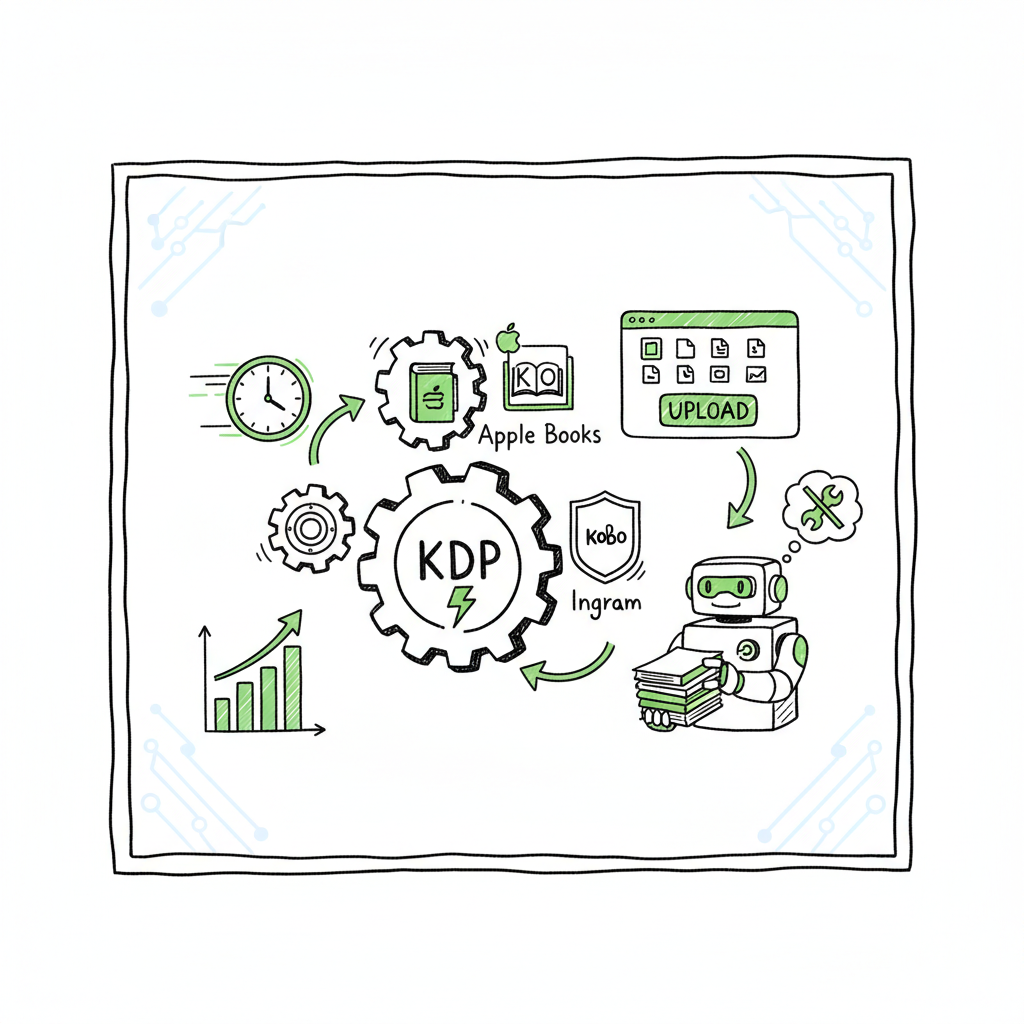
- Multi-platform automation (KDP, Kobo, Apple Books, Ingram) makes wide distribution practical and affordable.
- Use tools that handle CSV batch uploads, platform intelligence, and error reduction — then audit results before scale.
- When you’re publishing seriously, automation is an obvious upgrade: automate the upload. Own the distribution.
Table of Contents
- What automation actually does for KDP
- Building a reliable automated workflow
- Common risks and how to avoid them
- FAQ
What automation actually does for KDP
Many authors say they want kdp publishing without manual work. That phrase captures a real need: stop repeating the same clicks for every title. Automation moves the repetitive parts — metadata entry, file uploads, pricing, and distribution — from your browser into repeatable steps. It picks up finished files, uses CSVs to fill fields, and pushes content to KDP and other stores.
Automation is not magic. You still need the book itself: a manuscript, a clean interior PDF for print, an ebook file, and a cover. But once those assets exist, the work that used to take hours per book can be reduced to minutes for a batch. For authors who publish dozens or hundreds of titles, that change is the difference between a hobby and a sustainable business.
A practical automated setup will:
- Read a CSV that lists title, author, ISBN (if any), categories, pricing, and territories.
- Upload interior files and covers, then select print options or ebook settings.
- Fill metadata fields and submit drafts for review.
- Track job status and report failures for manual review.
A good starting point is Automate Amazon KDP Publishing, which explains common approaches and what to expect when you move to batch uploads. That guide helps you see which parts you can safely hand off to software and which parts need ongoing human attention.
Automation reduces error caused by repetitive entry. It centralizes templates and enforces consistent metadata. And it lets you apply rules across many titles: pricing bands, series grouping, or keyword sets. When automation includes platform-specific intelligence, it adapts to KDP quirks like paperback trim sizes, interior bleed settings, and file-type restrictions.
Why multi-platform automation matters
If your goal is more than a few titles, relying on a single platform is a strategic risk. Distributing to Kobo, Apple Books, Draft2Digital, and Ingram expands reach and catches readers who don’t shop on Amazon. Doing that manually multiplies the repetitive work. A unified multi-platform publishing approach removes the need to repeat uploads on each store and aligns metadata across channels.
BookUploadPro automates uploads across Amazon KDP, Kobo, Apple Books, Draft2Digital, and Ingram. That means the same CSV can drive wide distribution, saving time and lowering the chance of mistakes when you publish at scale.
BookUploadPro makes wide distribution practical with CSV batch uploads, platform intelligence, and error reduction. Many authors report about 90% time savings after switching from manual uploads to an automated pipeline. That’s real operational efficiency for anyone publishing at scale.
Building a reliable automated workflow
Start from the assets, not the automation. Automation acts on files and structured data. If those inputs are sloppy, automation will repeat the mistakes at scale.
Prepare these core assets
- Interior files: For paperback, a print-ready PDF that matches the chosen trim size and includes proper margins and bleed. For ebooks, a clean EPUB or well-validated file.
- Covers: A high-resolution image for ebooks and a combined print cover PDF that includes front, spine, and back for paperbacks.
- Metadata CSV: A single spreadsheet with one row per book. Include title, subtitle, author name, contributors, series name and number, keywords, categories, pricing, territories, ISBN (if any), and file paths for interior and cover.
- Account credentials and tax/payout info: Stored securely and referenced only when needed.
If you need an automated way to convert manuscripts to EPUB, use a dedicated EPUB converter to ensure compatibility before upload; that step saves failed submissions later. For cover work, a reliable Book Cover Generator Processing speeds iteration and keeps sizes consistent. And if you produce both epub and paperback versions, a single service that supports book creation workflows helps you maintain parity across formats.
Automating the conversion and cover steps
Converting to EPUB is a common bottleneck when scaling. Using a solid EPUB Converter reduces file errors and rejections at the store level. Similarly, a cover tool that outputs both ebook covers and print-ready wraparound PDFs cuts time and prevents mismatched dimensions.
When you mention creating a paperback or ebook, it’s useful to tie the generation step directly into your batch pipeline so each row in the CSV points to files that are already validated. If you want a cover tool that handles batch processing, consider a generator that can output the exact templates required by each store.
Designing the CSV as the single source of truth
The CSV is your control panel. Keep it simple and consistent:
- One row per ISBN or format variant (ebook, paperback, hardcover).
- Use controlled lists for categories and keywords to avoid typos.
- Store file paths rather than embedding files.
- Keep a “status” column for tracking (draft, uploaded, live, error).
A good automation tool will read the CSV, run validations, and either queue jobs or upload immediately depending on your preference. You should be able to run a small test batch, fix issues, and then run the full batch.
Platform-specific intelligence and error reduction
Not all stores behave the same. KDP has different paperback template requirements than Ingram. Apple Books wants specific EPUB features. A robust system includes platform-specific intelligence so the same input maps to the right settings on each platform.
This intelligence reduces errors by:
- Choosing the correct trim and bleed settings for print on each platform.
- Validating file types before upload.
- Mapping one set of categories or keywords to each store’s taxonomy.
- Adjusting price and royalty settings automatically based on rules you set.
BookUploadPro implements platform-specific rules and validation. That keeps batches moving and reduces time lost to manual fixes.
Staging and quality checks
Never push 100 titles at once into live publication without staging. A typical workflow:
- Run a 1–3 title test batch and verify each store’s result.
- Inspect the live pages for formatting and metadata accuracy.
- Fix any automation rules or file issues.
- Run a second medium batch (10–20 titles).
- Move to full-scale batches.
This staged approach finds recurring errors while the batch size is still manageable. Automation without testing multiplies mistakes quickly.
Monitoring and reporting
Automated uploads require automated monitoring. Your system should:
- Log every job with a unique ID.
- Capture platform responses and error codes.
- Retry transient failures automatically.
- Alert you to permanent failures for manual intervention.
A dashboard that surfaces failures and a daily digest that highlights unresolved errors keeps the workload predictable. That’s how you get close to a set and forget kdp workflow without ignoring quality.
Scaling rules that make sense
Scale is not only volume. It’s also timing, pricing strategies, and category placement. Define rules that automate decisions:
- If price < $X, set royalty for Y; else set royalty for Z.
- If book length < 24 pages, mark as low-content and apply different categories and keywords.
- For series titles, link them with consistent series metadata.
These rules reduce decision fatigue and keep your catalog consistent.
Why multi-platform automation is an obvious upgrade
When you publish seriously, the marginal time to add other platforms is small if your workflow already automates file handling and metadata mapping. Multi-platform automation gives you distribution reach and resilience. It also makes it practical to run promotions or update metadata across all stores without chasing multiple dashboards.
BookUploadPro makes wide distribution practical with CSV batch uploads, platform intelligence, and error reduction. Many authors report about 90% time savings after switching from manual uploads to an automated pipeline. That’s real operational efficiency for anyone publishing at scale.
Common risks and how to avoid them
Automation reduces repetitive work but introduces new risks if you’re not careful. Understand the main issues and build defenses.
Risk: publishing low-quality content at scale
Automation will replicate whatever you give it. If interiors or covers are rushed, automation spreads those defects faster. The solution is quality gates: file validation, manual sampling, and clear production standards.
Risk: platform policy violations
KDP and other platforms have content and metadata rules. Excessive automation that ignores these rules can trigger account reviews or suspensions. Protect yourself by:
- Avoiding mass uploads that mimic spammy behavior.
- Ensuring metadata is honest and compliant.
- Having a manual review process for titles that might be borderline.
Risk: broken files and template mismatches
A print PDF with incorrect trim or embedded fonts can be rejected or produce a poor reader experience. Use automated file validation tools and test prints to catch issues early.
Risk: lost control of metadata
When many titles are on autopilot, stray typos or inconsistent keywords can degrade discoverability. Keep metadata templates and controlled vocabularies in your CSV. Run periodic metadata audits to catch drift.
Risk: over-reliance on a single tool or vendor
If your automation tool fails or the vendor changes pricing, you need a fallback. Keep an exportable copy of your CSV library and any templates so you can move tools if required.
Catch problems early with monitoring
Set up monitoring that flags:
- Rejections and error responses from stores.
- Significant drops in sales or visibility after updates.
- Mismatched cover or interior issues reported by customers.
Small teams can manage scale by focusing on exception handling: let the automation run the normal flow, and dedicate human time to exceptions only.
Practical checklist before you automate
- Validate all files with automated checks.
- Run a small pilot batch and inspect live pages.
- Confirm pricing and territorial settings are correct.
- Make backups of CSVs and track version history.
- Ensure tax and payment settings are correct in each platform account.
- Document your workflow so anyone on your team can step in.
Tools and features to look for
Not all automation tools are equal. Look for:
- CSV batch upload support with clear templates.
- Platform-specific validation and mapping.
- Retry logic and detailed error logs.
- Support for multiple formats (EPUB, PDF, hardcover).
- Integration with cover and EPUB conversion services.
If you need automated EPUB conversion or a batch cover processor, include those steps early in your pipeline. Using a dedicated EPUB converter before uploading saves rejections later. For covers, a processing service that can output both ebook and print-ready files speeds production and standardizes results.
If your process includes creating a paperback or ebook at scale, a service that supports book creation workflows can simplify template management and batch generation. Similarly, a fast cover tool that supports batch processing reduces manual resizing and composition tasks.
FAQ
Q: Can I make KDP truly “set and forget”?
A: Not entirely. Automation can remove most routine work, but you still need to create or approve content, validate files, and monitor for occasional platform changes or errors. Think of automation as “set and manage” rather than fully set-and-forget.
Q: How much time does automation save?
A: For high-volume publishers, automation can save ~80–95% of the time spent on repetitive tasks. A single-title manual upload that took 30–60 minutes can reduce to a few seconds per title in a batch process, after initial setup.
Q: Do I need coding skills to automate KDP?
A: Not necessarily. Open-source tools and scripts exist for technical users, but many commercial tools provide user interfaces for CSV uploads, file mapping, and monitoring that require no coding.
Q: Will automation get my KDP account banned?
A: Automation itself doesn’t cause bans. Violating platform policies or using methods that appear abusive can. Use automation to follow platform rules, avoid spammy behavior, and always include quality checks.
Q: What formats should I prepare?
A: For ebooks, a validated EPUB or properly formatted KPF. For paperbacks, a print-ready PDF that matches the chosen trim size and includes bleeds if needed. Keep a clean source manuscript and generate distribution-specific files as part of the build process.
Q: How do I handle covers and EPUB conversion in a batch?
A: Integrate conversion and cover generation into the pipeline so each CSV row points to validated files. If you need a cover generator or an EPUB conversion tool, include them as an earlier automated step and verify outputs before uploads.
Q: How would you respond to the instruction to avoid the term “CTA”?
A: I will focus on practical steps and keep promotional language out of the FAQs.
Final thoughts
Automation makes KDP publishing without manual work practical for authors who want to scale. It replaces repetitive clicking with repeatable rules and checks. If you prepare clean inputs, stage your uploads, and monitor outputs, you can publish widely across KDP, Kobo, Apple Books, Draft2Digital, and Ingram while keeping control over quality.
Automating uploads is the operational upgrade for serious publishers. It reduces time spent on busywork and increases your ability to market, create, and iterate.
Visit BookUploadPro to explore multi-platform automation and try the free trial.
Sources
- https://github.com/ekr0/auto-kdp
- https://kdp.amazon.com/help/topic/GHKDSCW2KQ3K4UU4
- https://flyingupload.com/amazon-kdp-upload-automation/
- https://www.kindle-prime.com
- https://www.youtube.com/watch?v=1dZw7oPPDqQ
- https://www.youtube.com/watch?v=nZ-Cliyxyyg
kdp publishing without manual work Estimated reading time: 10 minutes Key takeaways Automation can cut repetitive KDP tasks by ~90%, but it doesn’t remove product preparation. A reliable workflow combines batch files, platform-specific checks, staged uploads, and ongoing monitoring. Multi-platform automation (KDP, Kobo, Apple Books, Ingram) makes wide distribution practical and affordable. Use tools that…