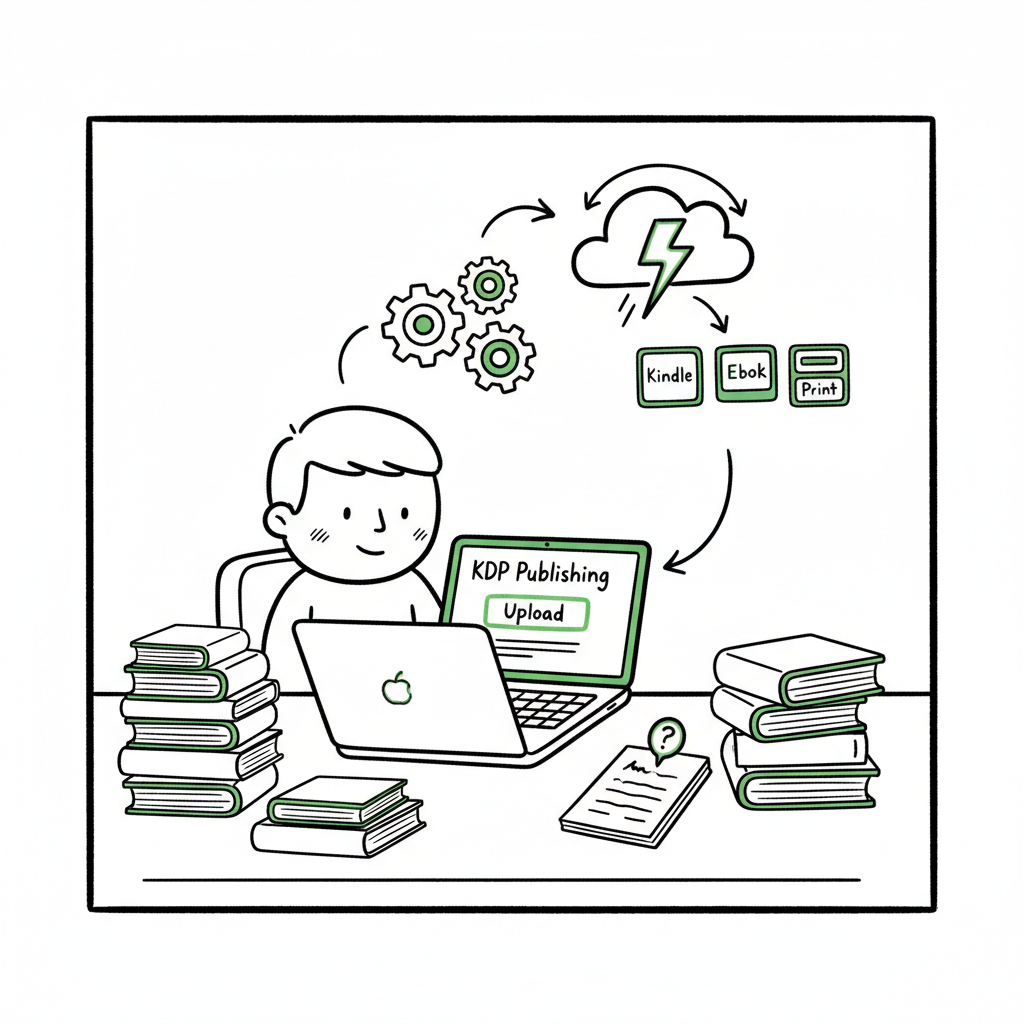
KDP Author Workflow for Faster, Reliable Publishing
kdp author workflow: A practical guide to faster, more reliable publishing
Estimated reading time: 14 minutes
Key takeaways
- A consistent kdp author workflow reduces errors and saves time across repeat releases.
- Prepare manuscript, cover, metadata, and pricing once; use tools to batch and automate uploads to multiple stores.
- When you start publishing seriously, a multi-platform upload tool that handles EPUB, paperback specs, and CSV batch uploads becomes an obvious upgrade.
Table of Contents
- Why a consistent kdp author workflow matters
- Core steps in a kdp author workflow
- Automating uploads across platforms
- Final thoughts
- FAQ
- Sources
Why a consistent kdp author workflow matters
Publishing one book is a project. Publishing dozens is an operational process. The kdp author workflow is the repeatable sequence of tasks you run for every title: prepare the manuscript, design a cover, set metadata, upload files, preview, set pricing and distribution, and publish. When those steps are predictable and scripted, you cut mistakes, reduce mental overhead, and get books live faster.
A clean workflow matters for three practical reasons:
- Accuracy: Metadata mistakes (wrong trim size, mismatched ISBN, incomplete series fields) are common and costly. A repeatable process prevents them.
- Speed: Repeating the same steps by hand for multiple titles eats time. You can streamline kdp author process with templates and automation.
- Distribution: If you want to reach readers beyond Amazon, handling platform quirks systematically makes multi-channel releases practical.
If you’re learning KDP specifics, a focused resource like Amazon KDP for Authors explains the platform’s required fields and file formats; use that reference while you formalize your own workflow. This helps you match your manuscript files to the listings you create and reduces problems with editions and previews.
Core steps in a kdp author workflow
A dependable workflow maps to the KDP dashboard steps, but it’s worth turning each step into a checklist that fits your tools and scale. Below is a practical sequence that covers eBook and paperback production, with notes on how to streamline each task.
1) Start with a clean manuscript file
- Keep one source file for each edition. Preferably a well-formatted DOCX or a validated EPUB for ebooks. That single source should have front matter, consistent chapter headings, and simple styles so conversion to EPUB or paperback layout is reliable.
- For paperback, confirm trim size and margin requirements early. Page count affects gutter settings and paper type choices.
Tip: If you need fast EPUB conversion for batch publishing, use a dedicated EPUB converter to avoid manual rework and preview issues. That reduces format rejections and speeds the upload stage. (See the EPUB converter tool for reliable conversion.)
2) Create a production-ready cover
- Covers must match the exact trim size plus bleed for print. Spine width depends on page count and paper type.
- For ebooks, upload a square or vertical image per the store’s recommendations; a clean, legible design beats flashy but unreadable covers.
If you don’t have a cover yet, a book cover generator can speed creation and ensure correct output sizes for both ebook and print. Use a tool that exports high-resolution files for both EPUB and print requirements.
3) Prepare metadata before you open the dashboard
- Title, subtitle, author name, series data, edition notes, and a 150–400 word description should already be finalized.
- Choose keywords and categories deliberately. Keep a sheet where you test keywords and record ASINs or UPCs for future reference.
- ISBNs: Decide whether you’ll use KDP’s free ISBN, your own, or an ISBN for other distributors.
4) Match files to the listing and upload
- Upload your manuscript (DOCX or EPUB) and cover files in the correct slots.
- For paperbacks, preview the interior with KDP’s previewer. This is where most formatting errors appear—margins, widows/orphans, or mis-styled chapter headings.
5) Preview, proof, and publish
- Use the platform’s previewer and the store’s automated checks. Fix issues and re-upload until the preview is clean.
- Allow time: Amazon’s review can take hours to days. Pricing and categories are adjustable after publish, but metadata fields like file sizes and some edition links can be sticky.
6) Record and replicate
- Keep a CSV or template for each listing: title, subtitle, author, keywords, categories, trim size, paper type, price, territories. When you want to publish ten similar titles, you’ll import these fields rather than retyping them.
Efficient kdp publishing steps rely on turning manual entries into templates and reusable assets. The next section explains how to extend that efficiency beyond a single store.
Automating uploads across platforms
When your catalog grows, manual uploads become the bottleneck. This is where multi-platform tools change the math. Automation here doesn’t mean losing control—it means reducing repetitive typing, catching platform-specific issues, and managing delivery at scale.
What automation should handle
- Batch metadata: CSV templates that fill title, author, ISBN, series, description, keywords, and categories.
- File mapping: Associate a single manuscript and cover with multiple store specs (KDP EPUB & paperback, Apple EPUB, Kobo EPUB).
- Platform intelligence: The system should understand requirements for each store—trim sizes, EPUB validation rules, cover bleed settings—so you get fewer rejections.
- Error reporting: Clear, actionable messages that point to the offending file or field.
How a practical automation flow works
- Start with a CSV or spreadsheet that contains the canonical metadata for each title.
- Point the tool to your manuscript file and cover files once.
- The tool converts or validates files per store rules (EPUB validation, cover sizing), then queues uploads.
- A staged preview or report highlights any remaining formatting or metadata issues before the live publish.
Tools that support this flow offer real savings. At scale, authors report roughly 90% time savings when they move from manual uploads to CSV batch uploads with platform-aware validation. That makes regular releases and backlist migration realistic. For many authors, it becomes an obvious upgrade once they publish seriously.
Practical tips for multi-platform publishing
- Keep one canonical EPUB or well-structured DOCX as the source of truth.
- Use a single cover source that exports to both paperback print layout and ebook cover sizes. If you need automated cover processing, a dedicated cover generator can export both print-ready and ebook-ready images in one pass.
- Let the tool handle EPUB conversion and validation instead of manual conversion on each platform. That reduces the chances of small errors that block uploads.
- Maintain a master CSV of prices per market or let the platform calculate royalties for pricing checks.
How BookUploadPro fits this workflow
A purpose-built service designed for repeat publishing automates the repetitive upload steps across Amazon KDP, Kobo, Apple Books, Draft2Digital, and Ingram. It accepts a CSV, applies platform-specific intelligence, validates files, and pushes uploads to each distributor. The outcome is consistent metadata, fewer preview errors, and a single place to manage releases.
Why that matters in practice: CSV batch uploads remove manual typing for each title. Platform-aware checks reduce the need for rework after upload. Unified distribution makes reaching readers outside Amazon straightforward.
Automation is not a magic button; it’s a cleaner operational layer. When you are producing multiple titles, it moves work from “do this again” to “check this one report.” Automate the upload. Own the distribution.
(See the EPUB converter in your pipeline when batching ebooks.)
Final thoughts
A repeatable kdp author workflow turns publishing from an occasional project into a scalable operation. You’ll still do creative work—writing, editing, cover direction—but the mechanical tasks that used to eat hours become predictable and fast.
If you publish more than a handful of books, consider one simple test: how many minutes does it take to get a single book from manuscript to live on three stores? If more than an hour, you can reduce that time by investing in templates, a conversion tool, and a platform-aware upload system. Those investments pay back quickly when you multiply them across many titles.
FAQ
Q: What file formats should I keep as my master source?
A: Use a clean DOCX with simple styles if you prefer editable source files. If you already work in EPUB, keep a validated EPUB as your canonical ebook file. The important part is consistency: one file per edition and a clear naming convention.
Q: How do I avoid mismatches between ebook and paperback metadata?
A: Keep one metadata spreadsheet that contains a row per title and columns for ebook and paperback fields. Use a tool or script to export per-store CSVs from that single source of truth so titles, series info, and ISBNs match exactly.
Q: Can automation handle cover sizing for different trim sizes?
A: Yes. An automated cover pipeline will accept a design and generate the required packaging—print-ready covers that include spine and bleed, plus ebook covers optimized for on-site thumbnails. If you need automatic cover processing, a modern cover generator will export multiple variants in one pass.
Q: Will automating uploads increase the chance of mistakes?
A: No—if the automation includes platform validation and clear error reporting. The goal is to remove manual entry errors, not hide them. Good tools flag issues early and provide guidance for fixes.
Q: Is it risky to give a third-party tool access to my KDP account?
A: Use services that follow secure authentication methods and support limited permissions. Prefer tools that let you review every change before it goes live and that provide audit logs for uploads.
Q: How much time can I realistically save?
A: Authors who move a repeatable process into CSV-driven, platform-aware uploads commonly report savings close to 90% for the upload and listing stage. That doesn’t include editing or marketing time, but it frees you from the heavy manual work of multiple platform uploads.
Sources
- How To Publish A Book On Amazon – 2025 KDP Guide – LivingWriter
- Create a Book – Kindle Direct Publishing
- A 101 Guide to Kindle Direct Publishing Basics: Insider Secrets
- Upload and Preview Book Content – Kindle Direct Publishing
- Start publishing with KDP – Amazon.com
- Book cover generator for multi-format covers
- EPUB converter for reliable format conversion
- Book creation tools for paperback and ebook workflows
kdp author workflow: A practical guide to faster, more reliable publishing Estimated reading time: 14 minutes Key takeaways A consistent kdp author workflow reduces errors and saves time across repeat releases. Prepare manuscript, cover, metadata, and pricing once; use tools to batch and automate uploads to multiple stores. When you start publishing seriously, a multi-platform…