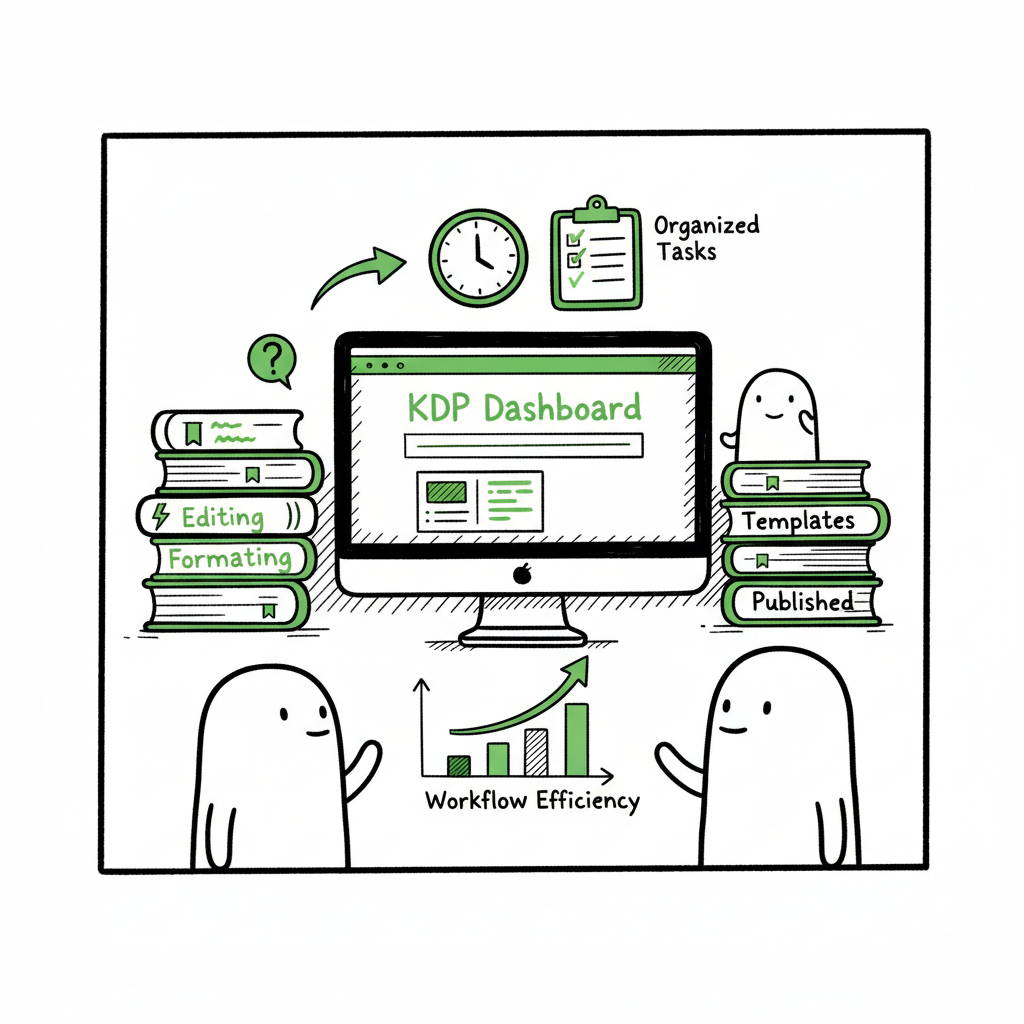
KDP Author Workflow for Faster, Repeatable Publishing
What a kdp author workflow looks like
Estimated reading time: 8 minutes
Key takeaways
- A reliable kdp author workflow turns one-off uploads into a predictable production line: prepare once, publish fast.
- Front-load editing, formatting, and covers; use templates and metadata libraries to avoid repeated manual entry.
- For authors publishing multiple books, multi-platform automation (CSV batch uploads, platform intelligence) can save ~90% of upload time.
- BookUploadPro speeds multi-platform rollouts by reusing metadata, generating descriptions, and reducing manual errors—an obvious upgrade for serious publishers.
Table of Contents
- What a kdp author workflow looks like
- How to streamline KDP author process without losing control
- Scaling to multiple platforms and titles with automation
- Final thoughts and next steps
- FAQ
- Sources
What a kdp author workflow looks like
A kdp author workflow is simply the ordered set of tasks you follow to take a manuscript from final draft to live on Amazon—and beyond. At a practical level this workflow groups the work into stages you can repeat reliably: preparing the manuscript and cover, assembling metadata, performing the KDP upload, setting rights and pricing, and monitoring performance.
Begin by doing everything that doesn’t require the KDP dashboard itself. Finish editing, proofread, and lock the interior format and page count. Produce a final cover that matches trim size and spine calculation. When those creative and technical parts are complete, the KDP-side setup becomes a short, focused session: enter title and subtitle, add your description and keywords, upload files, preview, and publish.
When you’re ready to review the KDP interface itself and its required fields, a useful companion is our guide Amazon KDP for Authors, which walks through the dashboard details and common entry points. Keeping your KDP entries consistent—using templates for titles, descriptions, and keyword sets—turns the “new book” process into a simple fill-and-verify routine instead of a long, error-prone deep dive.
How to streamline KDP author process without losing control: The most common mistake authors make is trying to handle design, formatting, metadata, and KDP entry at once. That slows everything and creates avoidable mistakes. A better approach is to treat the KDP phase as execution: do the creative work first, then execute a short, scripted upload.
How to streamline KDP author process without losing control
The most common mistake authors make is trying to handle design, formatting, metadata, and KDP entry at once. That slows everything and creates avoidable mistakes. A better approach is to treat the KDP phase as execution: do the creative work first, then execute a short, scripted upload.
1) Standardize inputs
Create a single source of truth for each title: one final interior file (PDF or print-ready), one ebook file (EPUB or MOBI), one cover set, and one metadata sheet. Reuse fields across projects where appropriate: series title, author name variations, categories you prefer, and a handful of tested keywords. Standardized inputs let you copy-paste or import instead of retyping.
If you need rapid cover mockups or production, use a book cover generator to produce consistent, print-ready covers that match your templates. For ebooks, convert the manuscript early to an EPUB and test it in multiple readers; an EPUB converter will help you avoid last-minute formatting surprises. When you plan to publish both paperback and ebook formats, make sure your workflow includes a clear handoff between interior formatting and cover sizing for each trim.
2) Use templates and metadata libraries
Save a metadata spreadsheet with columns for title, subtitle, series name, contributor roles, short and long descriptions, keyword groups, BISAC categories, and pricing. Keep a few description templates (short hook, 150-word blurb, longer back-of-book copy) you can adapt. That way, uploading becomes selecting the right row and confirming fields instead of composing every description anew.
3) Preview and checklists
KDP’s previewer and print proofs are the final safety net. Build a small checklist that you follow for every title: check page count versus cover spine math, verify front and back matter placement, validate ISBNs and barcode placement, and confirm keywords and categories. These checks take minutes but prevent costly fixes later.
4) Automate repetitive tasks where it matters
While KDP’s dashboard requires manual entry, you can automate the repetitive preparation around it. Use tools that batch-generate descriptions from templates, store keyword sets, and assemble cover files into the right formats. These tools reduce keystrokes and the risk of copying the wrong description into the wrong title. When you publish regularly, this saves real time and reduces errors.
Scaling to multiple platforms and titles with automation
If you’re publishing one book every six months, a manual KDP author workflow can be fine. The economics shift once you get to several titles a year or multiple formats. Scaling means the repetitive parts of publishing become the bottleneck, and that’s where automation pays.
Why multi-platform matters
Readers shop on Amazon, Apple Books, Kobo, and more. If you want to reach readers widely, you should distribute beyond KDP. Doing this manually multiplies the upload steps by platform: the file requirements differ, the metadata fields are similar but not identical, and previews behave differently. That’s why a unified approach is more efficient.
Key automation features that save time
- Centralized metadata storage: keep one canonical spreadsheet or database of title-level data and export the right fields for each platform.
- CSV batch uploads: push many titles at once instead of clicking through individual dashboards.
- Platform-specific intelligence: the tool should know which fields each store needs and adapt the export (trim sizes, file types, category mappings).
- Error reduction and validation: alerts for missing ISBNs, incorrect file types, or invalid pricing tiers.
- Reusable templates for descriptions and keywords that can be adapted per platform.
BookUploadPro fits here because it’s built to automate the upload portion while leaving final decision-making to the author. It reuses metadata, generates and stores keyword sets, and can export batches for KDP, Kobo, Apple Books, Draft2Digital, and Ingram. For authors who publish multiple books, that translates into real time savings—often approaching 90% on the upload and distribution tasks.
How BookUploadPro changes the routine
If you publish more than a handful of books, you’ll quickly notice the same tasks repeating: typing descriptions, reselecting categories, and exporting files in different formats. BookUploadPro automates these mechanical parts so you can focus on the creative work.
What BookUploadPro does for you
- Unified multi-platform publishing: send files and metadata to Amazon KDP, Kobo, Apple Books, Draft2Digital, and Ingram from one place.
- CSV batch uploads: publish many titles at once instead of one-by-one.
- Platform-specific intelligence: the system knows required fields and adjusts exports per store.
- Reusable metadata and description templates: apply the same proven description structure across a catalog.
- Error reduction: validation checks prevent common upload mistakes.
- Time savings: in practice, authors report major time reductions on the repetitive upload tasks—saving hours per title and making small publishing teams or solo authors much more productive.
Risk management and author control
Automation is not a substitute for thoughtful decisions. BookUploadPro emphasizes templating and repeatability rather than rewriting author voice. Authors still confirm rights, pricing, and final fields. The product reduces the mechanical burden and surface-area for human error, but full review before final publishing remains essential.
Integrating BookUploadPro into your workflow
– Make the metadata master your single source of truth.
– Standardize internals and covers before you go to the upload tool.
– Use BookUploadPro to push to multiple platforms; export and review the platform-specific previews.
– Keep a short final checklist (preview, pricing logic, territory settings) before confirming publish.
Tools that complement this workflow
– If you use an EPUB converter, validate the EPUB in readers and store the final file in your title folder.
– If you design many covers, a book cover generator streamlines consistent output.
– For paperback production, make sure your cover and interior are sized correctly for the trim and that spine text is calculated from the page count.
Final thoughts and next steps
A clear kdp author workflow is a productivity asset. It trades a small upfront investment—creating templates, building a metadata master, and producing one reliable set of files—for much faster publishing later. The biggest gains come when you treat the creative work as separate from the execution work and then automate the execution where it is repetitive.
Practical next steps you can implement this week
- Create a metadata master spreadsheet with one row per title.
- Draft two description templates you can adapt quickly.
- Convert one manuscript to EPUB and validate it across two devices.
- Produce one print-ready cover and one ebook cover for the same title.
- Try exporting one title via a batch approach—either using a CSV export/import or a tool built for multi-platform uploads.
If you’re ready to move from repeating the same KDP tasks to automating them, BookUploadPro is built to take over the repetitive work while keeping you in control. It’s an obvious upgrade for authors who publish regularly because it reduces manual entry, avoids mistakes, and makes wide distribution practical. Automate the upload. Own the distribution.
FAQ
Q: What is the single most important step to speed up my KDP publishing?
A: Lock your creative files—final manuscript, final EPUB, and final cover—before you touch the KDP dashboard. That lets you treat KDP as a short execution step instead of an editing session.
Q: Will automation change my book descriptions or voice?
A: Reliable automation focuses on templating and reuse, not rewriting. Use description templates and author-approved keyword sets so the tool speeds entry without altering your voice.
Q: How much time can I expect to save?
A: Time savings depend on volume, but automation of repetitive upload tasks commonly reduces manual upload time dramatically—authors with multiple titles often see savings approaching 90% on upload and distribution effort.
Q: Are final checks still necessary?
A: Absolutely. Always preview files, confirm pricing and rights, and do a final field check on each platform. Automation reduces errors, but it doesn’t replace author verification.
Q: I publish both paperback and ebook. Do I need separate files?
A: Yes. Paperbacks need a print-ready interior and a print-ready cover sized for trim and spine. Ebooks need an EPUB and usually a separate cover image. Tools that produce both and keep them together in one title folder simplify uploads.
Sources
- Create a Book – Kindle Direct Publishing (official help)
- KDP Jumpstart – Start publishing with KDP workflow (official help)
- Start publishing with KDP (overview of KDP capabilities)
- The Ultimate Guide to Publishing on Kindle Direct Publishing (KDP) – DIY Book Covers
- How to Publish a Book on Amazon in 6 Simple Steps – Reedsy
- Amazon KDP Guide: Publish Your Book in 7 Steps – SelfPublishing.com
- Getting Started with Self-Publishing: A Comprehensive Guide to Kindle Direct Publishing (KDP) – Ruben Stom Design
- How to Publish a Book to Amazon KDP (Step By Step) – YouTube tutorial
What a kdp author workflow looks like Estimated reading time: 8 minutes Key takeaways A reliable kdp author workflow turns one-off uploads into a predictable production line: prepare once, publish fast. Front-load editing, formatting, and covers; use templates and metadata libraries to avoid repeated manual entry. For authors publishing multiple books, multi-platform automation (CSV batch…