KDP Author Workflow to Streamline Publishing Steps
kdp author process: streamline publishing from draft to distribution
Estimated reading time: 14 minutes
Key takeaways
- A strong kdp author process reduces repetitive work and errors, making consistent publishing possible.
- Focus on three bottlenecks—manuscript formatting, metadata entry, and uploads—and standardize them for speed.
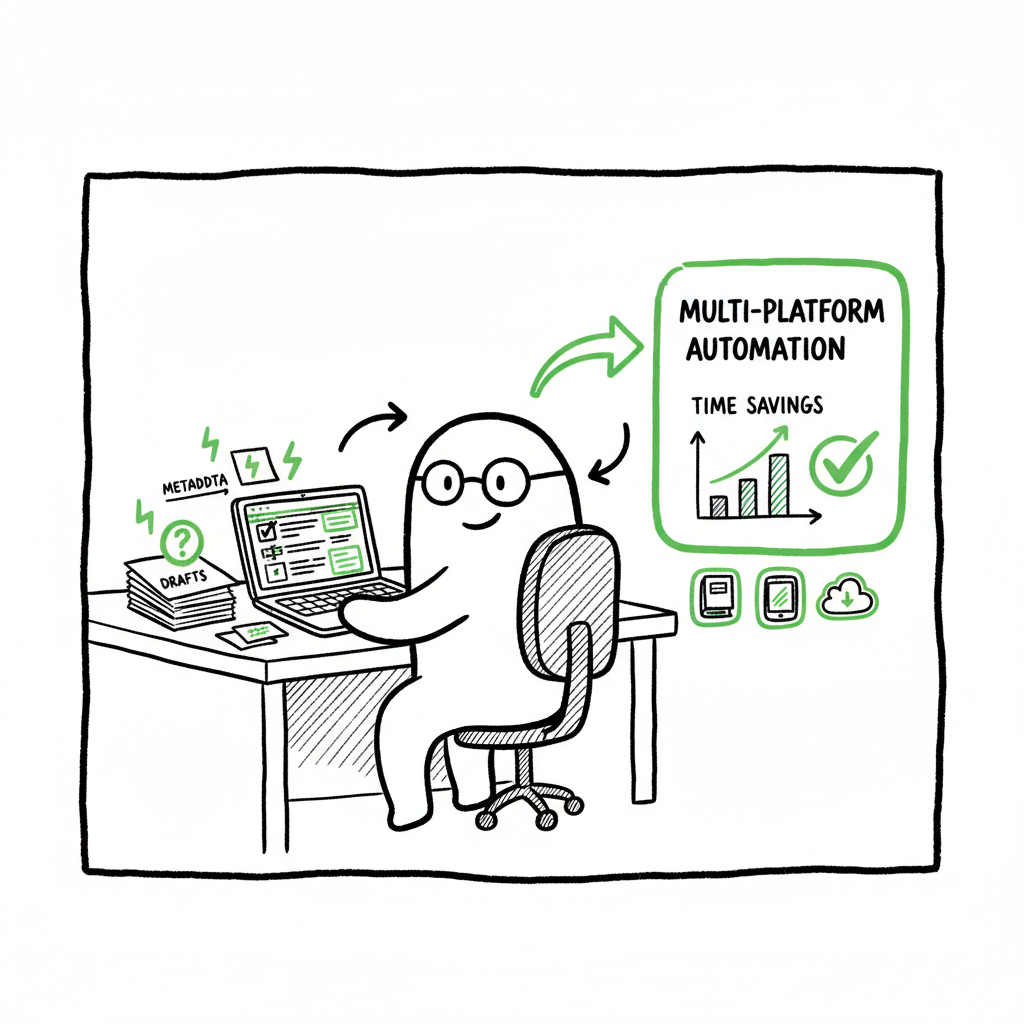
- Multi-platform automation (CSV batch uploads, platform-aware rules) cuts time by ~90% and lowers rejection risk.
- Use targeted tools for covers and EPUB conversion, then automate uploads to free up time for writing and marketing.
- BookUploadPro turns repeatable steps into a predictable pipeline—an obvious upgrade once you publish seriously.
Table of Contents
- Why a reliable KDP author process matters
- The efficient KDP publishing steps that save time
- Scaling multi-platform distribution with BookUploadPro
- FAQ
- Sources
Why a reliable KDP author process matters
A clear kdp author process is the difference between publishing once and publishing at scale. For a single title you might tolerate manual entry: paste a description, upload a cover, fix a typo in the previewer. Do that dozens of times and the time lost, and the number of avoidable errors, adds up quickly.
A reliable process documents the exact steps and file types KDP expects, the metadata fields that affect discoverability, and the checks you run before clicking Publish. It also helps you reuse work across formats—ebook, paperback, and expanded distribution—so editions match and Amazon links editions together automatically.
If you’re getting serious about publishing, you’ll find resources that teach the KDP interface and the rules. One practical next step for many authors is to follow a single-source process and then an automatic approach to the repetitive actions. For an actionable primer on the platform itself, see Amazon KDP for Authors to confirm the required fields and format rules before you automate uploads.
Why this matters in plain terms
- Consistency: matching title, author name, and ISBN across editions earns you automatic edition linking and fewer customer issues.
- Speed: a documented process turns a multi-hour task into repeated, 15–30 minute runs.
- Confidence: checks in the process catch common problems—image size mismatches, incorrect EPUBs, and metadata that blocks discoverability.
The practical steps below focus on the smallest number of repeatable actions that turn a manuscript into a published product. Below I describe a process that balances accuracy with speed, and highlight where automation saves the most time.
Note: For a deeper dive, see Amazon KDP for Authors to confirm the required fields and format rules before you automate uploads. Tip: Use a conversion tool that respects your styles and produces KDP-compatible EPUBs. If you convert often, a dedicated EPUB converter will reduce manual fixes.
A closer look at the steps below shows where to apply a few practical tools that keep production smooth.
The efficient KDP publishing steps that save time
A practical kdp author process focuses on the smallest number of repeatable steps that turn a manuscript into a published product. Below I describe a process that balances accuracy with speed, and highlight where the most time can be saved.
1) Prepare a clean master manuscript
Start with a single master file for the book’s content. Use styles for headings, standardize fonts for body text, and place images where they belong. This master file should be the source for every edition and the version you convert to the formats KDP accepts.
Why a single source matters
- You fix a typo once and it propagates to all formats.
- You can export to EPUB or DOCX cleanly, reducing previewer errors.
Tip: Use a conversion tool that respects your styles and produces KDP-compatible EPUBs. If you convert often, a dedicated EPUB converter will reduce manual fixes.
2) Generate covers that match format specs
A cover is more than an image. For ebooks you need a front-only file with the correct pixel dimensions and color profile. For paperback or hardcover, you need a full wrap that includes the spine and back, sized precisely to the page count and paper stock.
If you design covers in-house, standardize templates for spine width and back text. If you use a cover generator, make sure it outputs print-ready PDFs and high-resolution JPGs for ebook covers.
When you reach the cover step, consider a purpose-built cover processing service to avoid repeated resizing and bleed errors. Cover processing reduces rework during the KDP preview stage and keeps print production smooth.
3) Export to the right file types
KDP accepts EPUB for ebooks and DOCX or PDF for paper interiors. Producing a clean EPUB matters for ebook readers; a broken table of contents or bad image handling creates poor customer experiences.
If your master source is a DOCX or a writing app, export to EPUB and verify the result. Using a trusted EPUB converter will make this step repeatable and safer. The goal is to produce validation-passing files on the first export.
Tip: For EPUB conversion, use a trusted EPUB converter. EPUB converter can help keep formatting intact.
4) Build the metadata once, reuse often
Metadata is everything: title, subtitle, author name, series fields, book description, keywords, categories, and language. Create a single, version-controlled metadata sheet—CSV or spreadsheet—that you reference for all uploads.
Why a metadata sheet helps
- It ensures consistent keywords and categories across editions.
- It eliminates copy-paste mistakes when filling KDP forms.
- It becomes the source for batch uploads to other platforms later.
5) Upload, preview, and verify
Upload the EPUB and cover for the ebook; upload the interior and full cover wrap for print. Use KDP’s previewer to check layout and front matter. Confirm that your title and author look correct in the preview and that the table of contents links work.
This is where many authors slow down. The goal is to make the preview step the only manual check in an automated sequence. If the file and metadata are correct, the preview should pass.
For a faster path, push for automated validation checks to catch issues before submission. If you need to update the text later, you can do a batch re-upload using the same metadata sheet.
6) Set pricing and rights with a standard rule set
Create rules for pricing across marketplaces and territories—percent thresholds, royalty targets, and currency conversions. If you publish multiple similar titles, a pricing matrix saves time and keeps prices consistent.
7) Record the published record
Once a title is live, update your master spreadsheet with the KDP ASINs, links, and any notes about special distribution settings. This record becomes the audit trail and the source for future updates or wide distribution.
Scaling multi-platform distribution with BookUploadPro
Once you have repeatable publishing steps, extending distribution beyond KDP becomes a logistics problem. Each platform asks for slightly different file types, images, and metadata. That’s where a multi-platform tool changes the game.
What BookUploadPro does
- Unified multi-platform publishing: one source, many stores. Upload once and publish to Amazon KDP, Kobo, Apple Books, Draft2Digital, and Ingram with platform-specific adjustments handled automatically.
- CSV batch uploads: update or publish multiple books at once using a spreadsheet. This is the fastest way to move a catalog from manual to automated publishing.
- Platform-specific intelligence: BookUploadPro knows each storefront’s quirks—image sizes, accepted file formats, and metadata differences—so your files are adjusted before delivery.
- Reduced errors: the system flags common problems and prevents submission of files that will be rejected, including cover bleed errors and bad EPUBs.
- Time savings: authors report about 90% time savings on repetitive upload tasks. That makes publishing dozens of titles practical.
- Affordable pricing + free trial: BookUploadPro is built for authors who want scale without a consultancy. Automate the upload. Own the distribution.
A practical example of scale
Imagine you have a series of eight novellas. You need to publish each as an ebook and a paperback across five stores. Doing this manually means filling forms, converting files, and re-uploading covers 80 times. With BookUploadPro, you prepare a single set of source files and a CSV of metadata; the service adjusts and delivers platform-ready files, then reports back on any issues. The time you save goes straight to writing or marketing.
Where BookUploadPro fits into your workflow
- Early stage: use it to publish the first batch of books once you’ve finalized your master files and metadata.
- Ongoing: schedule batch updates—price changes, description tweaks, or wide promotions—and push them across stores.
- Catalog management: maintain a single source of truth for metadata and ISBNs, and let the platform push consistent updates.
Tool pairing and operational tips
- Covers: generate or finalize a print-ready wrap and a front-cover JPG. If you create covers or need processing, use a cover processing tool that outputs print-ready files to avoid previewer rejections. Cover processing can help.
- EPUB conversion: convert your master manuscript to a validated EPUB before upload. If you rely on conversions often, an EPUB converter reduces manual fixes.
- Paperbacks and ebooks: treat them as separate delivery targets with the same metadata. Confirm title and author fields match exactly to enable automatic edition linking on retail sites.
Operational checklist (for teams and solo authors)
- Master manuscript in a single source location (cloud or local), versioned.
- Standardized metadata sheet with fields for each platform.
- Print-ready cover and web-friendly ebook cover.
- Validated EPUB and print interior (DOCX/PDF).
- Batch-ready CSV for uploads and updates.
- A push to BookUploadPro to distribute to selected stores.
Practical suggestions to avoid common problems
- Match fields exactly: any variation in author name or title will break automatic edition linking.
- Check spine calculations: print covers need exact spine width based on page count and paper choice.
- Validate EPUBs: use a validator to catch broken links or missing chapters.
- Keep backups: always archive the source files and a copy of the final files you uploaded.
Cover, EPUB, and book creation tools (short notes)
- If you use a cover processor to ensure bleed and print trim, a dedicated cover processing service will cut rework on print submissions.
- For EPUB conversion, use a reliable EPUB converter that preserves table of contents and styling. EPUB converter helps.
- For creating paperbacks and ebooks from a single source, use book creation tools that output the required formats cleanly and consistently. Book creation workflow can streamline.
FAQ
Q: What is the single biggest time-saver in a kdp author process?
A: Standardizing and using batch uploads for metadata and delivery reduces the need for repeating manual form entry across platforms and editions.
Q: Do I need to learn each storefront’s interface before using batch publishing?
A: You should understand the basic rules for each storefront—file types, image specs, and metadata fields—but you don’t need to master every UI. The tooling translates your master files into store-ready packages while applying platform-specific rules.
Q: How do I handle ISBNs and editions?
A: Keep a record in your master metadata sheet for ISBNs, ASINs, and platform IDs. Match title and author exactly across editions to enable automatic linking on retail sites. If you supply your own ISBN for print, use the same ISBN consistently for that format.
Q: What happens if a file is rejected by a store?
A: Validation and failure reports help identify issues. Fix the flagged items—image bleed, PDF settings, or EPUB structure—and re-submit with corrected files. Keeping validated source files minimizes rejections.
Q: Can I use BookUploadPro with a small backlist?
A: Yes. BookUploadPro scales from a few titles to hundreds. For authors who publish regularly, it’s a clear upgrade: it cuts repetitive work and handles platform differences so you can publish more consistently.
Q: Is it risky to automate publishing?
A: The risk comes from deploying without validation. Validate master files, confirm metadata in a test setup, and then deploy using automated delivery. Automation reduces human error when the source materials are correct.
Sources
- How To Publish A Book On Amazon – 2025 KDP Guide – LivingWriter
- Create a Book – Kindle Direct Publishing (Amazon KDP)
- KDP Author Central: Complete Setup & Optimization Guide 2027
- How to Publish on Amazon KDP (YouTube)
- Start publishing with KDP – Amazon.com
kdp author process: streamline publishing from draft to distribution Estimated reading time: 14 minutes Key takeaways A strong kdp author process reduces repetitive work and errors, making consistent publishing possible. Focus on three bottlenecks—manuscript formatting, metadata entry, and uploads—and standardize them for speed. Multi-platform automation (CSV batch uploads, platform-aware rules) cuts time by ~90% and…