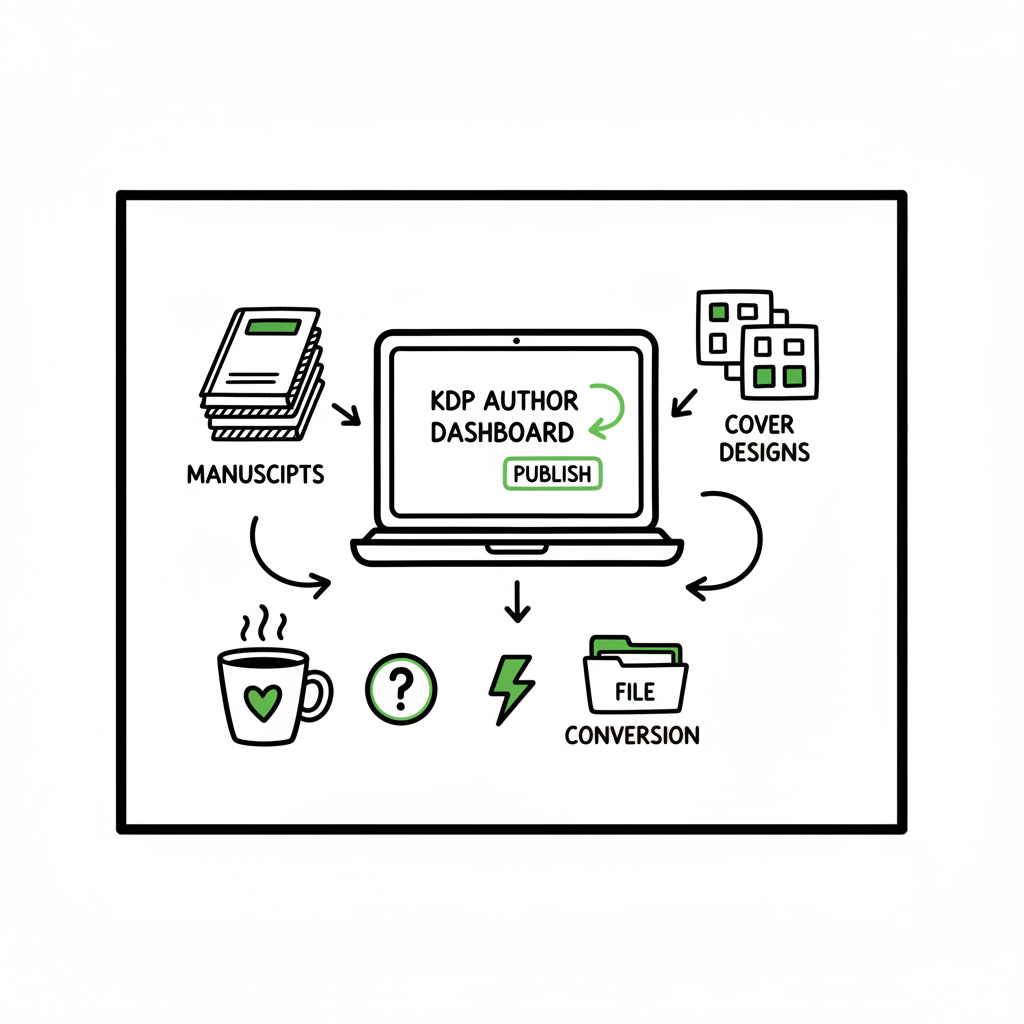
KDP Author Workflow to Streamline Publishing Steps
kdp author workflow: How to streamline publishing from draft to live
Estimated reading time: 18 minutes
Key takeaways
- A repeatable kdp author workflow saves time and reduces costly errors across metadata, files, and editions.
- Focus on clean inputs: formatted manuscript, production-ready cover, and precise metadata; use targeted tools to handle file conversion and previews.
- When you outgrow single-book uploads, automate batch uploads and multi-platform distribution to save ~90% of the manual effort.
- Automation across multi-platform distribution improves consistency and scalability.
Table of Contents
- Why standardize your kdp author workflow?
- Step-by-step: efficient kdp publishing steps
- Scale publishing: automation and multi-platform distribution
- FAQ
Why standardize your kdp author workflow?
A kdp author workflow is the set of repeatable steps you follow to move a manuscript from draft to a live listing on Amazon. For many authors the basic tasks are familiar: prepare the manuscript, make a cover, write metadata, upload to KDP, pick pricing, and publish. That list is accurate but incomplete. Small variations in formatting, mismatched metadata, or wrong file types create delays, failed uploads, and lost sales opportunities.
Standardizing the workflow means defining one clear path for every book you publish. Do the same checks in the same order. Use the same export settings. Keep the same folder structure. The effect is practical: fewer re-uploads, faster time to publication, and predictable results when you scale beyond one title.
If you want a focused walkthrough of the platform steps, see this guide for Amazon KDP for Authors.
Why this matters in plain terms
– Metadata mismatches break edition linking. If a Kindle edition, paperback, and audiobook don’t line up exactly where KDP expects, buyers see separate listings instead of a single product page.
– File errors waste time. A broken EPUB or a mis-sized cover forces rework, re-uploads, and sometimes a full rewrite of your distribution plan.
– Scaling without standardization multiplies mistakes. One misnamed file repeated across 10 titles becomes a tenfold problem.
Standardization is not about bureaucracy; it’s about removing friction so you can publish more, faster, and with fewer support tickets.
Step-by-step: efficient kdp publishing steps
Below is a practical, middle-school-level walkthrough of efficient kdp publishing steps. Use this as a baseline and adapt as needed.
1. Plan and organize
- Folder structure: keep one top folder per book. Inside it, put subfolders for manuscript, covers, metadata, and assets (like author photo).
- File naming: use a simple convention—Title_Version_Date—for every file. Consistent names prevent accidental overwrites.
- Master metadata file: keep a single document with title, subtitle, author name(s), ISBN (if owned), publisher name, description, series information, keywords, and BISAC categories. Export this into your upload form to avoid transcription errors.
2. Finalize the manuscript
- Clean the manuscript in your editor. Remove weird styles, extra tabs, and manual page breaks. Use built-in heading styles for chapter titles.
- Export to a KDP-friendly file type. For ebooks, a validated EPUB is best. For print, a properly formatted PDF or DOCX (depending on the platform and your tooling) is used.
- Validate the EPUB. A validated EPUB reduces preview problems. If you need a simple EPUB conversion tool, try the EPUB converter when you need a fast, reliable conversion.
3. Create a production-ready cover
- Design to specifications. For paperbacks you need full-wrap covers sized to the page count and paper type. For ebooks you need a front-cover image at the recommended pixel dimensions.
- Use a cover workflow that saves source files and exports flattened versions for upload. If you want an automated starting point for covers, cover generator to speed up the layout process.
- Always preview the cover on device simulators before uploading.
4. Prepare metadata and discoverability
- Title and subtitle: keep them consistent with the manuscript and avoid keyword stuffing.
- Description: write the first 200–400 characters to sell the book; the rest can expand. Keep paragraph breaks for readability.
- Keywords: use targeted phrases that a reader would search for; mix broad and narrow terms.
- Categories: pick the most accurate BISAC categories to improve long-term discoverability.
5. Pricing and rights
- Decide upfront whether you want expanded distribution, KDP Select, or both. Understand the royalty implications.
- Match rights and territory fields to your distribution plan and ISBN usage.
6. Upload and preview
- Upload your files to KDP’s Create workflow. Use the previewer to check for bad line breaks, missing images, or table-of-contents errors.
- If the preview shows unexpected changes, fix the source file and re-upload—don’t patch on the platform.
7. Final checks and publish
- Re-read the public-facing metadata on the preview page. Confirm that the title, subtitle, author name, and description match your master metadata file.
- Confirm pricing, territories, and reporting email.
- Publish and note the date and time.
How to streamline the process with tools
- Use a writing app that exports KDP-friendly files to skip repetitive formatting work.
- Use a cover generator when you need quick, repeatable production-ready covers.
- Convert and validate EPUB converter to avoid device preview surprises.
A note on paperback and ebook creation
When you create a paperback or ebook, the production steps differ slightly but should fit inside the same workflow. Keep your manuscript master, then create versions for print and digital. If you need a tool that handles both paperback and ebook generation, that service can reduce handoffs and file mistakes when producing multiple formats.
Efficient kdp publishing steps include batching metadata entry when possible, reusing templates for descriptions, and keeping one validated file for each format. This minimizes the number of times you touch the platform UI and reduces human error.
Common problems and fast fixes
- Problem: Cover appears cropped or misaligned in preview. Fix: Re-export the cover with the exact dimensions KDP requires; check spine width based on final page count.
- Problem: Chapters broken across screens in odd places on Kindle. Fix: Ensure proper heading tags in your EPUB or use a clean DOCX export with consistent styles.
- Problem: Metadata doesn’t match across editions. Fix: Use your master metadata file to copy/paste rather than retyping.
Use the words “streamline kdp author process” when you explain your goals to collaborators. It helps everyone focus on measurable improvements: fewer errors, faster time-to-live, and repeatable outputs.
Scale publishing: automation and multi-platform distribution
Once you publish more than a handful of titles, manual uploads become a bottleneck. That’s where automation and multi-platform distribution matter. With the right approach you stop repeating the same clicks and start operating at scale.
What you automate
– Batch metadata uploads from a CSV so you don’t manually fill the form for each new title.
– Batch file uploads for manuscript and cover files, mapped to the correct SKU or title.
– Platform-specific adjustments applied automatically so you don’t hand-tune each store.
Why multi-platform matters
– Releasing to Amazon alone limits discoverability and revenue; wide distribution reaches readers who prefer Kobo, Apple Books, Ingram-enabled channels, and aggregator services.
– Manual uploads on each platform are slow and error-prone because each store has slightly different requirements and field names.
How automation preserves quality
– Platform-specific intelligence: automations that know file requirements, trim sizes, and metadata quirks reduce rejection rates.
– Validation rules: automated checks catch missing ISBNs, incorrect cover dimensions, or invalid EPUBs before upload.
– Centralized asset management: a single source of truth for your cover, manuscript, and metadata ensures every outlet gets the correct files.
single-source book creation keeps versions in sync and minimizes handoffs across formats.
BookUploadPro in the publishing stack
BookUploadPro is an obvious upgrade for authors who want to automate uploads across Amazon KDP, Kobo, Apple Books, Draft2Digital, and Ingram. The platform supports CSV batch uploads, applies platform-specific intelligence, and cuts repetitive effort by roughly 90% compared with manual UI uploads. That’s not marketing fluff—those are the gains you get when you eliminate repetitive data entry and let software do the mapping between your master metadata and each store’s required fields.
Practical benefits you’ll notice
– Faster release cycles: schedule a multi-platform launch in one session rather than multiple hours across panels.
– Fewer errors: automated validations reduce the need for re-uploads and corrections.
– Clear audit trails: see which file and metadata version went to which store and when.
– Affordable pricing and a free trial: you can test the system on a small set of titles before committing.
Automate the upload. Own the distribution.
When you move to automation, you don’t lose control—you gain reliability and scale. You still own the cover, the manuscript, and the marketing plan. Automation simply ensures the technical steps happen consistently, freeing you to focus on writing and promotion.
Using automation to handle kdp task automation
– Use automated workflows to convert a master manuscript into the platform-specific formats you need.
– Schedule uploads so titles go live at coordinated times across platforms.
– Maintain a CSV master sheet for titles, metadata, and file paths; let the system push the data to each store.
Practical checklist for moving from manual to automated publishing
– Audit: list every step you currently perform manually for each platform.
– Standardize: create master templates for metadata and asset naming.
– Pilot: run a small batch through automation to test the mappings and validations.
– Iterate: fix edge cases (special characters, series handling) and re-run the batch.
Automation is not a black box. Good systems give you logs, error messages, and the ability to re-map fields. That means you can scale without losing the ability to correct and adapt.
How to choose what to automate first
– Start with what takes the most time or creates the most errors: metadata entry and file uploads.
– Next, automate format conversion and basic validations.
– Finally, add scheduling and multi-platform distribution.
A note on distribution partners and wide availability
Once your masters are consistent and validated, broad distribution becomes practical. Aggregators and retailers prefer clean inputs. Automation helps you meet their expectations without manual toil.
FAQ
Q: What is the single most important thing in a kdp author workflow?
A: Consistent inputs. A clean manuscript and a single source of metadata reduce the chance of problems across formats and stores.
Q: Should I upload a DOCX or EPUB for Kindle?
A: KDP accepts both, but a validated EPUB is often more reliable. If you work in Word, export carefully and validate the output before upload.
Q: How do I keep paperback and ebook versions aligned?
A: Use the same master metadata file and keep versioned manuscript files for each format. Confirm title/subtitle/author exact matches to ensure KDP links editions correctly.
Q: When should I consider automation for uploads?
A: When you start publishing more than a few titles a year. If you spend several hours per title on uploads and corrections, automation will pay for itself.
Q: Can automation handle different trim sizes and cover types?
A: Yes—good automation includes platform-specific intelligence that applies the correct settings for trim size, paper type, and cover layout.
Q: Does automation mean losing control over quality?
A: No. Quality checks and validation are part of a responsible automation workflow. You should still preview and approve files before final publishing actions.
Q: Do I need ISBNs for every format?
A: ISBN rules vary by format and distributor. For example, Amazon provides free ASINs for ebooks and KDP paperbacks but if you want to control ISBNs for print editions, purchase and manage them in your master metadata.
Q: How do I handle metadata updates across platforms?
A: Update your master metadata and re-run the automated distribution for affected titles. Good systems support incremental updates rather than full republishing.
Q: Can automation reduce publishing time by 90%?
A: In many cases yes—particularly for the repetitive tasks of filling forms and uploading files. The exact savings depend on how many editions and platforms you use.
Final thoughts
A practical kdp author workflow is one that minimizes friction, enforces consistency, and scales with your output. Start by standardizing inputs—manuscript, cover, and metadata—then move to tools that validate and convert files. When you publish multiple titles, automation and multi-platform distribution transform a slow, error-prone process into a reliable engine. The goal is to spend less time repeating platform clicks and more time writing, marketing, and building an audience.
If you need a reliable EPUB conversion in your workflow, use the EPUB converter to avoid preview problems and reduce re-uploads. When covers slow you down, try a cover generator to produce production-ready art faster. And if you produce both ebooks and paperbacks regularly, use a service that handles single-source book creation to keep versions in sync.
BookUploadPro is designed for authors and small publishers who want to automate uploads across Amazon KDP, Kobo, Apple Books, Draft2Digital, and Ingram using CSV batch uploads and platform-specific intelligence. For many teams, it becomes the obvious upgrade once publishing moves beyond a handful of titles: automated uploads, fewer errors, and wide distribution without the manual grind.
Automate the upload. Own the distribution.
Visit BookUploadPro to try the free trial.
Sources
- How To Publish A Book On Amazon – 2025 KDP Guide – LivingWriter
- AI-Assisted KDP Publishing: Step-by-Step Guide – Jack Righteous
- Create a Book – Kindle Direct Publishing
- Start publishing with KDP – Amazon.com
kdp author workflow: How to streamline publishing from draft to live Estimated reading time: 18 minutes Key takeaways A repeatable kdp author workflow saves time and reduces costly errors across metadata, files, and editions. Focus on clean inputs: formatted manuscript, production-ready cover, and precise metadata; use targeted tools to handle file conversion and previews. When…