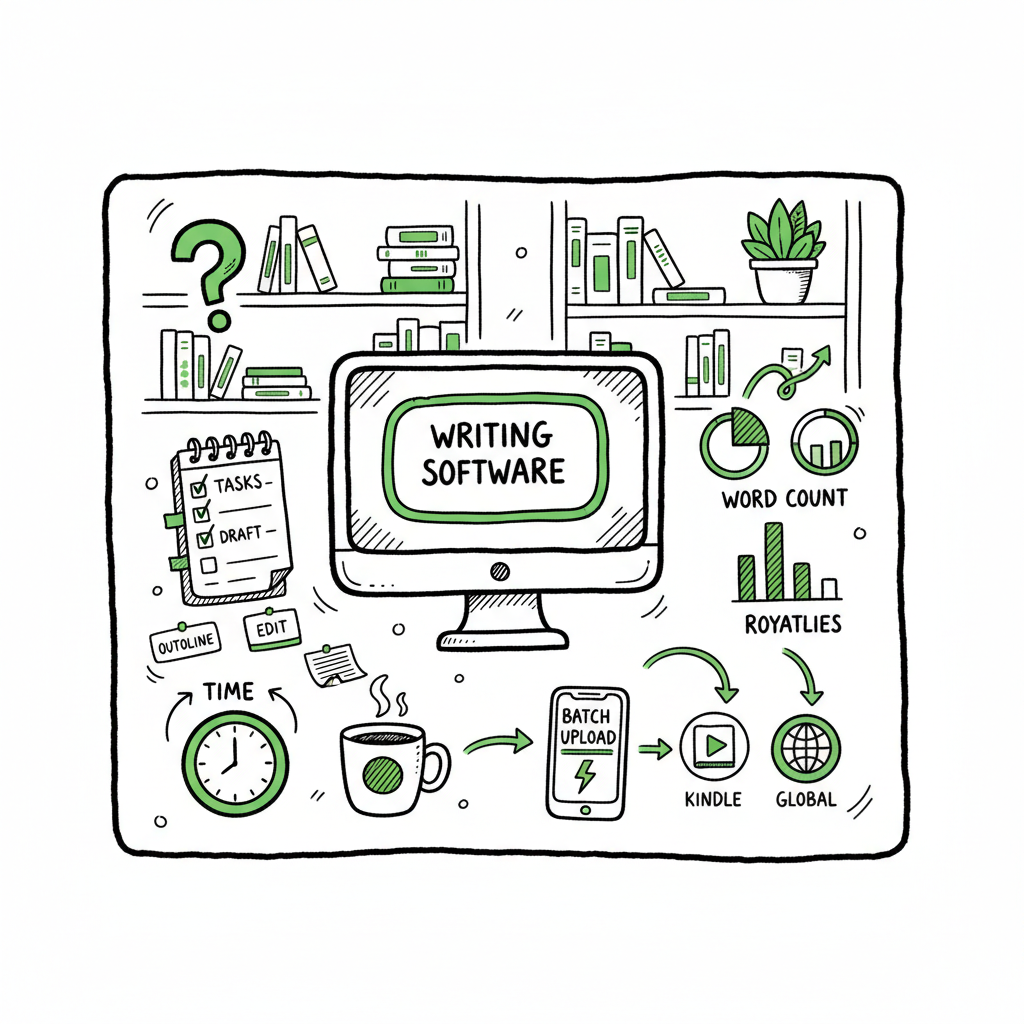
KDP Author Productivity System for Repeatable Publishing
KDP author productivity system
Estimated reading time: 14 minutes
Key takeaways
- A clear KDP author productivity system turns scattered tasks into a repeatable routine that scales output and reduces mistakes.
- Combine simple daily practices (research, batching, templates) with automation and multi-platform uploads to save time and protect earnings.
- Tools that handle batch CSV uploads and platform-specific rules make distribution practical; BookUploadPro automates uploads across stores to cut repetitive work.
- Focus on a sustainable rhythm: plan, produce, upload, monitor, and iterate. Small improvements compound fast.
Table of Contents
- What a KDP author productivity system looks like
- Build and automate a KDP workflow system
- FAQ
- Sources
What a KDP author productivity system looks like
A KDP author productivity system is a set of simple, repeatable habits and tools that move a book from idea to live listing with as little friction as possible. It’s not a rigid process that kills creativity. It’s a reliable routine that frees time for the parts that matter: research and quality.
Most authors who publish regularly use a mix of short, repeatable steps:
- A quick idea-capture process so good concepts don’t vanish.
- Fast keyword and niche checks to decide whether a concept is worth making.
- Templates and presets for interiors, covers, and metadata.
- Batch production sessions for multiples of similar books.
- A single upload step that pushes files and metadata to several stores.
This approach matters because Amazon changes categories, keyword behavior, and listing rules. When your process is organized, you can adapt without losing momentum. The phrase kdp author productivity system means less “one-off” work and more predictable output. Put another way: the system protects time so you can repeat what works.
When your system reaches the upload stage, BookUploadPro automates repetitive uploads across Amazon KDP, Kobo, Apple Books, Draft2Digital, and Ingram. For scale, many teams choose to Automate Amazon KDP Publishing, a capability that complements the BookUploadPro platform.
Why the system is worth the effort
- The first few books are learning. After that, the manual steps add up.
- A focused productivity system:
- – Cuts the number of times you re-enter the same metadata.
- – Reduces upload errors (wrong trim size, wrong interior file, missing keywords).
- – Lets you publish a set of books in one batch rather than one-by-one.
- – Makes it practical to distribute to Kobo, Apple Books, Draft2Digital, and Ingram in the same workflow.
Those gains are most visible when you publish at scale. Authors who reach ten or fifty live titles need systems to avoid chaos. The next sections show how to build a system that fits a solo author or a small team.
Build and automate a KDP workflow system
This section walks through a practical system you can adopt in days. It mixes routine, templates, and automation so you get predictability without losing flexibility.
1) Define your goal and publishing rhythm
Start with a simple, measurable goal. Examples:
- One new low-content book per week.
- Two niche-focused ebooks per month.
- Ten reworked interiors uploaded as paperback and ebook each quarter.
Pick a rhythm that fits your time and stick to it. Rhythm reduces decision fatigue. If your goal is batch publishing, schedule a day for idea research, a day for production, and a day for uploads and monitoring.
2) Standardize inputs: templates and naming
Create master templates for common tasks:
- Interior templates (lined pages, planners, journals).
- Cover templates sized for common trim sizes.
- Metadata templates: a single CSV or spreadsheet row that holds title, subtitle, author, keywords, categories, description, price, and territorial rights.
Standardized filenames and a consistent folder structure cut lookup time. Use a spreadsheet column for status: idea, drafting, ready for upload, uploaded, live. This makes tracking trivial.
3) Fast idea capture and validation
Capture ideas as soon as they occur. Keep them in one place (a spreadsheet, Trello, or Notion). For validation, use a short checklist:
- Demand check: small searches, category browsing, or a quick best-seller list check.
- Competition check: are there several similar titles selling steadily?
- Differentiation: can you tweak cover, subtitle, or size to stand out?
A brief validation saves time. If a concept fails the checks, mark it for later rather than letting it block progress today.
4) Production blocks and batching
Batch similar tasks. For example:
- Create 10 interiors during one block and export them in a single session.
- Produce covers using a template engine and export all variations.
Batching reduces context switching. When you’re ready to format files, convert them to final formats in one pass. If you need EPUB conversion for ebooks, convert a handful at once rather than one at a time — this is faster and yields fewer errors. If you need a fast EPUB conversion tool for multiple books, consider a dedicated EPUB converter to speed that step.
5) Single-source metadata and CSV exports
Keep the metadata master as the single truth. When it’s time to upload, export a CSV that matches platform requirements. This single file can drive multiple uploads and eliminates repeated typing.
Platforms differ in required fields and allowed values. Build a CSV export routine that maps your fields to each platform. This is where automation pays off: one CSV export can be adapted to platform formats automatically.
6) Upload, monitor, iterate
Upload in batches. After uploads, monitor listings for the first 72 hours for issues (cover zoom, preview, price error, or missing categories). Log any platform-specific quirks so your next batch avoids repeats.
Make small improvements after each batch: tweak descriptions, adjust pricing, or change keywords. The productivity system is iterative — it gets better with data.
Automation and multi-platform distribution
Automation is not a magic wand. It’s a reliability tool. The goal is to remove repetitive manual steps so you can scale without adding hours.
What to automate first
- Start with tasks that are:
- – Highly repetitive (metadata entry, file uploads).
- – Error-prone (copy-paste mistakes, wrong file uploads).
- – Time-consuming (individual uploads to multiple stores).
Good automation examples:
- Exporting metadata CSVs from your master spreadsheet.
- Converting interiors to the right formats automatically.
- Pushing files and metadata to multiple stores in a single step.
Why multi-platform publishing matters
Relying on a single store leaves money on the table. Many readers and buyers use Kobo, Apple Books, and Ingram sources. Distributing widely increases discoverability and stabilizes income. Automation makes wide distribution practical. Without it, the time cost of uploading to five platforms is a real barrier.
BookUploadPro in the workflow
When your system reaches the upload stage, a multi-platform uploader helps move files and metadata to stores. A focused tool handles CSV batch uploads, applies platform-specific intelligence (file size, trim size rules, EPUB checks), and reduces errors.
BookUploadPro automates repetitive uploads across Amazon KDP, Kobo, Apple Books, Draft2Digital, and Ingram. It supports CSV batch uploads and adapts to platform quirks so you don’t have to. For authors publishing seriously, it’s an obvious upgrade: own the distribution.
Practical automation rules
- Keep a copy of everything. Back up CSVs, interiors, and covers.
- Validate files before upload. Use a quick checklist: right trim size, fonts embedded, no extra layers on covers.
- Start small with automation. Test with a single book before pushing hundreds.
- Log every upload. If something changes on a store, you need a record.
Tools that fit the system
You don’t need every shiny tool. Pick one for each major task:
- Research: a niche and keyword tool or quick manual checks.
- Creation: template-based interior and cover files. If you generate covers, keep the process repeatable and documented. For automated cover processing, a dedicated cover generator can speed the step.
- Conversion: EPUB conversion tools when you need reliable ebook files.
- Upload: a multi-platform uploader that accepts CSVs and knows platform rules.
If you use a cover generator for repeated cover creation, you can streamline style consistency across series by reusing templates and batch-processing. For EPUB tasks, a robust EPUB converter avoids the nitpicky problems platforms flag during upload. And when you produce both ebooks and paperbacks, a book creation workflow keeps everything aligned.
A practical example: from idea to live in five days
Day 1 — Research and idea capture
- Capture 10 ideas.
- Validate 3 based on quick market checks.
Day 2 — Interiors and templates
- Batch-produce three interiors using templates.
- Export each interior to PDF (paperback) and source format (for EPUB conversion).
Day 3 — Covers and metadata
- Batch-produce covers and export.
- Fill the metadata master and export CSV ready for upload.
Day 4 — Conversion and final checks
- Convert interiors to EPUB for ebooks.
- Run file checks and fix any issues.
Day 5 — Upload and monitor
- Use a multi-platform tool to upload the three books in one session.
- Monitor listings and log findings.
You can compress or stretch this timeline based on capacity. The important part is not the speed — it’s the repeatable pattern.
Organized KDP publishing routine: daily and weekly habits
Daily (15–45 minutes)
- Check listing alerts and sales.
- Review the idea inbox for any quick wins.
- Fix one small metadata issue or update a description.
Weekly (2–6 hours)
- Run a short niche and keyword scan.
- Batch-produce a small set of interiors or covers.
- Export CSVs and schedule uploads.
Monthly
- Review performance data and update weak performers.
- Plan next month’s publishing targets.
- Test a new size or category for a promising niche.
These routines keep your pipeline full without taking all your time. Small repeated actions protect momentum.
Quality control and human checks
Automation speeds things but never removes the need for a final human check. Before you push a batch:
- Open each preview on the platform to ensure the cover displays correctly and interior pagination looks right.
- Verify prices and territories.
- Confirm categories and keywords are where you expect them.
If you use external services to create covers, convert EPUBs, or generate interiors, keep one human in the loop to accept final output. That combination of automation and a human gate reduces errors and maintains quality.
Avoiding common pitfalls
- Don’t over-automate without validation. If you automate a flawed step, the mistake replicates.
- Watch for platform-specific limits. Some fields are case-sensitive or have character limits.
- Keep backups and logs for every upload. Platforms change, and records save time later.
When a system pays off
The productivity system becomes visible when the repetitive steps take less time and errors drop. Most authors notice the change when they can:
- Launch multiple books in a month with predictable quality.
- Spend more time on research and creative decisions.
- Use data to refine topics rather than rework basic upload mistakes.
Scaling beyond solo work
When you outgrow spreadsheets and manual uploads, CSV batch uploads and a platform-aware uploader are the practical next steps. That’s where the real time savings occur: the same metadata file pushes to every store with the right mapping, and the tool flags issues before they go live.
If your workflow includes converting manuscripts to EPUB or producing both ebook and paperback formats, integrate a reliable EPUB converter into the routine to avoid formatting delays. And if you produce covers repeatedly, a batch cover processing service speeds final prep for uploads.
Final thoughts and next steps
A reliable kdp author productivity system doesn’t require complexity. It needs consistency, good templates, batch habits, and the right automation for uploads. Start small: standardize your metadata, batch similar tasks, and test an automated upload with a single title. As you scale, tools that support CSV batch uploads and platform-specific intelligence will repay their cost in time saved and errors avoided.
If you publish seriously and want to make wide distribution practical, automation for uploads is the obvious next step. That’s where systems like BookUploadPro help: unified multi-platform publishing, CSV batch uploads, platform-specific intelligence, and meaningful time savings. You can also explore a dedicated route for broad coverage of formats and platforms through smart tooling from the BookAutoAI ecosystem, including a scalable book cover generator processing, an EPUB converter, and a book creation workflow.
If you’re ready to try a complete multi-platform solution, BookUploadPro offers a free trial to see how the approach fits your publishing needs.
FAQ
Q: How long does it take to set up a basic KDP author productivity system?
A: You can set up a simple system in a weekend. Create your folder structure, build one metadata master spreadsheet, make templates for one interior and one cover size, and run a single test upload. Expect to spend a few hours refining mappings to different platforms.
Q: Do I need automation to be successful on KDP?
A: No. Many authors succeed without automation at first. Automation becomes essential when you publish regularly and need to reduce repetitive tasks and human error. It’s a time-saver, not a bait.
Q: Can I use one file set for both paperback and ebook?
A: You can, but formats differ. Paperbacks require print-ready PDFs sized to trim size. Ebooks need EPUBs optimized for reflow. Convert once and keep those outputs in your master folder so you can reuse them for uploads.
Q: What should I track in my metadata master?
A: Title, subtitle, author, series, keywords, categories, description, price, territories, language, interior file path, cover file path, ISBN (if you use your own), trim size, and status.
Q: How do I avoid platform-specific errors during batch upload?
A: Use a platform-aware uploader that understands the rules, or build validation checks into your export process. Always run a small test batch first and keep detailed logs.
Sources
- Navigating the Seas of Creativity in Your KDP Store – Book Bolt
- KDP Workflow Time Saving Hacks – YouTube
- MazeMindKDP Review: Publish KDP Books With Zero Hassle Fast
- Writing and Publishing Books Faster on Amazon KDP – YouTube
- KDP Authors Use AI Book Generator for Writing with AI – BookAutoAI
KDP author productivity system Estimated reading time: 14 minutes Key takeaways A clear KDP author productivity system turns scattered tasks into a repeatable routine that scales output and reduces mistakes. Combine simple daily practices (research, batching, templates) with automation and multi-platform uploads to save time and protect earnings. Tools that handle batch CSV uploads and…