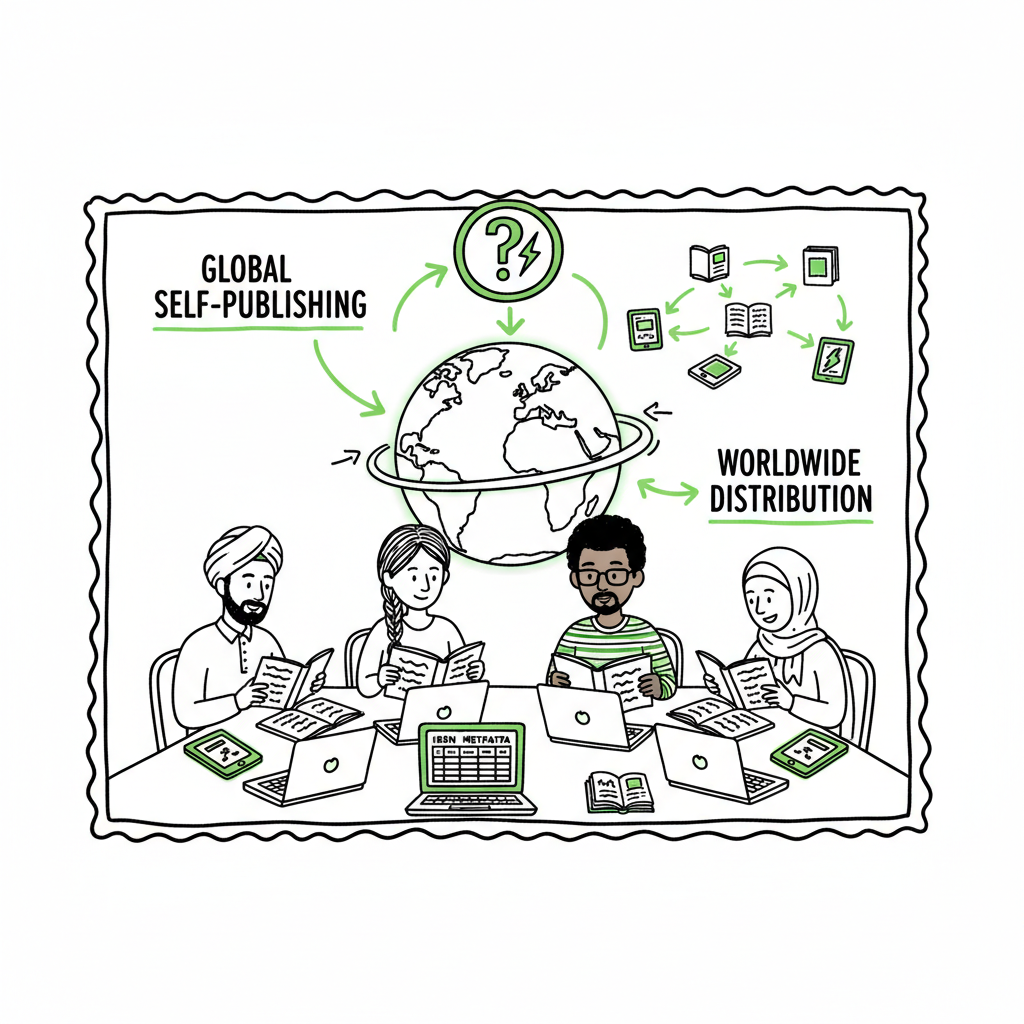
International Self Publishing Distribute and Scale Worldwide
International Self Publishing: How to Distribute Worldwide and Scale
Estimated reading time: 9 minutes
Key takeaways
- International self publishing means preparing formats, metadata, and rights so your book can sell across countries and platforms.
- Use platform-aware workflows (EPUB, covers, ISBNs, localized metadata) to avoid rework and distribution errors.
- Automating uploads and batch publishing (CSV + platform intelligence) makes wide distribution practical — an obvious upgrade once you publish seriously.
Table of Contents
- Overview — what international self publishing means
- Platforms and rights — who to use and what to expect
- Scaling distribution with automation
- FAQ
Overview — what international self publishing means
International self publishing is the process of making your book available to readers in multiple countries, languages, and retail ecosystems without going through a traditional publisher. It covers ebooks, print-on-demand paperbacks, and sometimes audiobooks. The goal is wider reach: more storefronts, more libraries, and more readers.
Practically, this requires:
- Proper file formats (ebook files like EPUB, print PDFs)
- Clean metadata (titles, subtitles, keywords, categories localized for markets)
- Rights and ISBN management (territorial rights and ISBNs per format)
- Platform-specific requirements (Apple Books expects different specs than Amazon)
If you need to convert manuscripts and layout into an industry-standard ebook, an EPUB converter can save hours compared with manual conversions. If you don’t have a professional cover ready, using a cover generator early keeps your files consistent for every retailer. And if you plan to create both paperback and ebook versions, a reliable book creation process helps you manage proofs and print-ready PDFs before you push to stores.
Platforms and rights — who to use and what to expect
There are two broad approaches to international distribution: direct and aggregator.
Direct: upload separate accounts to each storefront (Amazon KDP, Kobo Writing Life, Apple Books, IngramSpark). Direct control can yield better storefront features and faster updates, but it means more repetitive work and platform-specific file prep.
Aggregators: services like Draft2Digital or other wide distributors take a single upload and push to many retailers and libraries. They usually simplify metadata and distribution, but some channels may be limited (for example, print bookstore placement is still hard without Ingram’s network).
Key practical points:
- Non-exclusivity: Most wide distributors are non-exclusive. You can use an aggregator for some channels while keeping direct control of others (for example, keep Amazon direct, use an aggregator for libraries and niche stores).
- Royalties and fees: Free distributors often take a cut of sales; subscription services charge monthly for broad reach or higher royalties.
- Print-on-demand (POD): For global print distribution you’ll want IngramSpark or a POD-aware aggregator—these avoid inventory and provide local printing in many countries.
- Languages: For non-English markets, pick platforms known for regional reach (some services perform better in Europe, others in South Asia or Latin America).
In practice, most authors combine methods: direct on major platforms and aggregator services where convenience and price make sense.
Scaling distribution with automation
Once you publish more than one book, manual uploads become a bottleneck. That’s where automation and batch workflows change the game.
What to automate
- Metadata: titles, language, descriptions, keywords, BISAC categories, contributor roles.
- Files: EPUB for ebooks, print PDFs for paperbacks, cover files in correct sizes.
- ISBN and rights tracking: which ISBN goes to which format and market.
- Storefront settings: territories, pricing, preorders, and launch dates.
Batch uploads and CSVs
CSV-based batch uploads let you prepare dozens or hundreds of titles offline, validate data locally, then push to multiple platforms in a single run. That reduces human error and speeds up repetitive tasks by roughly an order of magnitude — we regularly see ~90% time savings compared to one-by-one uploads.
Platform-specific intelligence
A solid automation tool will adjust entries for each store: trimming long descriptions for one retailer, generating SKU-safe filenames for another, and routing print specs to Ingram where bookstore distribution is possible. That prevents the most common errors that cause rejections or wrong storefront presentation.
File preparation
Automated workflows should integrate reliable EPUB conversion and cover production. If your team converts manuscripts often, using an EPUB converter removes formatting headaches and keeps text, images, and TOC consistent across markets. If you design or generate covers, using a cover generator that outputs print-ready wraps and ebook thumbnails saves time and prevents mismatch issues during upload.
Why this matters
Wide distribution is only valuable if it’s consistent. Mismatched covers, wrong files, or poor metadata fragment discoverability. Automation enforces rules, flags errors, and reduces rework — making wide distribution practical instead of costly.
How BookUploadPro fits
For authors and small presses ready to publish seriously, BookUploadPro automates repetitive uploads across Amazon KDP, Kobo, Apple Books, Draft2Digital, and Ingram. It supports CSV batch uploads, applies platform-specific intelligence, reduces errors in metadata and files, and makes multi-platform publishing a manageable process. For many teams, it’s an obvious upgrade once they publish seriously—Automate the upload. Own the distribution. Affordable pricing and a free trial let you test the automatic approach before committing.
Practical steps example
- Prepare source files: manuscript DOCX, images, cover PSD or high-res image.
- Run EPUB conversion to produce a validated ebook file and fix common formatting problems early.
- Generate or export cover files for ebook thumbnails and wrap for print editions.
- Fill a CSV with metadata and link to the prepared files.
- Run a batch upload to push to each platform with platform-aware settings.
- Review storefronts, order proofs for print where needed, then finalize.
(If you need quick tools for converting files or creating covers, an EPUB converter and a cover generator will make steps faster.)
FAQ
Q: Do I need separate ISBNs for each country?
A: No. ISBNs are format- and edition-specific, not country-specific. A different ISBN is required for each format (ebook vs paperback vs hardcover) and for significant new editions.
Q: Can I use an aggregator and still sell direct on Amazon?
A: Yes. Many authors use an aggregator for wide channels (libraries, niche retailers) and keep Amazon direct to avoid distribution conflicts and to access KDP features.
Q: What file formats do most stores accept?
A: Ebooks: EPUB is the industry standard. Some retailers accept MOBI or proprietary uploads, but producing a clean EPUB is the safest path. Print: high-resolution PDFs for the interior and a wrap PDF for covers.
Q: How do I handle translations and foreign markets?
A: Treat translated editions as separate products with their own metadata and ISBNs. Localized keywords, categories, and blurbs improve discoverability. Consider regional distributors that have strength in specific languages.
Q: What about print bookstore placement?
A: Bookstore placement is still tough for self-published print titles. Using Ingram’s distribution network gives you the best shot, but success usually requires professional print quality, consistent metadata, and active outreach to stores.
Sources
- https://reedsy.com/blog/best-self-publishing-companies/
- https://spines.com/best-self-publishing-platforms-in-2024/
- https://neucitepress.com/best-self-publishing-platforms-in-2026-complete-comparison-guide/
- https://www.launchmybook.com/the-most-popular-self-publishing-platforms-pros-cons/
- https://miblart.com/blog/self-publishing-trends-this-year/
International Self Publishing: How to Distribute Worldwide and Scale Estimated reading time: 9 minutes Key takeaways International self publishing means preparing formats, metadata, and rights so your book can sell across countries and platforms. Use platform-aware workflows (EPUB, covers, ISBNs, localized metadata) to avoid rework and distribution errors. Automating uploads and batch publishing (CSV +…