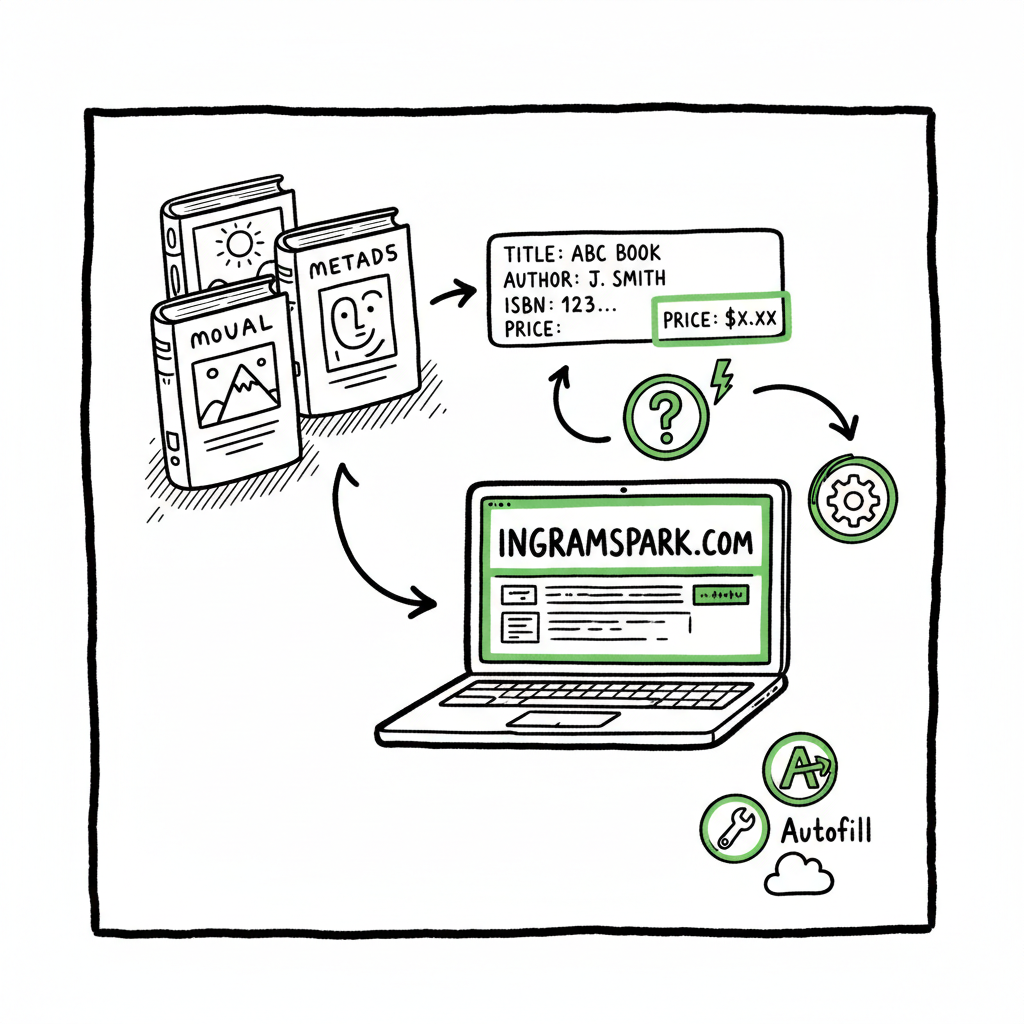
IngramSpark Metadata Autofill for Print Books Explained
IngramSpark Metadata Autofill for Print Books
Estimated reading time: 13 minutes
Table of Contents
- Why IngramSpark doesn’t have a native metadata autofill
- Practical workflows to speed up metadata entry
- Third‑party tools, batching, and what BookUploadPro offers
- Frequently asked questions
Why IngramSpark doesn’t have a native metadata autofill
Searches for “IngramSpark Metadata Autofill for Print Books” are common because authors want a faster path through the long setup form. It’s important to be clear: IngramSpark’s print title flow is structured and guided, but the platform does not provide a native one‑click metadata autofill that pulls full book details from an external database. Instead, you’ll see fields and drop‑downs for title, contributors, imprint, BISAC, description, keywords, and so on — and those fields are meant to be populated by the publisher or author.
This matters because metadata is not just a form label. High‑quality metadata—accurate title, clear contributor roles, correct BISAC categories, and a concise, searchable description—affects distribution, retailer listing, and discoverability. IngramSpark emphasizes that authors should prepare metadata intentionally, and the recommended practice is to maintain a master metadata document that you reuse across channels. That is the practical alternative to an internal autofill.
Why there isn’t a single autofill button:
- ISBNs and records may exist in different databases with inconsistent fields. A blind import risks overwriting accurate local decisions.
- Retailer rules and IngramSpark’s validation require publishers to choose BISAC subjects, territories, and pricing—these are decisions the platform wants the publisher to confirm.
- Metadata quality matters more than speed. Automated imports that don’t force an editor to check descriptions or keywords can reduce discoverability.
If you publish multiple titles or editions, the absence of a native autofill increases friction. That friction is why authors and small presses build their own master sheets, templates, or use third‑party tools to keep consistent records and speed entry.
Practical workflows to speed up metadata entry
When you accept that IngramSpark requires manual entry, the useful work is reducing repetitive typing and validation time. Here are practical workflows authors and publishers use to get the same result faster and with fewer errors.
Create a master metadata file
Create a master metadata file
- Keep one living document per book (spreadsheet, JSON, or CSV) with every field you’ll need: title, subtitle, contributors, roles, BISAC codes, audience, description, short blurb, long blurb, keywords, series data, edition notes, ISBNs, imprint, print specs, and pricing.
- Make a consistent format you can copy from. Use plain text where possible to avoid hidden formatting that breaks web fields.
- Store variant copies for different platforms if one retailer requires different limits or formatting.
Use templates for form fields
- Save a template for your author/contributor lines and a template for price calculations that include wholesale and retail price logic.
- Keep a short, retailer‑friendly description (150–250 characters) and a full description (500–1,000 characters). IngramSpark’s description field can handle more, but retailers truncate in listings.
Batch‑prepare what you can
- For a series or multiple books with similar metadata, copy the master row and edit the changing fields (title, ISBN, page count).
- Prepare BISAC selections and keyword lists in advance. Picking the right BISAC can take time; preselect a shortlist for each book.
Validate before you paste
- Run a simple spell and character check on the text you’ll paste into forms. IngramSpark fields are sensitive to special characters and HTML artifacts.
- Check that contributor roles match IngramSpark’s accepted roles (author, editor, illustrator). Having wrong roles causes slow QA cycles.
Use CSVs for bulk updates when supported
IngramSpark supports certain workflows that accept spreadsheet uploads for multiple titles in some contexts, but not every field is covered. Where possible, keep a ready CSV that exports from your master file for batch uploads or internal tooling.
Prepare cover and interior files in parallel
You will avoid delays if cover files and finalized page counts exist before you start metadata entry. If you’re creating a paperback or ebook, consider a tool that keeps cover and manuscript versions tied to the same metadata file; that reduces rework when page count changes. If you need a simple, reliable place to create files, a book creation service can help you create a paperback or ebook with metadata bound to the files.
Quick ingramspark book info entry and auto populate ingramspark details are essentially solved by discipline: consistent master files, copy‑paste discipline, and validation checks. That combination feels manual, but with templates it becomes repeatable and fast.
Third‑party tools, batching, and what BookUploadPro offers
Because IngramSpark doesn’t perform a native autofill, the ecosystem around it has matured. Authors use spreadsheets, publishing platforms, and dedicated upload tools to pre‑store metadata and push it into multiple retailers. These tools do not change IngramSpark’s interface; they automate the repetitive work that precedes or surrounds form entry.
What works in practice
- Spreadsheets synced with a checklist. You keep one row per edition and a checklist column for cover, interior PDF, metadata, BISAC, and pricing. When all checkboxes are green, you upload.
- A dedicated metadata manager. Some tools let you store fields and export to multiple formats (CSV for IngramSpark, XML for other channels). This reduces the chance of copy‑paste errors.
- Platform‑aware exports. Good tools are aware of platform limits (character counts, forbidden characters) and provide platform‑specific formatting rules.
What doesn’t work well
- Blind ISBN lookups. An ISBN does not guarantee a complete metadata record that matches your edition. Auto‑importing without an edit step frequently pulls wrong contributors or mismatched edition notes.
- One‑size‑fits‑all exports. Different retailers expect different fields. A single export that isn’t tailored will produce errors or missing fields at the destination.
If you’re ready to move beyond spreadsheets, see our IngramSpark Publishing Automation Setup guide for a practical playbook that shows how to connect a master metadata workflow to repeatable publishing steps. This guide walks through preparing data so it can be pushed or mapped reliably into IngramSpark and other channels.
How BookUploadPro fits
- Unified multi‑platform publishing: BookUploadPro automates uploads to Amazon KDP, Kobo, Apple Books, Draft2Digital, and Ingram (including the formats Ingram requires), so you map metadata once and distribute many places.
- CSV batch uploads: For lists of titles, BookUploadPro accepts structured CSVs and automates file validation, trimming the repetitive work you’d otherwise do manually.
- Platform‑specific intelligence: The system understands character limits, field names, and BISAC mappings so you don’t need to rewrite descriptions per platform.
- Error reduction and quality checks: Built‑in validators catch common file and metadata problems before they hit retailer portals.
- Time savings at scale: For publishers with multiple titles, BookUploadPro reduces repetitive entry by roughly 90% versus manual uploads. That’s not a marketing promise; it’s the operational reality when uploads are routine.
- Affordable pricing and free trial: The service is built for authors who publish seriously and want an obvious upgrade from repetitive uploads: Automate the upload. Own the distribution.
One practical note: when you are creating a paperback or ebook, tie your book files to the same master metadata early. A consistent metadata record reduces rework and keeps retail listings accurate; using a book creation tool to produce the files and metadata together is an easy win. If you want a straightforward place to create files and keep them paired with metadata, tools like that can be helpful when you’re preparing multiple titles.
How this reduces friction on IngramSpark
- You prepare metadata once in BookUploadPro or your master file.
- The tool enforces field rules and transforms fields to comply with IngramSpark’s requirements.
- Files are validated, then uploaded or prepared for upload.
- You still review and confirm in IngramSpark as needed, but the heavy lifting is already done.
Practical example: a small press with a 20‑book backlist
- Without automation: someone manually opens IngramSpark for each book, enters metadata, uploads files, and repeats.
- With a batch tool: the publisher prepares a CSV and file set, runs a validation pass, corrects any issues, and uses a managed pipeline to upload or to hand off verified files to an operations person for one final check. The result is fewer errors and a faster time to live.
The main point is this: because IngramSpark focuses on controlled, correct metadata entry, the automation advantage comes from preparing and validating data before it hits IngramSpark’s forms. That preparation is where tooling like BookUploadPro and disciplined master metadata files deliver the biggest returns.
FAQ
How accurate is an automated metadata import compared with manual entry?
Automated imports reduce typing errors and speed entry, but accuracy depends on the source. If the source record is inconsistent with your edition (wrong contributor formatting, mismatched subtitle, or different imprint), automation will import those errors. Use automation for structure and validation, but keep a human review step for descriptions, BISAC selections, and keywords.
Can I auto populate IngramSpark details from an ISBN?
Not reliably. An ISBN may point to bibliographic records in different databases, but those records are not guaranteed to match your specific IngramSpark edition. IngramSpark expects publishers to confirm fields. The practical approach is to keep a master metadata record and use tools to format and validate that record before pasting into IngramSpark.
Is there a way to speed entry for a series with many books?
Yes. Keep a series master row with consistent series data and copy individual rows for each book. Use batch CSV exports where supported and tools that allow you to map repeated fields so you don’t retype the same imprint, series title, or contributor roles.
What fields should I prioritize when preparing metadata?
Prioritize title, contributor names and roles, BISAC codes, short and long descriptions, keywords, and pricing. Those fields have the biggest impact on discoverability and retail listing quality. Make sure descriptions are final and keyword lists are relevant before you paste them into IngramSpark.
Will automation affect how my books appear on retailers?
Automation itself does not change appearance. What matters is metadata quality. If automation helps you maintain consistent, optimized descriptions and correct BISAC categories, retailer listings will look better. Automation that blindly imports errors will harm listings.
Does BookUploadPro replace the need to log into IngramSpark?
No. BookUploadPro automates repetitive uploads and prepares platform‑specific metadata, but final confirmation and certain validations are still done in retailer portals as needed. For IngramSpark, BookUploadPro removes most manual steps and reduces error risk, but you’ll still review and approve where the platform requires it.
How do I get started with this workflow?
Start by building a master metadata file for one title. Use it to create the cover and interior files. Validate both files and the metadata against IngramSpark rules. If you have multiple titles, try a batch CSV approach and consider a trial of a tool that supports multi‑platform upload to see the time savings for yourself.
Final thoughts
The headline “IngramSpark Metadata Autofill for Print Books” promises a shortcut that IngramSpark does not provide internally. That’s not a flaw so much as a design choice: IngramSpark prefers publishers to own metadata decisions. The practical path is to own your metadata too—use a single master file, validate before you upload, and adopt a tool that maps your fields against retailer rules.
For authors and small presses publishing at scale, manual entry becomes a bottleneck. The operational solution is predictable: standardize metadata, batch what you can, validate everything, and automate uploads where tooling supports it. At that point, you get faster setup, fewer errors, and wider distribution with less overhead.
If you publish multiple titles and want a proven way to reduce repetitive uploads, consider a platform that handles CSV batch uploads, platform‑specific intelligence, and file validation. Automate the upload. Own the distribution.
Visit Ingramspark Publishing Automation Setup to learn more and try the free trial.
Sources
- IngramSpark Print Book Setup Guide
- The Basics of Book Metadata and Keywords
- Facts About Book Metadata for Publishing Success
- Metadata for Books Course Description
- Adjust your Metadata in IngramSpark (video tutorial)
- IngramSpark Publishing Automation Setup
- BookAutoAI
IngramSpark Metadata Autofill for Print Books Estimated reading time: 13 minutes Table of Contents Why IngramSpark doesn’t have a native metadata autofill Practical workflows to speed up metadata entry Third‑party tools, batching, and what BookUploadPro offers Frequently asked questions Why IngramSpark doesn’t have a native metadata autofill Searches for “IngramSpark Metadata Autofill for Print Books”…