Indie Publishing Basics Explained for New Authors
Indie publishing basics
Estimated reading time: 9 minutes
Key takeaways
- Indie publishing basics mean owning the end-to-end process: manuscript, design, formats, and distribution.
- Professional quality and disciplined workflow matter more than going wide too fast; plan editing, covers, and formatting before launch.
- When you scale to multiple platforms, tools like BookUploadPro speed up repetitive work and make wide distribution practical.
Table of Contents
- What indie publishing really is: scope and control
- A practical, step-by-step publishing workflow
- Scaling and distributing without losing control
- FAQ
What indie publishing is and why it matters
Indie publishing basics start with one idea: you keep the power to decide how your book is made, priced, and sold. That control covers the manuscript, cover, interior, formats (ebook, paperback, audiobook), ISBNs, and where the book appears. Indie publishing is not a shortcut; it’s a different path with its own skills and trade-offs.
Authors sometimes call this path self-publishing, independent publishing, or just “going indie.” Regardless of the name, the practical rules are the same: quality matters, timeline matters, and distribution matters. If you need a short, practical primer that walks you through starting out, see Self Publishing for Beginners — it ties basic concepts to the tasks authors face in their first projects.
Indie publishing gives benefits most authors care about:
– Faster time-to-market. You don’t wait for a gatekeeper.
– Higher control over rights and pricing.
– Flexibility to test covers, blurbs, and pricing quickly.
– Full data access so you can learn what works.
But those benefits come with responsibilities. You must either learn technical tasks—cover creation, ebook conversion, ISBN selection, platform rules—or hire and coordinate professionals. The remainder of this article outlines the core concepts and a practical workflow so you can move from manuscript to multiple storefronts without guesswork.
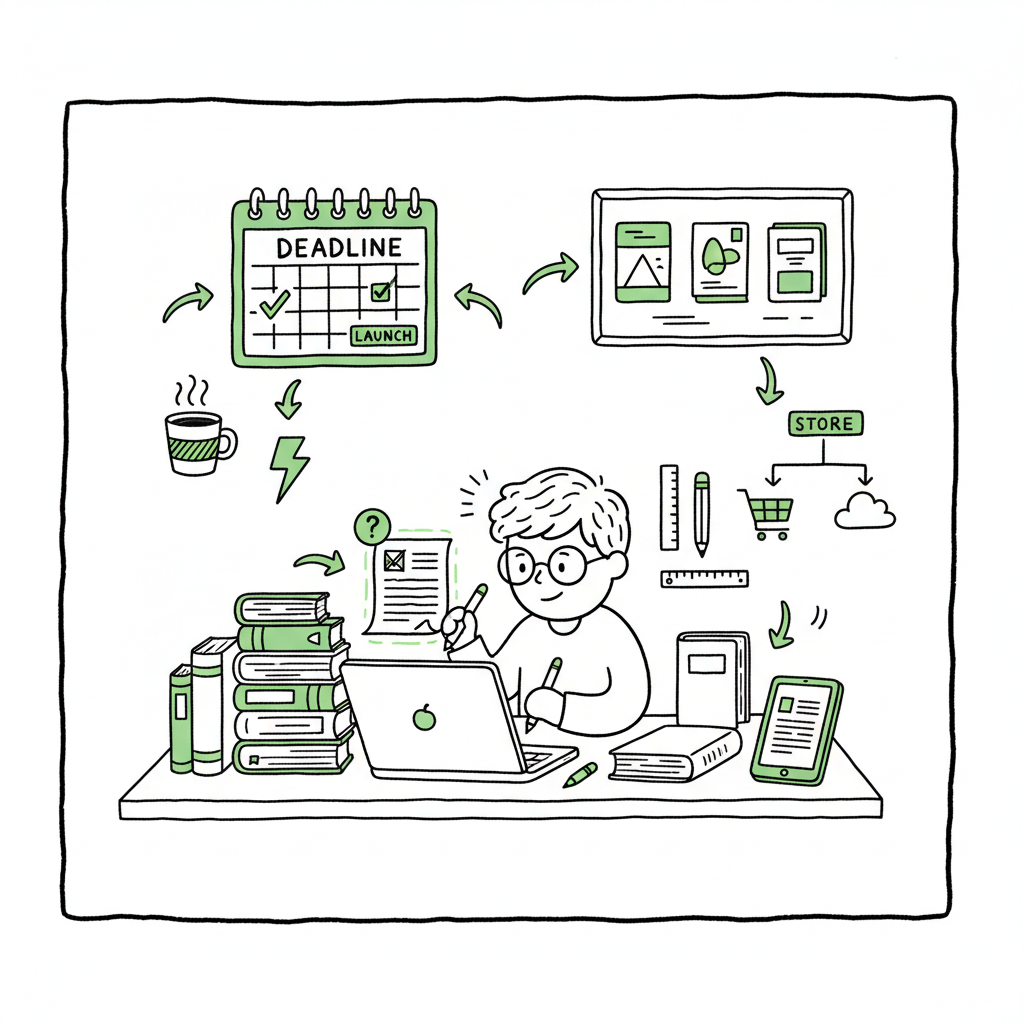
A practical, step-by-step publishing workflow
This section covers the steps you will actually do. Think of them as sequential phases, although in practice some tasks overlap.
- Finish the manuscript and lock the text
- Developmental edits: make sure structure and pacing work.
- Beta readers: get honest reactions from readers in your target market.
- Line edits and copyedits: tighten language and fix grammar.
- Proofreading: the final pass for typos and formatting slip-ups.
- Design: cover and interior
- Covers sell books. Interior design keeps readers. You can DIY or hire pros. If you plan to experiment with multiple covers or formats, use systems that support fast iterations. For example, a dedicated book cover generator can speed up mockups and export ready-to-upload files for retailers.
- Interior formatting affects both print and ebook experiences. For ebooks, you’ll convert to EPUB; for print you’ll set trim size, margins, gutter, and fonts. If you need a clean, platform-ready EPUB file, a reliable EPUB converter helps you avoid common upload rejections and display issues on different devices.
- Decide formats and ISBNs
- Decide whether you’ll publish ebook, paperback, hardcover, and audiobook. Each format has different production and distribution rules. For paperbacks and on-demand print, choose trim sizes and check print proofs.
- ISBNs: platforms like Amazon can provide free ISBNs, but buying your own gives you publisher control and more distribution flexibility. If you plan for wide distribution beyond one retailer, consider purchasing ISBNs from the official agency in your country.
- Platform choices and distribution
- Popular platform options include Amazon KDP, Apple Books, Kobo, Draft2Digital, and Ingram. Each has specific file requirements and metadata fields. If you plan to publish on multiple platforms, document the exact fields you need once and reuse them.
- Creating paperbacks and ebooks repeatedly benefits from a repeatable book creation workflow that centralizes assets and metadata instead of copying data by hand on each storefront.
- Uploads, metadata, and launch preparation
- Metadata is the unsung workhorse of discoverability: title, subtitle, author name, description, categories, keywords, series information, edition statements, and contributor roles. Clean, consistent metadata across stores prevents confusion and helps advertising and discoverability work.
- Proof pages and test purchases: always order a physical proof for print books and test ebook files on multiple devices. Fix problems before the public launch.
- Marketing and post-launch operations
- Marketing starts before launch. Build an ARC list, gather early reviews, and plan advertising and newsletter outreach. After launch, track sales and learn what promotional tactics improve visibility.
- If you’re trying to sell multiple titles and keep a steady income, the real work is post-launch operations: updating back matter, repackaging box sets, and moving titles across platforms. Tools and systems are a force multiplier here.
Practical notes on cover, EPUB, and ebook creation
- If you need a fast way to produce cover options, a book cover generator can create consistent image sizes and export print-ready files for your designer or directly for upload.
- For electronic publishing, converting your manuscript into a clean EPUB is a core task—a converter simplifies the process and reduces the risk of formatting errors that produce bad reading experiences.
- When you publish paperbacks and ebooks together, a unified book creation workflow keeps files and metadata synchronized so your paperback and ebook editions match in title, author name, ISBN linkage, and interior text.
Scaling and distributing without losing control
Once you have one book live, the move from single-title to multiple-title publishing changes your priorities. The mechanics you learned for one book still apply, but repetition becomes the main cost. You’ll spend time doing the same uploads, adjustments, and quality checks on different platforms.
Why authors choose to scale
- Revenue predictability: more releases create compounding sales.
- Market testing: different covers, blurbs, and categories reveal what readers prefer.
- Catalog value: a backlist smooths out the peaks and valleys of single-book marketing.
Common friction points at scale
- Metadata drift: inconsistencies creep in when you copy and paste metadata across stores.
- Repetitive uploads: laborious manual uploads across KDP, Kobo, Apple, Draft2Digital, and Ingram eat time.
- Platform differences: each store has slightly different file and field rules; keeping up is manual work.
How speed-up changes the math
Speeding up the process addresses repetition and platform differences. Tools that accept a single source of truth—a CSV or central project file—can map your metadata and assets to each platform’s required fields. That means you only enter data once and let the system handle platform-specific logic.
At scale, speed-up delivers three practical benefits:
- Time savings: authors report around 90% time savings when they move from manual uploads to batch or automated uploads.
- Error reduction: speed-up enforces formatting rules and field constraints, cutting rejected uploads and display issues.
- Better distribution: it becomes practical to publish wide instead of picking just one or two retailers.
Why BookUploadPro for multi-platform publishing
If you publish more than one title a year, manual uploads become a tax on productivity. BookUploadPro speeds up repetitive uploads across Amazon KDP, Kobo, Apple Books, Draft2Digital, and Ingram. It uses platform-specific intelligence to match required fields and file formats, and supports CSV batch uploads so you can push many titles in a single pass.
Key operational features authors value:
- Unified multi-platform publishing from a single dashboard.
- CSV batch uploads for large catalogs.
- Platform-specific intelligence that adapts metadata and files to each store’s requirements.
- Error checking that prevents common rejections before you hit publish.
- Affordable pricing and a free trial so you can test the workflow on a few titles.
For authors who reach a critical volume, BookUploadPro becomes an obvious upgrade: automate the upload. Own the distribution.
Practical tips for using automation without losing quality
- Keep a single, canonical source file for each title. Store it with version control and a simple changelog.
- Use templates for metadata fields so you don’t retype the same series names, contributor credits, or descriptions.
- Always review post-upload proofs on each platform. Tools help, but visual checks catch odd conversions.
- Maintain an asset library: final covers, interior PDFs, EPUBs, and promotional images ready to link in bulk uploads.
- Schedule small maintenance runs: update pricing, territories, or promotions across your catalog while you sleep.
How this works in practice
- Prepare: finalize manuscript, cover, and one EPUB and one print PDF.
- Source of truth: fill a CSV with metadata, link file storage locations to the CSV, and validate entries.
- Batch upload: push the CSV to an automation tool that maps fields to each platform.
- Proof and publish: review the automated previews, fix minor issues, then publish.
- Monitor: track sales and store dashboards and use the next automation run to push corrections or new editions.
FAQ: common questions about indie publishing basics
What is the minimum steps to publish a book myself?
At minimum you need a finished manuscript, a readable cover, an ebook-formatted file (EPUB or mobi where required), metadata (title, author, description, categories, keywords), and an account on your chosen platform. Quality improves when you add editing, professional cover design, and proofreading.
Do I need an ISBN?
Not always. Amazon KDP can assign a free ISBN for print. However, buying your own ISBNs gives you control over publisher name and wider distribution options. If you plan to be a publisher of record or sell through Ingram or bookstores, owning ISBNs is the safer choice.
What file formats should I prepare?
For ebooks, prepare a clean EPUB. For print, prepare a print-ready PDF with the correct trim size, fonts embedded, and a separate print cover PDF including the spine. For wide distribution, many stores prefer EPUB and a separate print PDF. If you convert to audiobook later, plan separate production and distribution channels.
How do I create a professional-looking cover fast?
You can hire a professional designer or use a tool that generates high-quality cover files. If you want to test multiple designs or produce a consistent series look, a book cover generator speeds up mockups and exports print and ebook sizes in one step.
What is the best way to format my manuscript for ebook stores?
Start with a clean Word or manuscript file, remove direct page breaks, use consistent heading styles for chapter starts, and convert to EPUB through a reliable converter. A reliable converter reduces the common errors that cause reflow problems on different readers.
Can I publish the same book on all platforms?
Yes, you can publish the same book wide, but check each platform’s specific exclusivity rules. For example, KDP Select requires exclusivity for certain promotional benefits. If you want the broadest reach, publish wide and avoid exclusive programs.
When should I consider automation tools like BookUploadPro?
Consider automation once you publish more than one title a year or plan to distribute to multiple platforms. It is the natural progression when repetitive uploads and metadata management consume too much time.
Will automation replace the need for professional services?
No. Automation reduces manual data entry and the risk of mistakes, but you still need professional editing, cover design, and strategic marketing. Think of automation as the backbone that frees you to focus on quality and growth.
How much does it cost to go indie?
Costs vary. Editing and design are the largest line items. You can minimize expenses by learning some tasks, but realistic indie author fundamentals assume a budget for at least a copyeditor and a cover. If you scale, the savings from automation offset recurring labor costs.
How do I handle updates or corrected editions across platforms?
With a single source of truth and batch upload tools, you can push corrections to metadata and files across platforms quickly. Automation helps you keep everything synchronized without re-entering data for each storefront.
Sources
Note: References are listed in the Sources section at the bottom of this article.
Sources
- Step-by-Step Guide to Indie Publishing – Inside an Editor’s Brain
- What is Indie Publishing? And How to Get Started in 2025 – Reedsy
- Lynn’s 3-Step Guide to Getting Started with Indie Publishing
- Step-by-Step Guide – FOR INDIE AUTHORS
- An Author’s Technical Guide to Self-Publishing a Book – Dabble
- Quick Guide to Indie Publishing for Authors – First Editing
Automate the upload. Own the distribution. Visit BookUploadPro and try the free trial.
Indie publishing basics Estimated reading time: 9 minutes Key takeaways Indie publishing basics mean owning the end-to-end process: manuscript, design, formats, and distribution. Professional quality and disciplined workflow matter more than going wide too fast; plan editing, covers, and formatting before launch. When you scale to multiple platforms, tools like BookUploadPro speed up repetitive work…