Common Amazon KDP Mistakes to Avoid and How to Fix Them
Common Amazon KDP Mistakes to Avoid
Estimated reading time: 12 minutes
Key takeaways
- Most rejections and lost sales on KDP come from technical setup and listing errors rather than book quality alone.
- Fix formatting, match your metadata to your cover, and treat keywords and descriptions as conversion tools.
- When you scale publishing, automate repetitive uploads to save time, cut errors, and make wide distribution practical.
Table of Contents
- Why KDP mistakes cost time and money
- The common Amazon KDP mistakes to avoid
- How to fix the most damaging errors and publish at scale
- Final thoughts and next steps
- FAQ
Why KDP mistakes cost time and money
Getting a book live on Amazon feels like a milestone. For many authors, the momentum stops when a file is rejected, the paperback prints with the wrong margins, or the title on the cover doesn’t match the KDP entry. Those are not small problems. They cost time, increase frustration, and reduce visibility.
The phrase “common amazon kdp mistakes to avoid” covers two groups of problems: technical publishing errors that cause rejections or poor output, and listing mistakes that limit discoverability or conversions. Fixing these once for a single title is one thing. Fixing them across dozens or hundreds of titles is where the effort multiplies—and where automation becomes an obvious upgrade.
If you’re new to KDP, start with practical, repeatable steps. For a detailed walk-through of uploading and metadata best practices, see Self Publish Book Amazon KDP — it’s a practical resource that shows the exact fields and options you need to check early in the process. That saves time and prevents a lot of the beginner missteps that follow.
The common Amazon KDP mistakes to avoid
This section lists the most frequent errors authors make on KDP, explains why they matter, and gives the concrete fix you can apply right away.
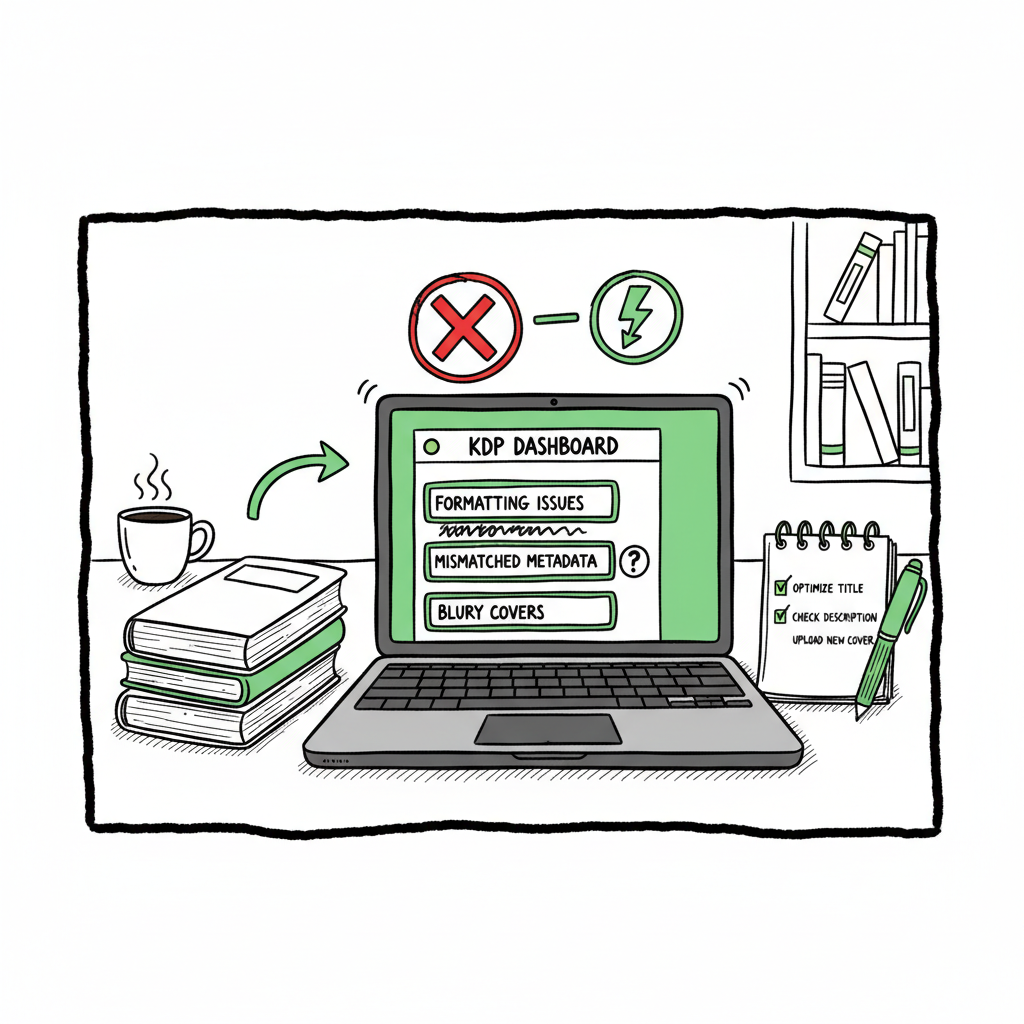
1) Incorrect interior formatting and bleed settings
Why it matters: KDP enforces trim sizes, bleed, and safe zones. If your PDF or manuscript doesn’t match the selected trim size or bleed setting, the file can be rejected or pages can shift at print.
Fix: Use templates for each trim size. For images, set the correct bleed (usually 0.125 in each side beyond trim). Check page count expectations—things like adding an extra blank page for odd page counts can prevent layout problems.
2) Mismatched metadata between cover and KDP entry
Why it matters: Titles, subtitles, and author names must match between the uploaded cover PDF and the text you enter in KDP. Amazon flags discrepancies and may block the listing.
Fix: Before upload, open the final cover PDF and copy the exact title, subtitle, and author text into the KDP form. Avoid banned or misleading words in subtitles (e.g., “Free” or “Bestseller”) that can trigger flags.
3) Choosing the wrong paper type, color option, or binding
Why it matters: Selecting standard color for a children’s illustrated book or the wrong paper weight leads to poor print quality or unexpected costs for readers. Some options also change page count and spine width calculations.
Fix: Match paper type to your book’s content. For color interiors choose premium color when illustration quality is critical. Preview the print proof and order a physical proof before wide distribution.
4) Uploading covers or interiors that don’t follow spine and margin rules
Why it matters: Spines must include the correct width based on page count and paper type. If the spine text is cut off or not centered, the book looks unprofessional.
Fix: Use KDP’s cover calculator for spine size and generate final PDFs at the specified dimensions. Always preview the cover and inspect the live proof.
5) Poor editing and skipped proofreading
Why it matters: Typos and formatting oddities lead to bad reviews and lower sales over time. Amazon reviews are very visible and influence conversion.
Fix: Invest in professional editing or use a sequence of tools—line edit, copyedit, and proofread. Run final files through a reader-mode check and have one person do a printed proofread if possible.
6) Bad keyword choices and category setup
Why it matters: KDP keyword fields and category selections drive where your book appears in search and browse. Using single, broad words or stuffing keywords hides the real long-tail phrases readers use.
Fix: Research long-tail search terms relevant to your book. Think like a reader: what phrase would someone type to find this exact content? Place those phrases in the description and keyword fields without repeating the exact words excessively.
7) Weak book descriptions that don’t convert
Why it matters: A listing may get clicks, but a vague description kills conversions. Many authors treat the description like a summary instead of a sales-focused, scannable piece of copy.
Fix: Lead with a strong hook, use short paragraphs and bullet points, include a clear reader benefit, and sprinkle long-tail keywords naturally. End with a simple call to action (read a sample, buy now).
8) Using incompatible file structures for eBooks (tables, images, or fancy layouts)
Why it matters: Kindle devices handle flowing content; complex tables or fixed layouts can break or display poorly. That affects reviews and reading experience.
Fix: For text-heavy books, avoid tables or reformat them as images if necessary. Use proper heading tags so the Kindle TOC works. If you need a precise layout (children’s picture books), produce a fixed-layout ePub or set the book up as a print book plus an image-based eBook.
9) Skipping pre-orders or misusing release windows
Why it matters: Pre-orders build early momentum. Launching without a plan or changing publication dates without notice can affect categories and rank.
Fix: Plan a pre-order window for at least one week to accumulate early sales and reviews. If you need to change a date, adjust marketing and metadata accordingly and communicate with your audience.
10) Failing to test on devices and ordering a proof copy
Why it matters: Digital previews and on-screen checks miss ring-binding, color shifts, or gutter issues that show only in print.
Fix: Use Kindle Previewer and order a physical proof. For ebooks, test on multiple device types and screen sizes.
For a quick overview of publishing at scale, check out How to Publish on KDP.
How to fix the most damaging errors and publish at scale
When you publish one book, a careful manual process is reasonable. When you publish dozens or hundreds, manual steps are the time sink. The common amazon kdp mistakes to avoid become exponential problems: one mismatched title replicated across many listings, or a single bad cover file pushed through batch uploads.
Here’s a practical operating view: focus on repeatable checkpoints, then automate the repetition.
Checkpoint 1 — File master templates and validation
Maintain an interior template for every trim size and an editable cover template with spine calculations built in. Create a simple validation checklist: trim size, bleed, page count, fonts embedded, and image resolution.
Tools: Use a reliable EPUB converter when you need to turn manuscripts into ePub format for wide distribution — that avoids many conversion errors and preserves formatting across retailers.
Checkpoint 2 — Metadata single source-of-truth
Keep your title, subtitle, author name, and series info in a single CSV or database field. When you update a cover, export the cover text and compare it to your metadata before uploading. This prevents mismatches that trigger KDP blocks.
Checkpoint 3 — Proofing and QA in three passes
First pass: technical proofing (formatting, cover matching). Second pass: editorial proofing (copy, grammar, readability). Third pass: listing proofing (description, keywords, categories). Order a printed proof for at least the first run and for any new trim or paper option.
Checkpoint 4 — Platform-specific publishing rules
Each retailer has small but important differences. For example, paper type naming and color options vary between KDP and Ingram. Map your options so the same CSV row translates to the right choices per platform.
Checkpoint 5 — Automate repetitive uploads and checks
When you’re past hobby stage, automation saves roughly 90% of the time on repeated uploads. Batch CSV imports, platform-specific intelligence (mapping paper options, calculating spine widths), and automated validation catch problems before they reach the store.
Automation also reduces simple human errors like mismatched author names or wrong ISBNs.
How BookUploadPro fits (practical, not theoretical)
BookUploadPro is built for the operating author or small imprint that publishes seriously. It automates repetitive uploads across Amazon KDP, Kobo, Apple Books, Draft2Digital, and Ingram, with three practical benefits:
- Unified multi-platform publishing: one CSV becomes multiple platform-ready uploads.
- Platform-specific intelligence: the system knows the nuances—paper type, bleed rules, and spine width—so your inputs map cleanly to each store.
- Time and error reduction: users report roughly ~90% time savings on batch uploads and far fewer formatting or listing mistakes.
For authors who build series or publish frequently, this is an obvious upgrade: automate the upload. Own the distribution.
Practical fixes you can implement today
- Use a cover calculator and verify spine width before finalizing a cover file. If you need a reliable cover generator to scale covers, consider tools that batch-process cover files and adjust spines automatically.
- Convert manuscripts to EPUB with a tested converter that preserves headings and images for eReaders.
- When creating a paperback or ebook, use a single toolchain to generate both outputs with matching metadata to avoid mismatch errors.
If you’re evaluating options, try to replicate a single book’s full pipeline manually first, then automate the exact steps you repeat. That way, automation enforces proven, working processes rather than hiding problems.
Final thoughts and next steps
Most of the common Amazon KDP mistakes to avoid are preventable with clear templates, consistent metadata, and three levels of proofing. When you publish seriously, you’ll reach a point where doing these steps manually is the bottleneck. That’s when automation—CSV batch uploads, platform-aware mapping, and automated validation—becomes a practical necessity.
Remember these priorities:
– Get the file formats and bleed settings right first.
– Make metadata the single source of truth.
– Treat descriptions and keywords as conversion tools, not afterthoughts.
– Order physical proofs and test on devices.
If you work with covers, EPUBs, or need file conversion, there are practical tools to speed each part of the pipeline:
– For cover processing, a cover generator with batch features reduces manual resizing and spine errors.
– A dedicated EPUB converter preserves structure and avoids messy Kindle layout problems.
– For building paperbacks and ebooks consistently, a single book creation workflow saves time and cuts errors.
FAQ
Q: What’s the single fastest fix for KDP rejections?
A: Check that your cover PDF’s title, subtitle, and author match the KDP metadata exactly, and confirm trim size and bleed settings match the KDP selection.
Q: Should I use KDP’s automatic conversion or upload an EPUB?
A: If your book is primarily flowing text, a clean EPUB you control is better. If your book has complex layouts or fixed images, make sure your conversion process supports fixed-layout ePub or create a dedicated image-based version.
Q: How do I choose keywords without keyword stuffing?
A: Use long-tail, reader-focused phrases. Think of the sentence a reader would type into search. Put those phrases in the keyword fields and description naturally, and avoid repeating the exact words excessively.
Q: Do I need to order a printed proof every time?
A: You should for the first print run or when you change trim size, paper, or binding. For minor text edits you can sometimes rely on the digital preview, but printed proofs catch many layout and color issues.
Q: Can I publish the same title across multiple platforms without redoing everything?
A: Yes—if you maintain consistent metadata and use a multi-platform workflow that maps your data to each store’s options. That’s exactly the problem multi-platform upload tools solve.
Sources
- Author Reveals the 5 Amazon KDP Mistakes You MUST Avoid
- Top 10 Amazon KDP Beginner Mistakes To AVOID
- 5 Kindle Publishing Mistakes To Avoid
- 10 Kindle Mistakes To Avoid as a New Author
- 3 Mistakes to Avoid When Self-Publishing Your Book on Amazon KDP
Common Amazon KDP Mistakes to Avoid Estimated reading time: 12 minutes Key takeaways Most rejections and lost sales on KDP come from technical setup and listing errors rather than book quality alone. Fix formatting, match your metadata to your cover, and treat keywords and descriptions as conversion tools. When you scale publishing, automate repetitive uploads…