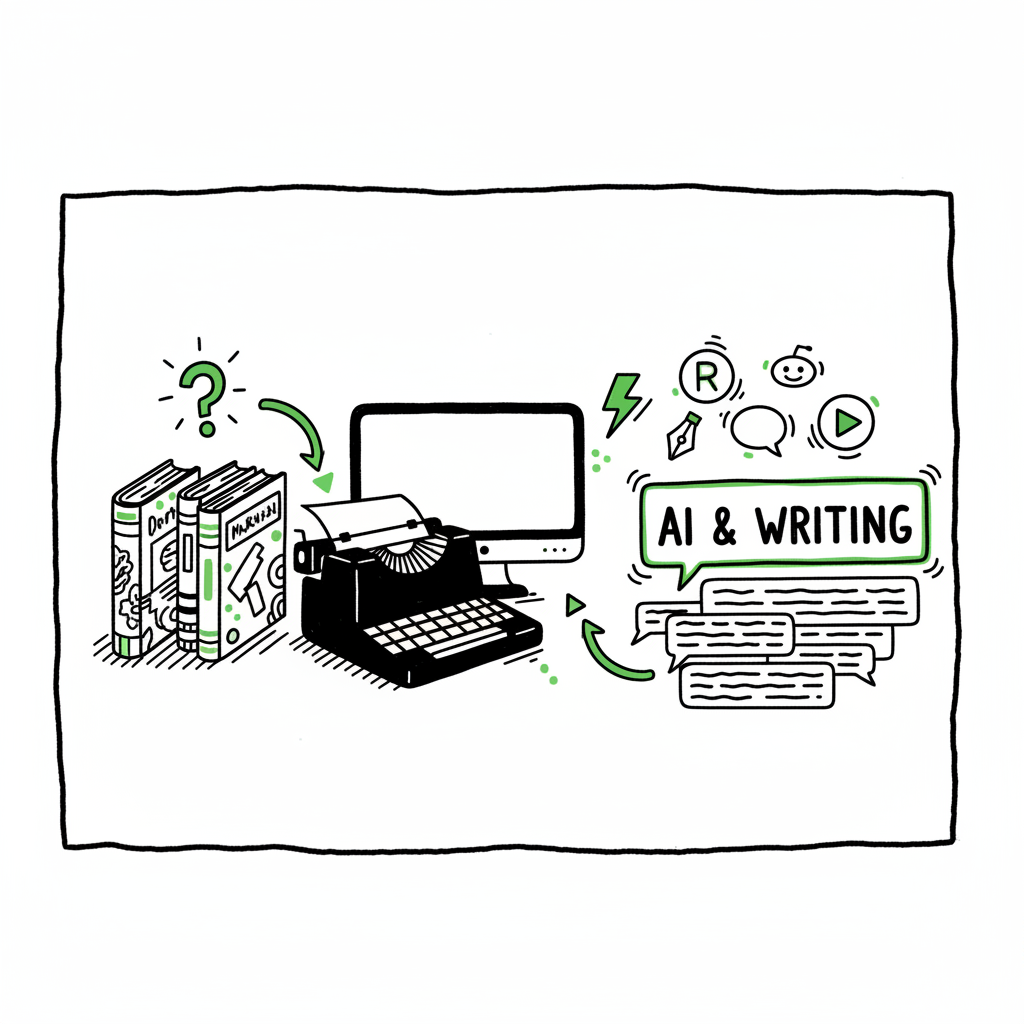
Best AI Book Writer Reddit Tips for Publishing on KDP
Overview
Estimated reading time: 9 minutes
Table of Contents
- Overview
- Picking and preparing an AI-written book
- Scaling distribution with a multi-platform uploader
- Frequently asked questions
- Sources
Overview
When people type best ai book writer reddit into Reddit or search engines, they want two things: quick comparisons and real results from other authors. Reddit threads often trade tool names, cautionary notes about raw output quality, and practical tips for taking AI drafts to market-ready books. The landscape is tools that promise fast drafts and tools that plug into a publishing workflow.
If you plan to publish on Amazon KDP and other stores, one useful reference is Amazon KDP AI Writing — it covers AI-specific workflows for KDP and real-world steps many authors use. AI writing tools commonly win on speed: you can get a structured draft in minutes. They lose on polish: coherence, factual accuracy, and voice usually need human editing.
The sensible approach is to treat AI as a drafting engine, not a finished product. That means planning time for structural edits, copyediting, cover design, and platform-specific formatting. The gaps between draft and retail-ready files are where most projects succeed or fail.
For a practical reference, see the Amazon KDP AI Writing guide.
Picking and preparing an AI-written book
What to look for in an AI book-writing tool
- Templates and structure controls: Good tools let you define chapters, word counts, and chapter goals. That keeps the output usable.
- Export options: Look for Word, Markdown, and EPUB exports so you can move between editing and formatting tools.
- Research and referencing: Non-fiction needs citations and reliable facts. Tools that surface sources or flag weak claims save editing time.
- Novelty controls for fiction: If you write fiction, check for continuity and scene-tracking features.
Practical workflow after AI output
- Read the full draft, making a chapter-level outline. Note continuity and factual gaps.
- Do a structural edit: rearrange chapters, combine or split sections, and set clear chapter goals.
- Line-edit for voice and clarity. Use a human pass or a strong editing tool.
- Prepare files for distribution: cover, interior formatting, and EPUB/print-ready PDFs.
Covers and file conversion
A readable, genre-appropriate cover still moves the needle. If you’re using AI to generate covers or assets, make sure typography and spine/layouts fit platform specs. For automated cover processing, see book cover generator processing.
EPUB conversion is a separate step. Even if an AI exports an EPUB, you should validate it in an editor and test on readers. For reliable EPUB conversion and validation, automated converters can save time and reduce errors. Try the EPUB converter.
If you’re generating both ebooks and print, create a high-resolution interior and a print-ready PDF with correct trim size and margins. Automating these steps as part of a book production workflow reduces errors and saves time.
Scaling distribution with a multi-platform uploader
Why distribution matters
Writing is only half the job. Getting the book into Amazon KDP, Kobo, Apple Books, Draft2Digital, and Ingram requires multiple uploads, metadata tweaks, and platform-specific file checks. Doing that by hand multiplies effort and the chance of error.
Where automation helps
- Accepting a single CSV of metadata and mapping fields to each store
- Applying platform-specific intelligence (cover ratio checks, ISBN handling, territory rules)
- Batch-uploading manuscripts, covers, and price points
- Reporting errors and fixes so you can correct files before they go live
Why BookUploadPro fits a serious author’s toolbox
Authors who publish regularly reach a tipping point: manual uploads take too long, and mistakes compound. BookUploadPro automates repetitive uploads across Amazon KDP, Kobo, Apple Books, Draft2Digital, and Ingram, offering roughly 90% time savings for multi-platform releases. It supports CSV batch uploads, applies platform-specific rules automatically, and significantly reduces error rates. That makes wide distribution practical and repeatable — an obvious upgrade once you publish seriously.
When to add automation to your workflow
- You have more than one book to publish, or you plan series releases.
- You publish in multiple formats (ebook and paperback).
- You want consistent metadata across platforms.
- You value time saved over a small monthly fee.
Practical note: automating uploads does not replace editing, covers, or EPUB checks. It removes the repetitive, error-prone steps so you can focus on editing, marketing, and building the next book. Automate the upload. Own the distribution.
Frequently asked questions
Q: Does Reddit recommend one AI tool above all?
A: Reddit threads show mixed recommendations. Authors favor tools that balance structure and export options rather than flashy one-click generators. The best choice depends on your genre and whether you need robust EPUB/print outputs.
Q: Can I use AI to create a finished book without editing?
A: Rarely. AI can draft quickly, but human editing for coherence, fact-checking, and voice is essential for professional results.
Q: How do I handle covers and EPUBs?
A: Treat covers and EPUB conversion as core production tasks. Use a cover tool for layout and typography, and an EPUB converter to validate files before upload.
Q: When should I start using an uploader like BookUploadPro?
A: Once you publish more than a single title or you plan to distribute across several stores. The time savings from CSV batch uploads and platform intelligence quickly outweigh the cost.
Q: Will automation hurt my book’s metadata quality?
A: No—automation maintains consistency when configured correctly. The risk comes from sloppy metadata entry up front; automation amplifies whatever you feed it, for better or worse.
Final thoughts
If you care about speed and scale, use AI to produce drafts and invest time in editing and formatting. Then add a consistent distribution layer that automates uploads and prevents simple mistakes. For authors publishing seriously, BookUploadPro is a practical step: unified multi-platform publishing, CSV batch uploads, platform-specific intelligence, and meaningful time savings. It’s the kind of tool that makes publishing at scale manageable.
Visit the BookUploadPro site to try the free trial and see how multi-platform automation changes your publishing workflow.
Sources
- YouTube: Ebook Writer AI Review: Creates 8,000-Word Ebooks in Minutes
- YouTube: I Got AI to Write a Book with One Click, and It Was…
- Publishing.com: Best AI Book Writing Software & First Look at 2025 Publishing.ai
- BookAutoAI blog: Best AI Book Writing Program for Non-Fiction Authors
- BookAutoAI blog: Top AI Novel Writing Software to Try in 2025
- YouTube: This AI Robot Writes ENTIRE Books For Less Than $8!
- BookAutoAI blog: AI Book Writer Reviews for Non-Fiction Authors 2025
(External tools mentioned for cover creation, EPUB conversion, and book generation are available from specialist services that automate those tasks and validate files before upload.)
Overview Estimated reading time: 9 minutes Table of Contents Overview Picking and preparing an AI-written book Scaling distribution with a multi-platform uploader Frequently asked questions Sources Overview When people type best ai book writer reddit into Reddit or search engines, they want two things: quick comparisons and real results from other authors. Reddit threads often…