Beginner KDP Author Practical Roadmap to First Book
Beginner KDP Author: A Practical Roadmap to Your First Book
Estimated reading time: 16 minutes
Table of Contents
- Introduction — the reality for a beginner KDP author
- Beginner KDP author: the publishing roadmap
- Files, covers, and multi-format distribution
- Metadata, pricing, and making your book findable
- FAQ
- Final thoughts
- Sources
Introduction — the reality for a beginner KDP author
If you’re a beginner KDP author, the steps to publish on Amazon look simple at first: create an account, upload a manuscript, upload a cover, set a price, click publish. The reality is that the details make the difference. File formats, interior pagination, cover bleed, metadata choices, and platform-specific requirements all cost time and create rework if you treat each platform as a separate, manual task.
This guide walks through the practical process that gets a first book live and repeatable. It also points out where a unified approach becomes an obvious upgrade as you publish more titles. If you want a focused walkthrough specifically about Amazon’s platform rules and step-by-step screens, see Amazon KDP for Authors for an official-style companion guide that focuses on KDP itself. The rest of this article shows the operational choices that keep publishing fast and low-friction.
Beginner KDP author: the publishing roadmap
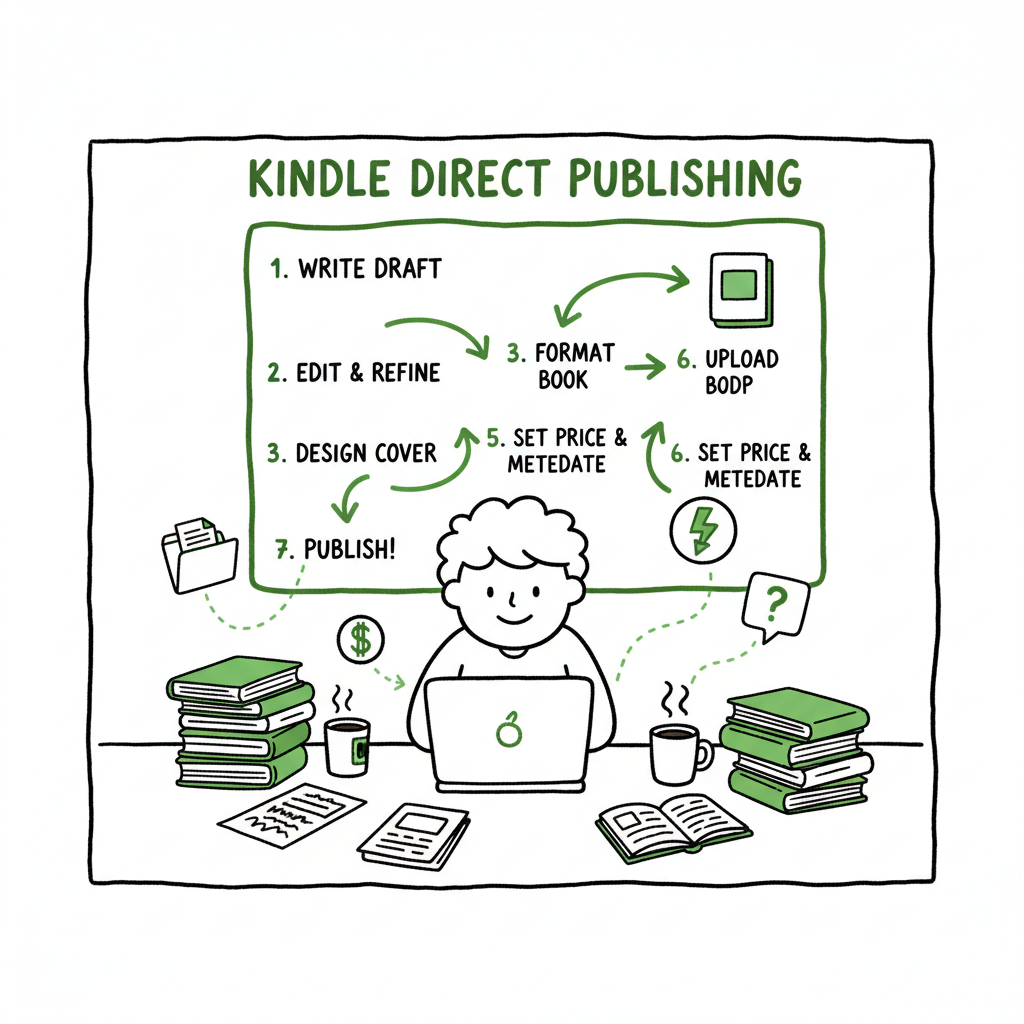
Start with a checklist in your head, not as separate downloads. The publishing roadmap for a first-time author breaks into four phases: prepare, format, publish, and promote. Each phase has practical checks that prevent common failures.
-
Prepare: manuscript and rights
- Finish a clean manuscript. That means a final pass for typos, consistent chapter headers, and a working table of contents for long fiction or non-fiction.
- Decide on rights and ISBN. For KDP, you can use Amazon’s free ISBN for paperbacks or supply your own if you need an imprint name. For ebooks, KDP does not require an ISBN.
- Gather author name, book title, subtitle, short description, and a list of seven keyword phrases you want the book to surface for. Think in phrases readers search for—“cozy mystery with a cat” instead of single words.
-
Format: file types and platform rules
- Create a print-ready PDF for paperback or hardcover. Confirm trim size, margins, bleed, and embedded fonts.
- Create a proofed EPUB or MOBI-style file for the ebook. Many authors start with a well-formatted Word document and export to EPUB, then validate the file in an EPUB reader.
- Preview everywhere. Always check the look in KDP’s Previewer and on a device emulator where possible. Formatting errors are the top cause of delayed approvals.
-
Publish: metadata, pricing, and distribution choices
- Enter language, title, subtitle, author name, book description, keywords, and categories carefully. Small mismatches can prevent editions from linking.
- Upload files and covers, pick territories and royalty options, and set a launch price. For ebooks select 35% or 70% royalty models based on delivery cost and pricing rules.
- Request proof copies for print formats when you need physical confirmation.
-
Promote: availability and visibility
- Link editions (ebook + paperback) with consistent metadata so Amazon associates them.
- Use your selected keywords and categories to guide discoverability, but also build a short promotional plan for launch week.
Why you should make this repeatable: once you publish one title, the next ones should go faster. Manual repetition is the hidden cost: each extra title multiplies the same tasks. Tools that centralize file preparation, handle EPUB conversion reliably, and batch uploads can change publishing from a slow one-off into a predictable pipeline.
Files, covers, and multi-format distribution
Files and covers are where split-second mistakes cause rework. The more formats you create—ebook, paperback, hardcover, audiobook—the more you need standardized inputs and clear output checks.
Manuscript files: clean source and EPUB conversion
Start from a single clean source file. For many authors, that’s a Word document with consistent styles: Heading 1 for chapter titles, normal for body text, and an automatic table of contents if needed. From that source you create both the print PDF and the EPUB.
If you plan to publish widely, convert once and validate many times. Mechanical checks should include embedded fonts, consistent page breaks, and the correct metadata tags in the EPUB. If you don’t want to wrestle with conversion tools, using a reliable EPUB converter saves hours. A dedicated converter reduces format errors and speeds validation, which is important when you distribute to multiple stores.
Covers, print layouts, and distribution files
Covers must meet each platform’s requirements. For paperback covers you need a full-wrap PDF with the correct spine width and bleed. For ebooks you typically upload a single flat image.
You can design covers yourself, use a designer, or generate them with a cover tool. If you go with a cover generator, pick one that produces print-ready files and supports the dimension math for your chosen trim size. That ensures the image and spine align when printed.
When you create a paperback or ebook, aim to reuse a single cover package where possible. A unified cover asset set—front image, full-wrap for print, and high-res flat for ebook—keeps uploads consistent across platforms and reduces mismatches at marketplace aggregation.
Distribution and multi-platform publishing
After you have final manuscript files and covers, decide where to distribute. Amazon KDP is a must for Kindle, but wide distribution through Kobo, Apple Books, Draft2Digital, and Ingram makes your book available to other readers and retailers. Doing this manually on every platform increases time and chance of error.
A multi-platform publishing service streamlines the upload flow for each store and keeps platform-specific settings separate while using the same source files. Services that support CSV batch uploads and platform-specific intelligence reduce repetitive work and catch common errors—ISBN mismatches, missing embedded fonts, or wrong trim sizes—before they block publication. For authors publishing several titles per year, automation is the obvious upgrade: it makes wide distribution practical and affordable.
Practical note: if your workflow mentions generating an ebook or paperback automatically for multiple platforms, a project-level tool that handles both covers and file conversion is worth testing—especially for title series or authors reformatting backlists.
Metadata, pricing, and making your book findable
Metadata is more than a checklist. It’s how the book finds readers. Treat metadata work like small experiments you can iterate on after launch, but get the fundamentals right at publication.
Title, subtitle, and description
Your title and subtitle should match exactly across platforms and editions to ensure systems link them. The description is your marketing copy, but keep it readable: short opening hook, two to three bullet points about what readers can expect, and a call to action. Avoid keyword-stuffing the description; instead use natural phrases that match actual reader searches.
Keywords and categories
On KDP you get seven keyword slots. Use phrases readers search for, not single words. Swap in long-tail phrases that describe the specific promise of the book—genre + hook or solution + audience. Categories determine where your book appears in browsing lists; pick two that closely match reader expectations, and check similar titles to see how Amazon positions them.
Linking editions and ISBN handling
Link editions by matching title and author exactly. For print ISBNs, either use your own or accept Amazon’s free ISBN; decide based on who you want listed as publisher. If you use your own ISBN, confirm it’s correctly embedded in the print files before uploading.
Pricing and royalty choices
For ebooks, choose 35% or 70% royalty depending on price range and distribution rights. For print, margins differ by bookstore and distribution channel. Make pricing decisions with an eye on promotional strategies and distribution fees. A consistent pricing matrix across stores reduces confusion and accounting overhead.
Measuring and iterating after launch
Once live, watch rankings, categories, and search terms that bring traffic. If a keyword isn’t performing, swap it out. If a category has a crowded field, try a niche category for visibility. These are small, regular tweaks that compound across titles.
How automation changes metadata work
Automation helps with consistency. A multi-platform tool stores metadata once and applies it correctly to each store’s fields. It flags mismatches such as descriptions exceeding character limits or missing mandatory fields. That saves time and prevents late-stage rejection.
Scaling publishing: operational choices that matter
When you publish a single title, manual uploads are reasonable. When you publish multiple titles, series, or multiple formats, operational choices determine whether publishing scales or becomes a bottleneck.
Centralize source files
Keep a single source of truth for each title: one folder with the manuscript, cover assets, metadata file, and ISBN records. That reduces errors when you need to create a new format or reissue an edition.
Use batch and CSV workflows
If you publish more than a couple of books a year, batch uploading with CSVs is a huge time saver. Populate a CSV with metadata, file paths, prices, and categories, and let your publishing platform or service consume it. That’s where you see the 90% time savings in action: repetitive manual clicks are replaced by a single validated batch upload.
Platform-specific intelligence prevents errors
Different stores have different rules. A good publishing tool applies platform-specific intelligence so you don’t accidentally upload a cover that’s too small for Apple Books or a print PDF with wrong spine dimensions for Ingram. That reduces the number of times you fix something that could have been validated automatically.
Affordable automation is the tipping point
For most authors the turning point is when automation costs less than the time spent on manual uploads. At that point, automation isn’t a luxury; it’s the practical way to own distribution. Automating the upload lets you focus on writing, marketing, and improving metadata rather than repeating clicks.
FAQ
Q: How long does it take to publish a first KDP book?
A: The technical upload can take under an hour once files are ready. The bulk of time is preparing clean files, covers, and metadata. Allow a few hours to a couple of days for proofing print copies and handling fixes.
Q: What file formats does KDP accept?
A: KDP accepts Word, EPUB for ebooks, and PDF for print interiors and covers. Preparing an EPUB from a clean source and validating it reduces formatting issues.
Q: Do I need an ISBN for my ebook?
A: No. KDP does not require an ISBN for ebooks. For paperbacks, KDP can assign a free ISBN, or you can provide your own.
Q: How can I speed up publishing to multiple stores?
A: Adopt a multi-platform publishing workflow: keep a single source, export both EPUB and print PDFs correctly, use CSV batch uploads, and apply platform-specific settings with a publishing tool to automate the repetitive parts of distribution.
Q: What common mistakes should beginners watch for?
A: Common issues include mismatched metadata across editions, poor EPUB formatting (missing headings or broken TOC), low-resolution covers, incorrect trim or bleed settings for print, and poorly chosen keyword phrases that don’t match reader search behavior.
Final thoughts
Publishing your first book on KDP is a practical project. The essential skill is turning a one-off process into a repeatable pipeline. Start with clean source files, learn the platform rules, and standardize your metadata. When you’re ready to scale beyond one or two titles, move to automated batch uploads and platform-aware tools that cut repetitive work and catch errors early.
If you’re handling covers and format conversion in-house, consider tools that generate print-ready covers, convert manuscripts to EPUB reliably, and handle both paperback and ebook packaging to keep files consistent and store-ready. Automation isn’t a shortcut; it’s an operational system that makes publishing predictable.
BookUploadPro streamlines publishing, cutting repetitive upload work by about 90% so serious indie authors can scale. BookUploadPro helps you publish more titles with less hassle.
Sources
- Amazon KDP for Beginners: A Step-by-Step Guide to Self-Publishing — https://www.youtube.com/watch?v=31iBzb6nwjI
- Create a Book – Kindle Direct Publishing – Amazon.com — https://kdp.amazon.com/help/topic/G202172740
- How to Publish a Novel on Kindle A Beginner’s Guide — https://barkerbooks.com/how-to-publish-a-novel-on-kindle/
- eBook Manuscript Formatting Guide – Kindle Direct Publishing — https://kdp.amazon.com/help?topicId=G200645680
- Start publishing with KDP – Amazon.com — https://kdp.amazon.com/help/topic/GHKDSCW2KQ3K4UU4
- Amazon KDP: A Writer’s Guide to Kindle Direct Publishing – Reedsy — https://reedsy.com/blog/guide/kdp
- EPUB conversion tool: https://www.bookautoai.com/epub-converter
- Cover generator and processing: https://www.bookautoai.com/book-cover-generator-processing
- Tools for creating paperback and ebook packages: https://www.bookautoai.com
Beginner KDP Author: A Practical Roadmap to Your First Book Estimated reading time: 16 minutes Table of Contents Introduction — the reality for a beginner KDP author Beginner KDP author: the publishing roadmap Files, covers, and multi-format distribution Metadata, pricing, and making your book findable FAQ Final thoughts Sources Introduction — the reality for a…